
CodePad – Code Editor & IDE
Touch LLC
No ratings yetDeveloper ToolsAges 4+
Screenshots

About this app
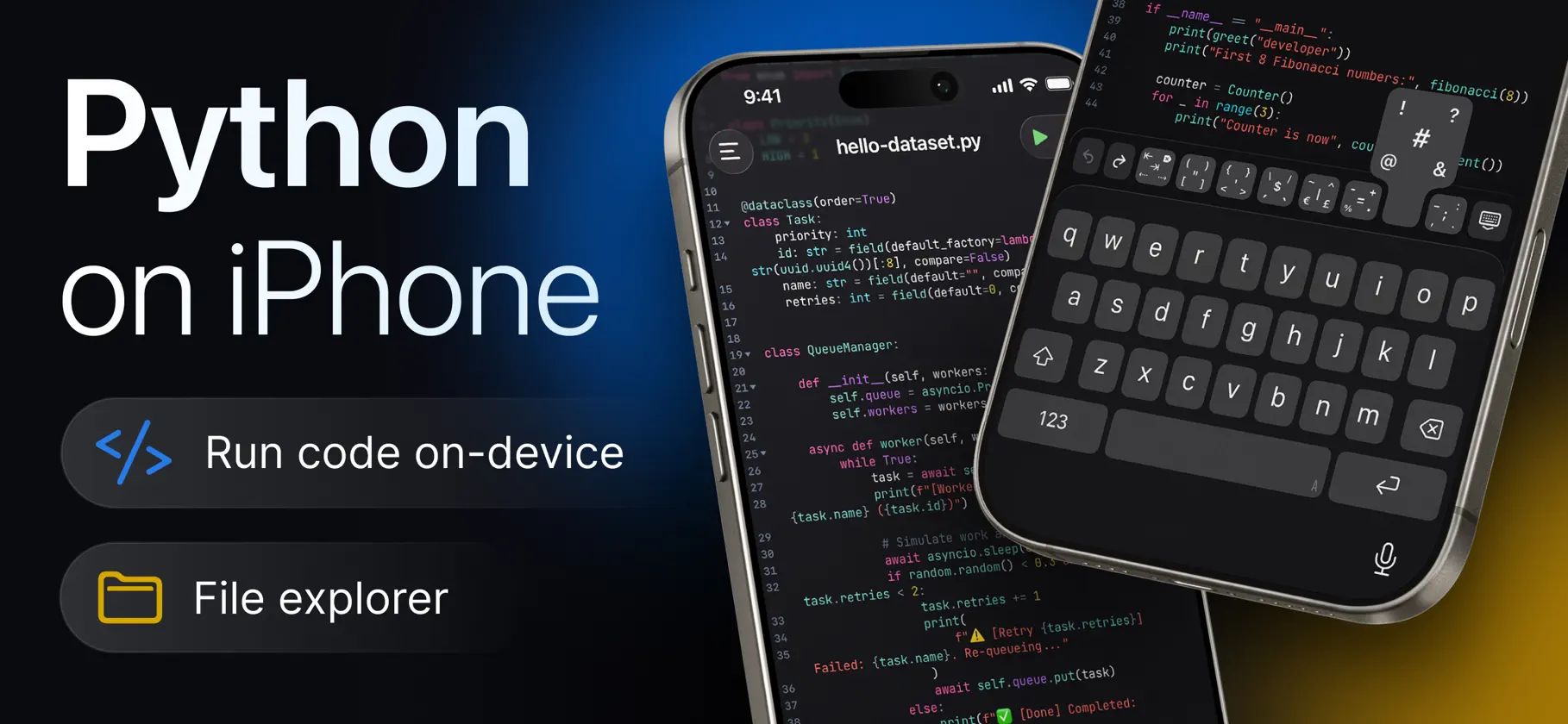
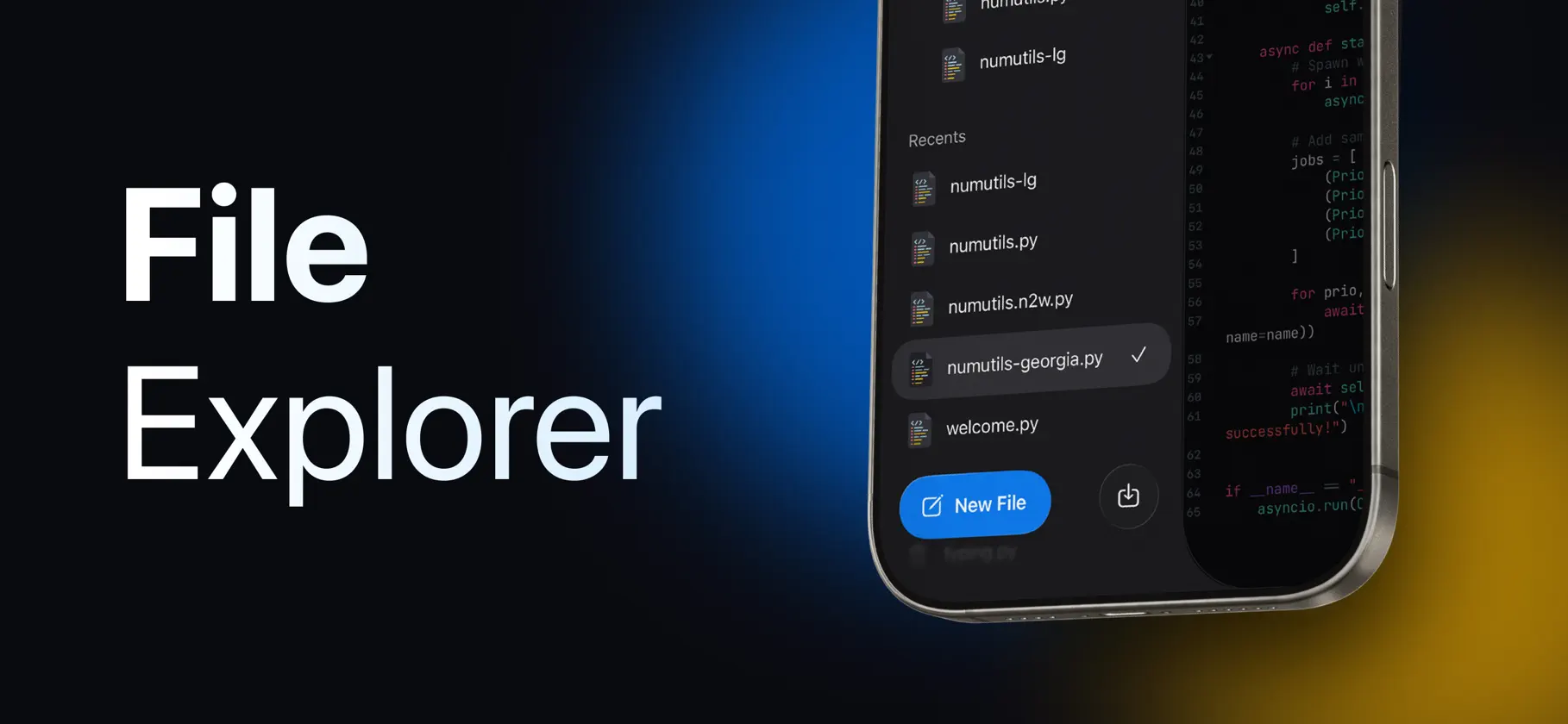
Write and run Python – right on your iPhone or iPad, with no ads and no subscriptions. CodePad is a full Python code editor and IDE built for iOS and iPadOS. It runs a real embedded Python interpreter directly on your device – no server or internet connection required. Your code executes locally, instantly, and works even offline. NO ADS. NO SUBSCRIPTIONS. • All features are available • No ads • No subscription required • No account required • Run Python locally and offline CODE WITH A REAL EDITOR • Full Python syntax highlighting • Line numbers, code folding, and current-line highlighting • Auto-indent and auto-close brackets • Line wrap and adjustable tab width • Find and replace across your file • Multiple editor themes and fonts with adjustable font size RUN PYTHON ON YOUR DEVICE • Execute Python scripts directly on your iPhone or iPad • No server round-trip – your code runs locally • Watch output appear in a dedicated console as your script runs • Send input to a running script interactively • Built-in timeout protection for runaway loops • Full Python tracebacks to help find and fix errors fast ORGANIZE YOUR WORK • Create and manage multiple projects, files, and folders • Import existing Python files or whole projects (.zip) • Export projects to share or back up • Deleted items move to Recently Deleted first NEVER LOSE YOUR PROGRESS • Automatic version history for every file • Compare earlier versions against your current code, line by line • Restore an older version in a single tap BUILT FOR iPHONE & iPAD • Dedicated Light and Dark editor themes • Keyboard accessory bar built specifically for writing code • Interview Mode for a clean, distraction-free workspace • Native experience on both iPhone and iPad Whether you're learning Python, prototyping an idea, preparing for an interview, or just need to run a quick script without opening a laptop, CodePad gives you a real Python environment anywhere. Write Python. Run it offline. Code anywhere. Python is a trademark of the Python Software Foundation. CodePad is not affiliated with or endorsed by the Python Software Foundation.
What's new
Version 1.1 · Nov 2, 2026
• History: every run is now saved next to your file's versions. Open a past run to see its output, view the exact code it ran, compare it with your current code, or restore it. • Explain Code: on devices with Apple Intelligence, get a plain-language explanation of your code or a selection — on device, private, and free. Tap Read Aloud to listen to it. • Better input(): your answers now appear on their own line, emoji and non-Latin text work, and error line numbers point to the right place. • Copy or share a run's output in one tap. • Search files by name across all your projects. • Improved Chinese and Japanese editing, with a new font for CJK text. • Recently Deleted in Settings lets you restore files you've removed. • A refreshed look, with new icons throughout and smoother menus. • More of the app is now translated into all supported languages. Thanks for all your feedback — keep it coming from Settings › Suggest Improvement!


