
FF Access
CCTech Limited
No ratings yetHealth & FitnessAges 4+
Screenshots



About this app
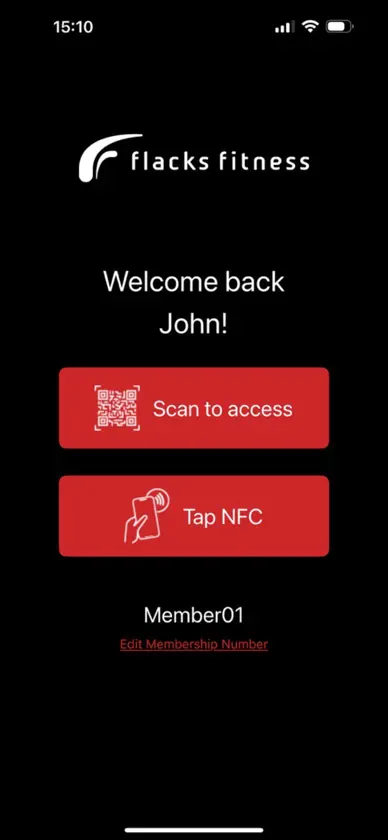
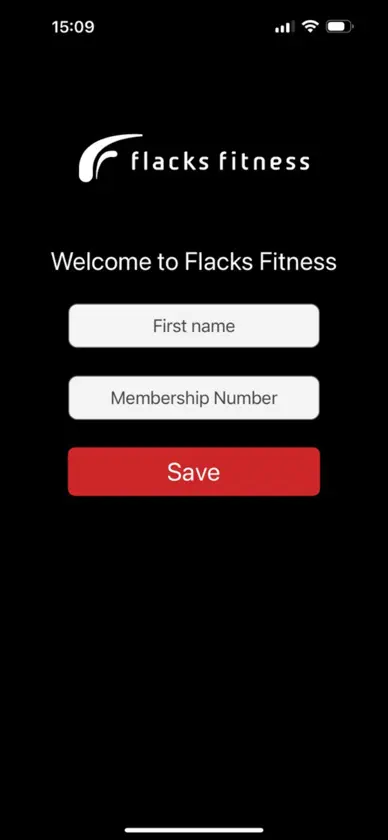
This application uses contactless technology to access the Flacks Fitness sites where a Smart Tile has been installed. Please come and visit us and our staff will guide you if you have any questions. How to use the app: - Once the app is installed, type your membership number provide to you by Flacks Fitness. - Ensure you give geolocation permission to the app (the app will prompt you when first start using it). - Click "Click Here to Access" button. - Scan or tap the Smart Tile by the turnstile. The Smart Tile is a tile with a QR and NFC technology and displays Flacks Fitness logo with clear instructions of where to scan or tap. - When using the QR, please hold the phone 15cm/6 inches from the QR and make sure that the QR is within the blue square on screen. - When using NFC technology, enable NFC displayed on screen below "Click here to access" button, and then click the mentioned button. - Remember to give the app permission to use the camera when using QR and to use geolocation. - Once QR or NFC are scanned successfully, the app will notify whether you are allowed to the facility. - If successful, proceed to gate and enjoy your session.
What's new
Version 1.0.5 · Feb 9, 2026
Multiple QR scans issue sorted


