
JetRemote
German Alfonso Torres
No ratings yetUtilitiesAges 4+
Screenshots







About this app
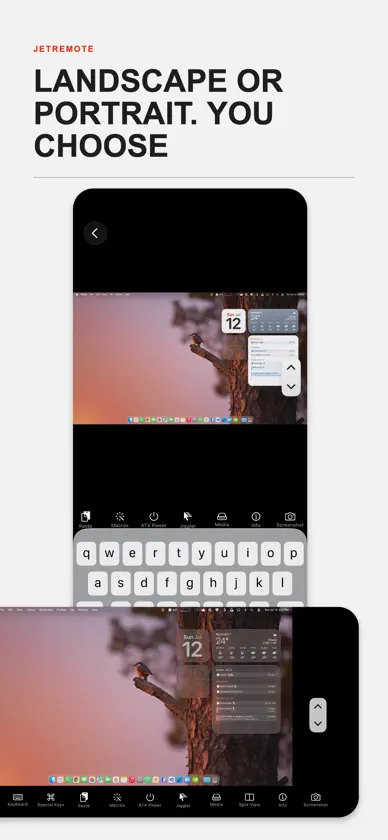
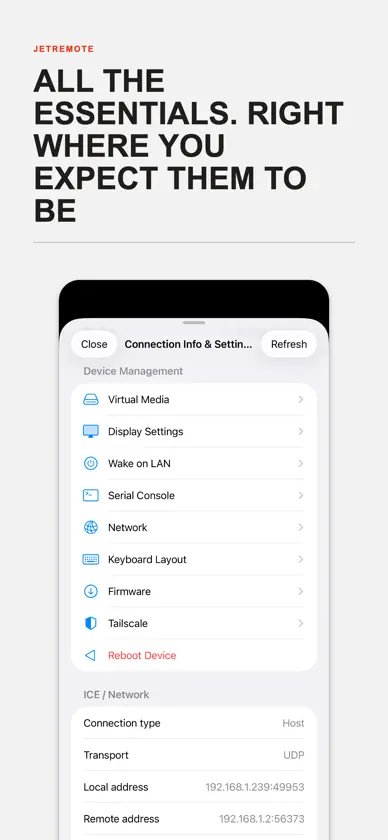
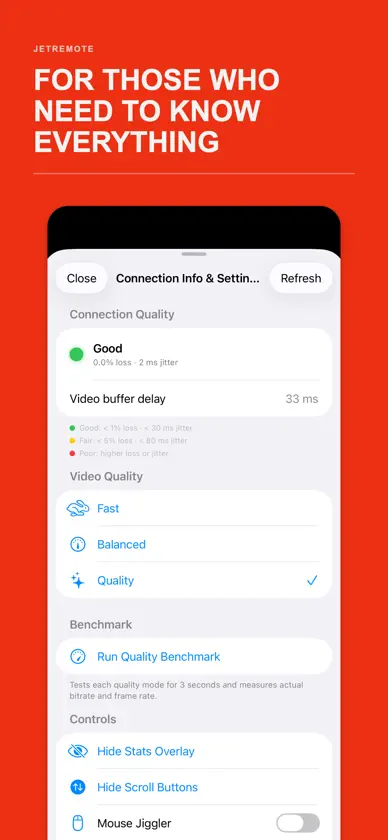
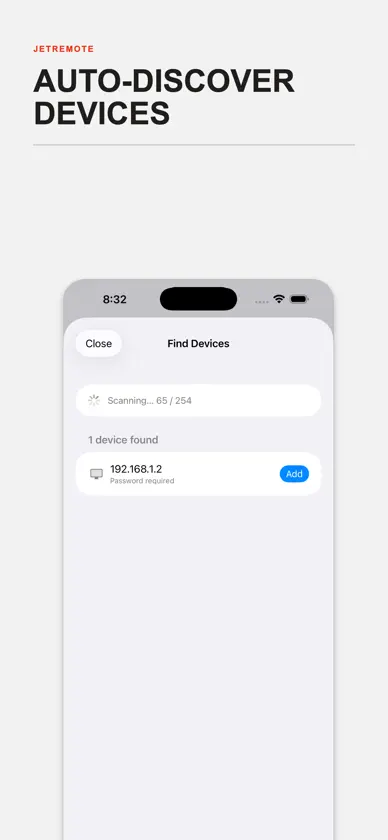
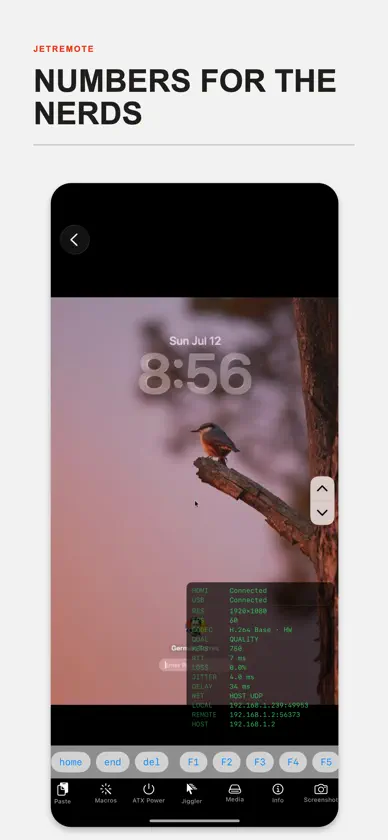
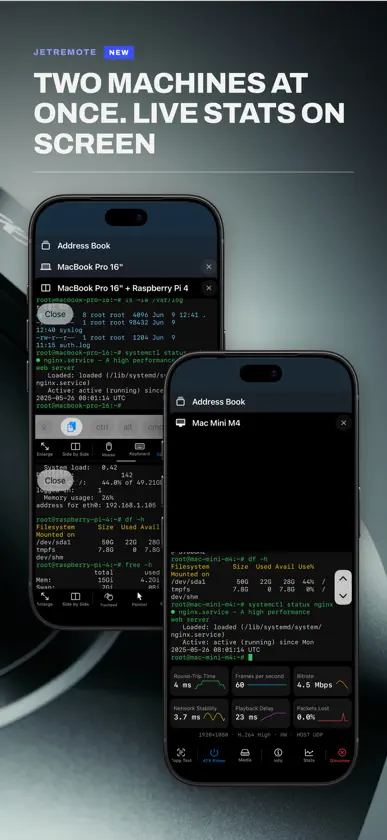
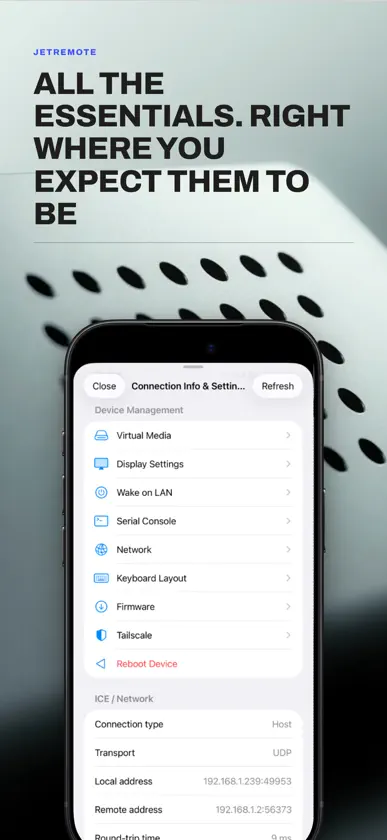
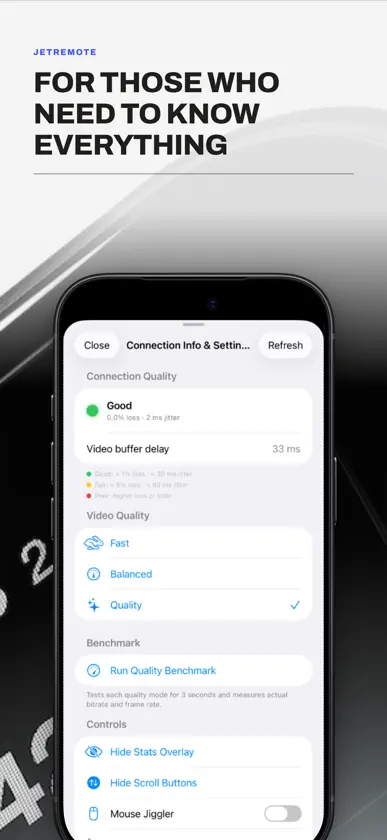
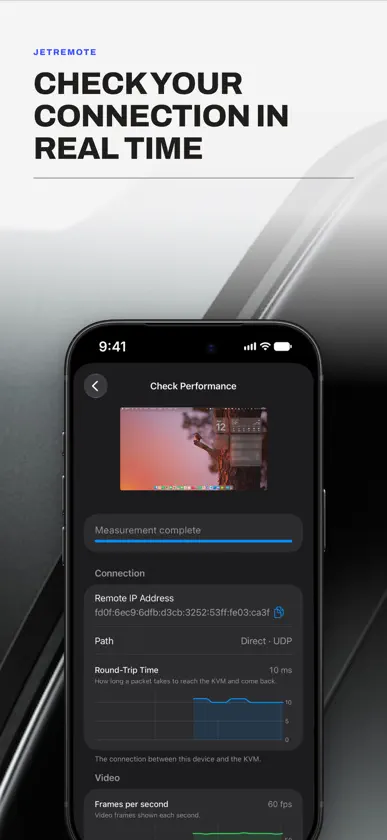
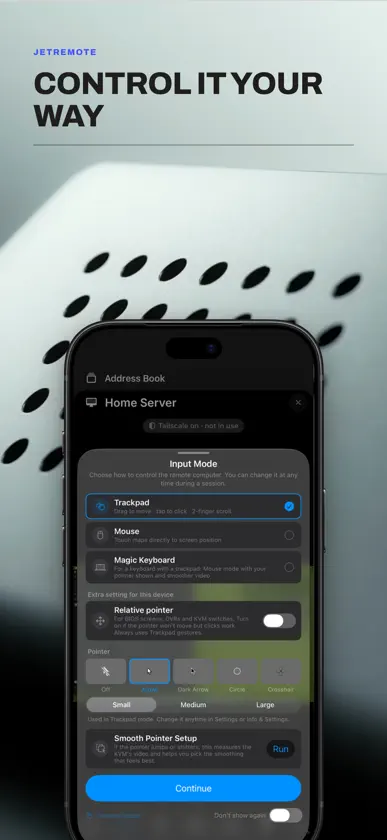
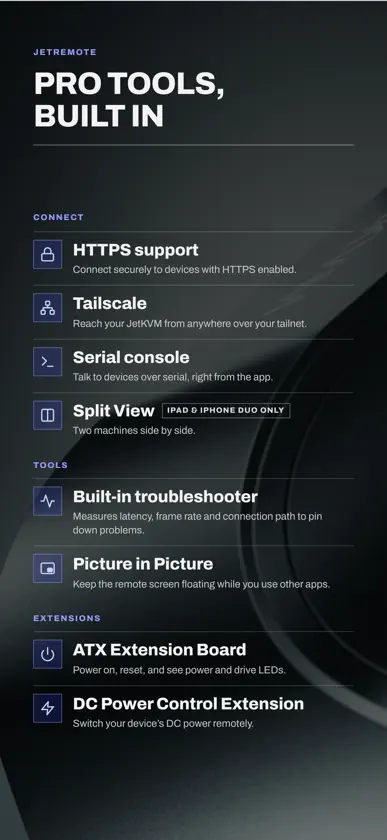
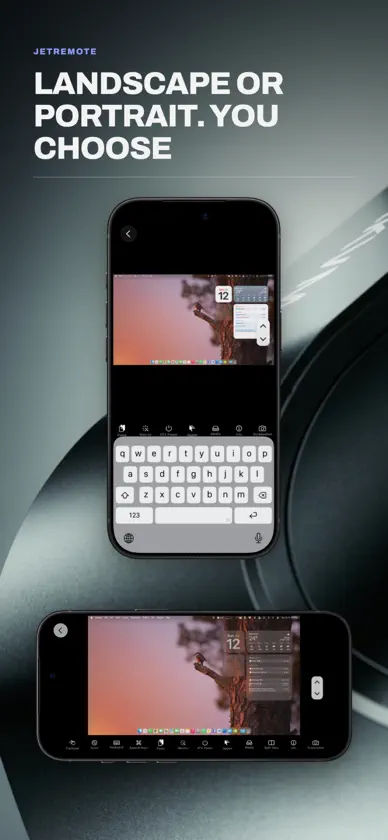
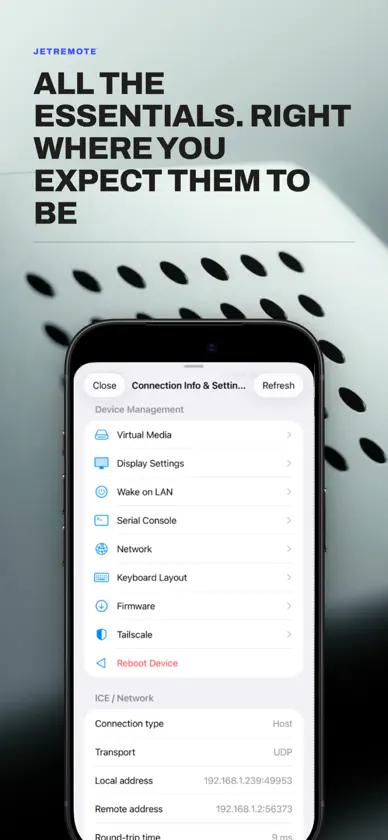
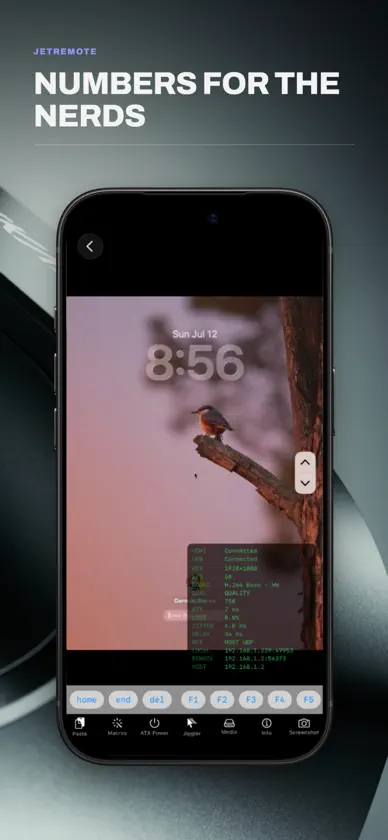
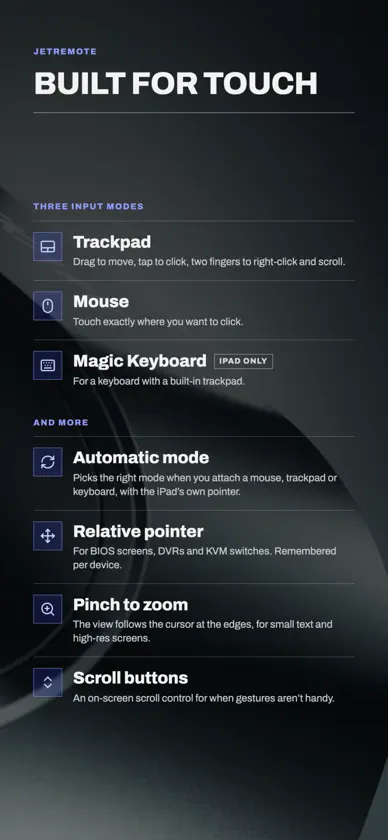
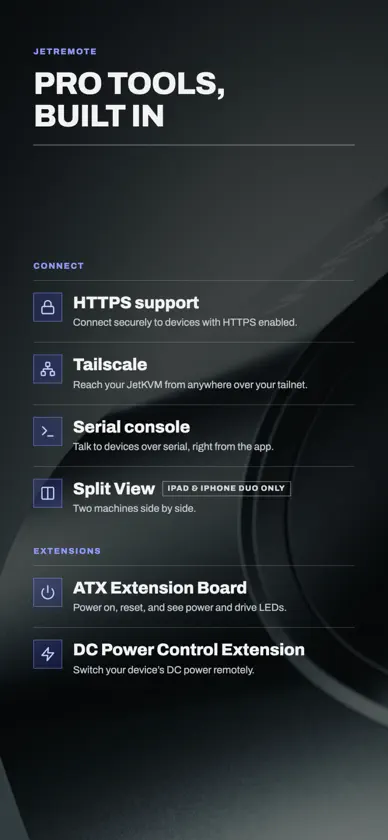
Jet Remote gives you native iOS and iPadOS control over your Jet KVM hardware device from anywhere in the world. View your target hardware remotely and control its mouse and keyboard as though you were sitting in front of it. This app provides the original native mobile experience built specifically for KVM power users, and we're confident you'll love it. ===Key features=== • Connect via your local network, KVM Cloud, or Tailscale tailnet with hardware-accelerated streaming. • Manage multiple simultaneous hardware sessions in clean, separate tabs (iPad only). • A scrolling toolbar above the virtual keyboard includes advanced keys such as Esc, Tab, Ctrl, Alt, Cmd, arrow keys, and F1–F12. • Support for hardware and Bluetooth keyboards with full passthrough. • Build and trigger multi-step Keyboard Macros with just one tap. • Live diagnostic overlays displaying real-time resolution, FPS, RTT, bitrate, packet loss, and jitter. • Built-in Mouse Jiggler to keep your target OS remote sessions alive automatically. • Serial Console, Wake on LAN, and full ATX Power Control. • Paste clipboard directly to remote. • Device list syncs automatically to iCloud, with manual backup and restore. ===Please note=== This app is a client utility and requires a specific KVM hardware device (available at jetkvm.com) connected to a target computer or server to function. Cloud access requires an existing account — registration is managed at jetkvm.com, not within this app.
What's new
Version 1.5.3 · Nov 13, 2026
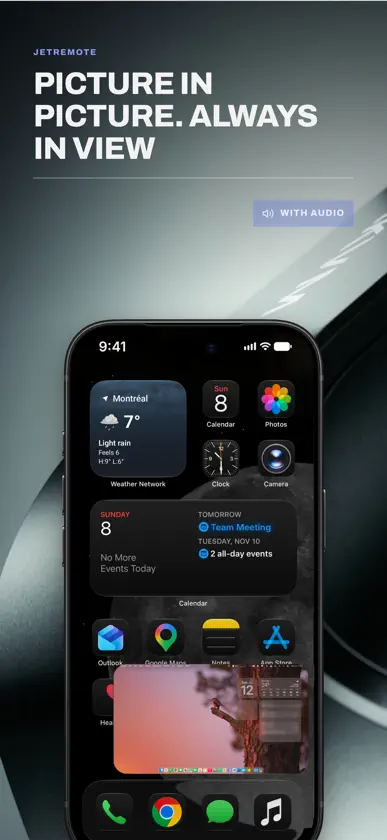
New in 1.5.3 • Hold the delete key on the on-screen keyboard to keep deleting, a letter at a time and then whole words, like holding Backspace on a computer. • Scrolling you can tune, in Settings › Pointer & Trackpad: Scroll Speed, Smooth Scrolling, which moves the page a little at a time instead of in jumps, and Glide After a Flick (Off, Short or Long). Two-finger scrolling is calmer and smoother by default. • Action Bar Position: move the bar of session buttons to the top of the screen, away from the swipe that leaves the app. In Settings › Sessions & Toolbars. • Fit to Screen: a new floating button fills the screen with the remote picture. With Zoom follows cursor on, the view follows the pointer to every edge. Tap it again to see the whole picture. • A Picture in Picture button opens the small floating window right away, without leaving the app first. • Choose which floating buttons to show (scroll buttons, Fit to Screen, Picture in Picture) in Settings › Sessions & Toolbars › Floating Buttons, or during a session in Info & Settings. Fixes • Two-finger scrolling in Mouse mode no longer goes twice as far as in Trackpad mode. • When zoomed in, following the pointer no longer slides the picture away to show black space. Thanks for using Jet Remote! Found a bug? Please report it from inside the app: Settings › Report a Bug or Create Support Ticket.
More from German Alfonso Torres


You might also like
All apps like JetRemote → NAS Manager for TrueNASJun Li
 Mikonus for Home AssistantCarsten Schmuckermeier
 U-Manager for UnraidAlejandro Platas Mallo
 Ping! – The Family ButtonBLUE BOX - Productions
 My IP WidgetOkroshka Lab
 IP Scanner UltraMatia labs, inc.
 Umami: Website AnalyticsDiljit Singh
 TracearrConnor Gallopo
 Spool MasterSebastien Girod
 Speedcam EstimatorChristophe Colineaux