
Automatic Time Clock
Tobias Zimmermann
No ratings yetBusinessAges 4+
Screenshots




About this app
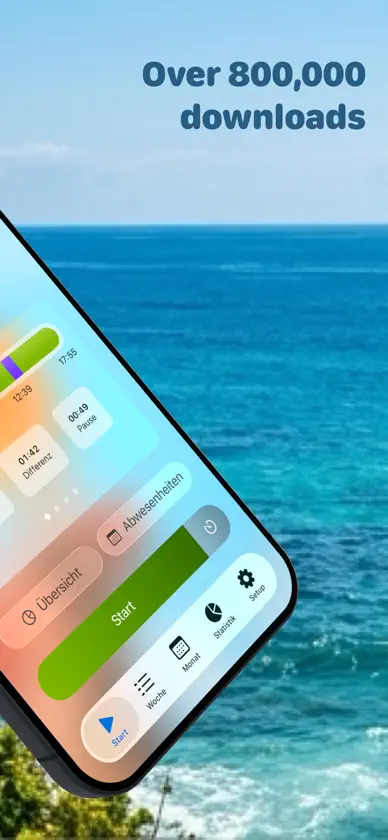
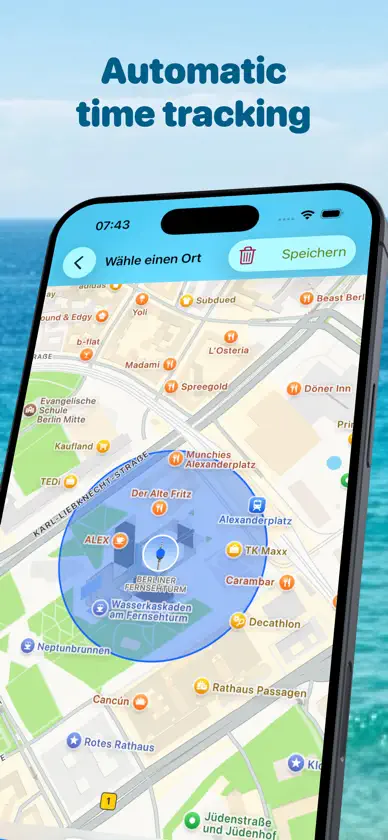
+++ The app stores data exclusively on your device +++ StempelUhr is your simple and reliable time tracking app—perfect for keeping an eye on work hours, overtime, and breaks. Whether you manage flex time, time off in lieu, or flexible schedules, StempelUhr gives you control. Your privacy is our top priority: All data stays on your device. Free version features: • Absences (vacation/sick days) • Reminders when daily or weekly goals are reached • Automatic tracking via geolocation (supports multiple locations) • Automatic breaks • Advanced Siri Shortcuts • Manual time entry • Apple Watch support—see your work hours right on your watch face • Widgets • Backup via JSON Upgrade to Pro for even more: • Manage multiple jobs, each with its own schedule, settings, exports, and stats • Vacation planner: Find the best bridge days for your remaining days off and add them to absences • Rate perceived effort per timer block or day using the Borg CR10 scale • Location-based notifications that trigger only with the right active timer • Automatic holiday import (across Europe) • Full yearly overview of your work hours • Work with tags for better organization • Customize your own work time models • Set custom time rounding rules • Overtime account with precise tracking • Calendar sync • Export detailed reports as PDF, Excel, or CSV • Half-day vacations and quota deductions • Custom backgrounds and theme options • See average work and break times in statistics • Millisecond-accurate time tracking (exportable) • Set your own maximum work hours with notifications if exceeded • Start and stop timers right from your device’s control center • Improved search for times, locations, and tags—ideal for power users • Auto-fill preferred locations and tags for new entries • And many more details for the best user experience Terms of Use: https://www.apple.com/legal/internet-services/itunes/dev/stdeula/
What's new
Version 8.3.0 · Nov 7, 2026
- Smarter Automatic Backup: Backups to iCloud now run seamlessly in the background without slowing down the app. They occur when you leave the app, occasionally overnight, and only if there have been changes since the last backup. - Backup Before Every Update: After each update, your backup folder keeps a copy of your data from the previous version, clearly labeled. The two most recent backups are always preserved and never overwritten. - Safe & Reliable Backups: If a backup can’t be created, your previous backup remains untouched—instead of being replaced with an empty file. There’s also always a backup from the previous day. - Faster Import: Importing a backup is now significantly quicker. - No More Freezes: Automatic backups caused the app to hang for a few seconds upon return. Now, it responds instantly. - Plus: The daily view immediately displays changes, such as a new location on ongoing entries, or trimmed neighbors after saving. Deleted half-absence days in the work schedule now disappear for good, and the list stays properly sorted.
In-app purchases
The most popular purchases on the App Store.
- Yearly Pro Subscription Subscription · 3 days free trialUSD 14.99 / year
- 1kg coffeeConsumableUSD 34.99
- Hot beverageConsumableUSD 3.99
- Monthly Pro SubscriptionSubscriptionUSD 1.99 / month
- Lifetime ProConsumableUSD 49.99
More from Tobias Zimmermann


You might also like
 Hours Tracker - myTimeHeiner Gerdes
 WorkTimes - TimesheetFlorian Mielke
 Hours & Pay Tracker: atWorkSergej Steinbach
 iboChron - Work Time TrackerTobias Hauss
 clockin - Projects & Timeclockin GmbH
 myWork - Time trackingMarcel Russ
 WorkingHours • Time TrackerTimo Partl
 TimeTac ClassicTimeTac
 Tyme | Time TrackingUnit Numberfive oHG
 Work Counter: Hours TrackerYouri Berentsen