
Cerna
Chad Neal
No ratings yetProductivityAges 4+
Screenshots




About this app
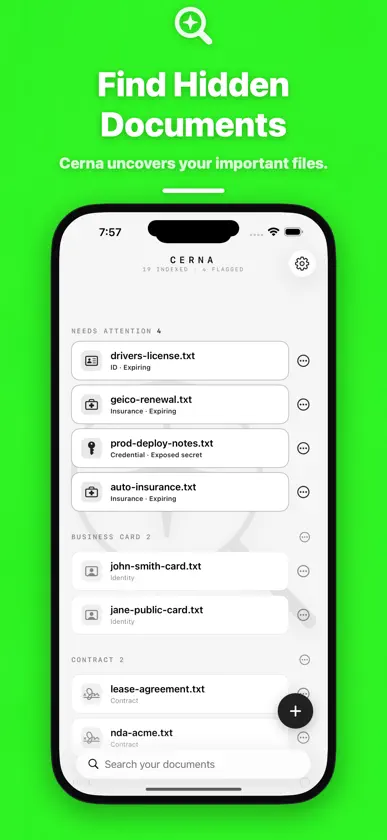
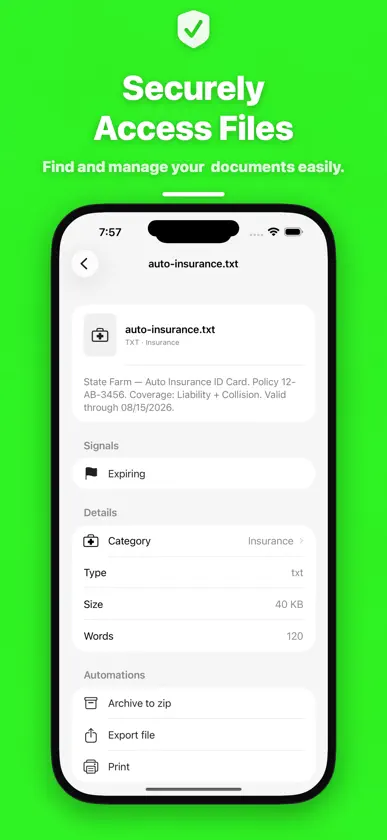
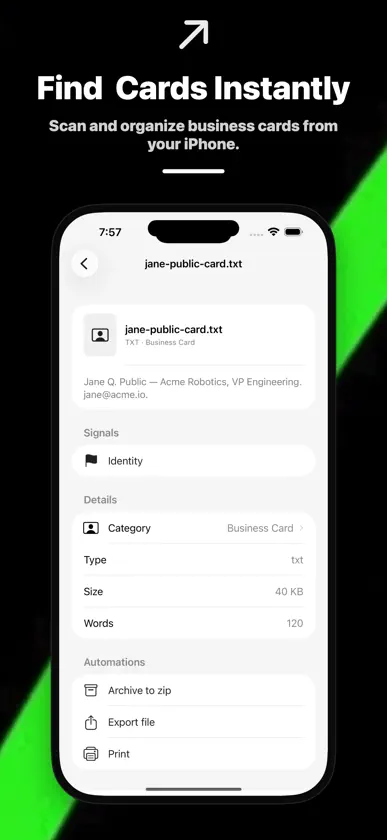
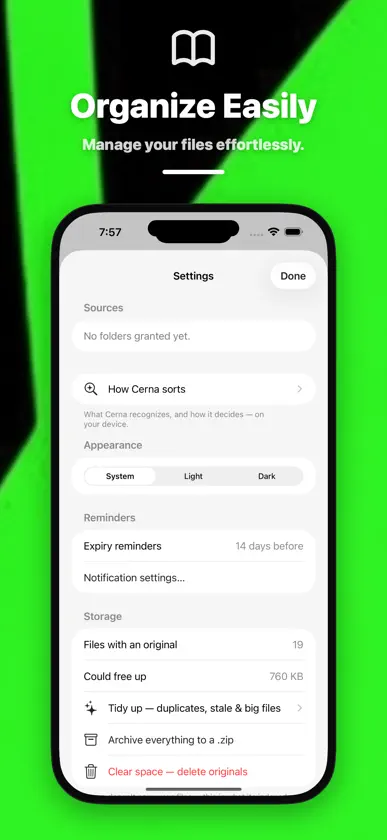
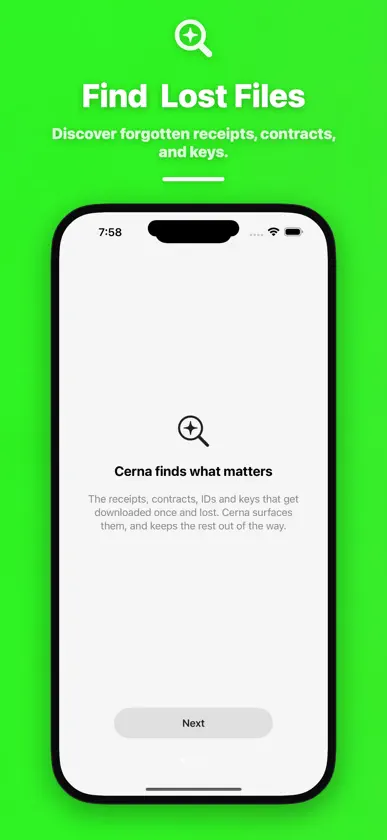
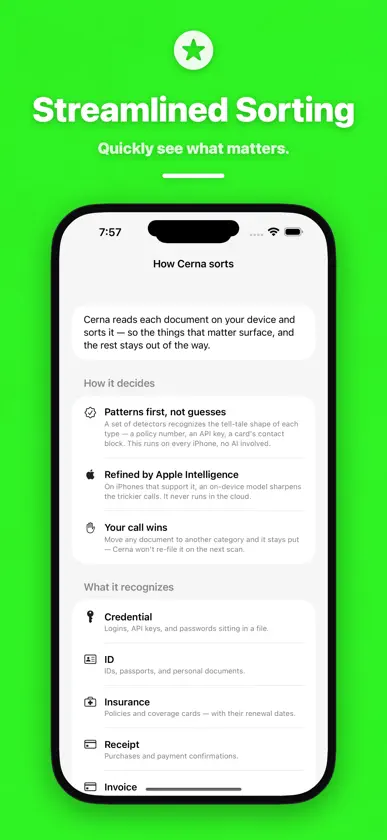
The important paperwork on your phone gets saved once and then lost: a contract you signed, a receipt you'll need at tax time, an insurance card, an API key pasted into a note. Cerna reads the files you point it at, sorts them into categories, and brings up the ones that need attention. It all runs on your iPhone or iPad. FIND IT BY WHAT'S INSIDE • Grant Cerna a folder from the Files app (iCloud Drive, On My iPhone, or a connected provider) and it reads every file in it • Reads PDFs, plain-text files, and photos and screenshots (PNG, JPEG, HEIC, TIFF, GIF, WebP). Scanned PDFs with no text layer are read with on-device text recognition, up to 12 pages each • Search matches the words inside a document, not just its filename. Search for your insurer's name and the photo of your card turns up, even if it's called IMG_2041 • Cerna documents also appear in iOS Spotlight search. Tap one to open it in Cerna • Every document shows where it lives. Tap the location to open the original SORTED FOR YOU • Built-in categories: receipts, invoices, statements, tax forms (W-2, 1099, 1040), contracts, IDs and passports, insurance, business cards, medical records and prescriptions, legal papers, travel bookings, warranties, manuals, education records, music, and credentials • Cerna recognizes each type by its patterns, such as a policy number, a tax form number or a contact block • On devices with Apple Intelligence, an on-device Apple model can refine the category and write a one-line summary. On other devices the pattern detectors do the work alone • Make your own categories, with a name and a symbol. Move any document and it stays where you put it; a rescan won't re-file it • Music and video files are indexed by their own tags (title, artist, album) and filename, so a folder of tracks is searchable NEEDS ATTENTION • Exposed secrets: OpenAI, AWS, GitHub, Google and Slack keys, JWTs, private keys, and labeled passwords sitting in plain files. Cerna never stores the value. It re-reads the file only when you tap, copies the key to the clipboard (cleared after 60 seconds), or stashes it in the iOS Keychain, and a stashed key can be copied back from Settings • Expiry reminders: when a document mentions an expiry or renewal date, Cerna sets a local notification 14 days before. Deleting the document cancels it GET IT OUT • Save to Cerna from any app's share sheet: PDFs, photos, files, links and text • Add a business card to Contacts in one tap • Export receipts, invoices, statements and tax documents as a CSV spreadsheet with vendor, date and total • Archive any document, category or selection to a .zip, export the originals, or print them TIDY UP • Find duplicate copies, downloads you haven't touched in six months, and your largest files • Clear space by deleting originals you no longer need, after a confirmation. Archive to .zip first if you want a copy. Deleting originals can't be undone WHAT CERNA DOESN'T DO • It doesn't use the camera. To add a paper document, photograph or scan it with another app, then share it to Cerna • It doesn't watch folders. Pull to refresh in Settings, or swipe a source, to pick up new files • It doesn't read Word, Excel or Pages files • It doesn't move or rename your files. Categories live inside Cerna • It doesn't sync between devices and has no account PRIVACY Cerna makes no network requests. Reading, OCR, sorting, search and the optional Apple Intelligence step all happen on your device, and nothing you index is sent anywhere. The email, X and App Store review links in Settings open only when you tap them. PRICE $5.99, paid once. No subscription, no in-app purchases, no ads.
What's new
Version 1.2.1 · Nov 6, 2026
Text and links you share into Cerna are now saved as files, so you can open, search and export them. Shared documents show a preview and turn up in search and Spotlight by what's inside them. Deleting a document now cancels its expiry reminder. Keys you stash in the Keychain can be copied back from the document or from Settings. Search finds documents by the names of your own categories, and on iPad those categories show their own icons.


