
FluxDrop
StudyBridge LLC
No ratings yetUtilitiesAges 4+
Screenshots


About this app
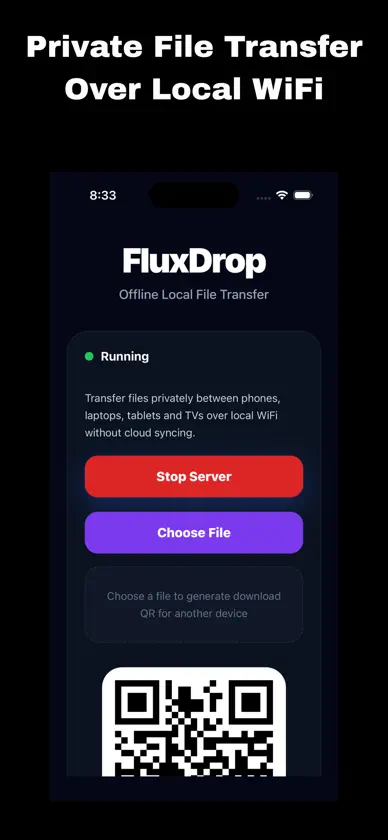
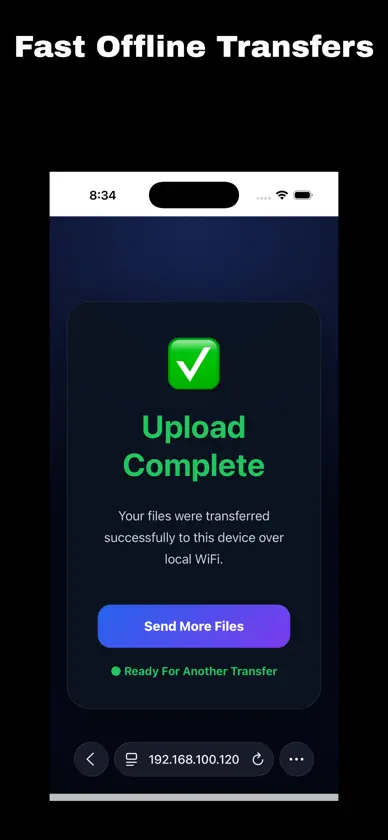
FluxDrop lets you transfer files privately between your devices over your local Wi-Fi network. No cloud storage. No account required. No cables. No tracking. Simply open FluxDrop, scan the QR code from another device, and instantly transfer files directly through a web browser. Perfect for: • Photos & videos • Documents & PDFs • ZIP files • Offline sharing • Fast local transfers • Nearby device transfers • Private file sharing Features: • Offline local file transfer • QR code connection • Browser-based upload & download • No login required • Private local network transfer • Works with phones, tablets, computers, and compatible devices on the same network • Clean and lightweight interface • Instant file receiving • Share downloadable QR links FluxDrop keeps your files on your own network without uploading them to external servers. Your transfers stay private, fast, and fully under your control.


