
fororing
Sangmook Lee
No ratings yetPhoto & VideoAges 4+
Screenshots
About this app
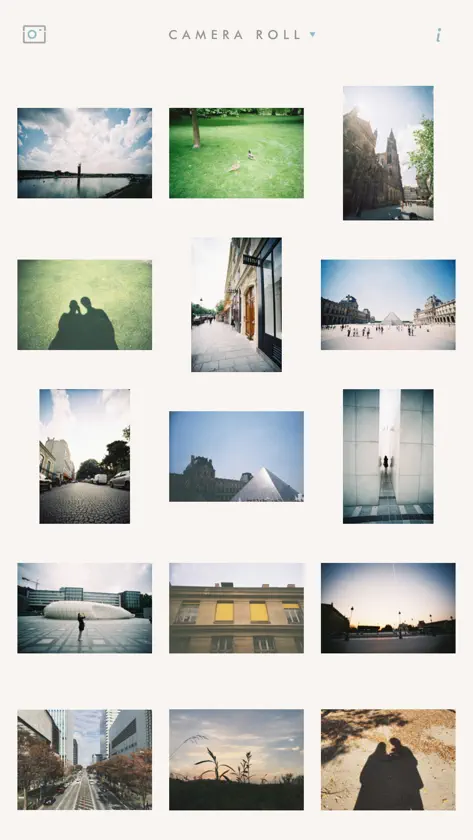
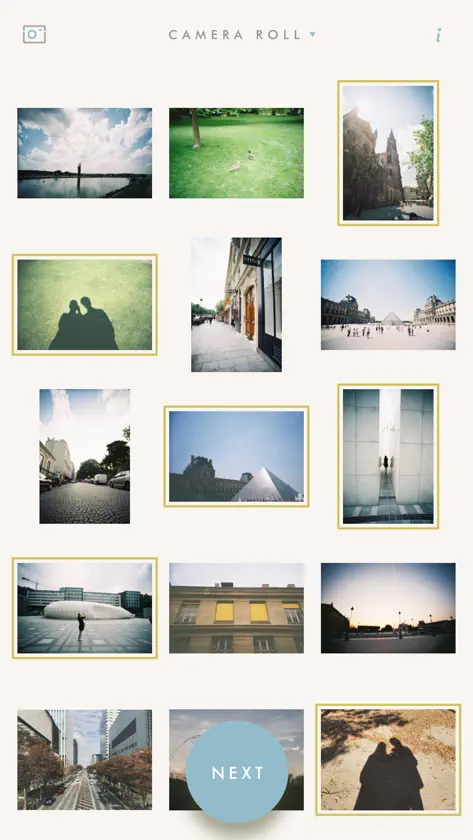
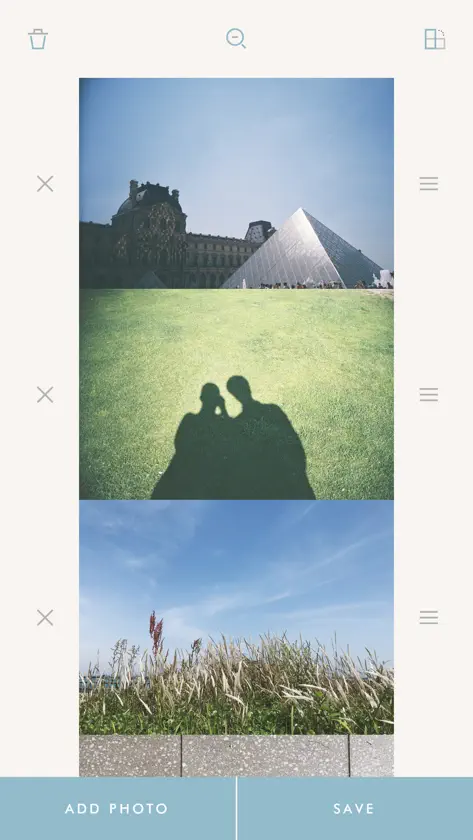
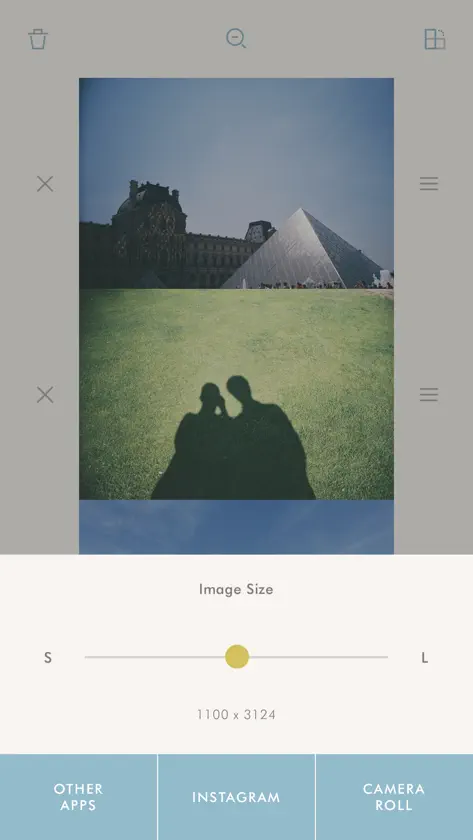
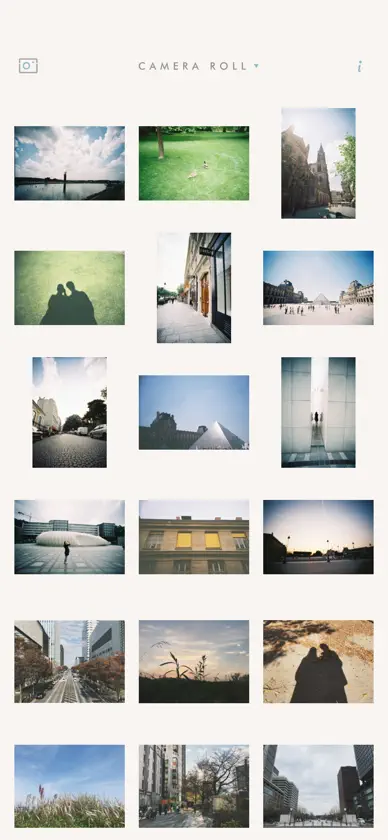
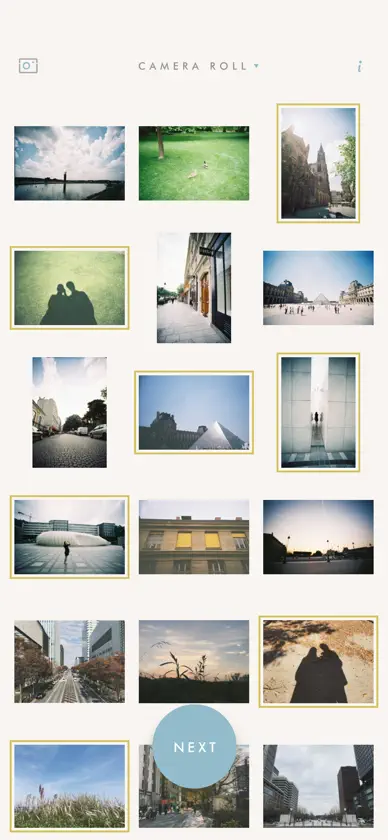
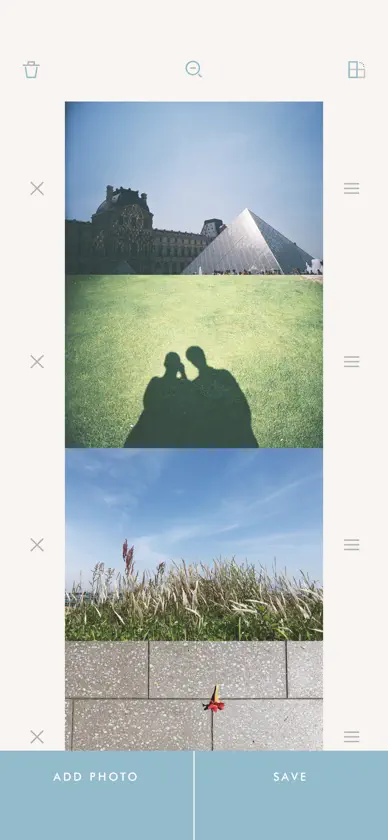
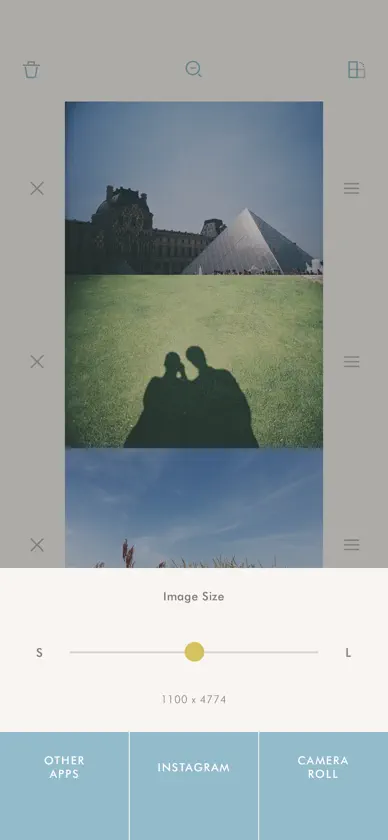
You can merge photos vertically or horizontally with Fororing. (Up to 10 photos can be merged at once) Just pick photos you want to merge. Merged result will be appeared right away on the screen. Adding, deleting and reordering photos can be done in a very easy and intuitive way. If you want to merge photos side by side, just tap rotate icon to landscape mode. You can see the merged result at a glance with preview function. Press and hold the photo to edit. When you save, you can adjust merged size. Merged photo will be saved in your photo library and you can also share with Email, Twitter, Facebook. A merged result image may be resized when you share by Email, Twitter or Facebook. When you save in your photo library, it'll be saved in a size you set.
What's new
Version 3.4.7 · Dec 6, 2021
Bug fixes and performance improvements.
More from Sangmook Lee


You might also like
All apps like fororing → Easy Photo Merge ProYUIK
 PhotoFix - Magic Photo Restorehirokazu murabe
 Two-Tone Video CameraMasanori Katsuta
 Video to Photo FrameCutterTomohiko Saitoh
 myFilm SLR-likebbcddc
 GIFmaker: GIF Maker & Editorbo chen
 Pic Cleanernaoki ide
 Convert My PhotoFlorian Schimanke
 HEIC to JPG & JPEG ConverterMoca LLC
 Finger Focusbbcddc