
Grid Maker: Drawing Reference
Redouan Afoulous
No ratings yetGraphics & DesignAges 4+
Screenshots

About this app
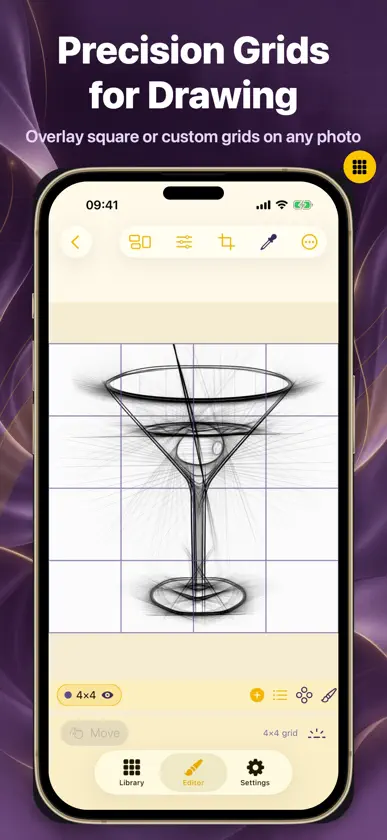
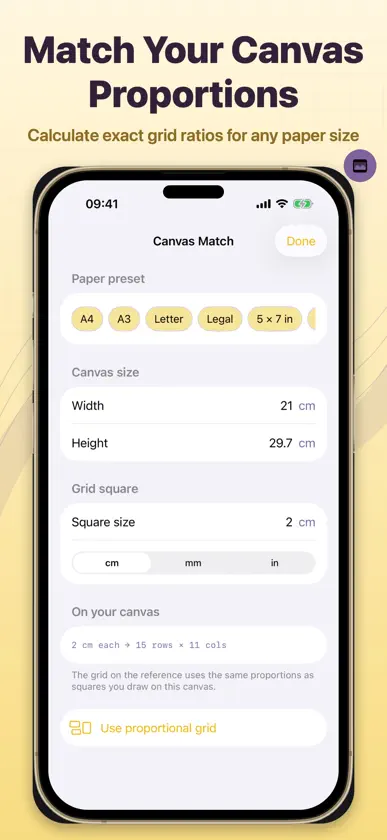
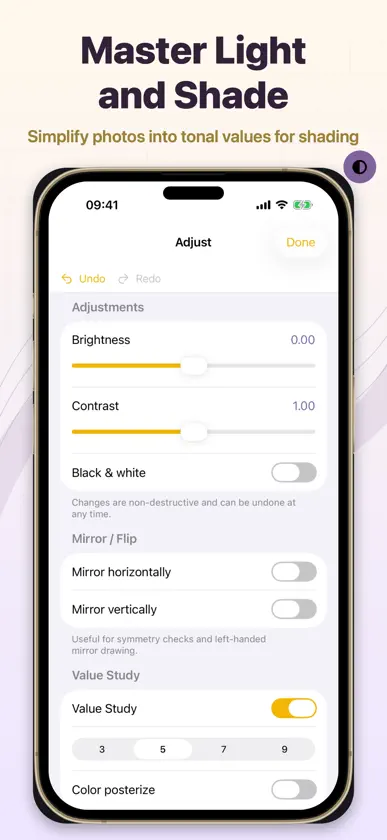
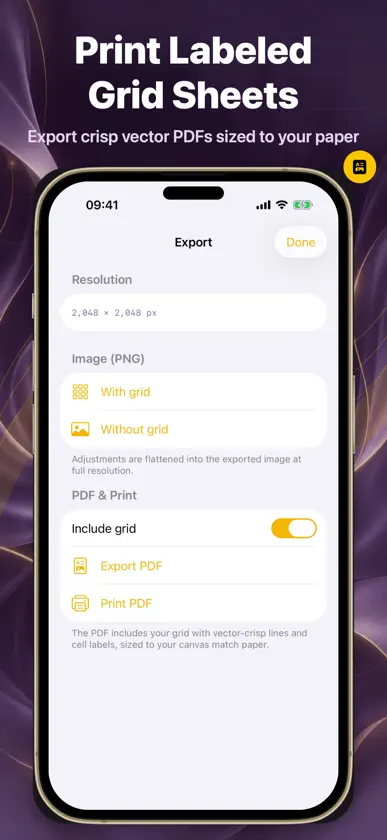
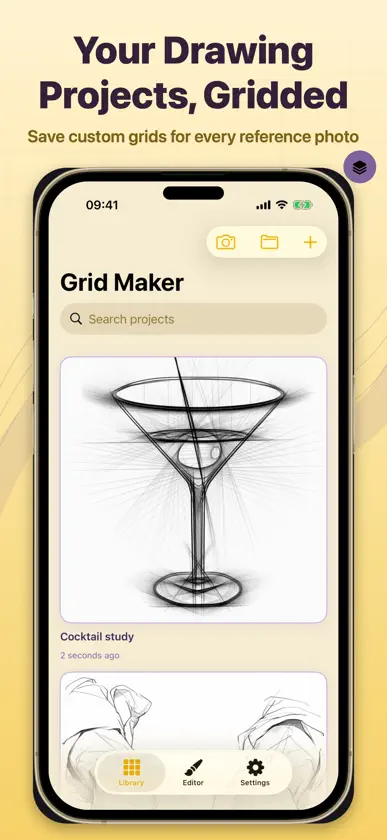
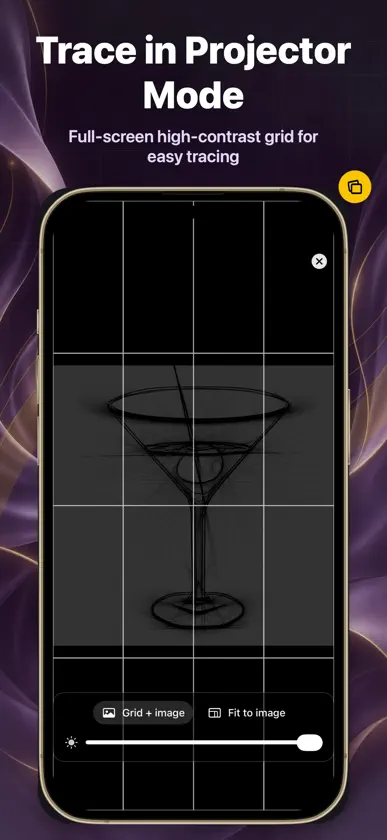
Draw from photos with better proportions. Grid Maker adds an adjustable drawing grid to your reference so you can transfer shapes to paper, one square at a time. From a portrait sketch to a painting on canvas, break a complex image into smaller, easier-to-study sections. Keep your reference beside you while you draw. DRAWING TOOLS • Import your own image from Photos or Files, or capture a reference with the camera. • Adjust rows, columns, line colour, thickness and opacity. Add and manage grid overlays. • Zoom into a cell, subdivide it for details and mark finished cells. Labels such as A1 help you keep your place. • Add freehand annotations, sample colours and use composition guides. • Save unlimited projects and share your reference as a PNG, with or without the grid. GO FURTHER WITH GRID MAKER PRO • Canvas Match: set paper or canvas dimensions and cell size to prepare a reference in the proportions you need. • Value Study: simplify light and dark areas before planning your shading. • WIP Compare: overlay a photo of your drawing on the reference to spot differences. • Perspective Correction: adjust an angled reference photo. • Projector Mode: display a full-screen grid on black, with an optional faint reference image. • Keep unlimited projects and export labelled PDFs for sharing or printing. YOUR FIRST DRAWING 1. Import a photo and choose a grid. 2. Draw a matching grid lightly on your paper. 3. Copy the shapes in each square, then refine the details. Image editing happens on your device. You can begin without creating an app account. Access to the drawing tools requires an in-app purchase. Available plans and prices are shown before purchase. Eligible users can start a 3-day free trial on the subscription shown in the app. After the trial, the subscription renews automatically at the displayed price unless cancelled. Subscriptions renew automatically unless cancelled at least 24 hours before the current period ends. Manage or cancel your subscription in your Apple Account settings. Choose a photo and start your next drawing. Privacy Policy: https://app.notion.com/p/Privacy-Policy-for-Grid-Maker-Drawing-Reference-3e41e95b550680699ff9d4db53953ca0?source=copy_link Support & FAQ: https://app.notion.com/p/Grid-Maker-Drawing-Reference-Support-FAQ-3e41e95b5506809eba7bc559bde64a77?source=copy_link Terms of Use (EULA): https://www.apple.com/legal/internet-services/itunes/dev/stdeula/
What's new
Version 1.1 · Oct 10, 2026
What’s new in 1.1: • A shorter, interactive introduction to drawing with grids. • Cell Focus now shows the entire selected cell. • A clearer scroll cue and improved optional trial reminders.
In-app purchases
The most popular purchases on the App Store.
- Grid Maker Pro LifetimeConsumableUSD 22.99
- Grid Maker Pro YearlySubscription · 3 days free trialUSD 17.99 / year
- Grid Maker Pro MonthlySubscriptionUSD 4.99 / month
More from Redouan Afoulous


You might also like
 Drawing Grid GuideWarren Peters
 Grid Drawing Tool - ArtGrideKamil Zielinski
 Drawing Grid Maker: GridValueZeynep Gatgar
 SketchGrid: Grid DrawingRicardo Miron
 Grid Artist: Draw by SquaresRaghava Naidu
 Kami GridGALLERYG.LLC
 Grid Art DrawingPurvisha Gadhiya
 ArtlynGALGOTIAS UNIVERSITY,SCHOOL OF BUSINESS
 Tracing Cameraryo muranaka
 Drawing Grid Maker +Erdem Kara