
Loop Video Maker LoopVideoMake
Vinay Bichave
No ratings yetPhoto & VideoAges 4+
Screenshots
About this app
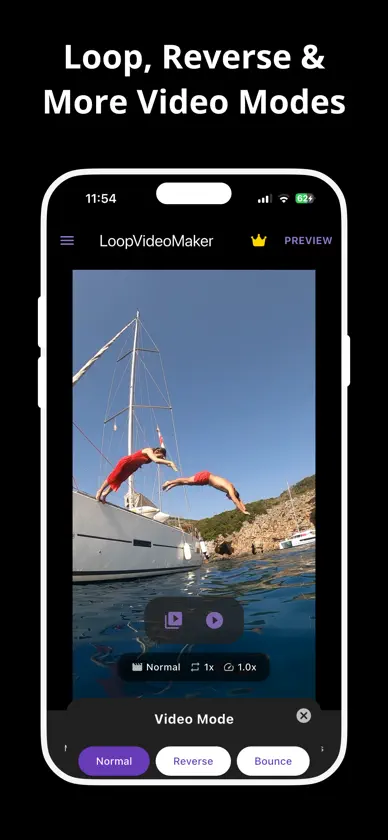
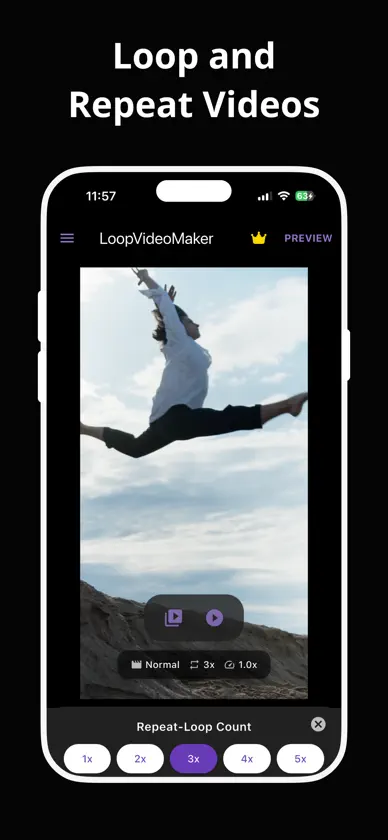
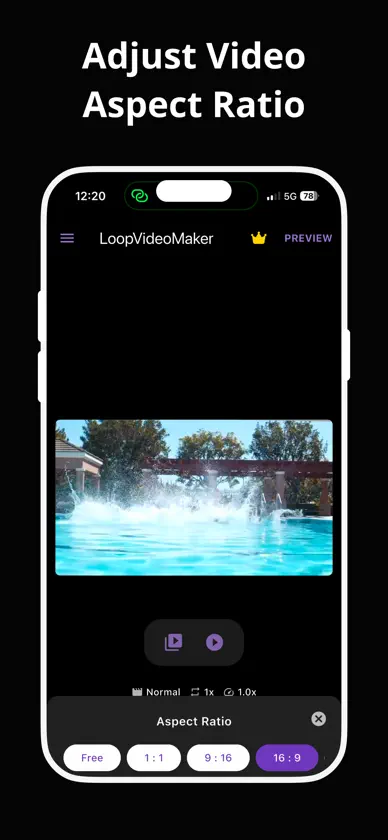
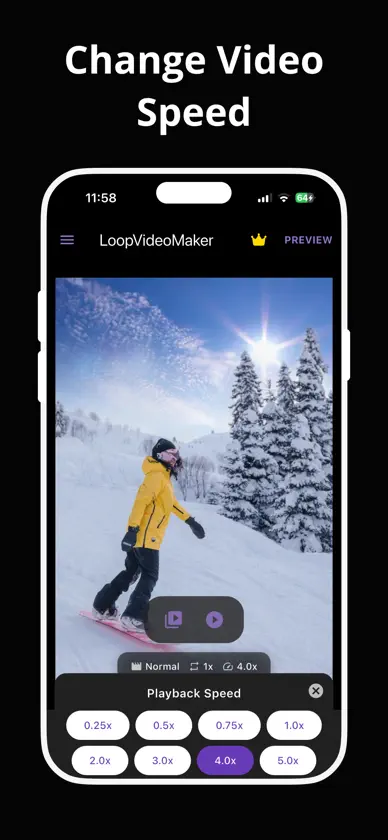
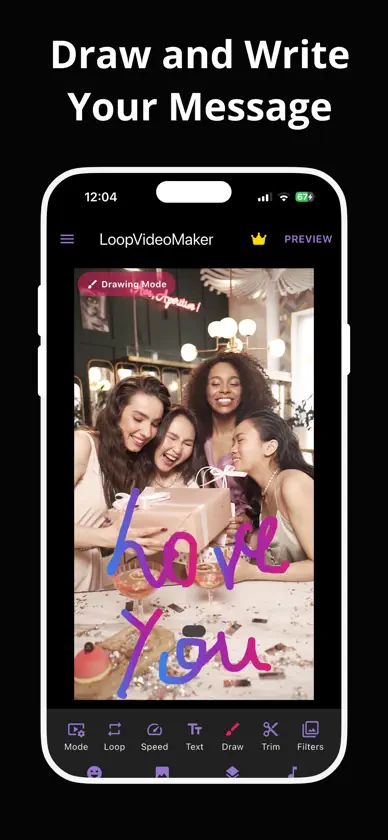
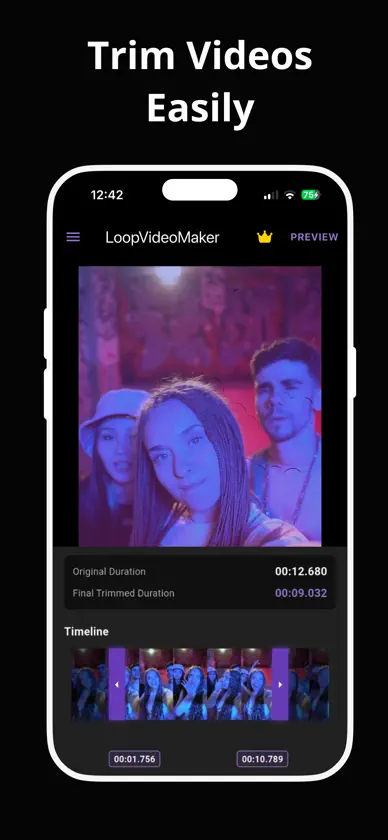
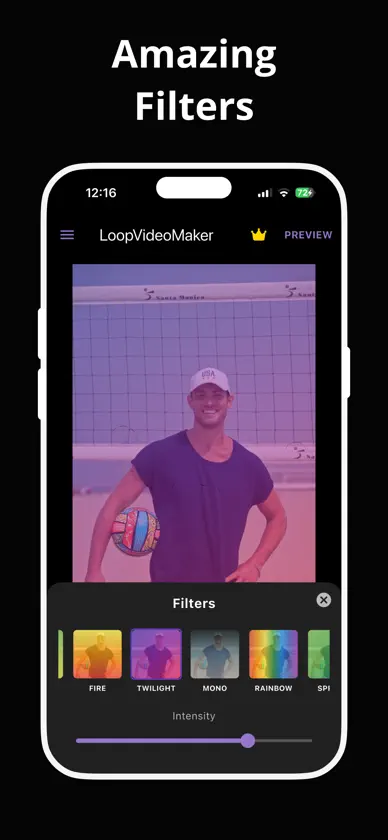
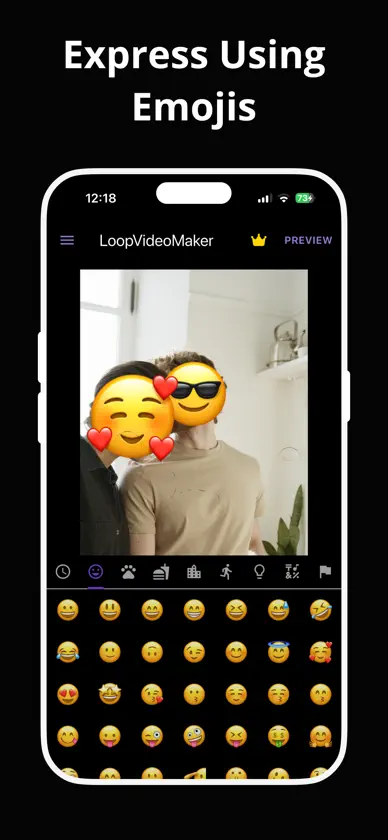
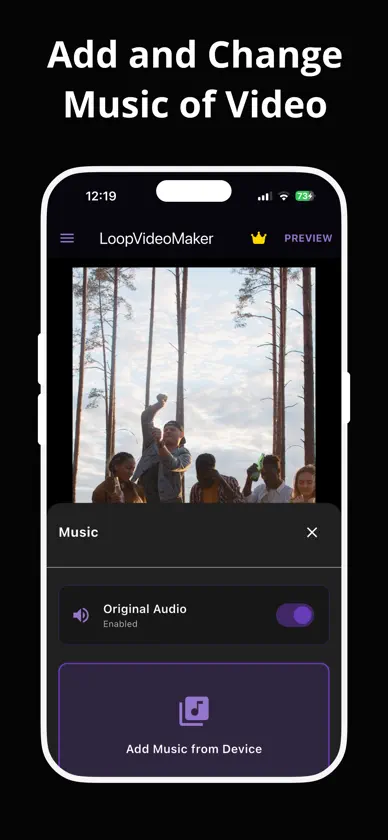
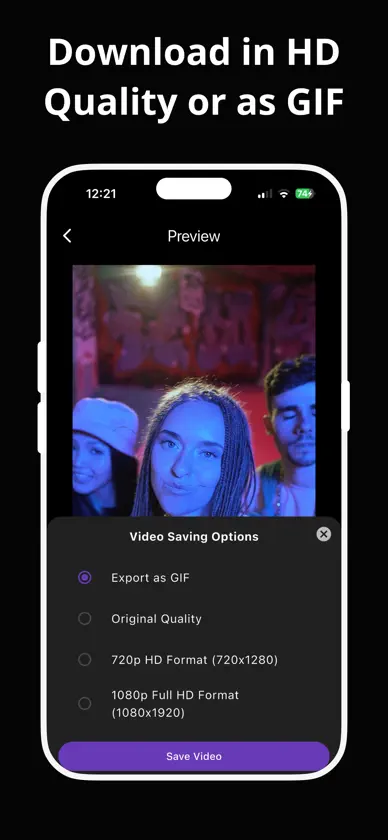
Looking for a Loop Video Maker to loop and reverse your videos? LoopVideoMaker is the right choice for you! Loop video maker lets you create awesome loop videos along with making a loop video, you can repeat and replay videos, reverse video clip, make video to gif, hyperlapse and time lapse videos, trim video, change video speed, create slow motion videos, add custom music and also change audio of video. As a video looper and gif maker, you can create solo loop, repeat and even reverse mp4, make gif from video, use stunning filters, custom text, fonts & emojis and save videos in HD and gif formats without any watermarks and share them on social media. LoopVideoMaker is the perfect and ease to use app for turning your favourite, fun clips into loops and GIFs for free in just a few clicks. Key features: • Loop, Repeat and Reverse Modes: Transform your original videos into repeating loops, make them play backwards with reverse and make them go forward & backward with other modes. • Change Video Aspect Ratio: Convert video aspect ratio to match your video dimension needs in seconds. • Control Speed: Make slow motion videos or get them going in the lightning speed using the playback speed option. • Trim Videos: Show the specific part of the video which you like and remove the rest using trim. • Add & Change Audio: Give a custom jazz by adding, changing or even mixing original and newly added audio to your video • Multiple Filters: Give stunning feeling to videos by applying eye-catching filters. • Use Text, Emojis and Drawing: Write your feelings using text, express your emotions and carve your personal message on videos using emojis and drawing • Insert Images: Put your memories on your videos using photos and make them truly personalised. • Save Video in HD and Gif format: View your work and share it directly to multiple social media platforms or download the video directly into your device in HD quality or gif format. TRIAL AND SUBSCRIPTION TERMS: Start LoopVideoMaker with an awesome free 3-day free trial with Unlock Content and get access to all features including loop counts, video speed (fast and slow-mo), colours, text-styles, filters, multi flow, HD downloads etc. After the trial is over you will be charged an annual subscription fee; if you had opted for the weekly plan then a weekly subscription fee will be charged to you lacking any free trial. LoopVideoMaker Unlock Content will automatically renew unless auto-renew is turned off at least 24 hours before the end of the current billing cycle. You can head over to Settings > iTunes > Account & App Store > Apple ID > Subscriptions to manage your subscription and turn auto-renew off. Your iTunes Account will be charged when the purchase is confirmed. Privacy Policy & Terms: https://docs.google.com/document/d/1TNvN8zx_EAX37hTBEHevskTM9_J6Bx1Sj3YyzC3sm6Q/edit?tab=t.0 Want to share your ideas and give feedback to us, email us at vsbdevs@gmail.com . We love hearing from you and helping you. So what's the wait? Transform your videos by looping, repeating and reversing them and share those amazing clips with the world.
What's new
Version Loop Video Maker LoopVideoMaker Template, Focus, Effect, Filter · Oct 31, 2026
Loop Video Maker LoopVideoMaker: • New Premade Templates feature • New Focus feature • New Effects feature • New Watermark feature • New Shapes feature • New Flip feature • New Crop feature • New Duration feature for Text, Shapes etc • New Live Photo video saving option
In-app purchases
The most popular purchases on the App Store.
- WeeklySubscriptionUSD 6.99 / 7 days
- YearlySubscription · 3 days free trialUSD 17.99 / year
More from Vinay Bichave


You might also like
 Loop Video Maker - LoopiqALEX IOAN MARCUS
 Clip Looper: Video Loop MakerJulien Turunen
 Booma - Loop VideoJhomar Maravillas
 Loop Vid-Loop Video infiniteLiam Sammy
 Video Looper - Video Repeater健生 任
 Boomerang・Video Loop Maker・GIFTarun Paliwal
 Loop Video - Boomerang MakerPiyushkumar Bhut
 Old Photo Restore Repair: PixUBekir Ogurlu
 MyLooper: Video & PlaylistLeonardo Ferhati
 Boomerang Maker Video LoopsRobert Keene