
Materializr
Ravenhold LLC
No ratings yetGraphics & DesignAges 4+
Screenshots
About this app
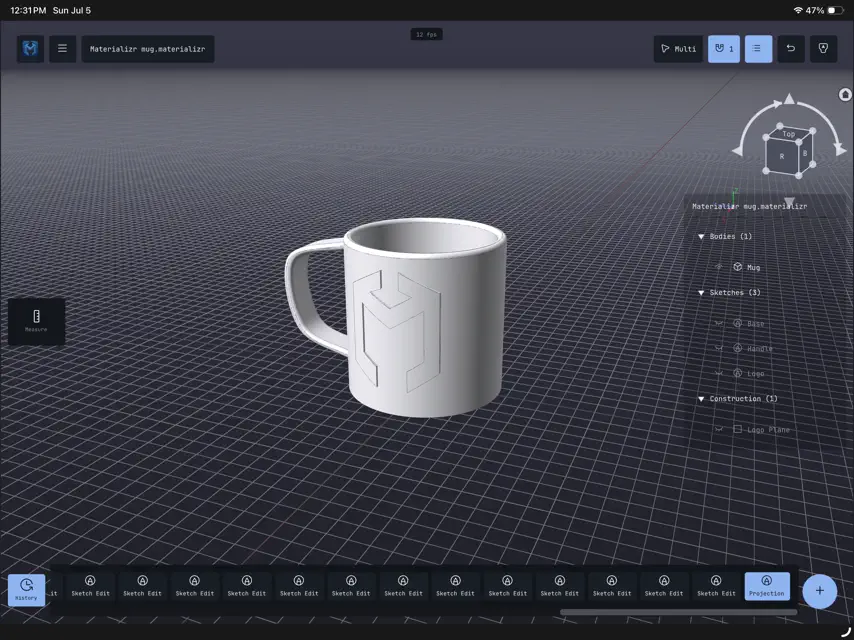
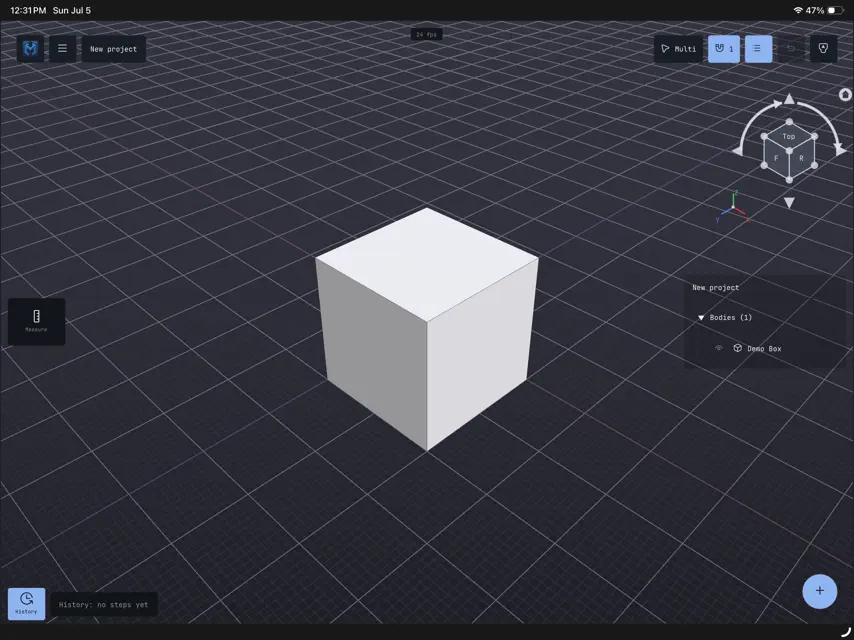
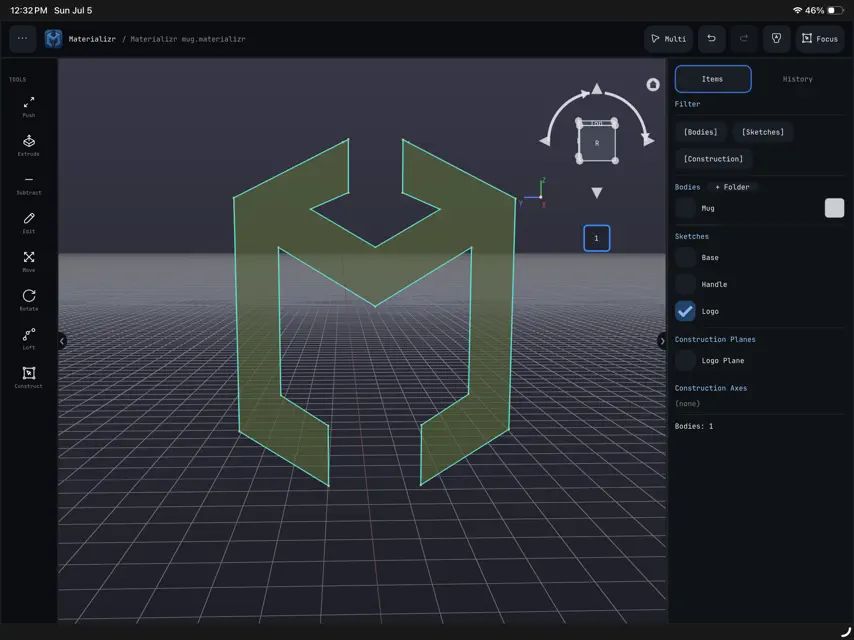
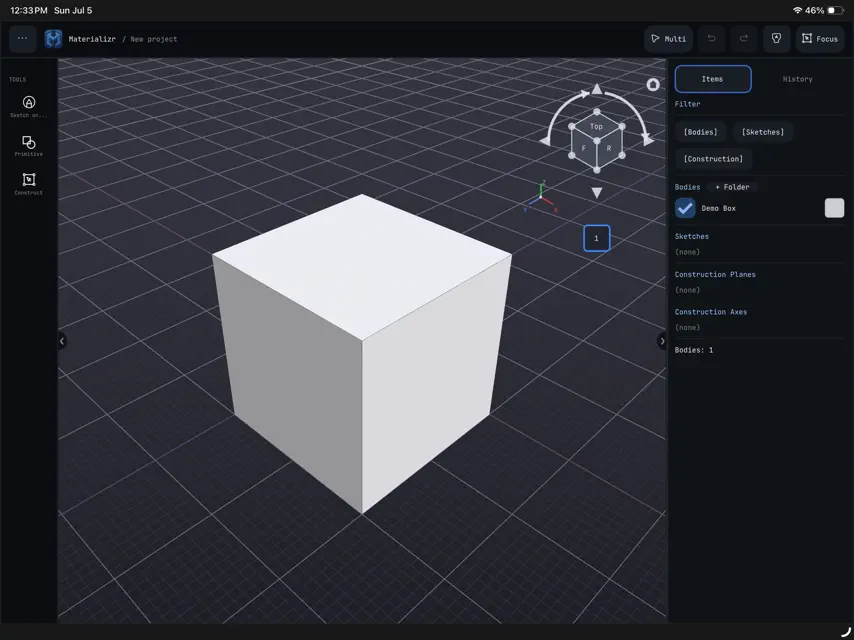
Materializr is real parametric solid modeling on your iPad. It is built on the same industrial B-rep geometry kernel used by professional CAD packages, wrapped in a touch-first interface designed for makers. Sketch on any face or plane, pull your sketch into a solid, and keep editing any step of the history later — even after closing the project. When your part is done, export an STL and print it. Materializr is free and open source. There are no accounts, no subscriptions, no ads, no locked features, and your designs never leave your iPad. If it earns a place in your workflow, an optional Supporter tip helps keep development moving. Materializr is developed in the open under the GPLv3. The complete source code, documentation, and community are at github.com/materializr-cad/materializr
What's new
Version 1.7.7 · Nov 2, 2026
Construction geometry (early version). A Construction button in the sketch tools. With lines, circles, arcs or splines selected it turns them into construction (or back); otherwise it makes what you draw next construction. Construction geometry draws dashed and teal, stays selectable and snappable, and has no effect on the shape: regions, extrudes, push/pull and SVG/DXF export come out exactly as if it were not there. Trim, mirror, copy and patterns keep the flag. This is only the first part of the feature: infinite lines, horizontal/vertical/parallel helpers and tangents are not here yet, and feedback on what it needs next is very welcome. Interface scale slider (Settings ▸ Appearance, 75% to 250%) on desktop. Scales the whole interface together (text, buttons, spacing, panels) on top of the size picked for your display, for when everything is too small to read without switching to Touch mode. Takes effect on restart; use Reset panel layout afterwards if the panels look cramped. Scale grid with zoom switch and a Step switch size slider in the snap popup under the ViewCube. The switch turns the zoom-scaled grid on or off; the slider (4 to 40 px) sets how wide a grid cell may get before the step changes, which helps on screens where the cells look too fine or too coarse. Grid rendering (experimental) in Settings ▸ Rendering: three workarounds for a grid that shimmers or flickers with anti-aliasing on certain GPU drivers (seen on Intel Arc). Leave it on Default unless the grid looks wrong.
In-app purchases
The most popular purchases on the App Store.
- SupporterConsumableUSD 5.99
More from Ravenhold LLC

You might also like
 Zenve3DLOGZAI SRL
 Vexio3DExzileGames LLC
 Cogwright: 2D & 3D Design CADBonsai Horizons, LLC
 TopMod 3D: Design SoftwareJohn Briscella
 Part3D: 3D CAD & ModelingAngelo Bartolome
 Meld - 3D ModelingMeld Systems LLC
 ZPixitMarcos Ruben Garca Ayala
 DrafterPro 2D CAD & DWG EditorMUHAMMET NAFI OZEN
 3D Model Print Simple EditHuragan Kodu s.p z o.o.
 CADSketchDan Newcome