
Memory Multi View
ColorBoxStudio
No ratings yetPhoto & VideoAges 4+
Screenshots
About this app
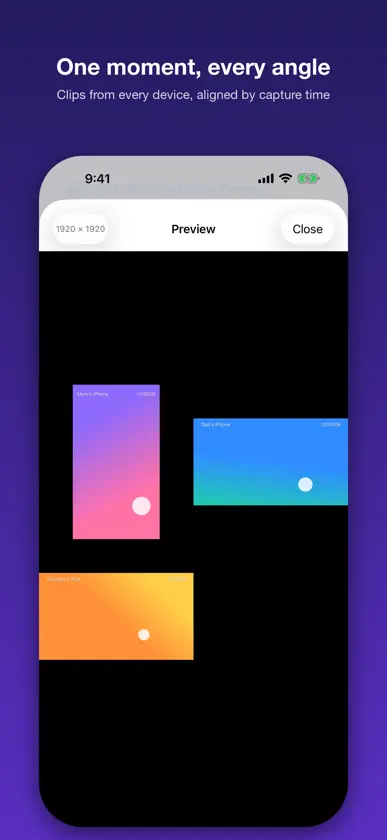
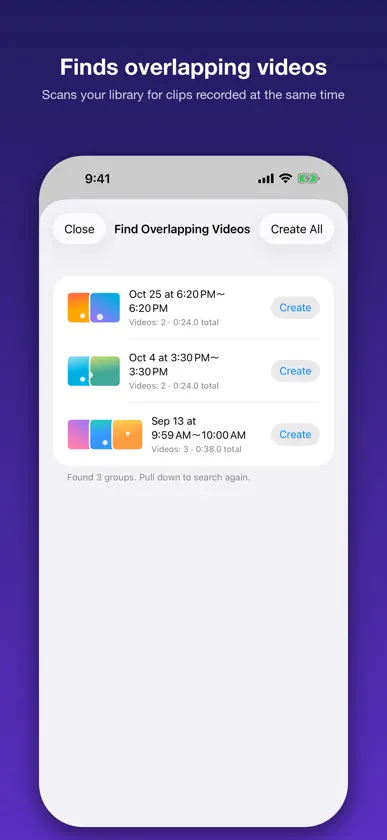
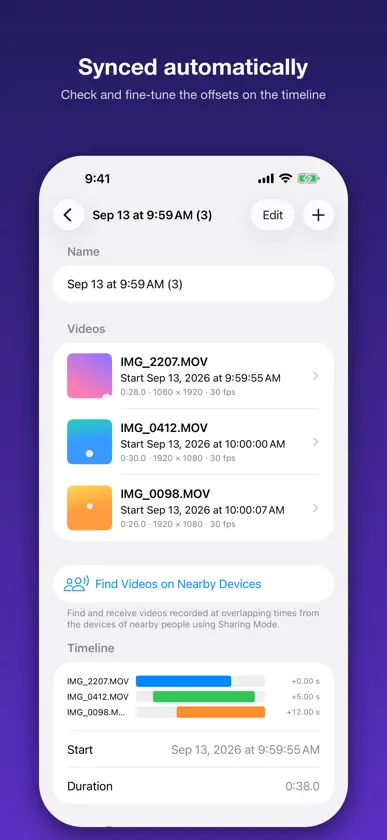
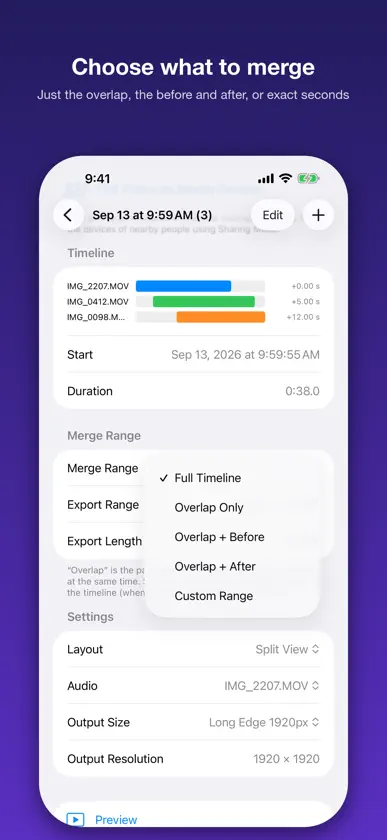
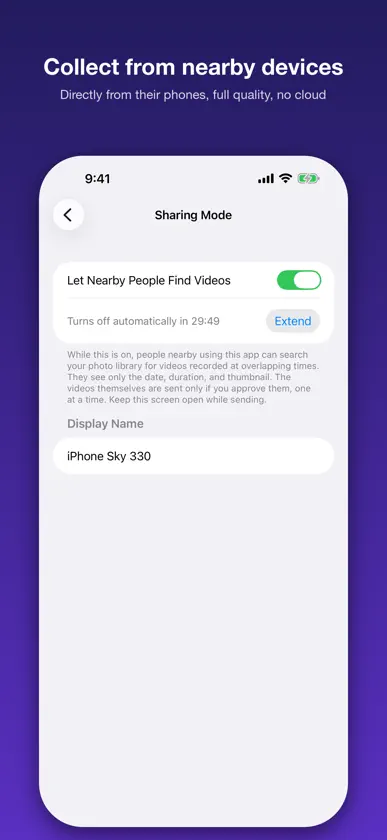
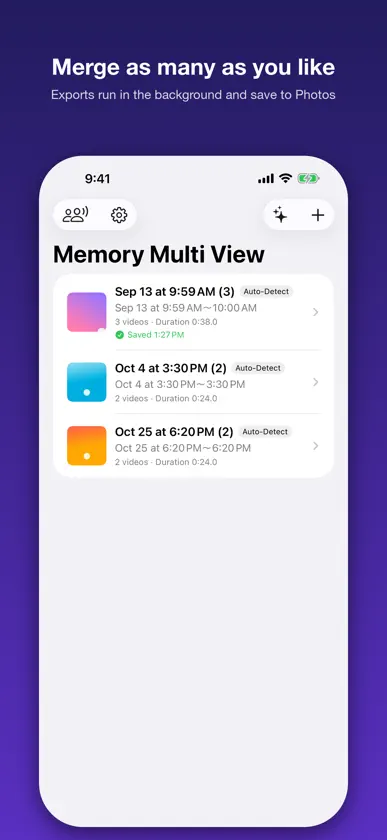
Memory Multi View combines videos recorded at the same time on several phones into a single video, aligned by their recording times. The videos your family took at school sports days and recitals, the clips you and your friends shot of each other on a trip, a concert or dance captured from multiple angles — the same moment, scattered across different devices. Memory Multi View places them side by side and plays them in sync. ■ How to Use 1. Choose videos, or use “Auto-Detect Overlapping Videos” to find candidates in your photo library 2. Receive videos recorded at the same time from the devices of family and friends nearby 3. Check the arrangement on the timeline and choose the merge range 4. Preview, then save to your photo library ■ Key Features • Videos are automatically aligned using their recording-time metadata. No manual syncing required • Automatically finds videos with overlapping recording times in your photo library and groups them so you can work on each set • Nearby sharing: when the other person turns on “Sharing Mode,” you can search for videos with overlapping recording times and receive only the ones the owner approves, directly between devices (no internet required) • Choose the merge range: Full Timeline / Overlap Only / Overlap + Before / Overlap + After / Custom Range • Work on multiple merges at once and check export progress right in the list • Correct clock differences between devices with a manual offset for each video • Choose which video’s audio to use • Choose the output size (long edge 1920 / 2560 / 3840 px) • Portrait and landscape videos can be mixed; each keeps its orientation ■ Please Note • Slow-motion and time-lapse videos aren’t supported, because their timing doesn’t match real time • Videos in formats that can’t be played on iOS (such as HEVC in hev1 format or VP9) can’t be merged. Please convert them to H.264 or HEVC (hvc1) first • All video processing happens on your device. Your videos are never sent to an external server • Videos are sent to nearby devices only after the owner approves each one. Sharing Mode turns off automatically after a set time • To improve the app, anonymous crash reports and usage data are collected ■ Support the Developer If you enjoy the app, you can buy the developer a coffee from the Settings screen (in-app purchase). Purchasing doesn’t change any features.


