
MobilePKI
Changing Information Technology Inc.
No ratings yetUtilitiesAges 4+
Get it free on the App StoreOpens Apple's App Store
Screenshots


About this app
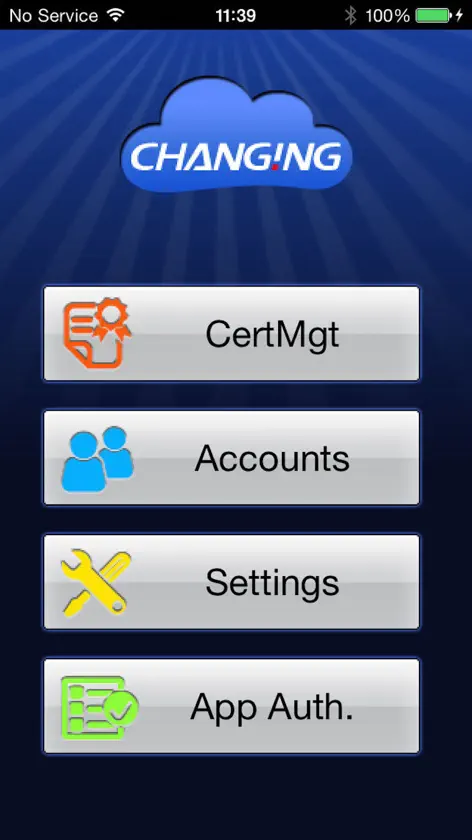
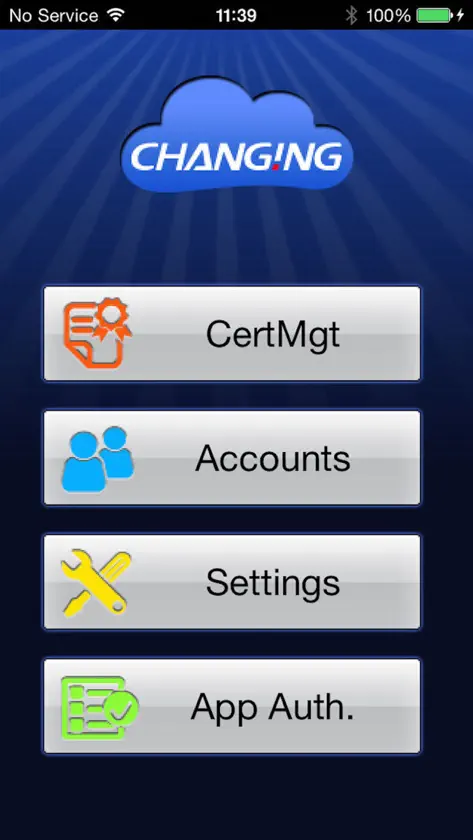
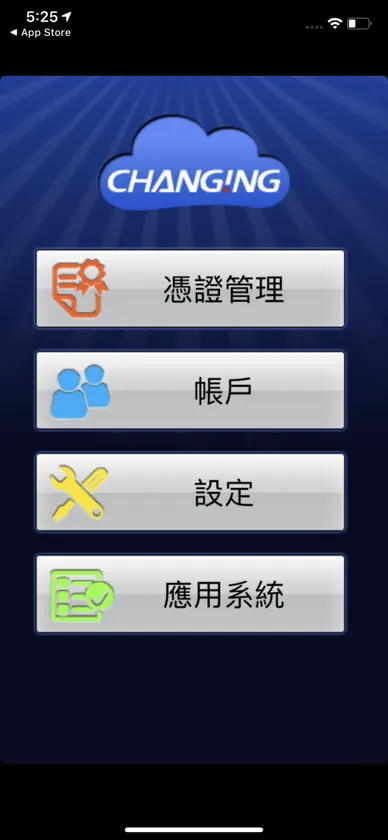
MobilePKI is a PKI storage for users to manage their PKI certificates in iPhone and iPad. With MobilePKI, people can manage their certificates more simply and secure. Certificate import steps: 1. Load the certificate(pfx file) to MobilePKI folder by iTunes. 2. Click "CertMgt" icon and click “+” on the right-up corner to import a certificate. Select a file and input its password to finish the import process. "Accounts" is used to manage the relation of the certificate and password. "Settings" can configure the APP protection PIN and some options. "APPAuth" is reserved for future.
What's new
Version 1.1.14 · Nov 13, 2019
Fix iOS 13 UI bug
More from Changing Information Technology Inc.
 IDExpert CloudChanging Information Technology Inc.
 CGFIDO - 安全、無密碼、快速登入Changing Information Technology Inc.
 FastID - 證件自動拍、浮水印隨手上Changing Information Technology Inc.
 FastSIGN 快速簽 - 線上電子簽名Changing Information Technology Inc.
 IDExpertChanging Information Technology Inc.
 GuardKey ViewerChanging Information Technology Inc.
 MOTP ClientChanging Information Technology Inc.
You might also like
 Moon Clock: Phases & WidgetsYI-WEN CHOU
 IT Network ToolboxJozsef Mahl
 Ximple W3Archtron Research & Development
 Browser Content BlockingAlbert Parti
 AutarkyJonatan van der Horst
 TermAI: SSH Client & TerminalSichuan future Three Kingdoms Enterprise Management Consulting Co., Ltd
 GeoL: Virus CleanerGEOLITAS, UAB
 uGI1 ConfigMobiltex Data
 No JSPeter Compernolle
 SSL Certificate CheckerYuan-Yi Chang