
oktake
Beijing Luminous Island Cultural Media Co., Ltd
No ratings yetPhoto & VideoAges 4+
Screenshots


About this app
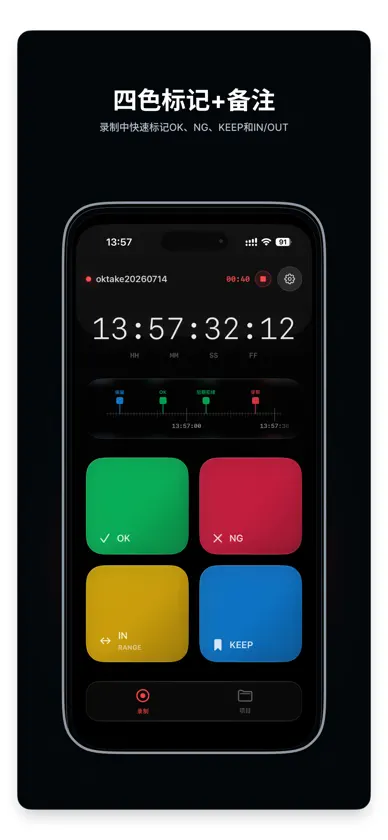
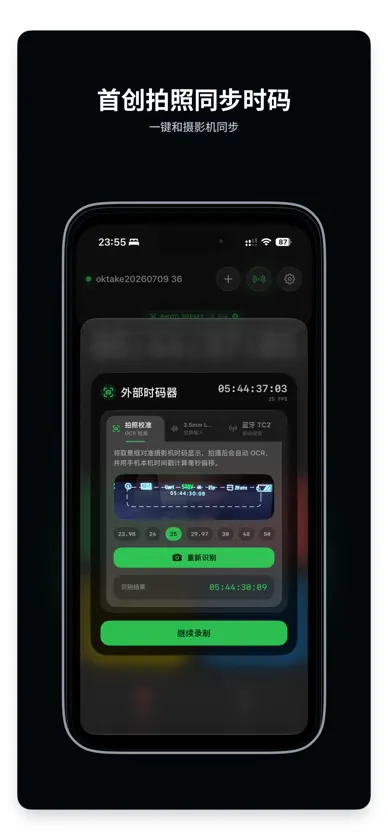
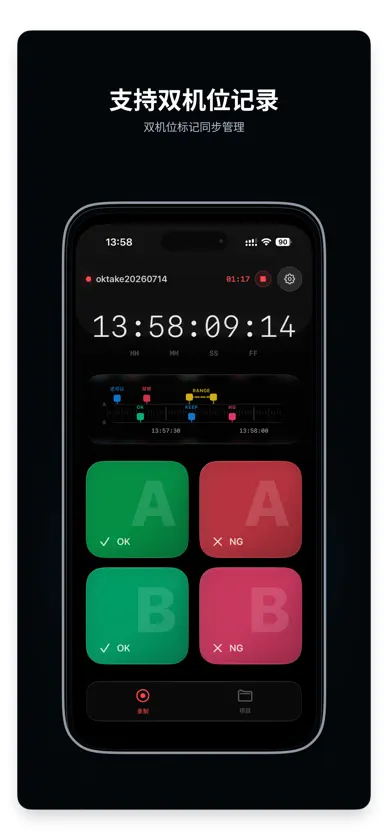
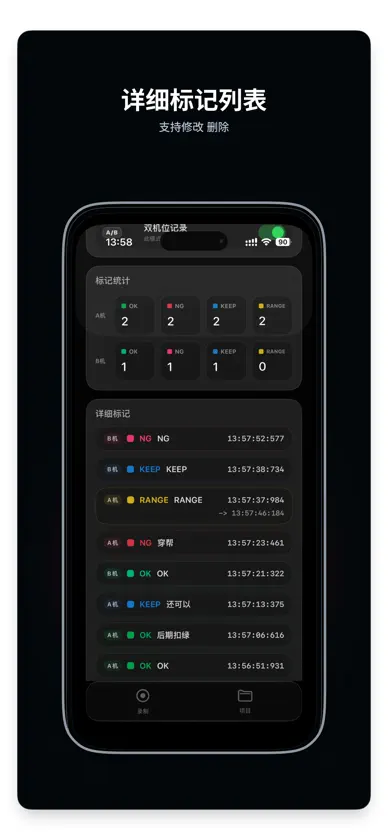
oktake is a timecode marker for film crews and post-production teams. Use iPhone, iPad, or Apple Watch to record OK, NG, KEEP, and range markers on set, then match those notes to camera media on Mac and move into editing faster. 【Fast On-Set Marking】 • Large controls designed for quick operation on set • Single-camera and dual-camera sessions • Point markers and range markers • Notes with precise marker timecodes 【Flexible Timecode Calibration】 • Photograph and recognize a camera timecode display • Apply a manual timecode offset • Read LTC from a 3.5 mm audio input • Scan and select compatible BLE external timecode devices; sync only with the selected device 【Connected Apple Workflow】 • View status and add markers from Apple Watch • See the active recording state in Live Activities • Keep projects and marker data on the device • Export .take files 5 times for free 【Free Mac Post Workflow】 • Match .take markers to video media by timecode • Export Final Cut Pro XML / FCPXML • Use the DaVinci Resolve import workflow • Process media locally without uploading it oktake requires no account, contains no advertising, and does not track or collect personal data. Recording, all four marker types, range marking, dual-camera sessions, Apple Watch, Live Activities, and every timecode calibration method are free. Every user gets 5 free .take exports; an export is counted only after sharing completes, and canceling the share does not use one. The annual Pro subscription unlocks unlimited .take exports only. The macOS App Store and DMG versions are free. Terms of Use (Apple Standard EULA): https://www.apple.com/legal/internet-services/itunes/dev/stdeula/
What's new
Version 1.0.4 · Sep 13, 2026
Improved Bluetooth TC device identification and display for a clearer timecode synchronization experience.
In-app purchases
The most popular purchases on the App Store.
- oktake Pro AnnualSubscriptionUSD 11.99 / year


