
Omnia Reader
LiChuan Lin
No ratings yetUtilitiesAges 4+
Screenshots







About this app
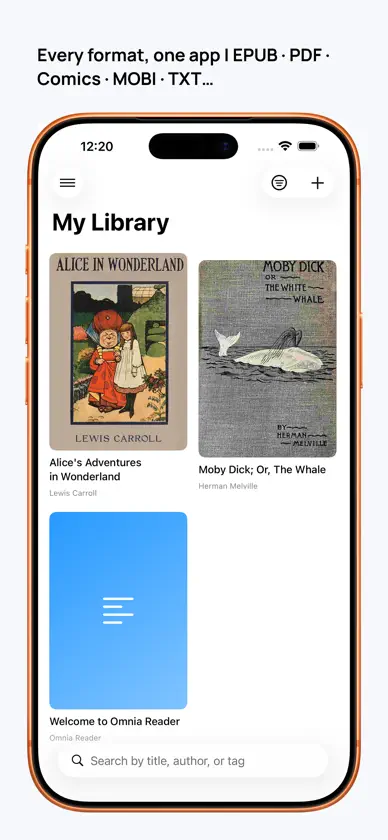
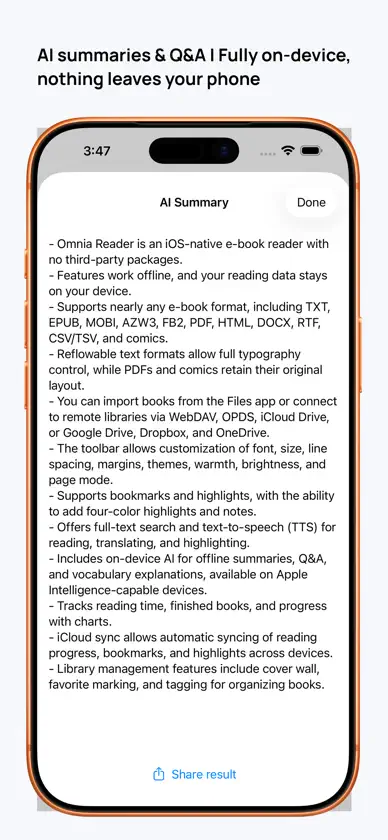
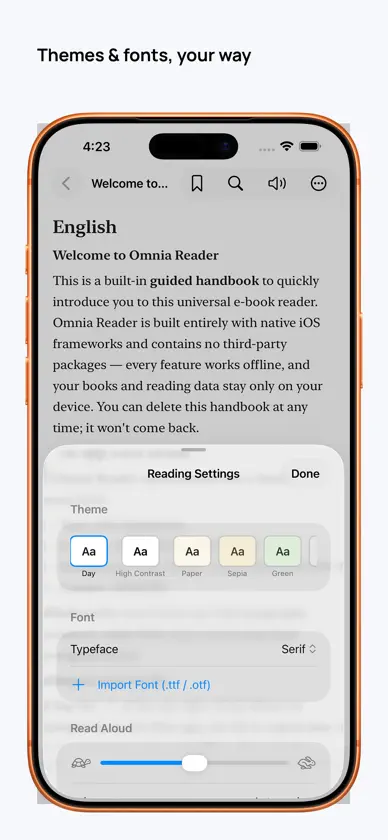
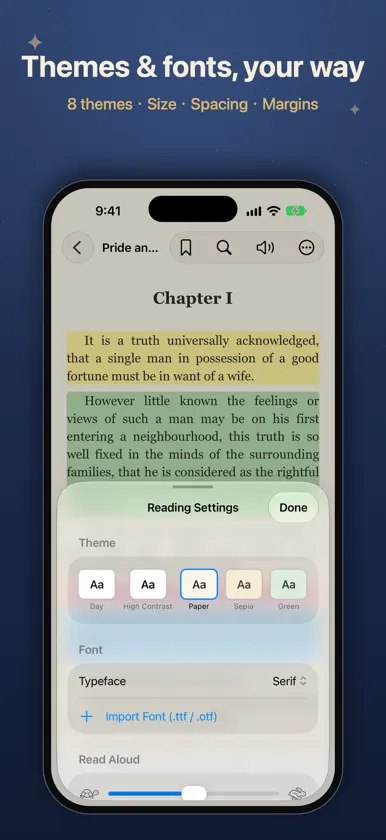
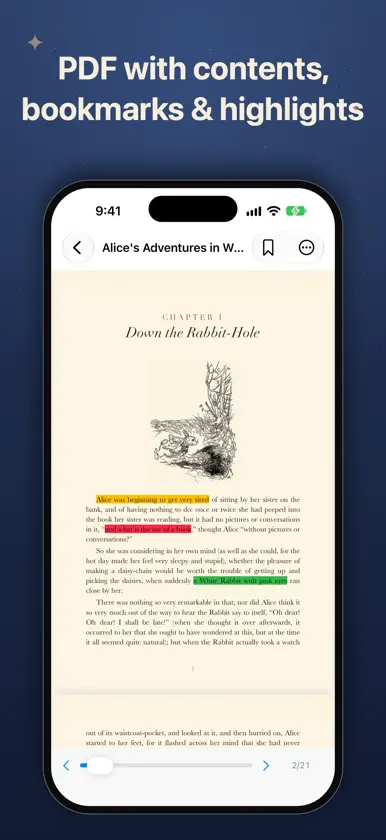
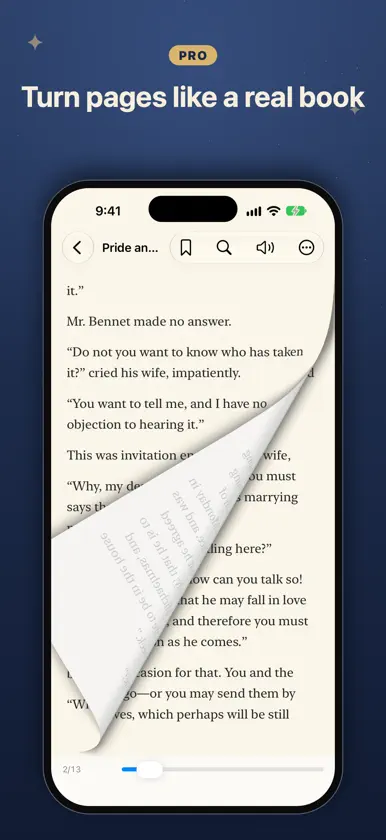
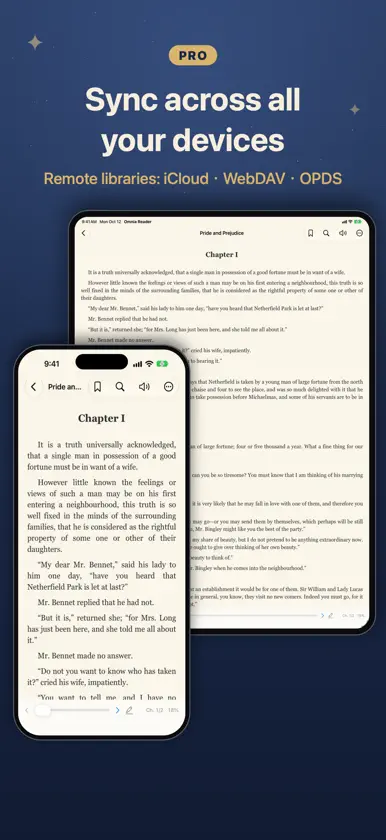
Omnia Reader is a universal e-book reader that opens almost anything — EPUB, PDF, CBZ/CBR comics, MOBI & AZW3 (Kindle), TXT, Markdown, HTML, DOCX, RTF, FB2, CSV — built entirely with native iOS frameworks. No accounts, no tracking, no ads. Your books and reading data stay on your device. READ EVERYTHING, FREE • 12+ formats, unlimited local library • Resume, table of contents, bookmarks • Comics with chapters and zoom; even GB-sized files open instantly • Day/night themes, system fonts, adjustable size, spacing and margins • Dictionary lookup and translation, full-text search • Read-aloud (TTS): automatic voice per language, background playback, lock-screen controls, follow-along, cross-chapter • 4-color highlights + notes (3 per book; unlimited in PDFs), export to Markdown • Beautiful quote cards to share • 17 languages, built-in handbook UNLOCK OMNIA PRO (one-time, no subscription) • On-device AI: summaries, Q&A and vocabulary — free, offline, private • Sync reading progress, bookmarks and highlights across devices — and your book files too • Remote libraries: WebDAV, OPDS, iCloud Drive • Unlimited highlights • Import your own fonts (.ttf/.otf) • Paged mode incl. paged EPUB, page-curl animation, two-page, vertical CJK, justify • Vocabulary deck with spaced repetition, tags, advanced stats WHY OMNIA • Truly native — fast, light, no third-party SDKs • Works fully offline • No subscription, no ads, no data collection • Buy Pro once, use on iPhone and iPad Bring your own books and enjoy reading.
What's new
Version 1.6 · Nov 4, 2026
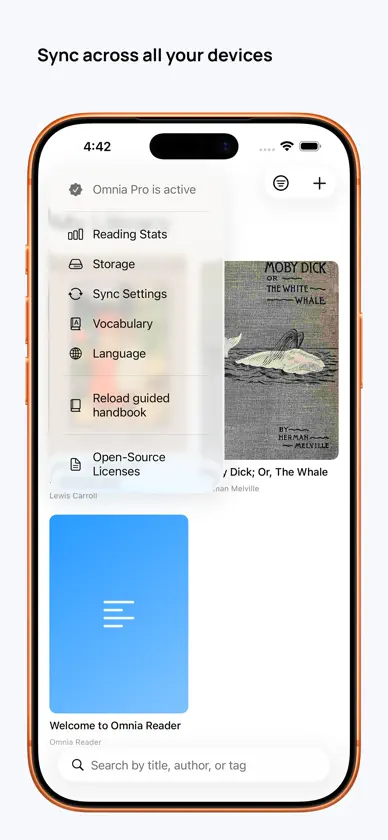
This update adds WebDAV sync: besides iCloud, you can now use your own server — such as Nextcloud, a Synology NAS or Nutstore — to sync reading progress, bookmarks and highlights across your devices, and even the book files themselves. WEBDAV SYNC • Choose iCloud or WebDAV in Sync Settings (in the menu at the top left of the library) • "Sync reading progress" syncs your progress, bookmarks, highlights and finished status; books are matched by content, so the same book imported separately on each device still lines up • "Sync library files" downloads a book imported on one device to your other devices automatically, and deletions sync too • Syncs automatically when you open the app, return to it or close a book — or tap "Sync Now" any time • Uses the same server as "Import from WebDAV / Cloud"; sync data lives in an "OmniaReader" folder on the server • Sync Settings shows when you last synced, and explains what went wrong if the server can't be reached MORE RELIABLE SYNC (ICLOUD AND WEBDAV) • Switching to another app mid-book now saves and syncs your place, so you can pick up on another device • Opening a book and closing it without turning a page no longer overwrites newer progress that just arrived from another device FIXES • TXT and Markdown books in Scroll mode now remember where you left off and reopen right there; the progress percentage, new bookmarks and Read Aloud also follow your current position As always: fully offline, no tracking, no ads. Sync goes only through iCloud or your own server — whichever you choose.
In-app purchases
The most popular purchases on the App Store.
- ProConsumableUSD 6.99
More from LiChuan Lin


You might also like
 Kinder - Ebook Reader功亮 张
 Renobo: Ebook & Manga ReaderNan Yu
 静墨 - 本地小说阅读器 TXT/EPUB/PDF涛 罗
 Foxycape AI Reader成都铁飞鹰科技有限公司
 Book IsleAnyi County Bingzhiyi Trading Co., Ltd.
 全能阅读器 - 多格式电子书阅读器宁伟 陈
 子衿听书-TXT,PDF,EPUB电子书AI配音阅读神器Guangzhou Feynman Information Technology Co., Ltd.
 水獭漫画 - 纯净的本地漫画阅读器宁 权
 SimplyRead - EBook Reader阳 张
 Readify - AI Web AssistantXin Chen