
Screenshots







About this app
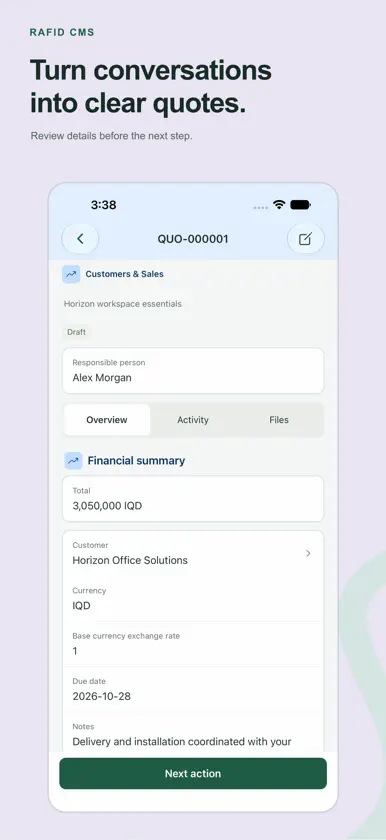
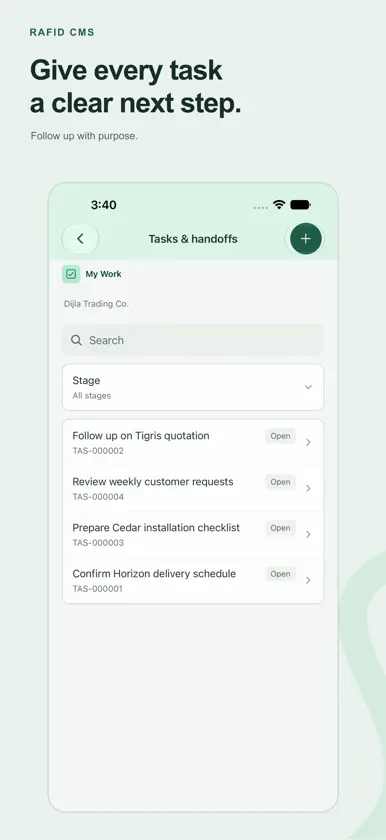
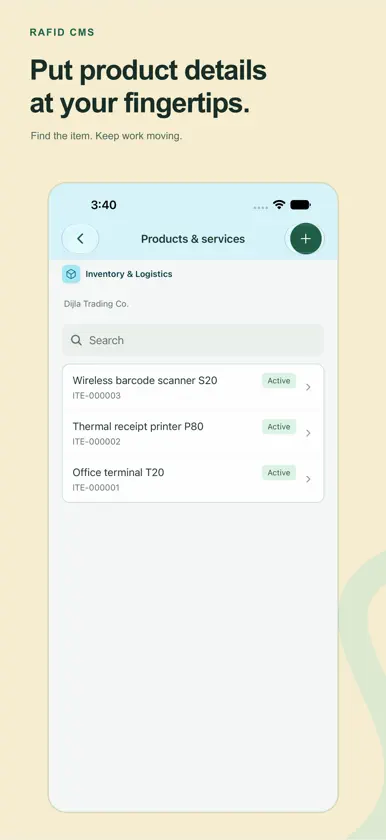
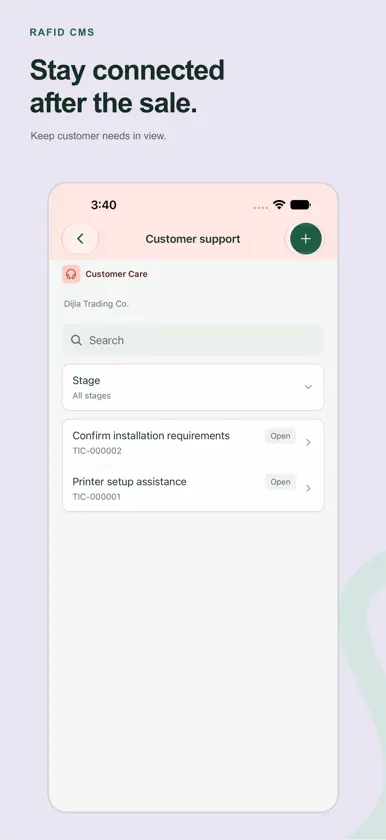
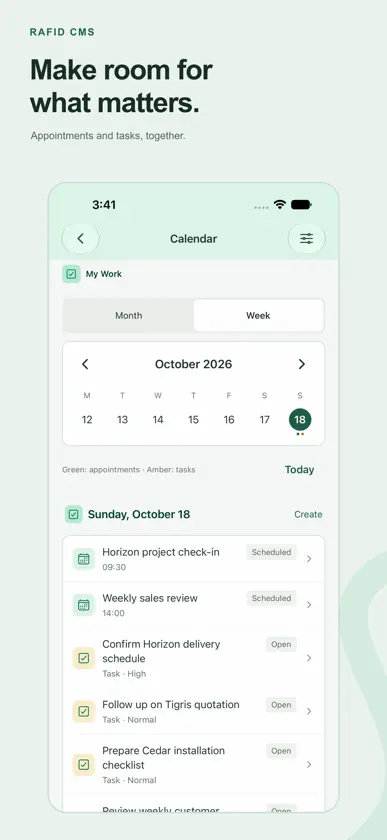
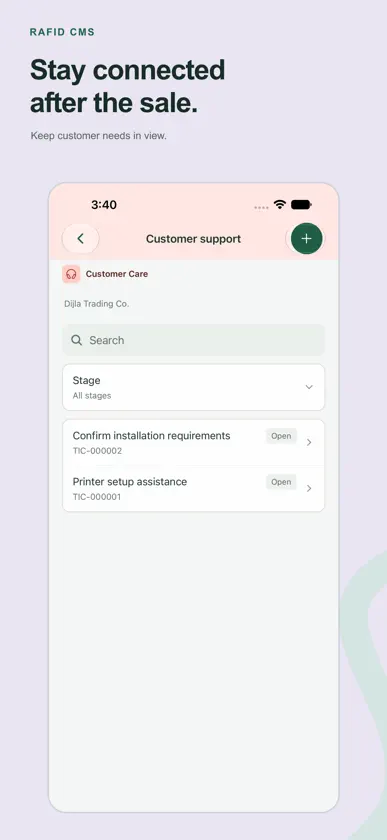
Better connections. Smarter business. RAFID CMS (Company Management System) brings your company's daily work into one mobile companion. Follow customer relationships, move sales forward, review work and keep teams connected, with access shaped by your role. START YOUR DAY WITH CLARITY See assigned tasks, upcoming appointments, pending approvals and important handoffs. Open the records behind each next action. KEEP SALES MOVING Work with customers, leads, opportunities and quotes. Review details, update permitted records and move to the next stage without returning to your desk. CONNECT CUSTOMER CONVERSATIONS Access email and WhatsApp conversations assigned to you when your company has connected those channels. Coordinate responses and human handoffs within your inbox permissions. MANAGE DAILY OPERATIONS Use the modules your company enables: orders, invoices, collections, purchasing, inventory, shipments, projects, support and employee requests. Financial and operational actions remain subject to company approvals and permissions. USE TOOLS BUILT FOR MOBILE Scan existing item barcodes, capture work evidence, attach selected photos or documents and open customer addresses in maps. Browse your calendar in month or week view and review an appointment before adding a separate copy to your device calendar. ASK RAFID When AI is enabled by your company, get help with permitted business information and selected reference PDFs. Review AI-generated record changes, messages and suggested tasks before confirming them. Availability depends on company settings and usage limits. WORK WITH CONFIDENCE Your company's roles, record scopes and inbox assignments apply on mobile. Recent eligible operational summaries and explicit drafts can be available offline; sensitive records and changes require an internet connection. Offline drafts never submit automatically. RAFID CMS is a companion for existing RAFID company accounts. Sign in with your account or accept an employee invitation. Features depend on your company configuration, assigned permissions and connected services. Company registration, subscriptions and advanced configuration are managed on the web. No subscription purchase is offered in this app. FIELD DUTY, WITH CLEAR CONTROLS When your company enables a sales field assignment, review the area and working hours before starting. With your permission, precise location can be shared in the background, including when the app is closed or not in use, during an active duty session within your assigned hours. Only your company owner and assigned responsible managers can view it. You can stop sharing at any time. Other permitted work remains available if you decline location. KNOW YOUR PAY Employees can review permitted salary statements, earnings, itemized deductions and reasons, expected net pay and recorded payment status. Payroll access follows company roles and approvals. FIELD CONTINUITY During an authorized duty session, delivered locations are stored in an encrypted device queue while offline and synchronized when connectivity returns. Assigned managers can review battery, charging, known device issues and recorded routes. Late points are not shown as live locations. A silent phone’s cause remains unknown; shutdown or employee intent is not assumed. Collection depends on device and operating-system availability.
What's new
Version 1.2.1 · Nov 8, 2026
Stay connected in the field, even when your network is not. • Authorized field sessions securely save delivered locations offline and synchronize them when connectivity returns. • Assigned managers can review battery, charging and known device or location-permission issues, with saved route history. • Delayed locations stay separate from live positions, and unknown signal-loss causes are clearly labeled. • Clearer work screens, navigation and permission handling across daily operations. Field duty requires company setup, employee disclosure and location permission. Background updates depend on device and operating-system availability.


