
Reader for Watch
磊 汪
No ratings yetUtilitiesAges 4+
Screenshots



About this app
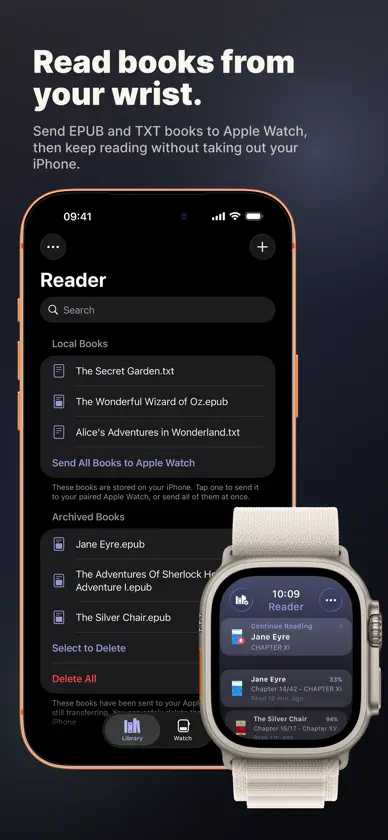
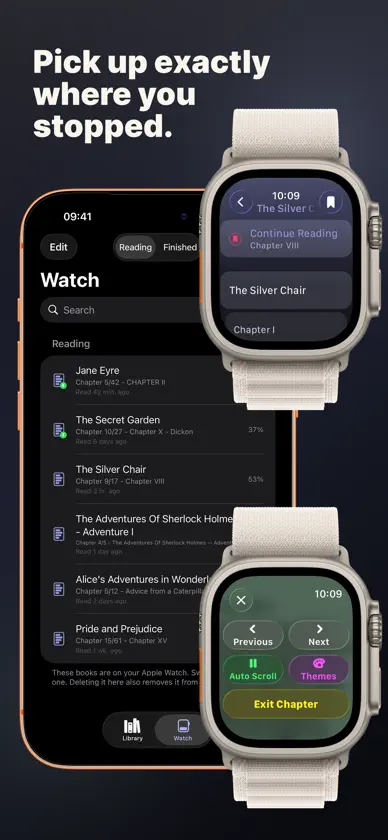
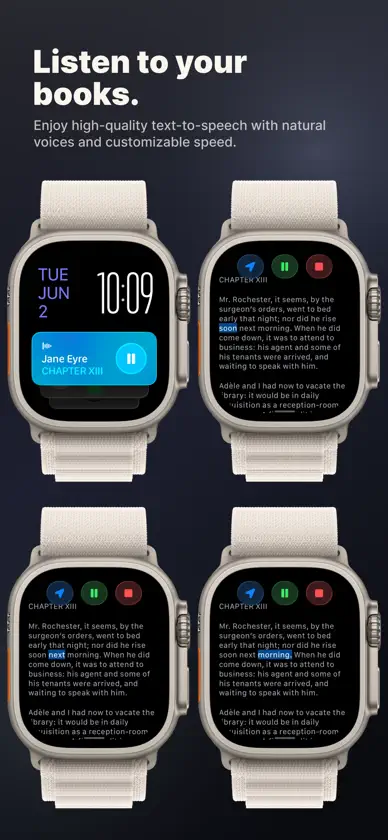
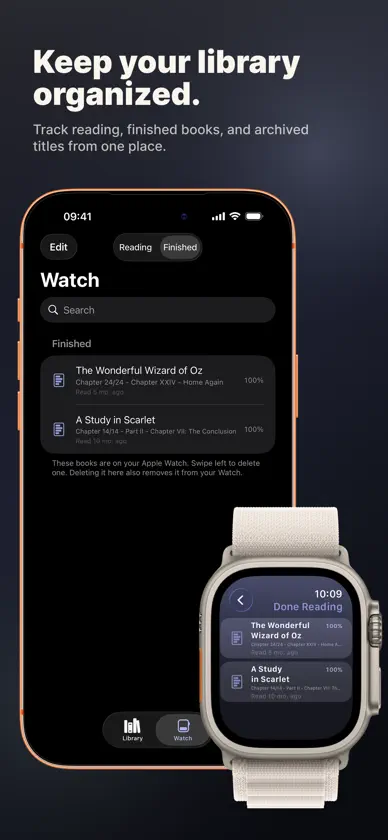
Reader for Watch turns your Apple Watch into a fully standalone EPUB & TXT reader. Import books from your iPhone Files app, send them to your paired Apple Watch, then read offline or listen with Read Aloud (TTS) anytime—completely phone-free! Perfect for workouts, commutes, running, or leaving your phone behind. The app beautifully adapts your books for the watch screen with auto-scroll, chapter parsing, and customizable text styles. Key Features: • Standalone Reading: Read fully offline on Apple Watch after a quick transfer. • EPUB & TXT Support: Easy import from the iOS Files app or other apps. • Image Support: Full support for displaying images and illustrations in EPUB books. • Text-to-Speech (TTS): Listen via the Apple Watch speaker or Bluetooth headphones. • Smart Layouts: Automatic chapter parsing, reading progress sync, and bookmarks. • Smooth Auto-Scroll: Enjoy hands-free reading while on the move. • Quick Resume: Continue Reading widget and watchOS complication/control for fast resume. • Library Management: Pin books, track progress, and manage finished books. • Highly Customizable: Adjust font size, themes, custom colors, and speech rates. • Local Archiving: Option to archive local copies on iPhone after sending them to your watch. • Privacy First: Completely private. No data collection. Reader for Watch is designed for book lovers who want a clean, private, and simple way to carry their personal library on their wrist.
What's new
Version 26.11.5 · Nov 5, 2026
What's new in this version: • Fixed Auto Scroll mode not being restored after leaving a chapter during Read Aloud. What's new recently: • Pause or resume Read Aloud from your Apple Watch face or Control Center without opening Reader. • Improved Read Aloud controls and recovery when resuming paused sessions after Reader has closed. • Improved library performance and made tab switching smoother on iPhone. • Automatically opens your Library after importing books with the Share Extension.


