
Scan2Wallet
Across The Street LLC
No ratings yetProductivityAges 4+
Screenshots

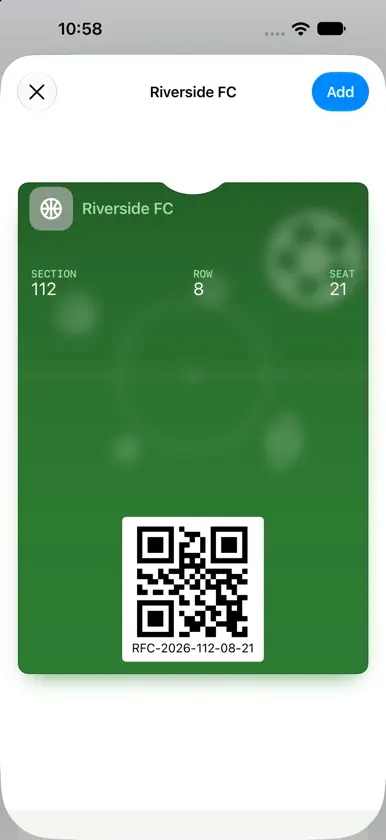

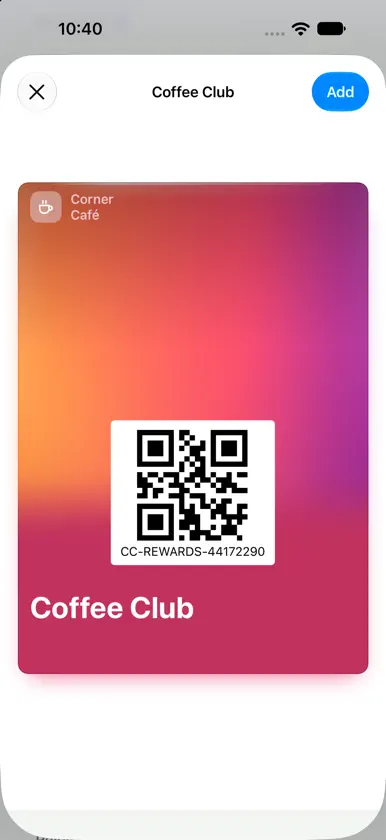
About this app
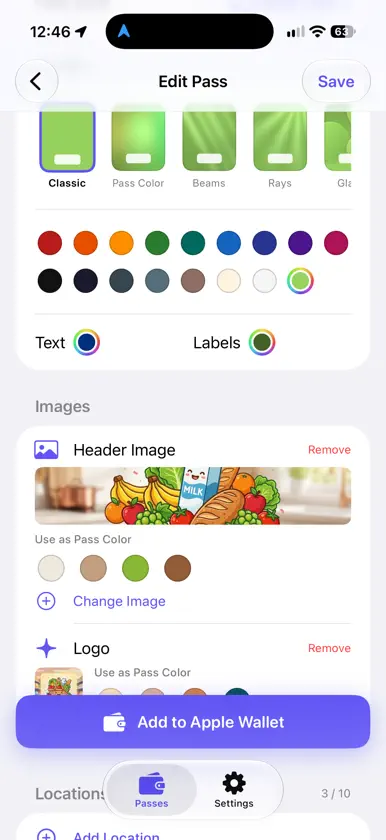
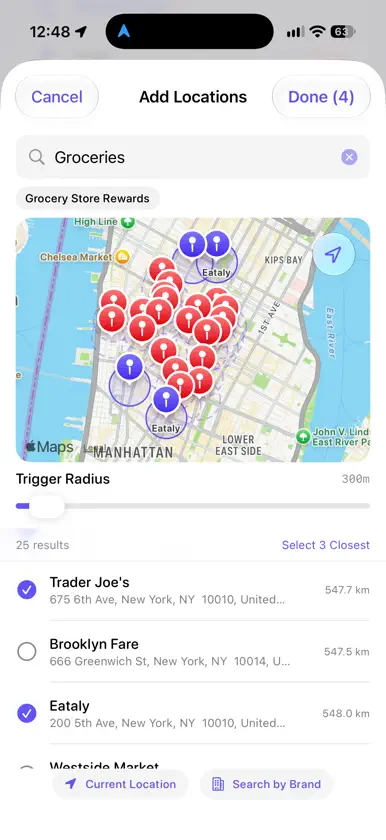
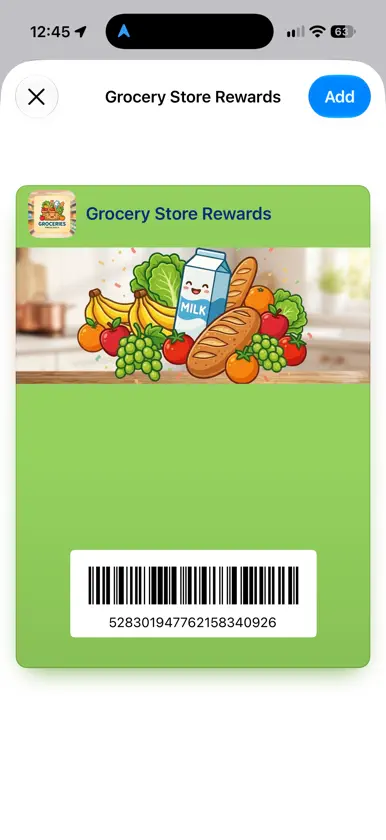
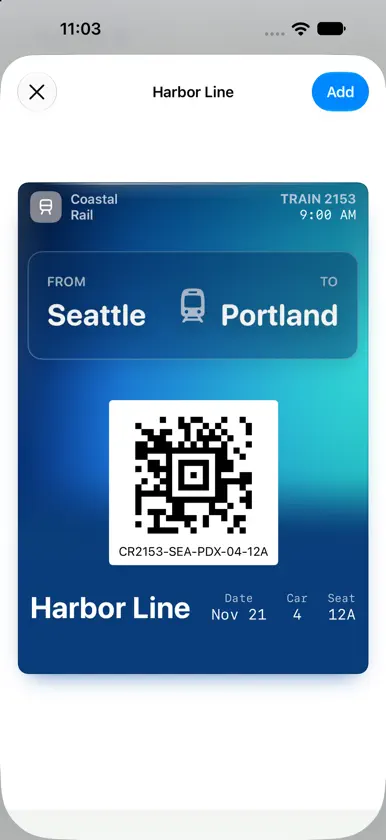
Scan2Wallet — Any card. Apple Wallet. 10 seconds. Scan a barcode or QR code on a loyalty card, membership card or ticket with your iPhone — then tap once to drop it into Apple Wallet. No typing, no signup, no digging through your purse/wallet at checkout. The pass will show up automatically on your lock screen the moment you arrive at the store. Walk in, glance down, scan. Done. Why you'll love it • Scan in seconds — point your camera at the barcode or QR code, or pick a photo of your card • Fills itself in — Scan2Wallet reads the name off your card, and the section, row and seat off your ticket • More than loyalty cards — membership cards, coupons, event tickets, and train, bus, ferry and flight tickets • All the ticket details — date, time and seat, plus the section and row for events or the route for travel • One tap to Apple Wallet — no forms, no accounts, no setup • Pops up at your location — add up to 10 store locations, and your pass appears on your lock screen when you get there • Pops up on time — set a time, and your pass appears on your lock screen right when you need it • Make it yours — match your card's colors in one tap, add a logo or pick one of 30 icons, and on iOS 27 give your pass a full-color design • Genuinely fast — most cards take about 10 seconds from scan to saved No account needed Scan2Wallet doesn't make you create an account. Your passes are saved on your iPhone and in Apple Wallet, and your card details are never stored on our servers. Free to use Scan2Wallet is free with a small banner ad, and your first 3 passes are free. After that, watch a short video to add each new pass, or get Unlimited + Ad-Free with a one-time purchase and support the developer in keeping the app running. Editing your passes is always free.
What's new
Version 1.1.1 · Nov 10, 2026
• Done button and next/previous arrows above the keyboard • Tap anywhere outside a field to put the keyboard away • Pick from 16 color themes on iOS 26 and earlier New in 1.1: • Fills itself in: reads the name off your card and the seat off your ticket • Event tickets with date, time and seat info • Transit passes for trains, buses, ferries and flights • Match your card's colors in one tap • 30 new logo icons • Full-color designs on iOS 27 • Now in Arabic, Simplified Chinese, Hindi, Turkish and Vietnamese • Now works on iOS 18
In-app purchases
The most popular purchases on the App Store.
- Remove AdsConsumableUSD 1.99
You might also like
All apps like Scan2Wallet → Timeli: Timestamp Event LogYellowsquared LLC
 Dark Mode Feat for SafariPedro Carrazana
 QR Studio - Create QR CodesVictor Aguilar
 Mängelmelder RendsburgUTH Rendsburg
 PBIGRLFRanjesh Maurya
 VMMap ProMetrotech Corp.
 Pics.ioTopTechPhoto inc.
 Elbow - Flat PatternKantaben Gorasiya
 AnkiLockMilan Sajeev George
 Ai Story Maker-Novel GeneratorDzine Media