
Solve: Study Notes
Testbank Inc.
No ratings yetEducationAges 12+
Screenshots



About this app
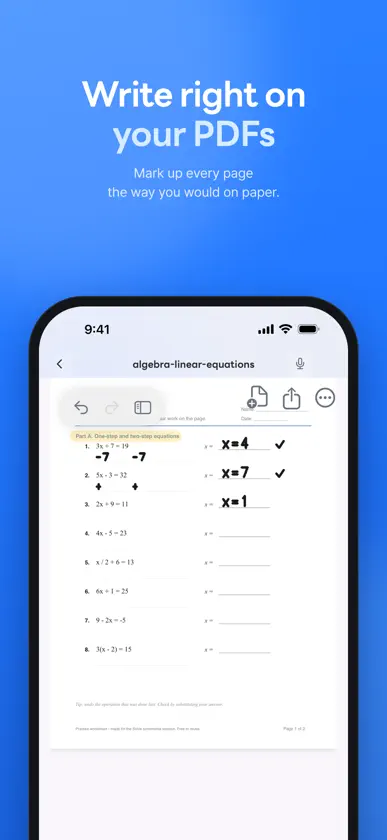
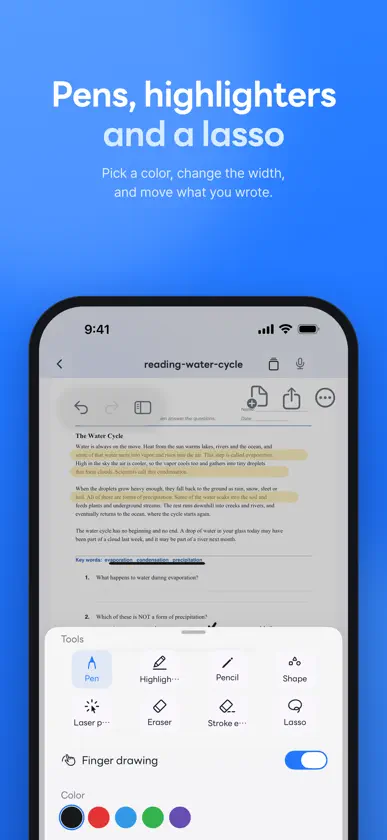
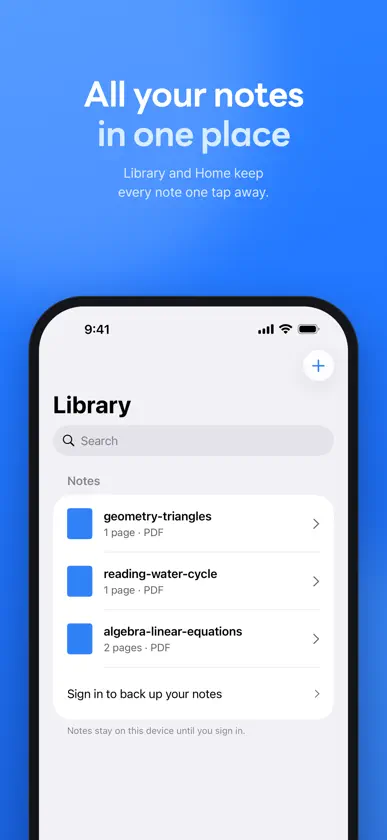
Study the materials you already have with Solve. Read a summary, ask AI about your uploads, and write on the pages as you learn. ADD YOUR MATERIALS Add PDFs and web links, take photos of pages, or scan paper documents with your camera. You can also upload .pptx, .docx, .xlsx, .md, .txt and .csv files. AI can read the text in your photos and scans. Follow the processing status as your material gets ready. ASK AND CHECK THE SOURCE Ask AI about the materials you upload. Tap a source reference to go to the page when a page reference is available. Select an area on a page and ask about just that part. If the material does not support an answer, Solve lets you know. STUDY THIS PAGE Get an explanation, practice questions and key terms for the page you are reading. Find problems on a page and view their solutions. Write your answer by hand and have AI check it. WRITE AS YOU LEARN Write on your PDFs, photos and scans, and on the text of saved web links with the pen tools. You can also freeze a web page and write on it. Summarize or organize your handwritten notes with AI. Your handwriting syncs to your account. Study on iPhone and iPad. YOU CHOOSE AI PROCESSING Before using AI, review what will be sent for processing and choose whether to allow it. You can turn off future AI processing in Settings. AI features have a daily free limit. AI responses can be wrong. Check them against your source material. Sign in to add and study your materials, or start with a sample. Questions: contact@testbank.ai Privacy Policy: https://policy.solve.im/privacy/en Terms of Service: https://policy.solve.im/terms/en
What's new
Version 3.11.7 · Nov 6, 2026
What's new in 3.11.7 • For books with an author's score conversion table, such as SAT, submit every module in a test set to see your estimated score at the top of your score card. Answers and explanations stay hidden until you finish all modules. • During sign-up and in "Manage consent," you can now choose usage analytics, ad measurement, and AI processing separately from overseas data transfer. Turning any of them off stops it right away. If you agreed before, we'll ask once about overseas transfer. • Fixed a rare crash when turning pages on iPad. • Corrected the privacy notice wording and policy link on the sign-up screen. • Improved translations on several screens and overall app stability.


