
The Clock Widget
Kintsugi LLC
No ratings yetUtilitiesAges 4+
Screenshots



About this app
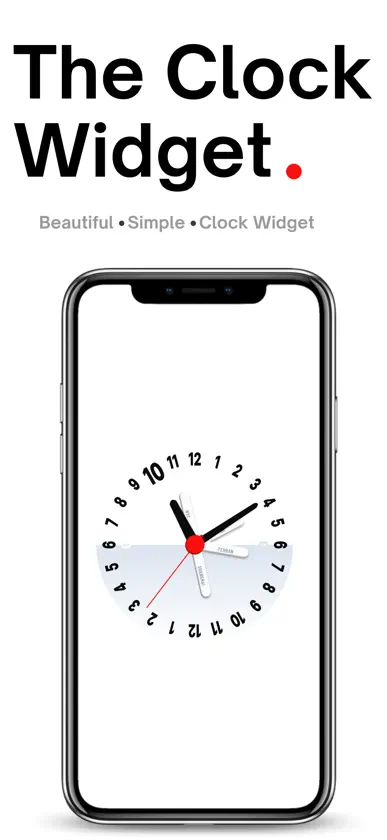
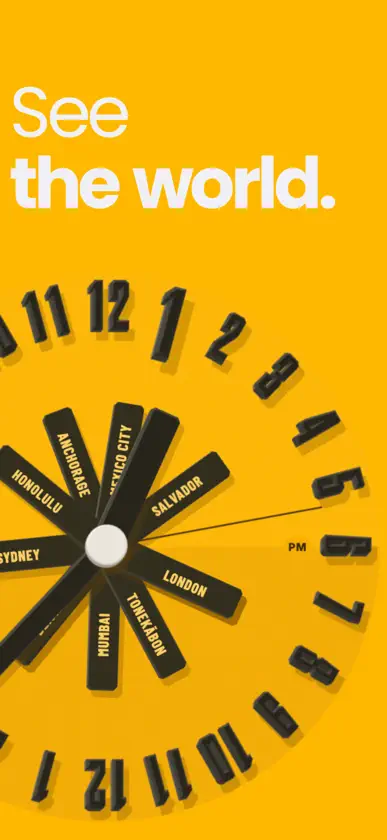
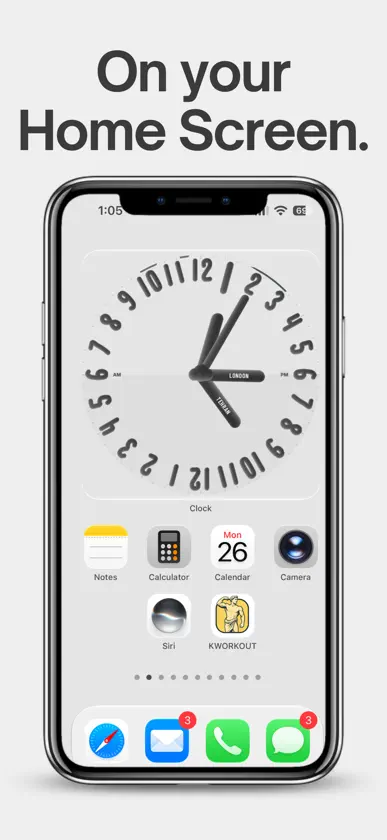
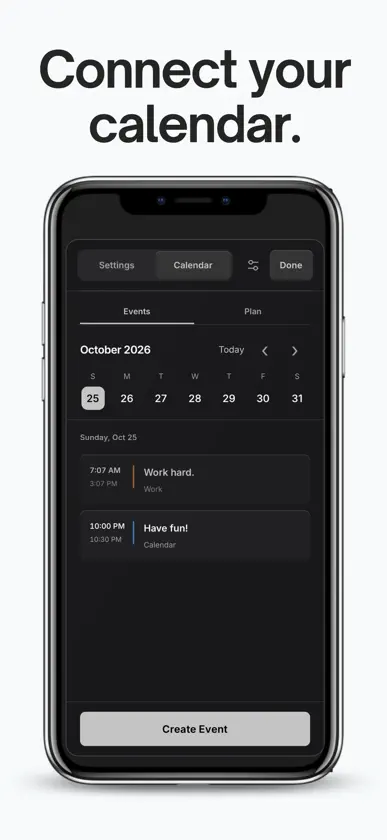
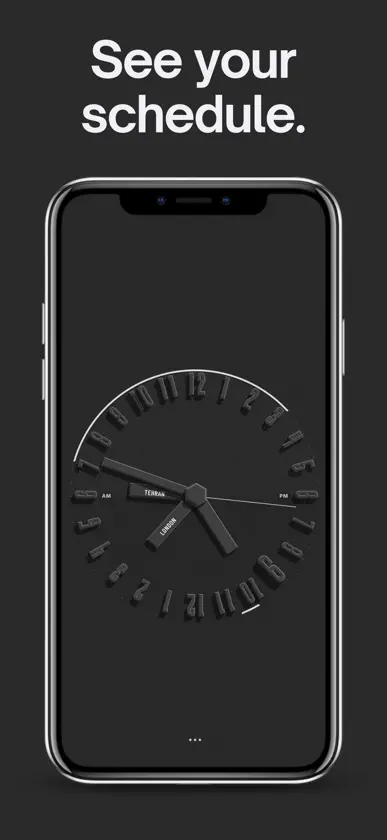
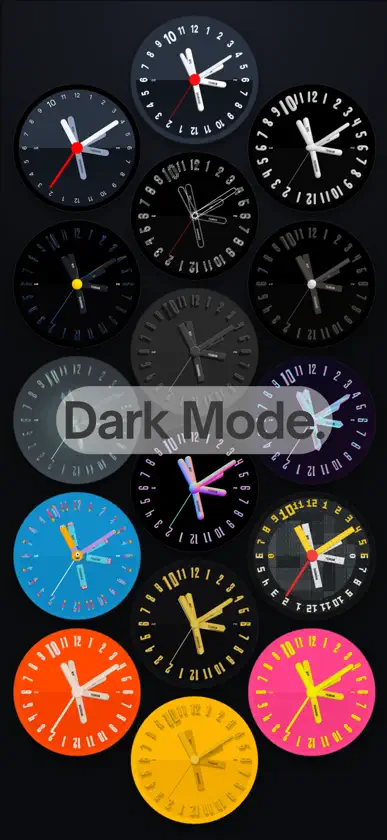
Keep the people and places that matter on one clock. The Clock Widget brings world time, calendar planning, and a personal Home Screen clock together. See how the day lines up across your saved cities, explore a better time to meet, and save an event directly to your device calendar. SEE YOUR DAY AROUND THE WORLD Add cities and compare their times on a shared 24-hour dial. Labeled city hands, day and night colors, optional working-hour shading, and a world map help you understand the day at a glance. FIND A TIME TO CONNECT Drag the clock face to explore another time. The event planner shows the corresponding times for your saved cities, so you can consider everyone's day before choosing a date and duration. BRING YOUR CALENDARS INTO VIEW Optionally connect selected device calendars to see your agenda and timed events around the clock face. Check overlaps with those calendars, create events, and edit or delete events you select. Your device and calendar provider handle calendar synchronization. MAKE YOUR HOME SCREEN USEFUL Add a small, medium, or large widget on iPhone or iPad. Your selected face, cities, and supported display preferences follow the app. Connected calendars can add event-time arcs to the widget. Tap the widget to return to the current clock. MAKE THE CLOCK YOURS Choose from 19 clock designs, paired light and dark appearances, numeral styles, and display options.
What's new
Version 1.0.1 · Nov 5, 2026
Horizon & Departures.
More from Kintsugi LLC


You might also like
 Clock StampZhicheng Chen
 Dzvin: Morphing Clock WidgetVadym Kovalsky
 Shadowline: World Time ZonesKKB CoRi Technologies Private Limited
 Dial TimerJohn Millhouse
 Timeline CalendarNir Tsook
 Nox Light - FlashlightJaewon Jung
 Date & Time - WidgetsSKIZ LLC
 ZeroAds: Redirect BlockerHuy Le
 Calculator SilverHannes Sverrisson
 Countdown & Widget: CountioPanittha Suwannajang