
TRIGGERcmd
VanderMey Consulting, LLC
No ratings yetUtilitiesAges 4+
Screenshots



About this app
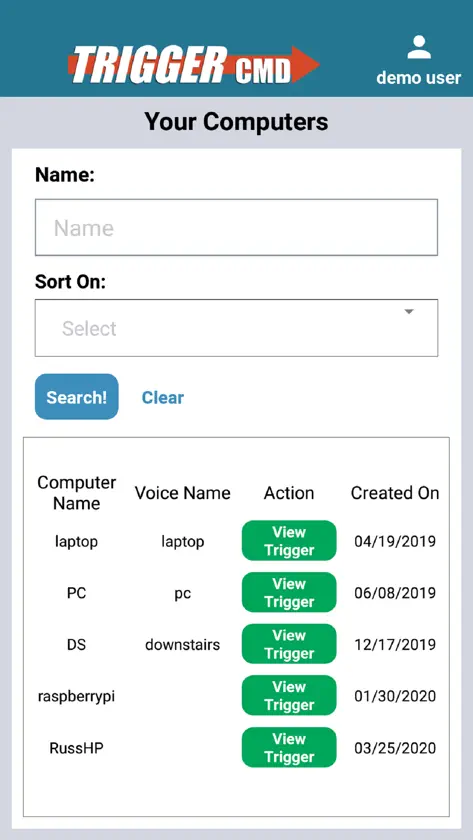
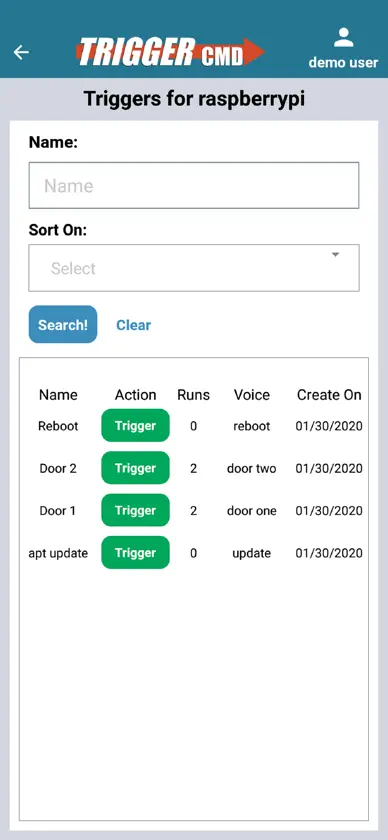
Your commands could install updates, open your garage, run a script, or anything else you decide. 1. Go to triggercmd.com and created an account. 2. Install a TRIGGERcmd agent on your computer. 3. Setup commands you want to trigger remotely. 4. Log into this app and trigger your commands. Each command gets a trigger. Only the triggers are stored in the cloud, not the actual commands. If you use social authentication (Facebook, Twitter, or Google) to create your account, you'll also need to set a password in your user profile. Click your name in the upper-right after logging in at triggercmd.com to access your profile.
What's new
Version 1.0.26 · Sep 2, 2026
Now you can send parameters for commands that support them.
You might also like
 Wakey - Wake on LanChun Yu Leung
 SayBoot — turn on your PCALESSANDRO COLALONGO
 GoodTermPLAYSTONE INFORMATION TECHNOLOGY LIMITED
 Pitikapp Remote DashboardCyril Caillaba
 Dash IoTDashIO Connect
 Digifort Live WitnessDigifort
 Button BoxMehmet Akif ERSOY
 LuCI MobileTunap Paul
 HouserHouser
 Contrinex Smart VisionContrinex S.A.