
DBMan
Pariahware, Inc.
No ratings yetDeveloper ToolsAges 4+
Screenshots
About this app
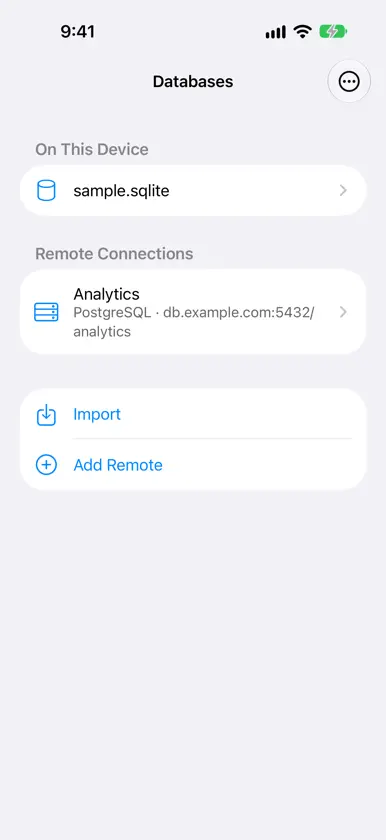
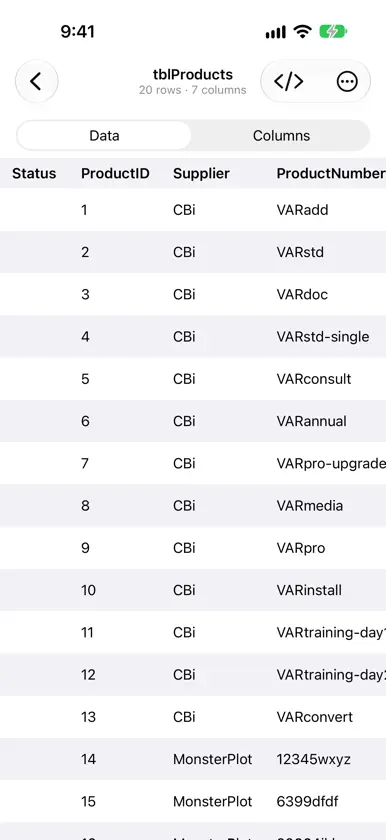
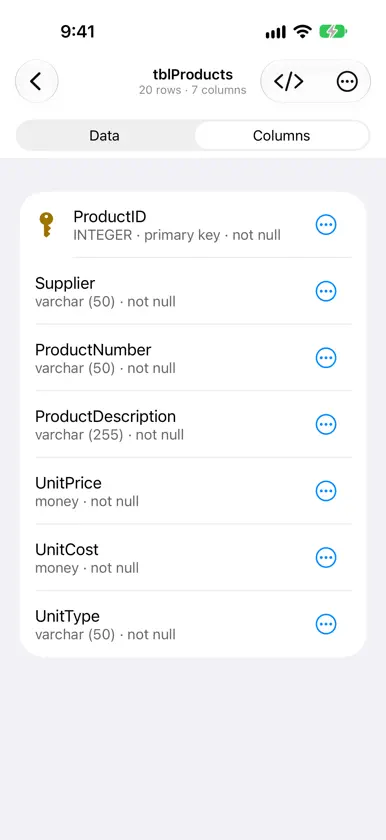
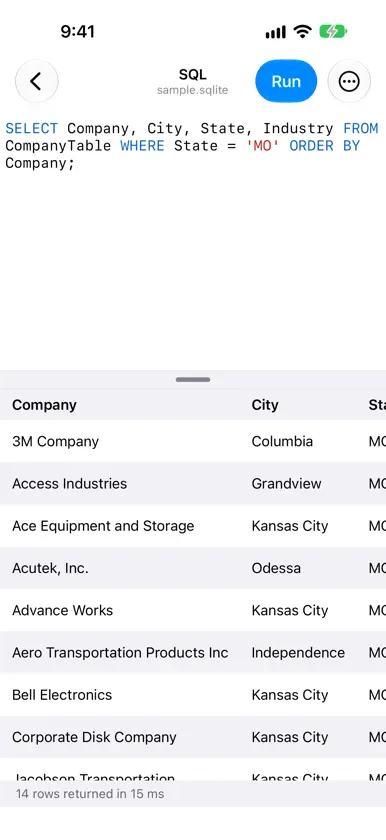
DBMan puts your databases in your pocket. Open a SQLite file or connect to a MySQL, MariaDB or PostgreSQL server, look through its tables, and run SQL, on iPhone and iPad. DATABASES • SQLite files from Files, iCloud Drive, Dropbox or the Finder; only real SQLite files are accepted • MySQL, MariaDB and PostgreSQL, with ready-made settings for Amazon Aurora and RDS, CockroachDB, Neon, PlanetScale, Supabase and TiDB Cloud • TLS encryption, and SSH tunnels with a password or private key (Ed25519, ECDSA or RSA) • Passwords are kept in the Keychain, protected by Face ID or Touch ID if you like • A sample database to explore right away BROWSE • Tables, views, indexes and triggers, with each table's rows and columns • Columns described in words: "INTEGER · primary key · not null" • A fast results grid: copy a value, see a long value in full QUERY • A SQL editor with syntax highlighting and autocomplete of keywords, tables and columns • Run a whole script or just the statement under the cursor, and stop a long query at any time • Every run shows what happened: the rows, the number of rows changed, or the database's error • Your typed SQL is never lost: Undo for Clear, and a question before anything would discard it IPAD WORKSPACE • A sidebar of objects, tabs, and an inspector with each object's details • A Schema Editor with columns that drill down from object types to fields • An ER diagram of your tables and their relationships, with zoom, pan and a minimap • Full keyboard and trackpad support, with shortcuts for every main action • Split View and Slide Over DBMAN PRO Browsing and querying are free. DBMan Pro is a one-time purchase, with no subscription, that adds: • Editing rows in place: change values, add and delete rows, saved together in one transaction • Schema editing: create, rename and drop tables; add, change and drop columns, indexes and foreign keys, with a preview of the SQL • Export of a table or query results as CSV, JSON or SQL, every row, to a file or the share sheet • Saved queries (bookmarks), Copy Row, and more on iPad: any number of SQL editors, tabs kept after you quit, Run Statement, the Logs and Problems panels, and ER diagram extras BUILT FOR EVERYONE • VoiceOver, Dynamic Type, Dark Mode and full keyboard control • In English, Spanish, Italian, German and French • No ads, no tracking, and no data collected
In-app purchases
The most popular purchases on the App Store.
- DBMan ProConsumable29,99 €


