
studyFlow Planner
Jose Gea
No ratings yetEducationAges 4+
Screenshots



About this app
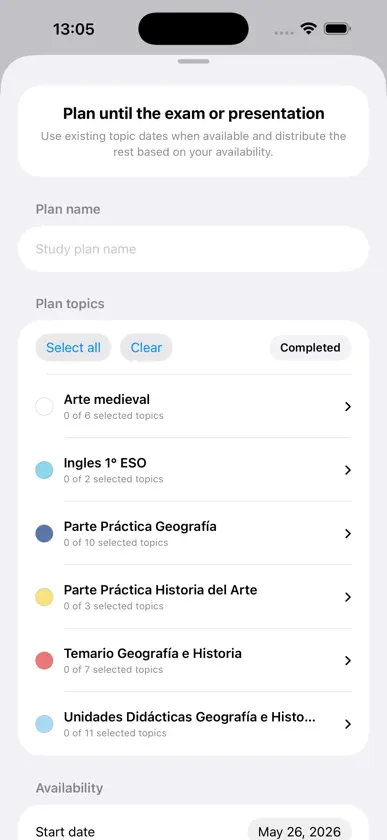
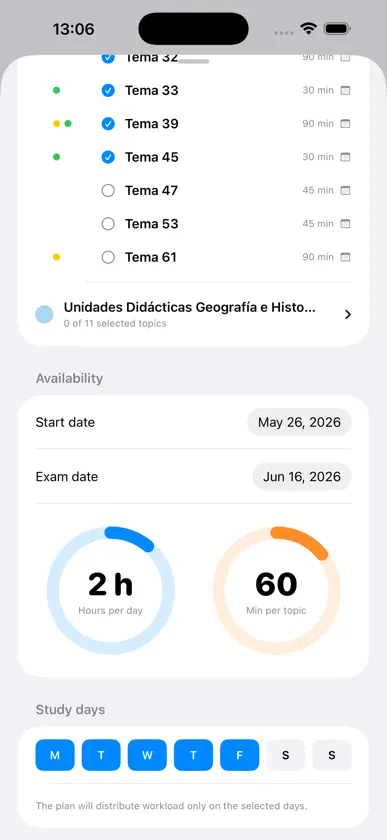
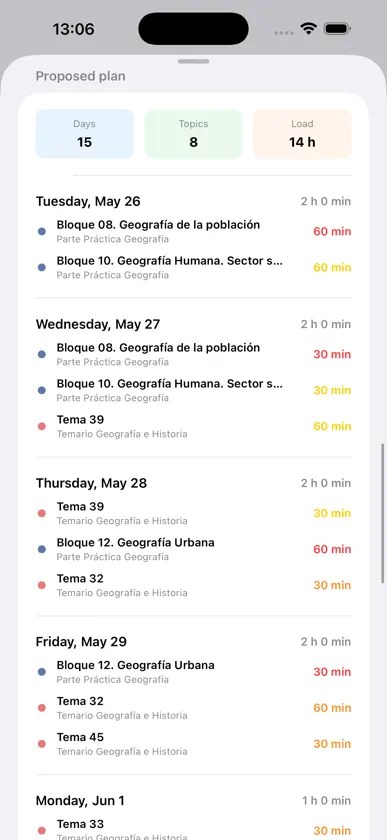
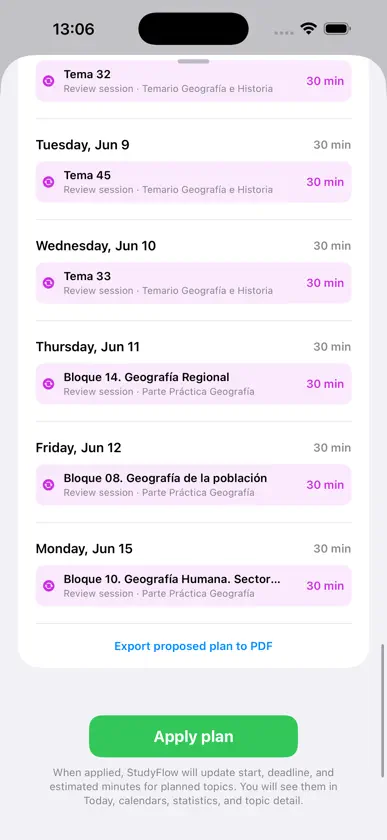
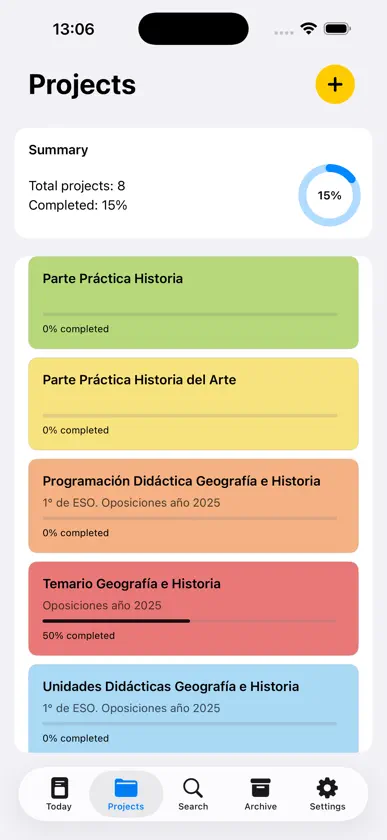
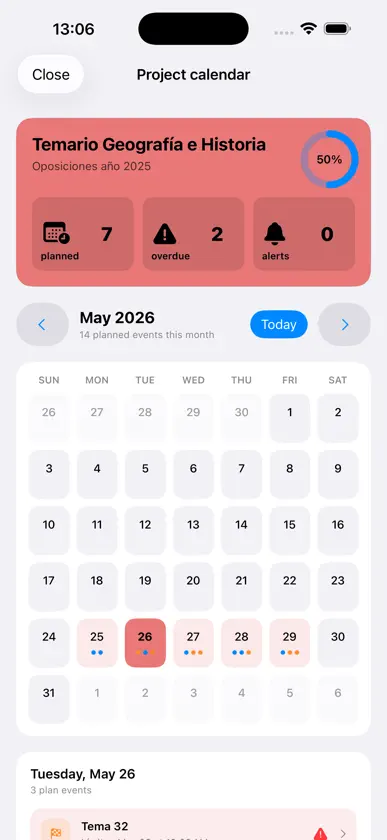
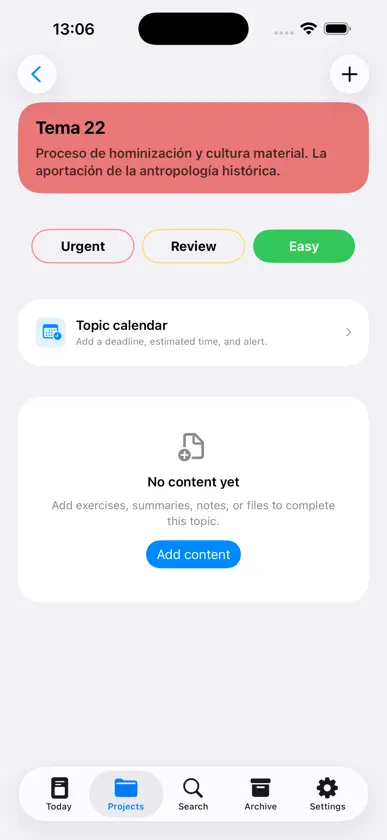
StudyFlow helps you organize your study workflow in a clear, visual, and efficient way. Create projects for subjects, exams, presentations, certifications, or assignments. Break each project into topics, add content, save attachments, mark priorities, and track your progress from a daily workspace designed to reduce noise and keep you focused. With the study planner, you can generate automatic plans from a start date to an exam or presentation date. StudyFlow distributes the workload based on your available days, estimated time per topic, and priorities. If the main plan finishes early, it adds review sessions to make better use of the remaining days. Main features: • Organize by projects and topics. • Project templates for faster setup. • Content types: class notes, exercises, practice, presentations, summaries, outlines, bibliography, notes, and other. • Attachments for related study materials. • Topic labels: urgent, review, and easy. • Today screen with overall progress, daily agenda, deadlines, and reminders. • Study planner with start date, exam date, available days, and daily workload. • Automatic review sessions. • Project and topic calendars. • Archive for completed projects. • Export projects and study plans to PDF. • Backup, export, and import your data. • iCloud sync across devices. • Interface adapted for iPhone and iPad. • Available in English and Spanish. StudyFlow is built for students who want to keep their material under control, prepare exams with enough time, and move forward every day with a clear plan.
What's new
Version 4.0 · May 26, 2026
StudyFlow 4.0 is a major update focused on planning, productivity, and a more polished experience. What’s new: • New study planner with automatic plans from a start date to an exam or presentation date. • Automatic review sessions when there is available time before the exam. • Active plan history, so you can review previous plans and export them to PDF. • Much richer PDF export for study plans, including days, topics, workload, colors, and review sessions. • Redesigned Today screen with a new overall progress card and direct access to the study planner. • New welcome screen shown the first time the app is opened. • New Archive section integrated into the main tab bar. • Redesigned Settings screen with clearer Help and About sections. • New project templates to create projects faster. • New content types: Class notes and Other. • Visual improvements across iPhone and iPad, including modals, cards, buttons, and navigation. • Improved English and Spanish localization. Fixes and improvements: • Better iCloud synchronization between devices. • Fixed navigation issues in archived projects and topics. • Improved project completion and restore flow, with visual feedback before moving projects. • Better calendars, dates, and formatting based on the selected language. • Improved completed topic selection in the study planner. • General stability, design, and performance improvements.
More from Jose Gea


You might also like
All apps like studyFlow Planner → Revision Timetable & PlannerPiyush Korat
 ClassDeck: School PlannerFerran Espuna
 Todait: Adaptive Study PlannerYikyeong Ko
 Aprofy: Study Planner & TimerAlejandro Mascort Colomer
 Academic MobileBlanquerna
 PassIt: Grade CalculatorMarc Prez Calmet
 eXeReaderINTEF
 AppURL Universitat Ramon LlullUNIVERSIA ESPANA RED DE UNIVERSIDADES SA
 iDoceo - Planner and gradebookiDoceo Studios Ltd.
 School Planner AI Diary GradesCarlo Terracciano