
BASIC 1983 computer
Valerie Otero
No ratings yetEducationAges 4+
Screenshots




About this app
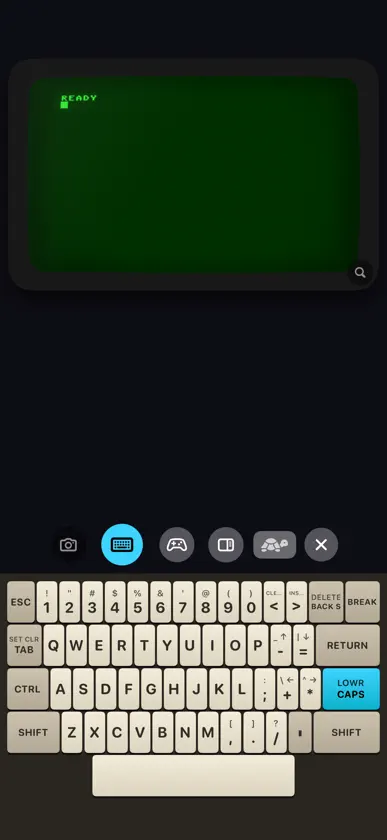
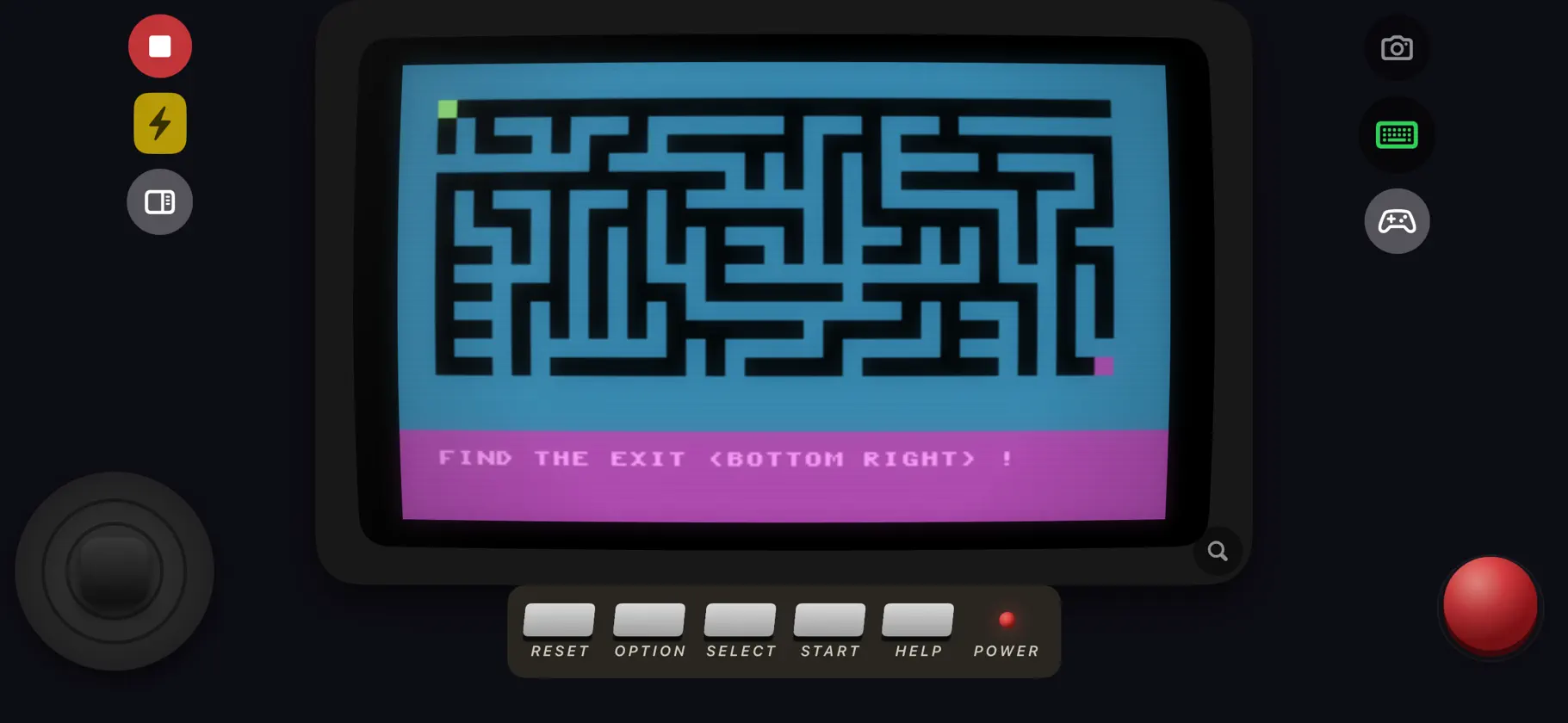
BASIC 1983 is an interpreter for the BASIC language of 1983, to learn programming on iPhone and iPad, or to remember it. You type a program, run it, read the error and fix it: the method of the time, with the original words, messages and speed. The retro screen, keyboard and joystick drawn on screen are the input and output of your programs, nothing more. THE 1983 LANGUAGE The period vocabulary: PRINT, INPUT, FOR, GOSUB, GRAPHICS and its modes, PLOT, DRAWTO, SETCOLOR, four-voice SOUND, PEEK and POKE on a 64 KB memory, STICK, STRIG, PADDLE, TRAP, and the faithful ERROR messages. Every word of the language is in the editor bar, in alphabetical order. WRITE, RUN, FIX The editor numbers and renumbers the lines and offers the keywords. Three layouts: CODE for long programs, MIXED to write and test, SCREEN to see the result full size. 80 PROGRAMS AND A LEXICON Seven categories: BASICS, GRAPHICS, SOUND, WORKSHOP (broken programs to repair), GAMES, CLASSICS, DEMOS. These programs are simple on purpose: on a small scale, they show the techniques of the classics of 1983. The lexicon explains every word with an example to try. Your programs can be sorted, searched, starred as favorites and shared as text files. THE TRUE SPEED AUTHENTIC: the 1983 speed. NORMAL: four times faster. TURBO: as fast as possible, for the demos. THE PERIOD SCREEN AND CONTROLS The retro screen, its 40-column text in chunky pixel letters as in 1983, its adjustable effects, the 1983 keyboard that rises over the screen (SHIFT, CTRL, CAPS/LOWR, BREAK, graphics characters), the 8-way joystick and its FIRE button, the START, SELECT and OPTION keys that your programs can read. THE CASSETTE CSAVE writes a cassette with the period audio signal, as a sound file; CLOAD reads back a sound or a CAS file. NO NETWORK Everything runs on the device. No data collected. If you wish, your programs follow you in your own iCloud. The full guide is in the app and at oterovalerie.fr.
What's new
Version 1.1 · Nov 13, 2026
With 1.1, our main goal was to make the app nicer to use. A few flaws in 1.0 really got in the way: text too small on the screen, example programs where a shot did not fire on every press, controls sitting on top of the picture. They are fixed. The screen. Text now runs the full width, 40 columns, in chunky pixel letters as in 1983 (the smoother font is still in the settings). Colours a program sets with SETCOLOR show whatever the theme. In SCREEN mode nothing covers the picture any more: the joystick, the fire button and the keys sit around it. The example programs. In those where you shoot, and in SUPER JUMP, every press of FIRE counts. Your paddle or ship moves faster while you hold the joystick, and sounds are gentler. ALIEN CARGO, SPACE DEFENDERS, UFO HUNT and COMPOSER have been rebuilt. There is a new program, FOUR IN LINE, for two players or against the machine. For learning. The lexicon shows the list of words first, and each entry opens when you touch its word; TRY IT clears the screen before typing the example. The gallery opens on its sections and each program says what it does. The guide reads like a book and describes all 80 programs. PEEK and POKE now reach screen memory, character shapes, sound and the keyboard. BASIC 1983 is still an app for learning. Its example programs are simple on purpose: on a small scale, they show the programming techniques of the classics of 1983, the ones retro enthusiasts still use today. Read them, change them, and write your own. Happy coding!


