
Screenshots



About this app
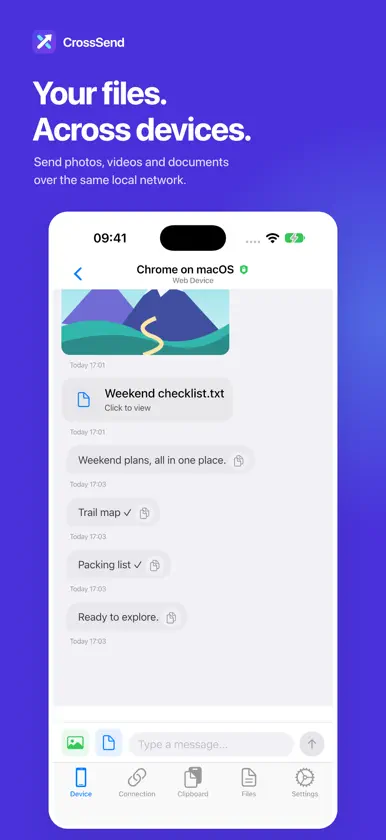
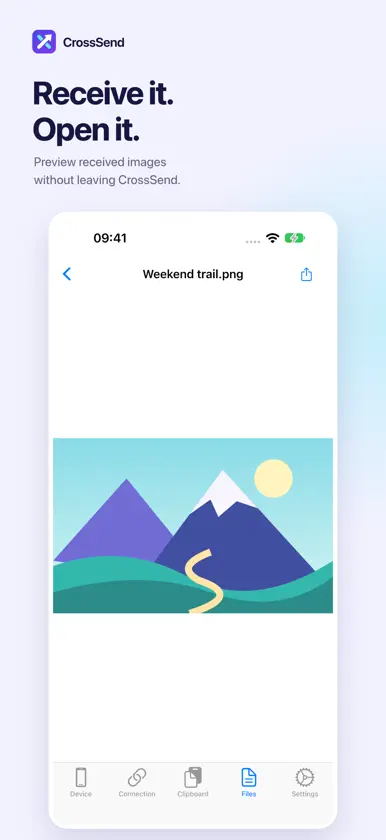
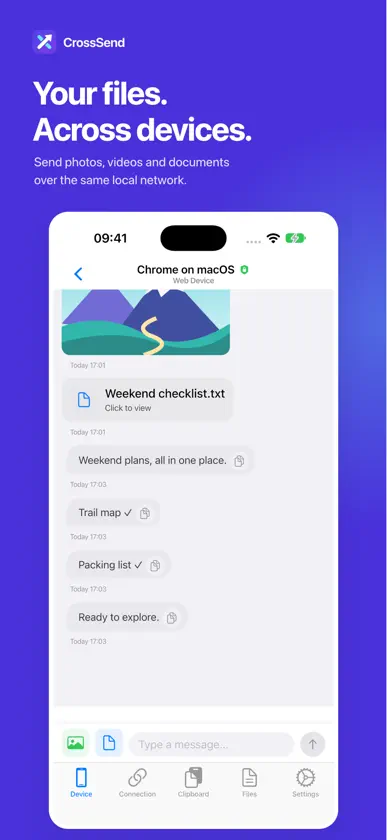
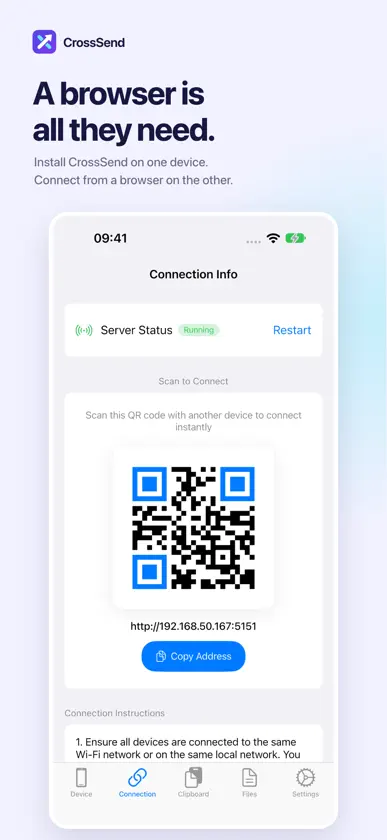
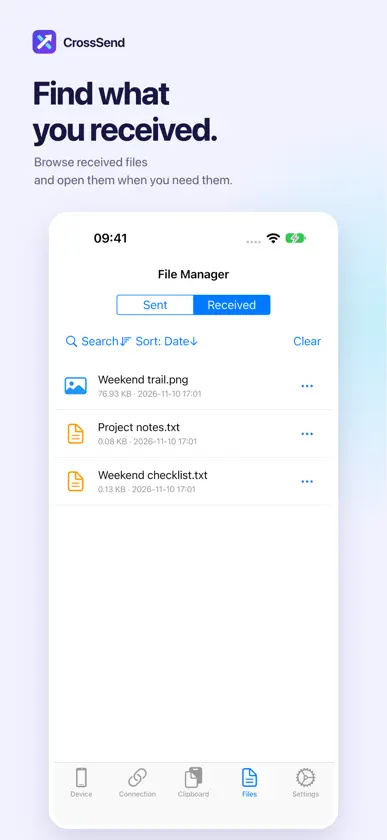
Move photos from your phone to your computer, or bring documents back the other way. Install CrossSend on one device and use a browser on the other to send files and text in both directions over the same local network. One install. Two-way transfers. • The other device only needs a browser—no additional app installation. • Scan the QR code on the connection screen or enter the address in a browser. • Basic local-network transfers do not require an account. When connection verification is enabled, enter the verification code to connect. Photos, videos, documents and text • Send files between phones, tablets and computers on the same network. • Share links and notes alongside files in a device conversation. • Preview received images in CrossSend and keep the conversation going. Easy to find after you receive • Browse sent and received files in one place. • Open or share a received file when you need it. • On iPad and the unfolded iPhone Duo, see your device list and conversation side by side. Get started in three steps 1. Connect your devices to the same Wi-Fi or local network that allows communication between devices. 2. Open the connection screen in CrossSend. On the other device, scan the QR code or enter the displayed address in a browser. 3. Follow the connection prompts, then send and receive files in either direction. Keep CrossSend running and your devices connected during transfers. Guest Wi-Fi and some workplace networks may block connections between devices.
What's new
Version 1.3.7 · Nov 10, 2026
Added support for iPhone Duo.


