Screen Capture
Kartika Ardiani
4.4(8)Photo & VideoAges +4
Screenshots

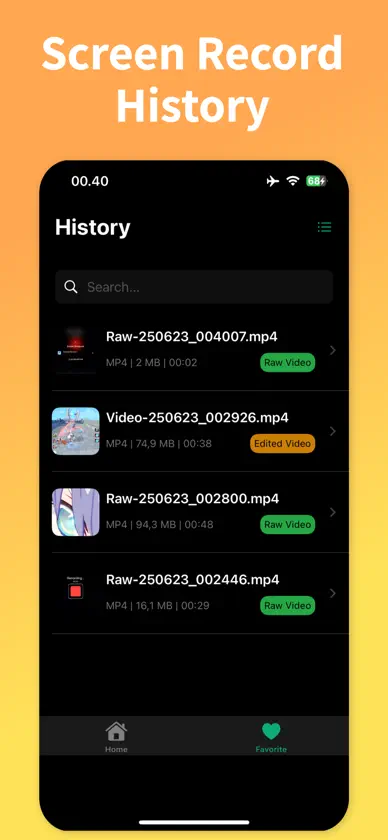
About this app
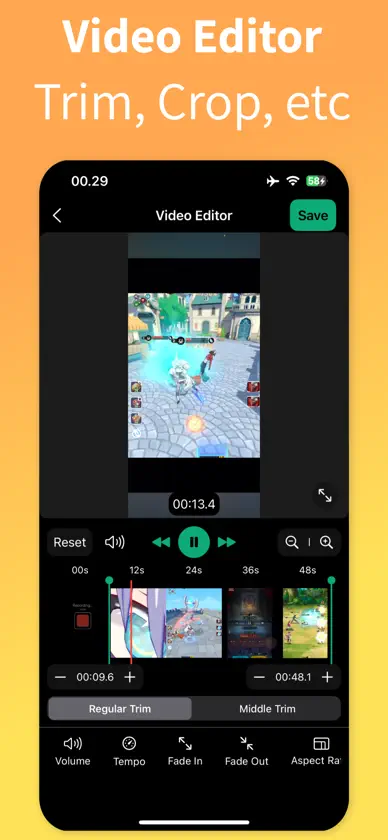
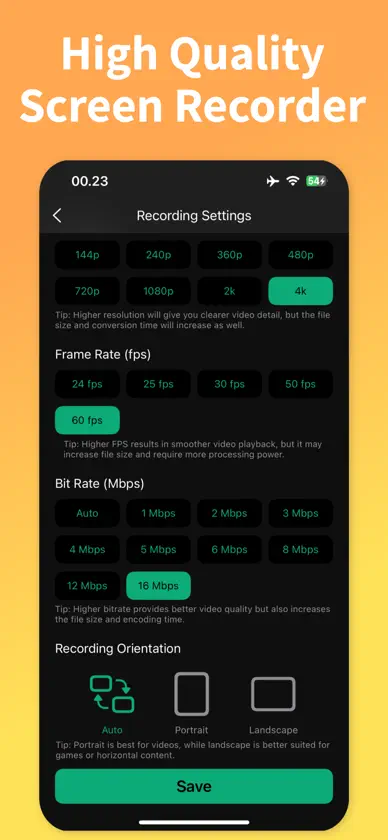
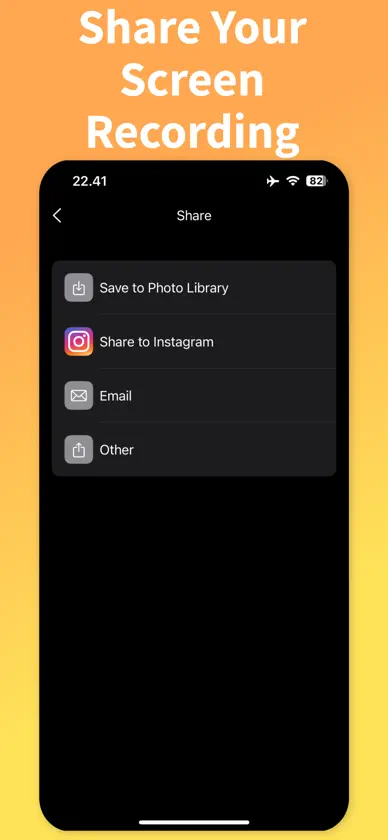
Capture every moment on your screen in stunning high-quality video. Record games, apps, and live streams with no watermark. Screen Recorder・Game Capture makes it easy to create high-quality videos on your iPhone or iPad. Customize your recording • High-quality video support • Adjustable bit rate, frame rate (FPS), resolution, and orientation • No watermark on your videos Powerful built-in video editor • Trim clips to keep only the best parts • Adjust audio volume • Add fade-in and fade-out effects • Change video speed for slow-motion or time-lapse • Crop and set the perfect aspect ratio Share and save anywhere • Save recordings directly to your Photo Library or Files • Share to social media platforms with one tap • Review videos in the built-in player Download now to start capturing your screen like a pro! Screen Recorder・Game Capture is free to use forever, with optional premium upgrades that unlock additional features. Terms of Use: https://olivetapp.github.io/Screen-Recorder/term-of-use Privacy Policy: https://olivetapp.github.io/Screen-Recorder/privacy-policy
What's new
Version 1.0.2 · Dec 24, 2025
Performance improvements
In-app purchases
The most popular purchases on the App Store.
- Screen Recorder ProConsumableR$ 299,90
- Screen Recorder Pro - 1YSubscription · 3 days free trialR$ 102,90 / year
- Screen Recorder Pro - 1WSubscriptionR$ 12,90 / 7 days
- Screen Recorder Pro - 1MSubscriptionR$ 25,90 / month
More from Kartika Ardiani



You might also like
 Screen RecordingAndy Sutanto
 Odays: Reviva e organize fotos炜东 黄
 Comprimir Fotos + CompressorMuhammet Talha VAROL
 Image & Video File compressorAman Singhal
 Comprimir Fotos e ImagensTugberk Can Ozen
 Loomi: Photo EditorArtur Darbinyan
 Resolution Changer: Image SizeViacheslav Khakhulin
 Remove Background Easy with AIAccess Creativity Labs LLC
 AI Avatar Generator - ArtifyMeSER_INT
 Apagar Fotos: Limpar GaleriaHuy Nguyen