
AlignScan – Document Scanner
智慧 吴
No ratings yetBusinessAges 4+
Screenshots






About this app
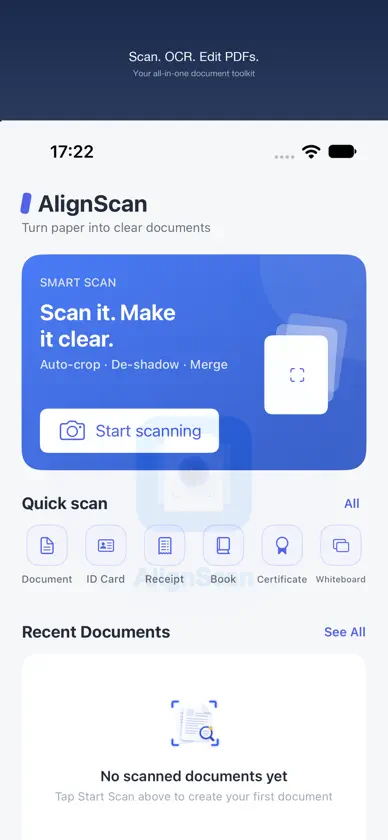
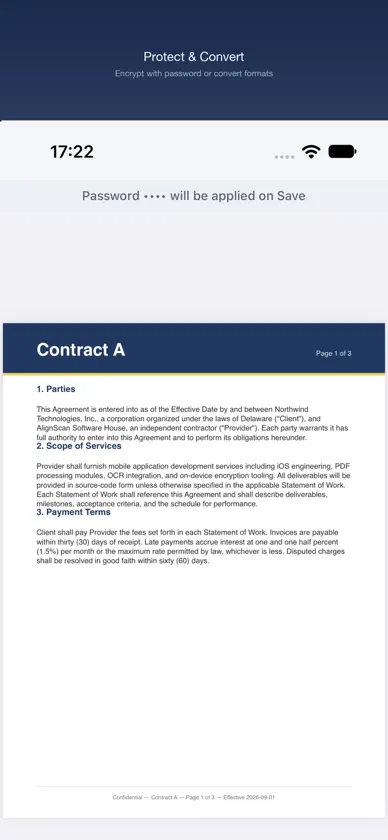
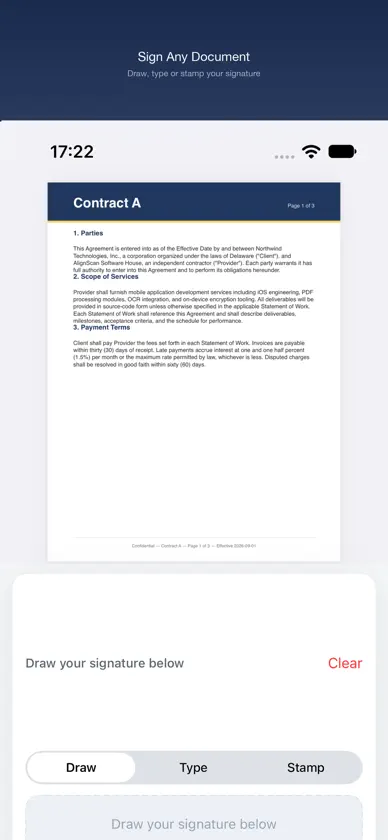
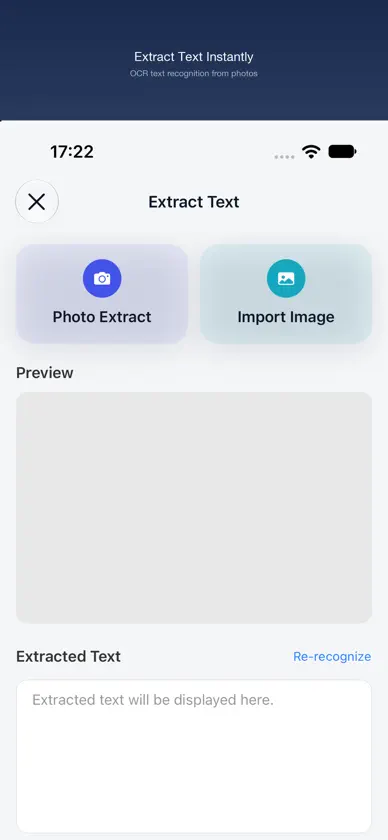
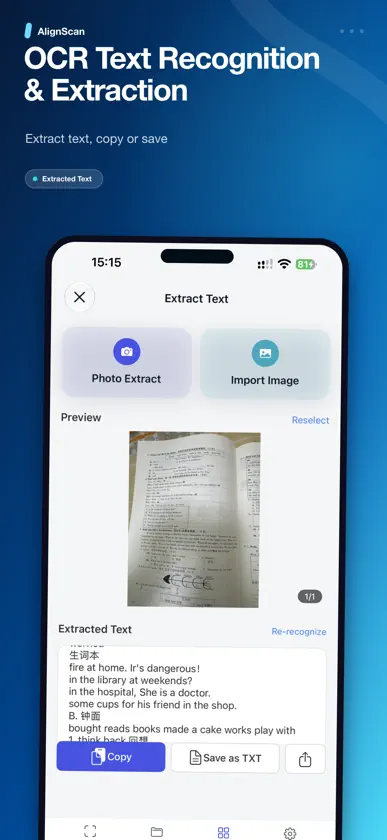
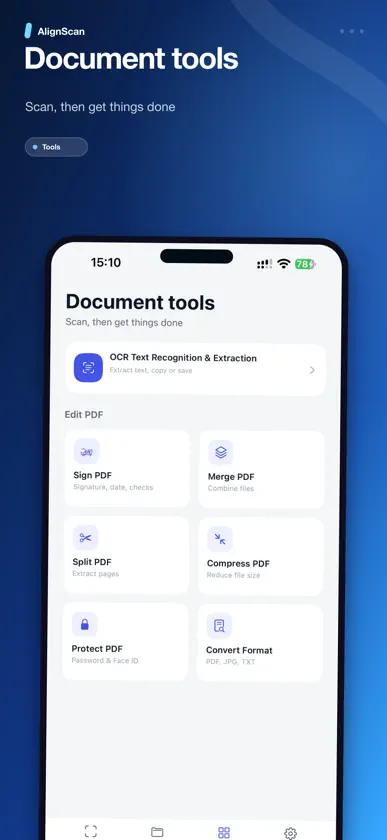
AlignScan is a lightweight mobile app for document scanning, OCR text extraction, and complete PDF editing — scan, sign, merge, split, compress, protect, and convert PDFs in one place. Whether you're submitting homework, organizing contracts and reports, extracting text from images, signing documents, or saving receipts and paper records, AlignScan turns ordinary document photos into clear, polished files. Why choose AlignScan • Auto document detection and crop Detects the useful document area and removes distracting background • Perspective correction Fixes tilted, angled, or distorted page shots for a cleaner result • Image enhancement Reduces shadows, improves brightness, and makes text easier to read • OCR text extraction Extract text from document photos or imported images, then copy it or save it as a TXT file • Sign PDFs Draw, type, or stamp a signature and place it anywhere on the page • Merge, split & compress PDFs Combine multiple files, split a PDF into separate pages, or shrink file size for easier sharing • Protect & convert PDFs Encrypt PDFs with a password, or convert to Word, Excel, image, or text • A4-style page layout Centers and formats pages neatly for a more professional look • JPG and PDF export Export single images or combine pages into PDF files • Privacy-friendly local processing Core scan, OCR, and formatting steps are handled on device Great for • Students scanning homework, notes, and test papers • Professionals capturing contracts, reports, invoices, and meeting notes • Users extracting text from printed documents, forms, receipts, and images • Anyone needing to sign, merge, split, compress, protect, or convert PDFs • Everyday users saving receipts, forms, certificates, and printed records • Mobile work scenarios where documents need to be scanned quickly • Multi-page files that need to be combined and archived How it works Scan a document Point your camera at any document — AlignScan auto-crops, corrects perspective, enhances, and formats the page for you. Extract text with OCR Take a photo or import an image, then copy the recognized text or save it as a TXT file. Edit PDFs Sign, merge, split, compress, protect with a password, or convert PDFs to Word, Excel, image, or text. Export Preview and export your pages as JPG or PDF files. With AlignScan, your document photos look straighter, cleaner, and more professional. Extract useful text from images, and handle all your PDF editing needs in one app. Try AlignScan free with 20 complimentary saves. Choose a monthly or yearly subscription, or unlock everything with a one-time lifetime purchase. Subscriptions auto-renew; cancel anytime in your App Store account settings. Your scans stay private with on-device processing. AlignScan only accesses the camera, photos, and local storage when needed for scanning, importing, OCR recognition, and exporting files. Terms of Use (EULA): https://www.apple.com/legal/internet-services/itunes/dev/stdeula/ Privacy Policy: https://www.aitoolsoft.com/privacy-policy.html Support: support@aitoolsoft.com
What's new
Version 3.1.8 · Oct 31, 2026
• Redeem Codes — Enter your promo code directly in the purchase popup to unlock Pro. • Unified Filters — Settings now offers the same 5 filter options as the editor (Original, Enhance, Color, Grayscale, B&W), and your choice saves correctly. • Improved Scan Quality — Document capture and image enhancement have been refined for sharper, cleaner results.
In-app purchases
The most popular purchases on the App Store.
- AlignScan Pro YearlySubscription$7.99 / year
- AlignScan Pro MonthlySubscription$0.99 / month
- AlignScan Pro LifetimeConsumable$12.99
More from 智慧 吴


You might also like
 Appoint - Smart CalendarUrs Gort
 拾字 - 离线扫描王 & 拍照取字 & 图片转文字Xianlong Liu
 DaySpark巍巍 宋
 Remical:calendar widget学良 靳
 Unhook: App Blocker & FocusShaffans Studios
 WorldClock - 世界时钟,世界时间转换器创宏 陈
 Own Your Life: See Your LifeSunghun Ahn
 daily reflections : ResetDzidula Etonam Vossa
 OffShelf: Study Timer, PlannerBasheer Rjoub
 PDF Print - TemplatesHARUN ADAL