
DataWeave
Andrew Esparon
No ratings yetGraphics & DesignAges 4+
Screenshots



About this app
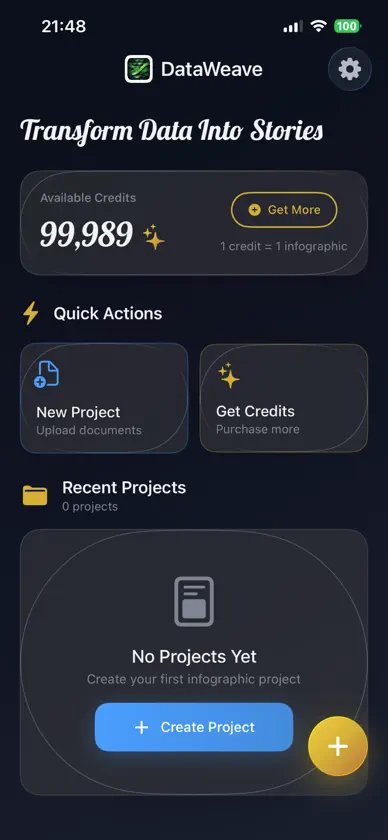
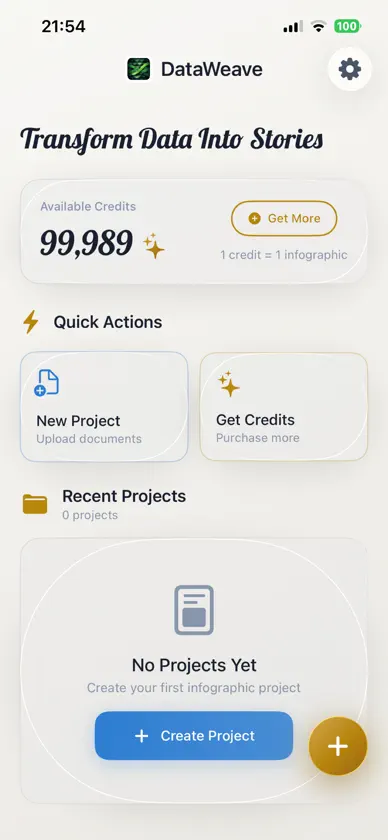
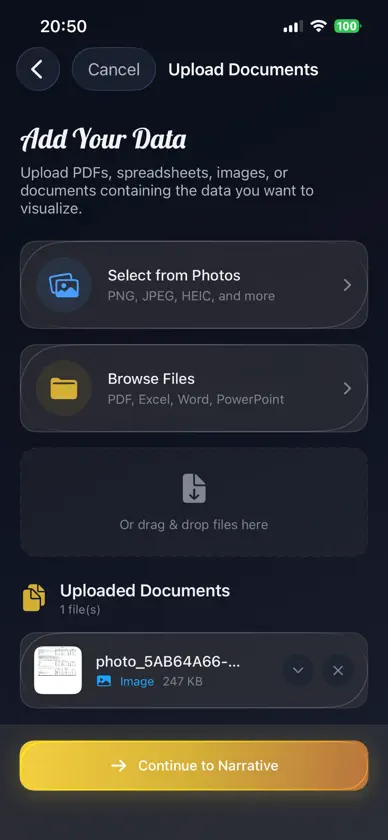
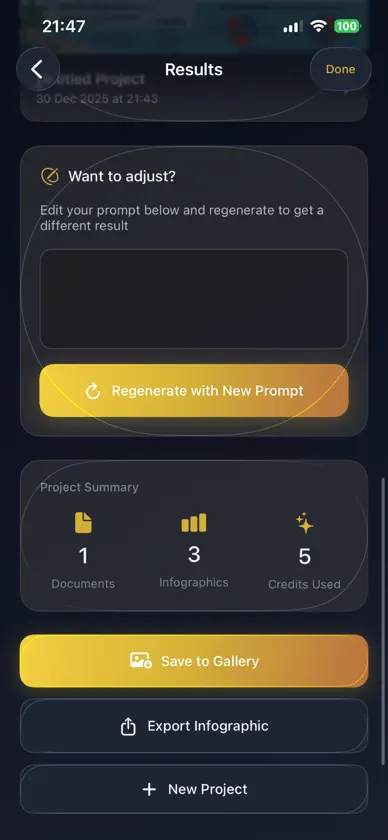
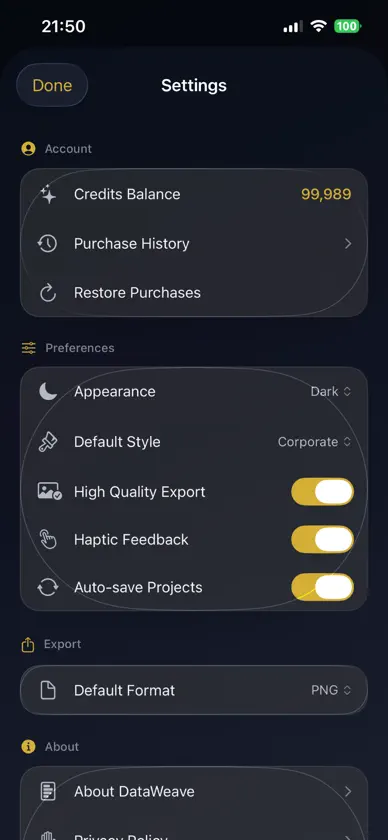
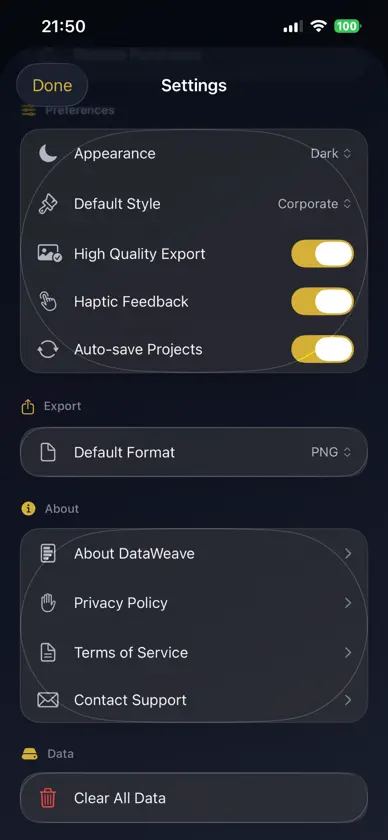
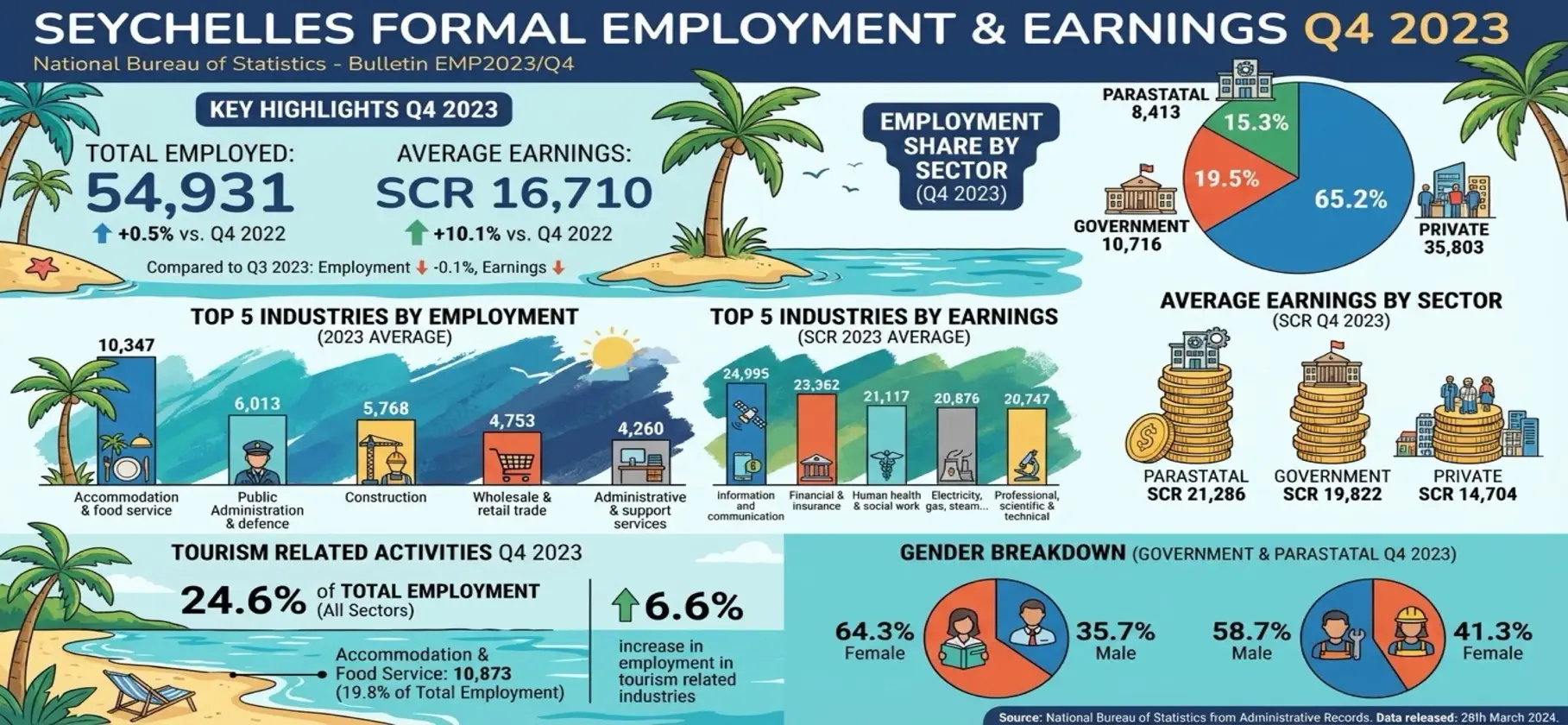
Full Description: Transform your documents into beautiful, professional infographics in seconds with DataWeave. How It Works 1. Upload your data - PDFs, Excel spreadsheets, Word documents, PowerPoint presentations, or images 2. Choose your style - from minimal and corporate to creative and storytelling 3. Select quality - 1K for quick results or 4K for high-resolution output 4. Generate - AI analyzes your data and creates a stunning infographic Refine Your Results Not quite right? Use the prompt box to guide the AI in a specific direction. Want to highlight certain metrics? Focus on a particular trend? Just tell it what to emphasize and regenerate. Features • Smart Document Analysis - AI reads and extracts key insights from your files automatically • 6 Professional Styles - Minimal, Corporate, Creative, Data-Heavy, Storytelling, Academic • Quality Options - 1K for speed, 4K for presentation-ready visuals • Easy Refinement - Adjust and regenerate until it's perfect • Export Anywhere - Save as PNG, JPEG, or PDF Perfect For • Business presentations and reports • Social media content • Educational materials • Marketing collateral Stop spending hours in design software. DataWeave turns raw data into visuals that make an impact https://www.apple.com/legal/internet-services/itunes/dev/stdeula/
What's new
Version 1.0.1 · Mar 9, 2026
API update
In-app purchases
The most popular purchases on the App Store.
- 100 creditsConsumable$24.99
- 25 creditsConsumable$7.99
- 50 creditsConsumable$12.99
- 10 creditsConsumable$3.99
More from Andrew Esparon


You might also like
All apps like DataWeave → Pictorial - AI Infographics节 熊
 Briefly - AI Infographic MakerTonet I Juhasz
 PadPad: Drawing TabletBlueGuru LLC
 Infographic & Whiteboard MakerFIKRET OGUZHAN ULUS
 AI Infographic MakerOmer Erdem Aydemir
 ImagesExtractorZebin Huang
 Image AI - AI Image GeneratorDan Arfi
 InfographerMichael Amling
 Brochure Maker - InfographicShubham Bodar
 InfografixQuark