
Keepio: Projects, Notes, Tasks
Carolane Lefebvre
No ratings yetProductivityAges 4+
Screenshots


About this app
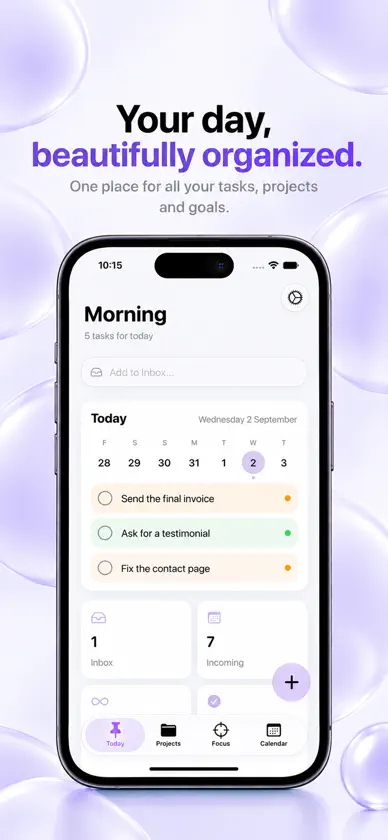
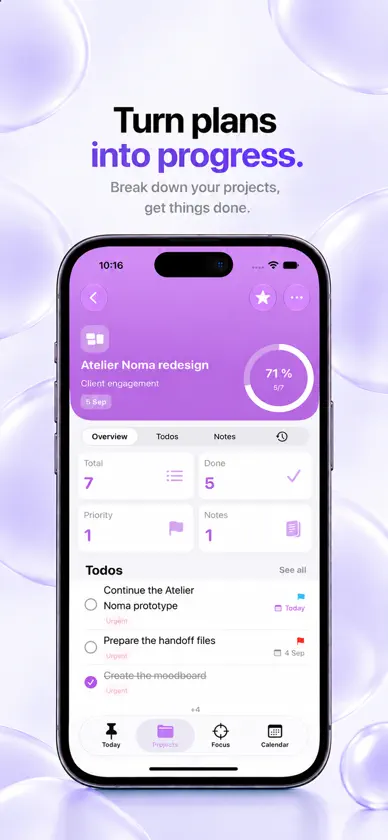
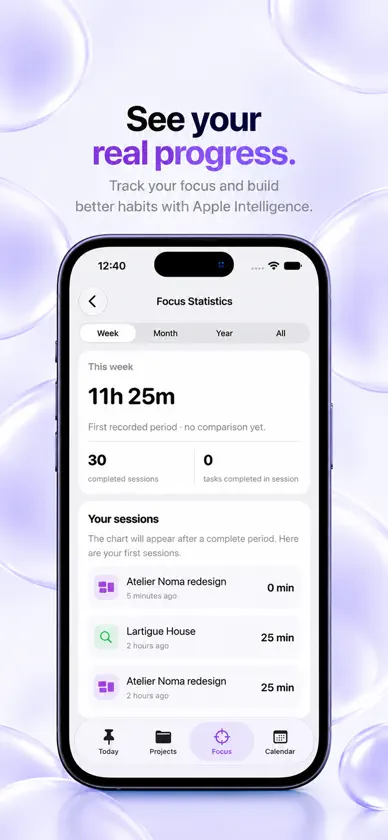
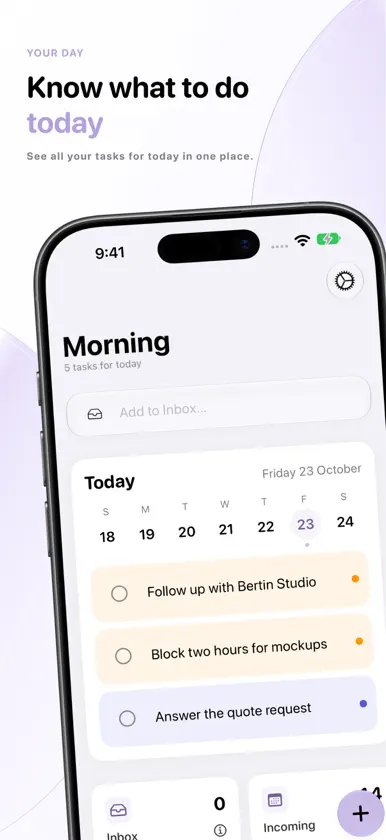
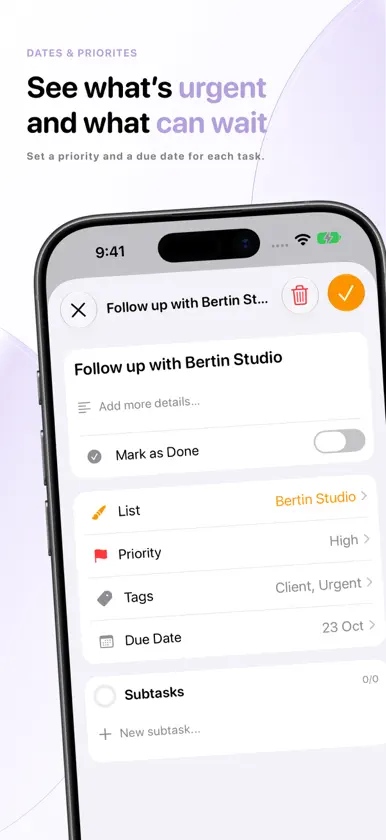
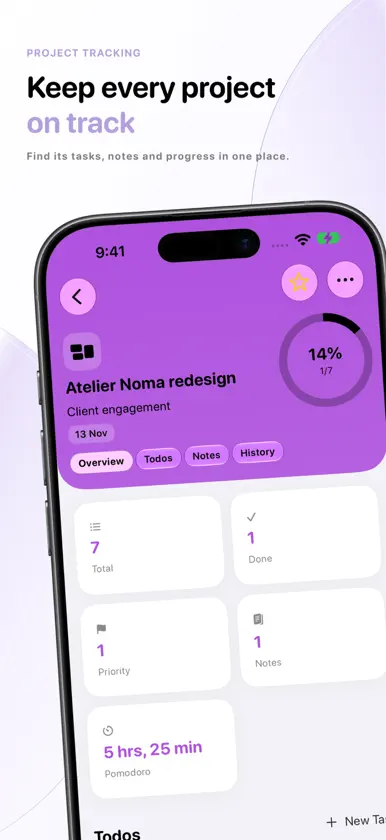
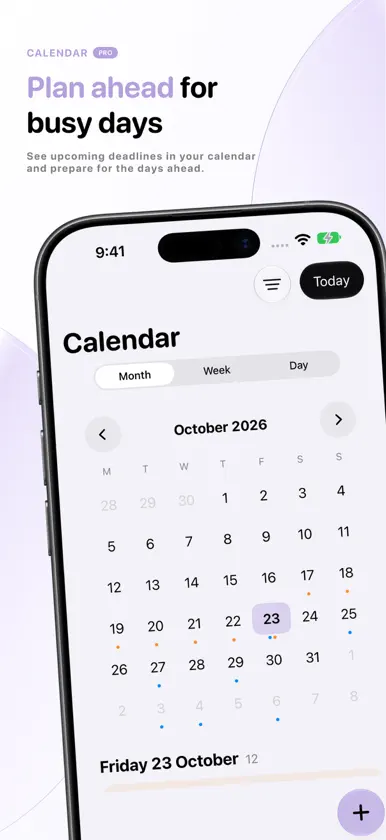
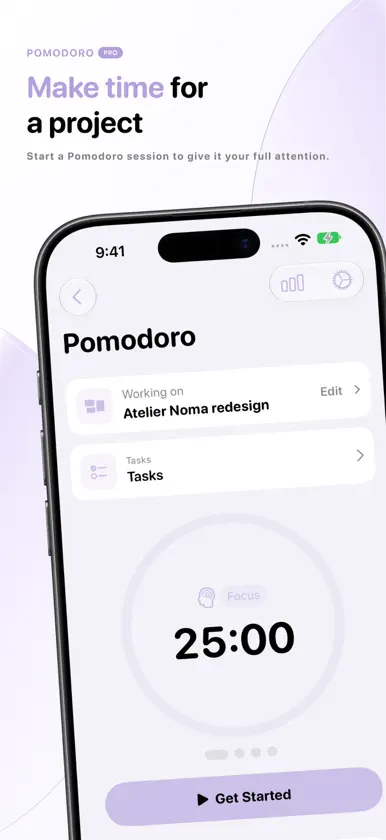
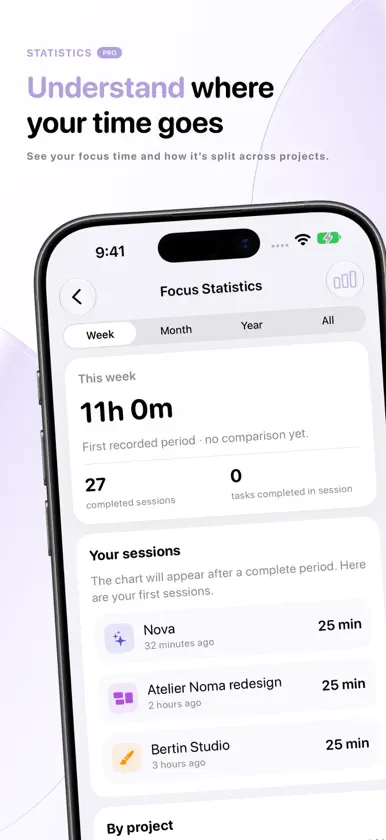
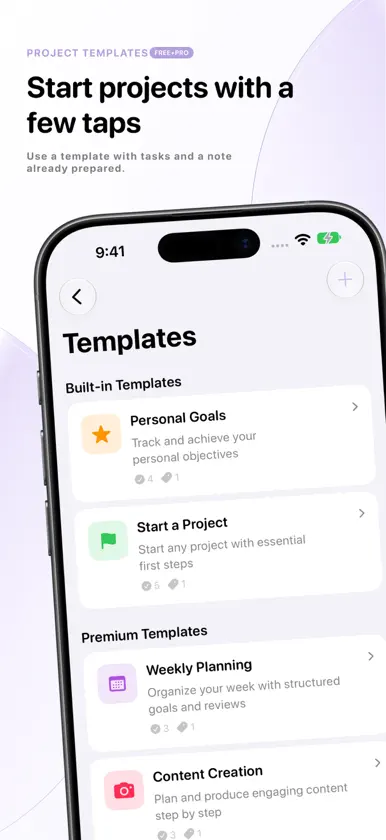
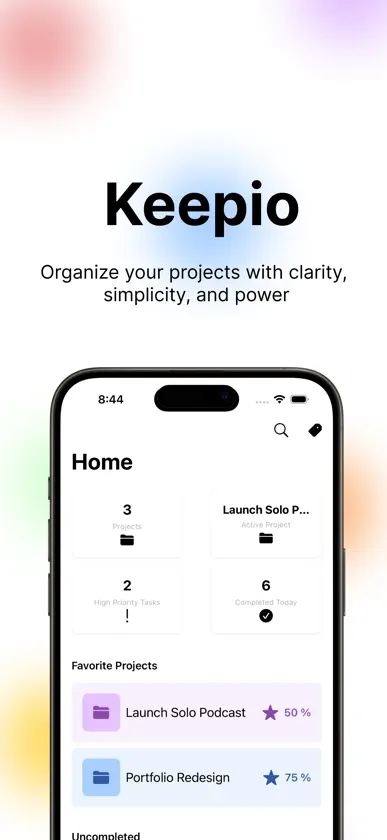
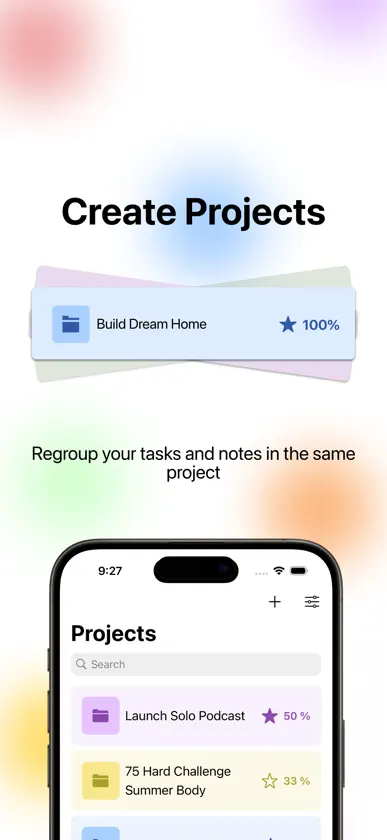
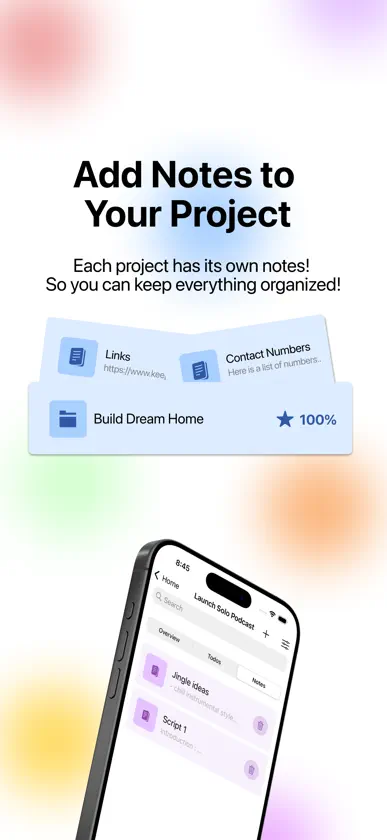
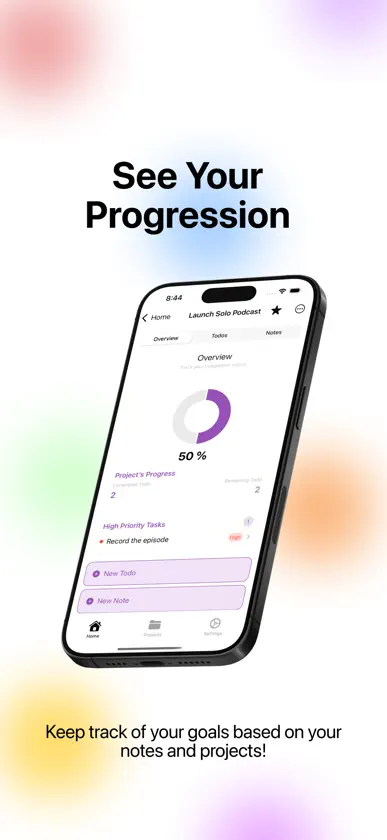
Organization apps ask you to build a system first. Databases, views, filters, a method to learn. Three weeks later, the app is still installed and the system has been abandoned. Keepio arrives assembled. A project holds its tasks, its notes, its files and its date. Nothing to set up before using it. WHAT IT WILL NEVER ASK OF YOU No database. No imposed method, not GTD, not PARA. No views to configure, no filters to maintain. And no team: project sharing is not on the roadmap, Keepio stays a personal app. WHAT APPLE INTELLIGENCE DOES Type "Send the invoice Monday #Client": the task lands in the right project, with the right due date and priority. A meeting note turns into a task list. Tags are suggested as you write. All of it runs on Apple's on-device model, with no text leaving the device. WHAT A PROJECT HOLDS - Tasks with priority, due dates and recurrence - Rich text notes, with your files and images attached - A completion percentage that climbs with every checked task - Tags shared between notes and tasks - 9 Home Screen widgets and a Live Activity ON ALL THREE DEVICES Everything runs through your iCloud account. A note taken on iPhone shows up on Mac. No account to create, no server other than Apple's. One purchase covers iPhone, iPad and Mac. Keepio+ adds the focus timer tied to a project, the calendar view, templates and advanced widgets.
What's new
Version 4.2.1 · Nov 4, 2026
Bug fixes and general improvements
In-app purchases
The most popular purchases on the App Store.
- Keepio+ LifetimeConsumable$11.99
More from Carolane Lefebvre


You might also like
 TasksFlowKevin PUYJALINET
 OneTempoNicolas Lucchetta
 NextStep - Milestone ManagerBaptiste DAJON
 Clearly - Tâches & RoutinesJulien Taret-Falconetti
 Lazely: Screen Time & FocusMarco Santarossa
 Paylo : Paiement de loyerPaylo Sarl
 Memo365JULIEN CEDRIC PORTOLAN
 TaskSteps: To Do List PlannerBoris Spiro
 Organizea - Task PlannerCharles Zimmerlin
 Shinka: Focus TimerSimple. Studio Paris