
Linkpad
Shirish Koirala
No ratings yetUtilitiesAges 4+
Screenshots
About this app
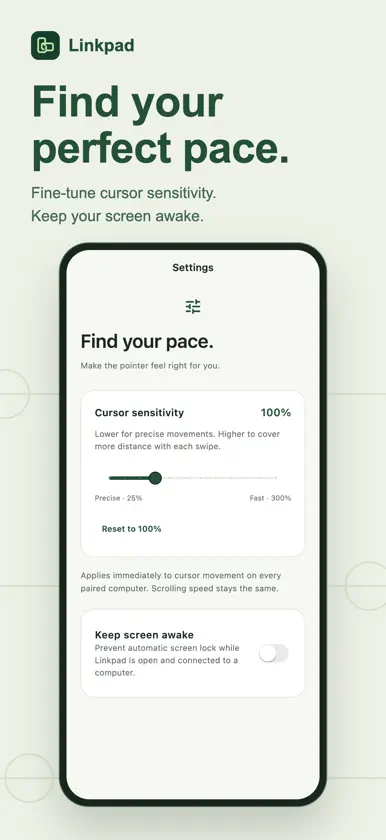
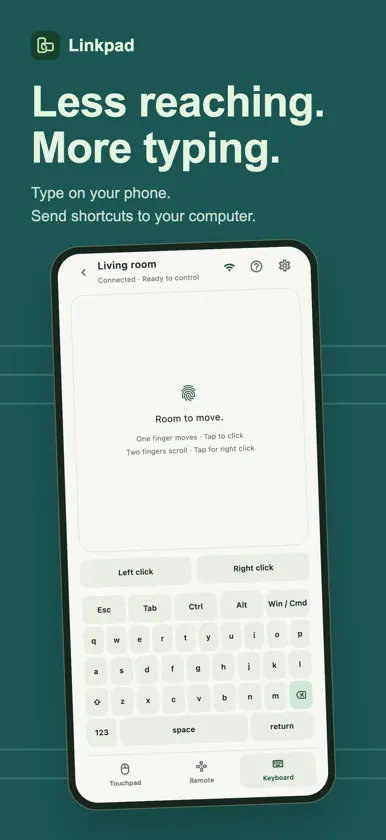
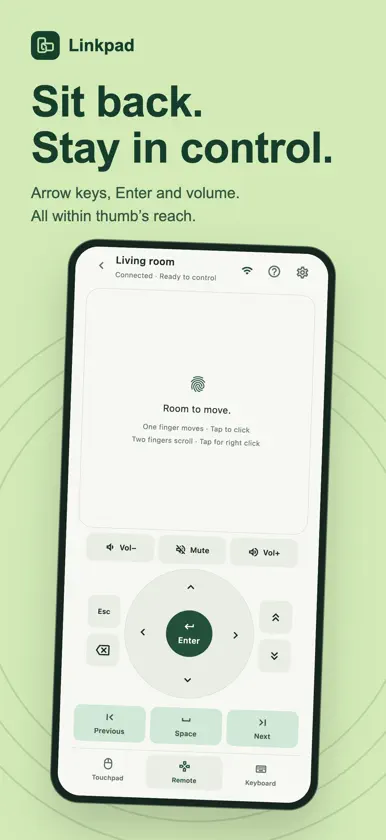
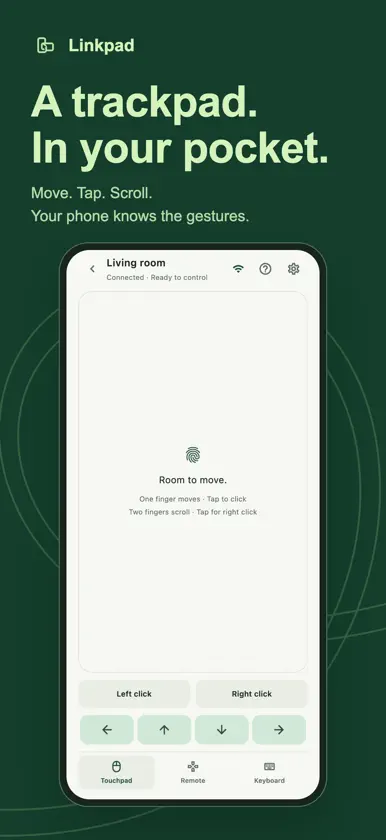
Turn your iPhone into a touchpad, keyboard and remote for your Mac or Linux computer. Whether you’re at your desk or relaxing on the sofa, Linkpad keeps everyday controls within reach. TOUCHPAD Move the cursor with one finger, tap to click, scroll with two fingers and use a two-finger tap for right-click. Hold the left-click button while moving to drag windows or select items. KEYBOARD Type on your iPhone and send text to your computer. Access Enter, Escape, arrow keys and shortcuts with Ctrl, Alt, Shift and Command. REMOTE Navigate with a directional pad and Enter button. Adjust volume or mute on supported computers. EASY PAIRING Find nearby Linkpad computers on your local network and pair by scanning the QR code displayed on your desktop. Save multiple computers and switch between them. YOUR CONTROLS, YOUR PACE Adjust cursor sensitivity for precise movement or faster navigation. Choose whether to keep your iPhone’s screen awake while connected. LOCAL AND PRIVATE Linkpad connects directly over your local network using encrypted connections and verified device pairing. No account or cloud service is required. GETTING STARTED Install the Linkpad desktop server on your Mac or Linux computer, connect both devices to the same local network, and scan the desktop’s pairing code. REQUIREMENTS • Linkpad desktop server installed and running. • Both devices connected to the same reachable local network. • macOS Accessibility permission enabled for input control. • Linux requires an X11 desktop session. Linkpad controls your computer; it does not stream its screen.
