
OptMsg
OptMsg, LLC
No ratings yetProductivityAges 4+
Screenshots


About this app
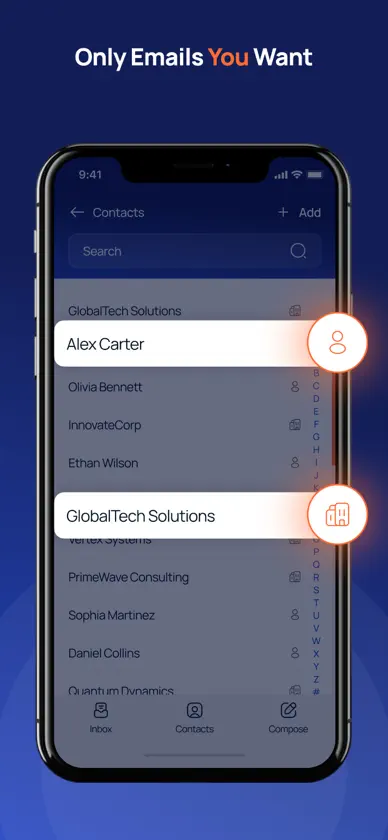
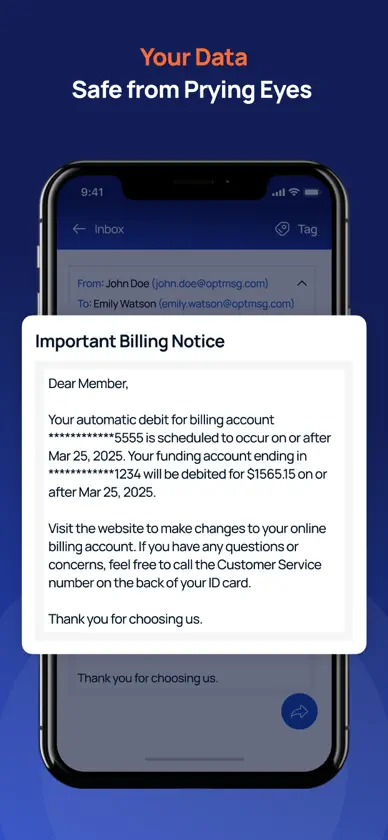
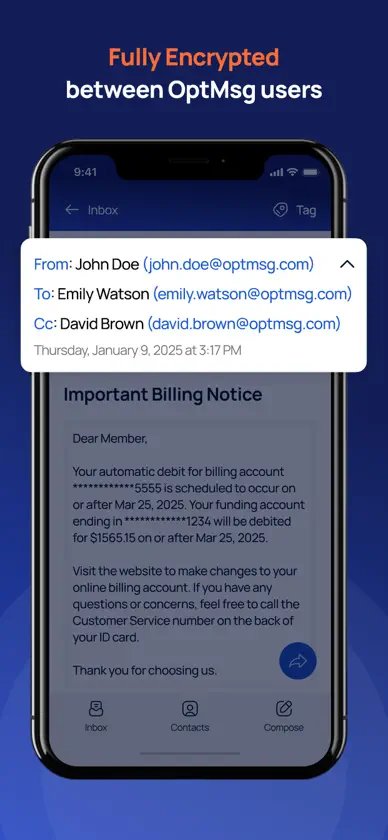
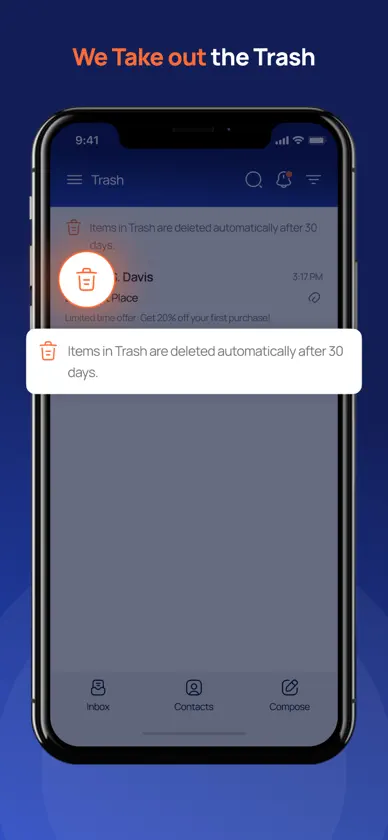
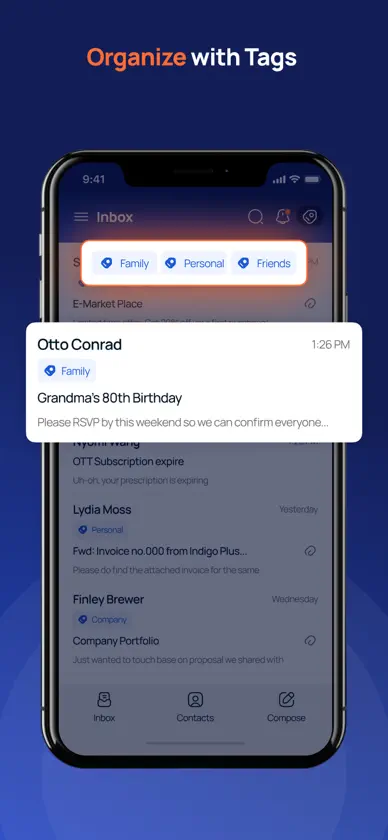
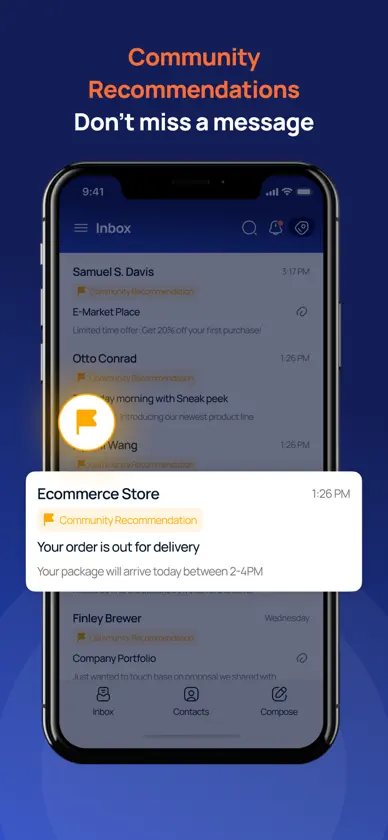
OptMsg: Private, Secure, Simple Email Everyone else decides what lands in your inbox. A retailer you bought from once. A list you never joined. A message pretending to be your bank. OptMsg puts that decision back with you. OptMsg is patent-pending opt-in email: mail from a sender you have not approved goes straight to Trash, and Trash empties itself after 30 days. You decide who gets in, and you can change your mind at any time. You Decide Who Gets In • Mail from senders you haven't approved goes to Trash, not your Inbox. • Easily grant or revoke access to your inbox. • Auto-delete trash after 30 days—no clutter, no wasted space. Private Always • Fully encrypted for secure messaging between OptMsg users. • Mail you send to an address outside OptMsg may still be read or monetized by that provider. • OptMsg does not scan your emails to sell ads. • No ads. We don't collect your personal data to sell to advertisers. Security First • No Passwords – protect your inbox and your other online accounts • Uses Passkeys for seamless, password-free authentication • Your OptMsg account has no password, so a password stolen from another site can't open your inbox. Simple by Design • Clean, intuitive design for effortless email management. • No complicated settings—just straightforward, secure communication. • Reliable performance to keep your inbox running smoothly. Other Key Features • A new clean, @optmsg.com email address others can trust • Send and receive emails and attachments with ease • Keep your inbox tidy and clean with tags and simple swipe-gestures • Receive important notifications • Manage your contacts • Use Community Recommendations to identify new senders of interest • Make OptMsg your default email app We're constantly improving OptMsg — new features, and steady work on email security. Create Your Account. Your Inbox. Your Rules.
What's new
Version 1.1.5 · Oct 20, 2026
OptMsg now blocks trackers, for your privacy, and your scorecard has a new Trackers & Hidden Content card. TRACKERS BLOCKED, FOR YOUR PRIVACY • OptMsg blocks the tracking pixels and tracker images senders hide in their emails, so they can't use them to see when you open a message. • Links have their tracking codes (like utm_ tags) removed. Where a link goes never changes. • A privacy chip on a message shows how many trackers were blocked. Tap it to see each one and every cleaned link with its original address. • New in your scorecard: the Trackers & Hidden Content card shows how often senders tried to track you or hide text from you, and that OptMsg blocked or flagged each one for your privacy. Open it to see the trackers blocked, the links cleaned and the hidden content OptMsg flagged, each with its own explanation. • When a sender hides text you can't see, OptMsg flags it, and Show hidden content lets you see what was hidden. • Some trackers are left in place so emails keep working and look as intended. CONVERSATIONS • When a message quotes the conversation before it, the earlier messages fold away behind one toggle. • Each earlier message appears as its own flat card with the sender, the date and a short preview. Expand one, or use Expand all. • Replies you send carry the standard conversation details other mail apps look for, so recipients see them in the same conversation. REPLYING AND FORWARDING • Replies and forwards of your own messages quote a full From, Sent, To, Cc and Subject header. • Quoted text carries only the message itself, and images in it keep displaying for your recipients. • Quoted text is marked by one smooth, continuous bar. • Replies and forwards are more secure. • OptMsg asks before sending a message with no subject or an empty body. • Delete or archive a message while reading it, and it stays where you put it. A MORE PRIVATE INBOX • Images from outside sources stay hidden in Trash until you choose Show images, and you can set your own preference. • Opening a link from a message in Trash asks you first. • Inbox previews and notifications show only a message's visible text. • Message text and sender details always display in their natural reading order. READING • On iPhone held sideways, Settings scrolls as one smooth page with every option in reach. • The bottom bar steps aside while you read a message, view a contact or select several messages. • Labels like "Yesterday" stay accurate around daylight-saving changes. • Images inside incoming messages display reliably, even in very large messages. TAGS, TRASH AND OUTBOX • In Edit Tags, tap anywhere on a tag's row to select it. • Every folder and tag shows its total and unread count from the same source. • Move a batch of messages out of Trash and add their senders to your contacts with one prompt. • The Outbox offers the actions that apply to each message, including Move to Drafts. SIGN-UP • Every sign-up step shows Back and "Step N of M". • Password managers recognise the username field, and an autofilled phone number with its country code is accepted as it is. Calendar invites with less common time-zone details arrive and display like any other, and everyday notices are tidier and clear themselves.
You might also like
 Check Plus AppCheck PlusLLC
 LegaCAETequan Howell
 Mejl: Email, OrganizedNiels Segers
 Ply - Browse & SynthesizeAndrew Neitsch
 TepinTasksSpicy Technology Group
 xworks.365mediaBEAM GmbH
 Narrow32Alexander Slatina
 Helix by BidMedBidmed LLC
 Marco – EmailMarco Technology Inc.
 AI Construction Cost EstimatorUmesh Mangukiya