
PenDraw
EMIRHAN SIMSEK
No ratings yetGraphics & DesignAges 4+
Screenshots

About this app
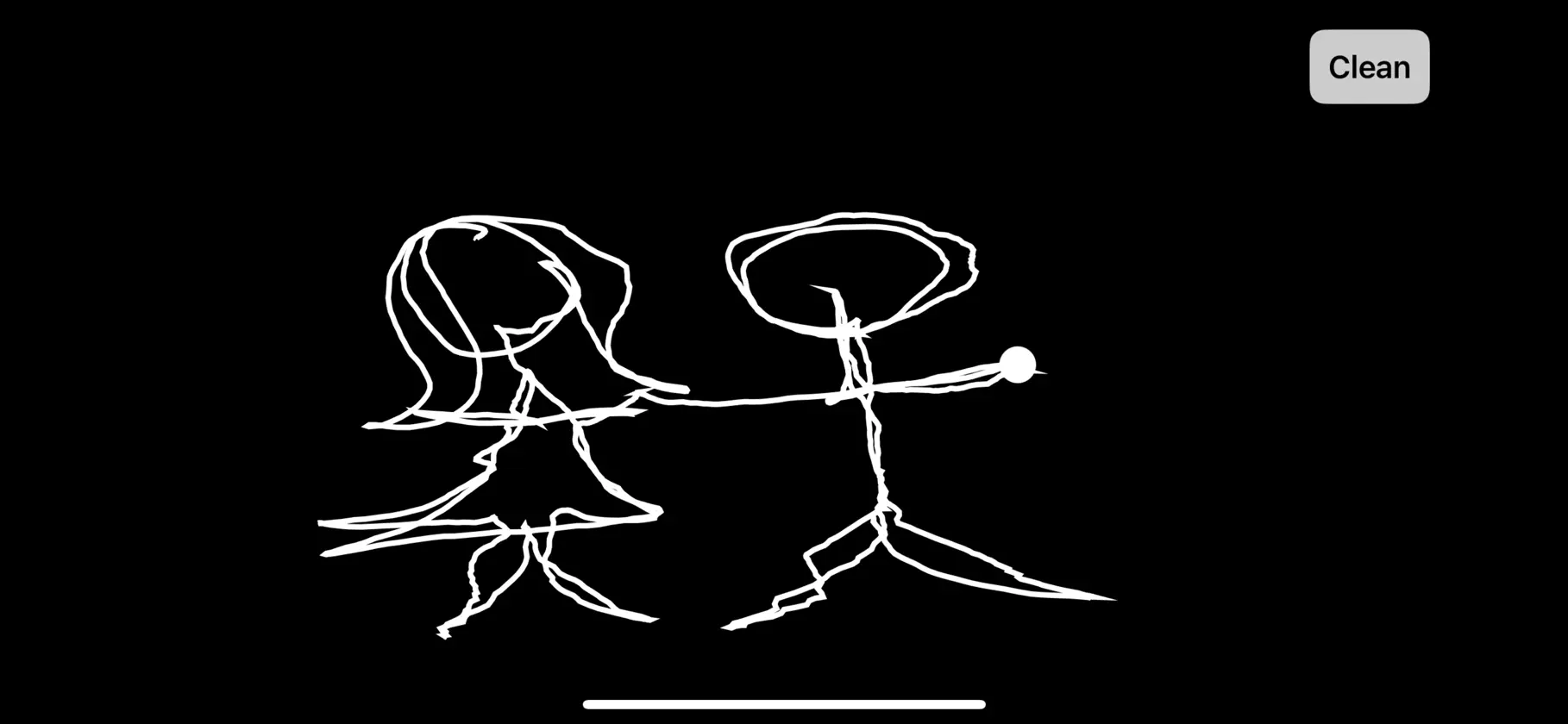
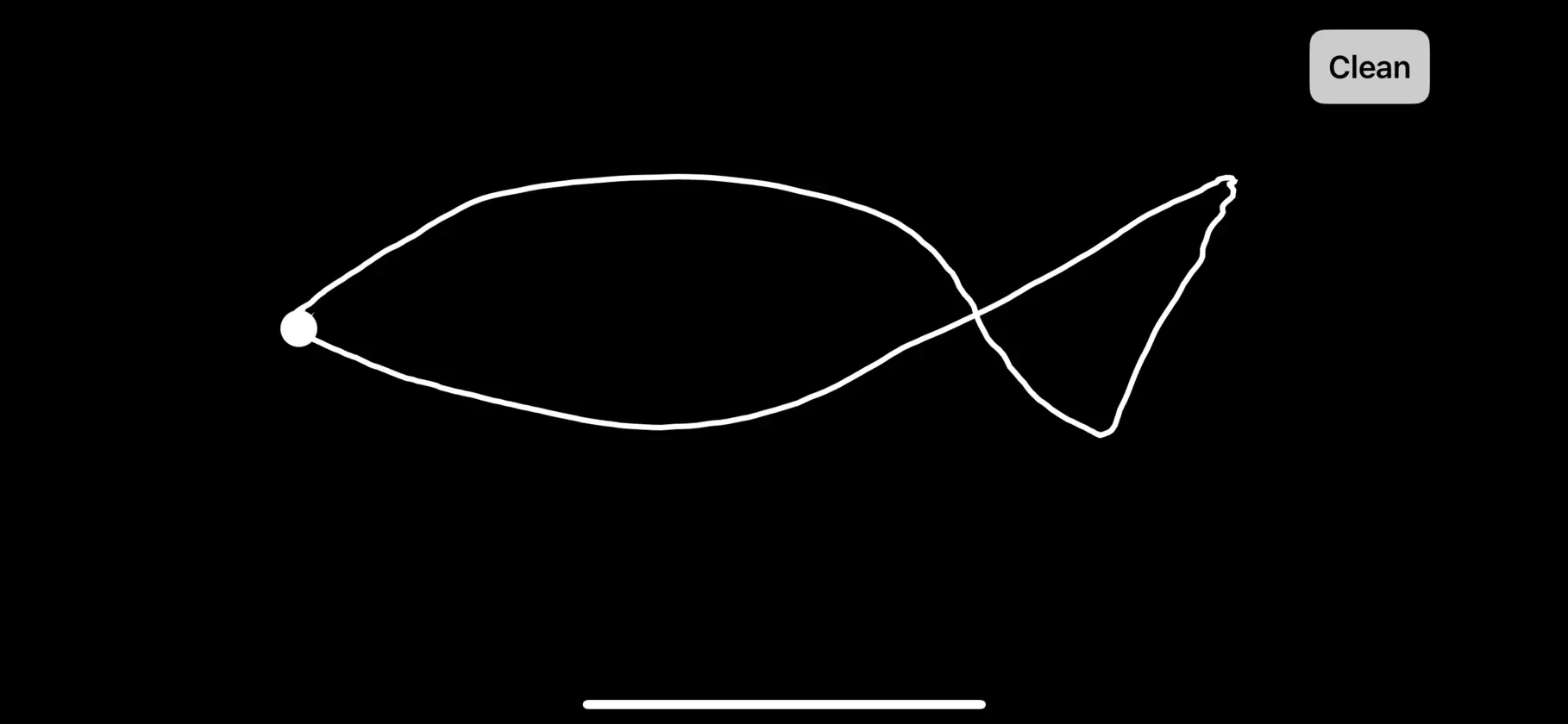
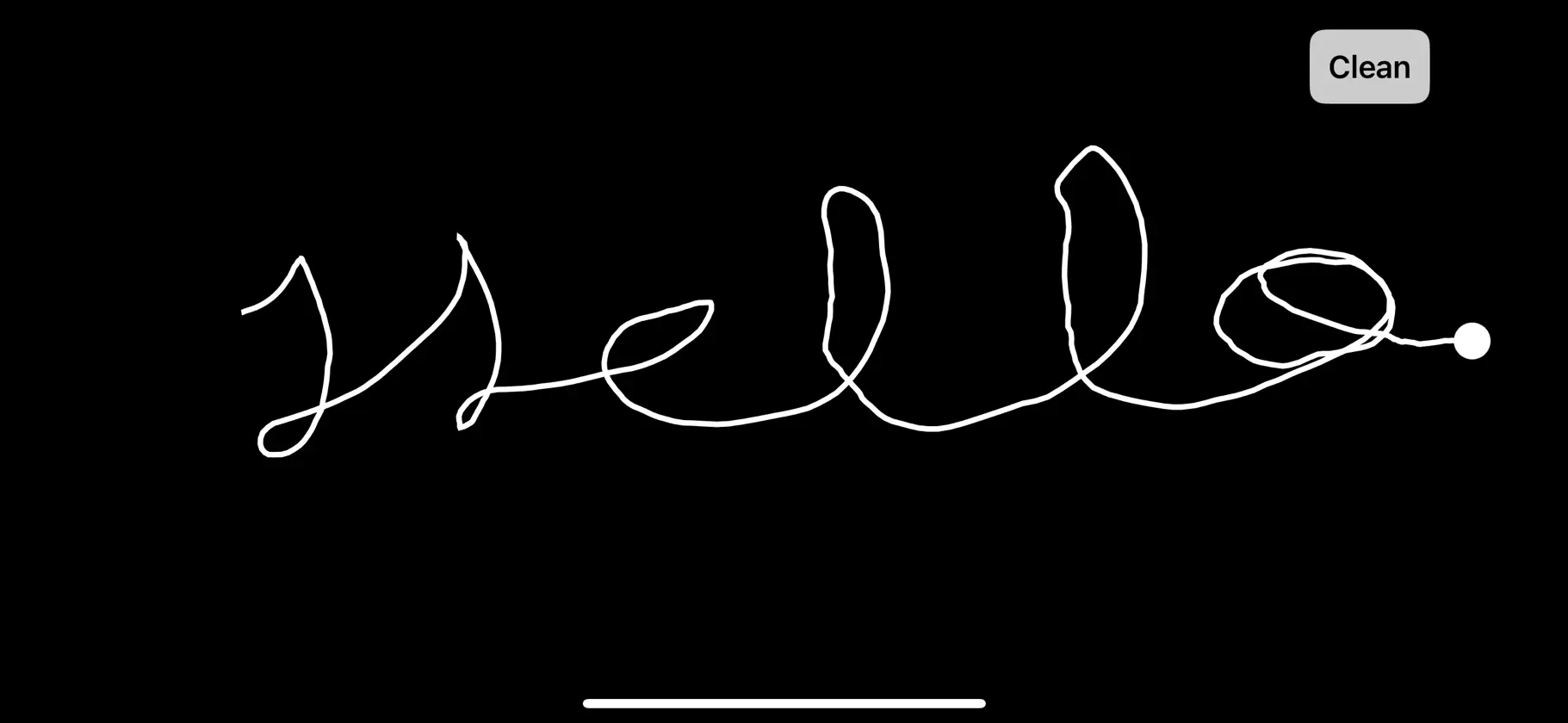
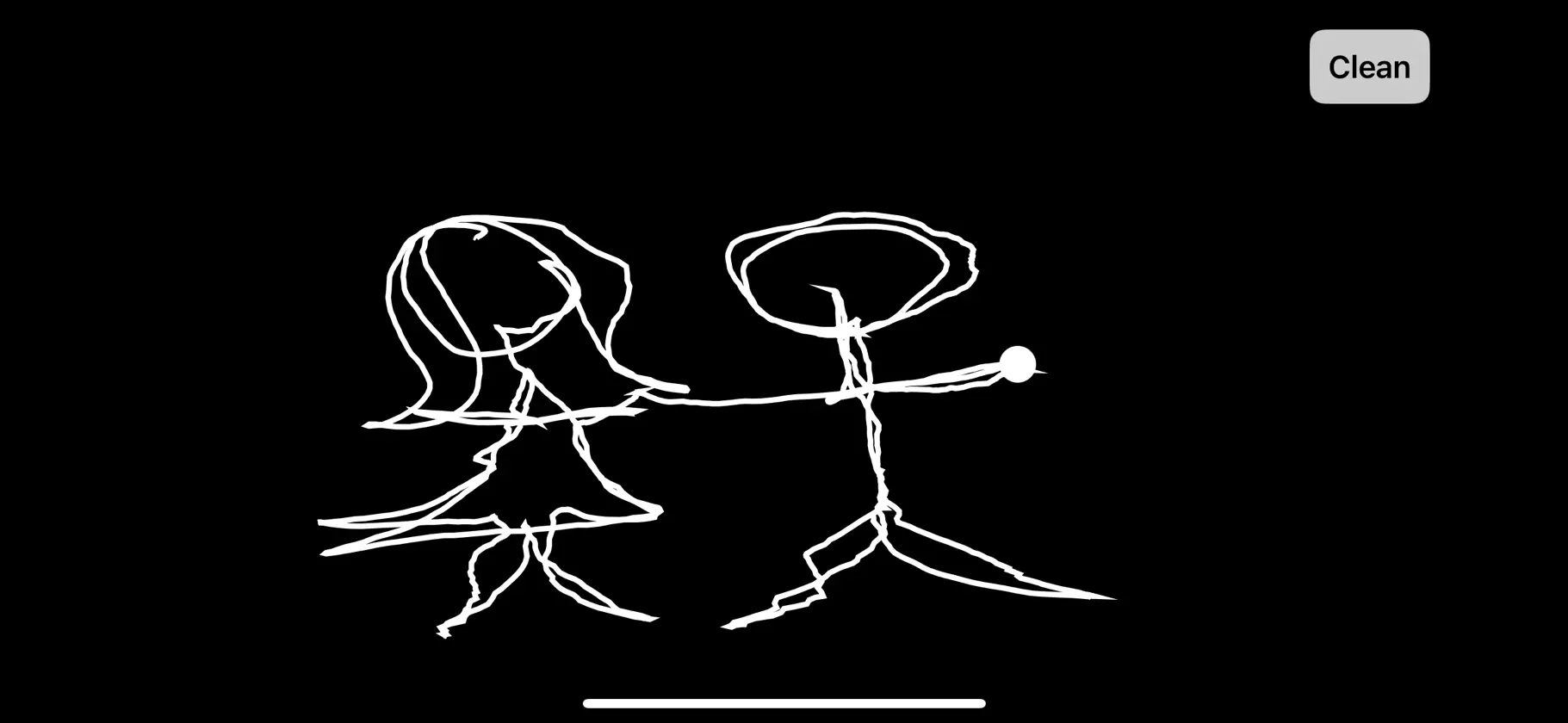
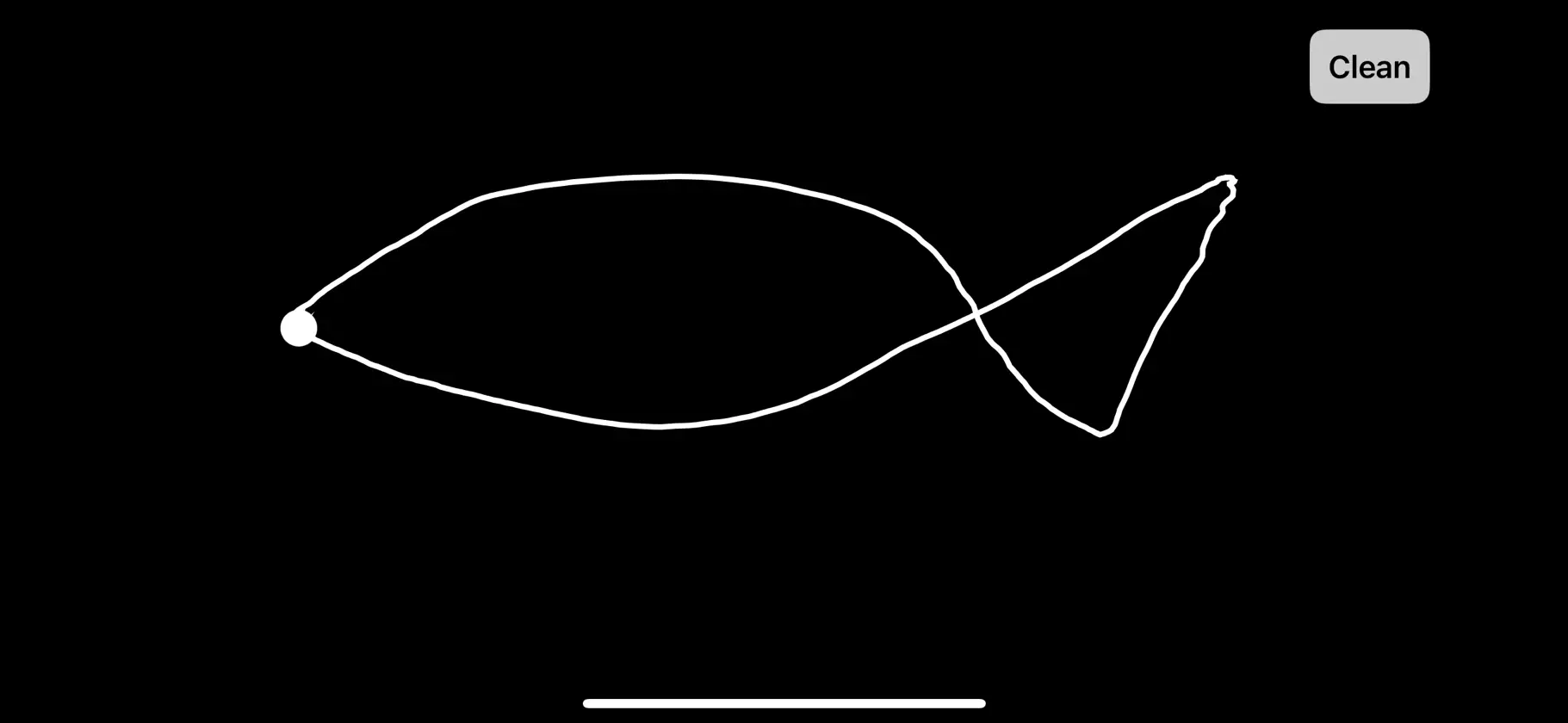
PenDraw lets you turn your phone into a motion-controlled pen. By using the device’s motion sensors, you can draw lines and shapes on the screen simply by moving your phone. PenDraw creates a minimal, distraction-free canvas designed for experimentation, play, and creative exploration. Features: • Motion-controlled drawing using your phone • Smooth real-time line rendering • Clean button to reset the canvas instantly • Simple, minimal interface • No account required • No data collected PenDraw is designed for creative experimentation and visual play. Just move your phone and start drawing.
What's new
Version 1.2 · Oct 26, 2026
Fixed drawing alignment so the full sketch stays visible and captured images match the canvas. Shared drawings now include a PenDraw download invitation and App Store link.
More from EMIRHAN SIMSEK


You might also like
 Crafter Draw: Sketch & MarkupRemi Herbiet
 Doodle Jam: Drawing TogetherGuizhou Vanilla Information Technology Co., Ltd.
 Pen15!Alexander Collins
 Bitrot: Glitch Photo EditorWilliam Shouldis
 VOSC Visual Particle SynthDuncan Holby
 Themora: Icon Themes & WidgetsDaryl Dixon
 CraZeAppSantiago Martin Zubieta Ortiz
 SonaStrokeCan Dindar
 Doodle: Color, Draw & SketchNikita Chizhov
 Background Remover: Pic EditorNabeel Nasir