
Screenshots







About this app
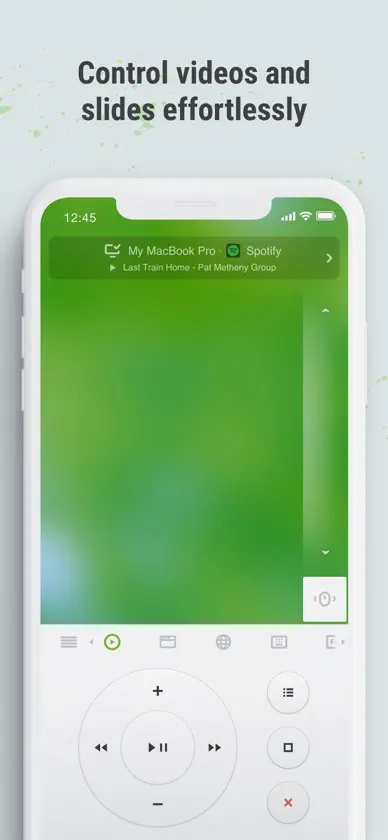
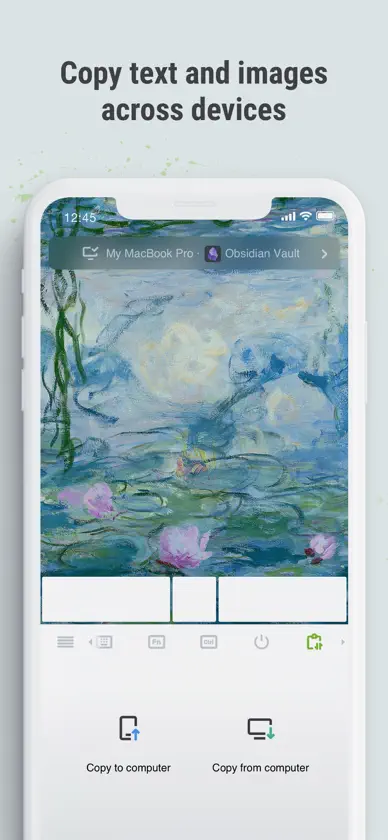
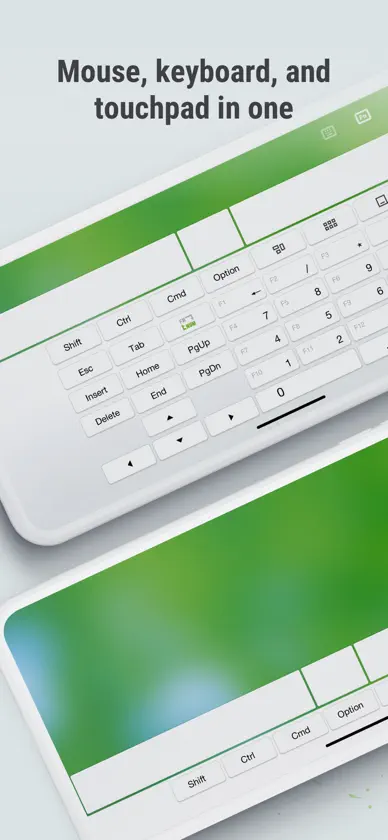
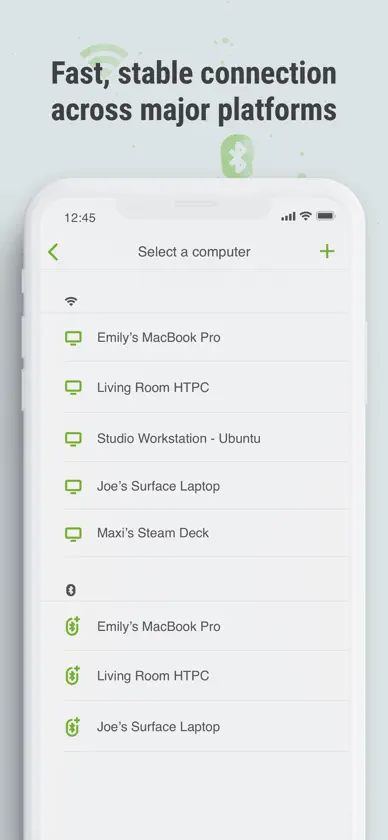
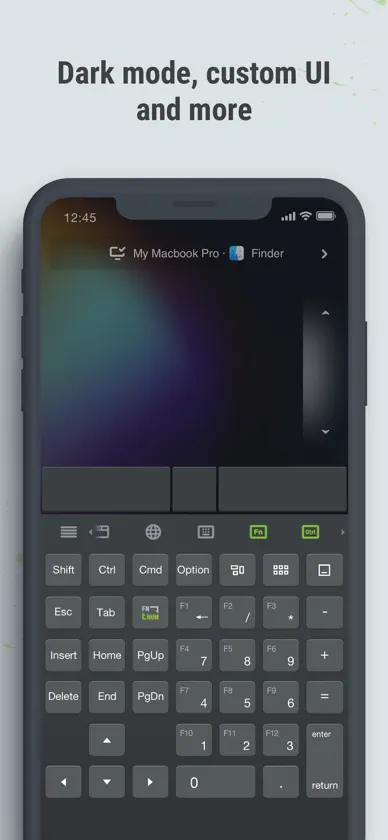
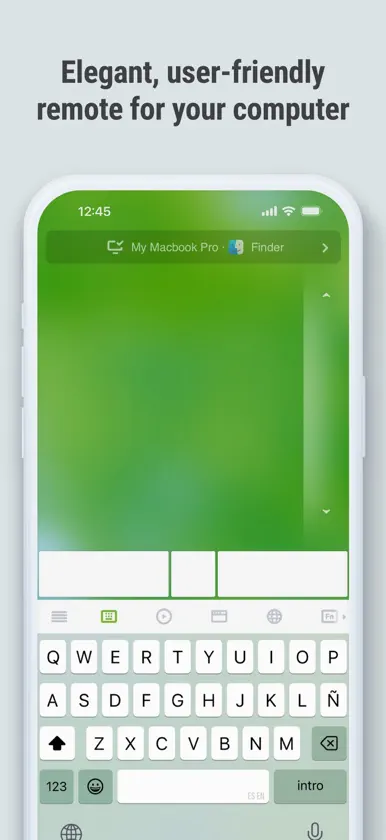
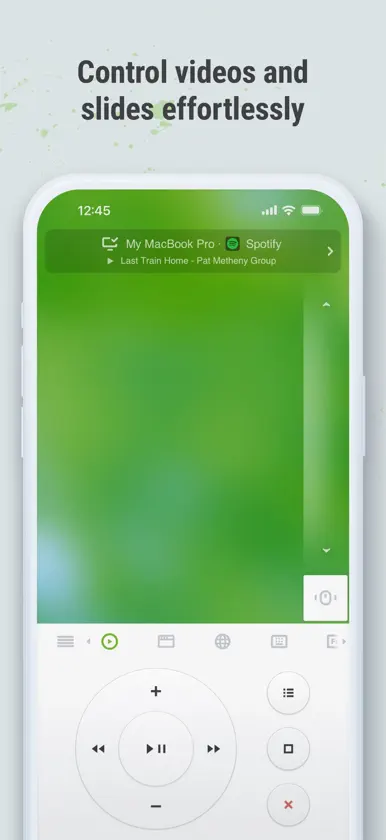
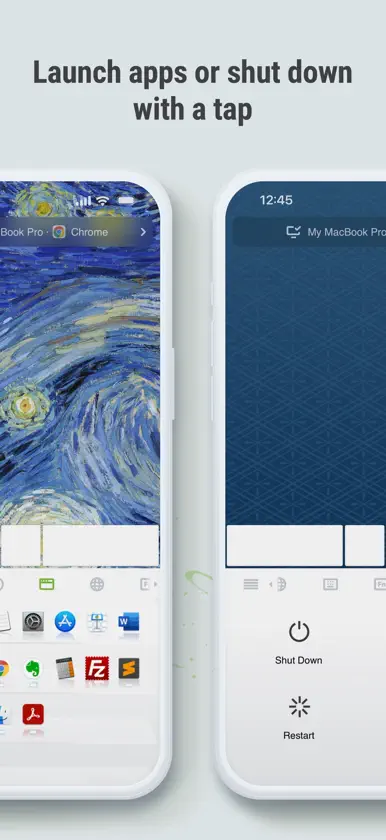
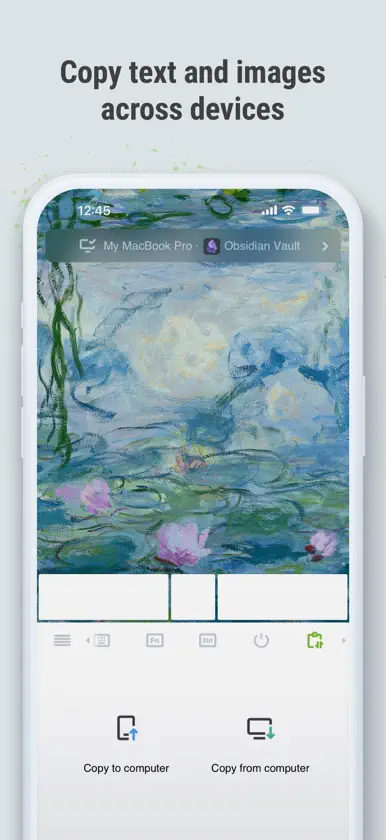
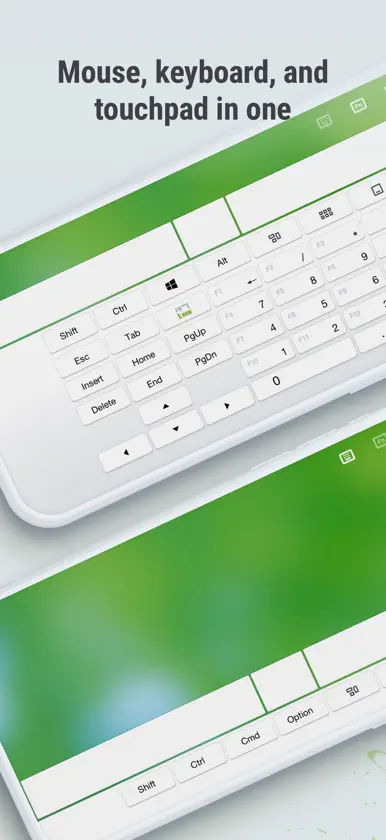
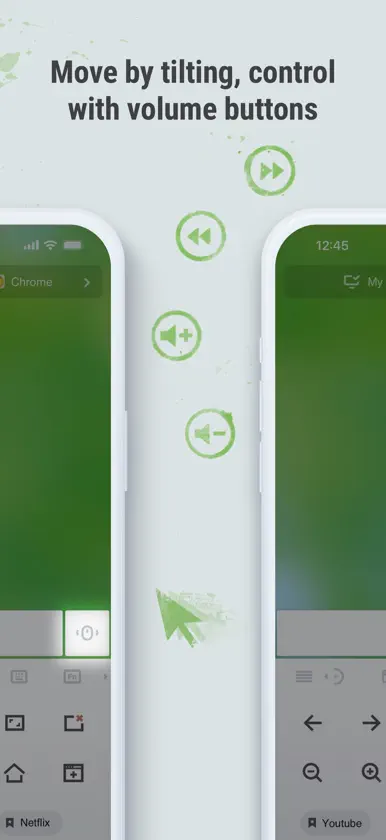
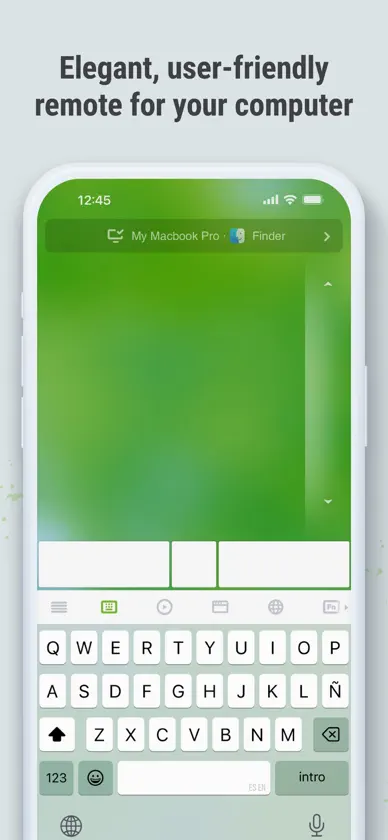
Remote Mouse™ turns your mobile device into a powerful remote control app for your PC or Mac. Use your phone or tablet as a wireless mouse, keyboard, and touchpad — complete with multi-touch gestures and media controls. Whether you're watching movies, controlling a presentation, or browsing the web from your couch, Remote Mouse™ offers an effortless way to control your computer remotely. With over 20 million users and featured by CNET, Mashable, and Product Hunt, Remote Mouse™ offers one of the most elegant solutions to computer control from mobile. What you can do: Mouse • Control the cursor like a real PC mouse • Move using your phone’s gyroscope (Gyro Mouse) • Left-handed mode support Keyboard • Type remotely in any language • Use voice input (if supported by your soft keyboard) • Send system and app shortcuts • Adaptive layouts for Mac or PC • Use your phone as a remote keyboard for your computer Touchpad • Simulates Apple Magic Trackpad • Supports multi-touch gestures • Ideal wireless touchpad app for remote navigation Specialty Panels • Media Remote: Control videos, music, and presentations across apps and sites like YouTube, Netflix, Disney+, Apple TV+, VLC, Spotify, and more. • Browser Remote: Navigate Chrome, Firefox, and Opera • App Switcher: Launch and switch between apps • Power Options: Shut down, sleep, or restart remotely • Clipboard Sync: Copy and paste text/images across devices Other features • Control volume using physical phone buttons • Secure the connection with a password • Reorder specialty panels • Customize your remote with personal wallpapers Connection & Compatibility • Connect over Wi-Fi or Bluetooth • Connect by IP address, QR code, or connection history • Supports Windows, macOS, and Linux Easy to set up: 1. Download and install Remote Mouse for desktop on your computer: [https://remotemouse.net](https://remotemouse.net) 2. Launch the desktop version (it runs in the background) 3. Connect your mobile device to your computer via Wi-Fi or Bluetooth
What's new
Version 5.333 · Nov 3, 2026
- The Connection Bar now shows the active app, window title, and currently playing media. - Specialty Panels can now be shown or hidden. - Hold a mouse button for over a second to lock it in the pressed state, making drag-and-drop easier.
In-app purchases
The most popular purchases on the App Store.
- Pro Membership (1 Month)Subscription · 7 days free trial$1.29 / month
- Media Remote PanelConsumable$2.99
- Pro Membership (1 Year)Subscription · 7 days free trial$13.49 / year
- Unlock Web RemoteConsumable$2.99
- Remove AdsConsumable$0.99
- Customize WallpaperConsumable$2.99
More from 耀 阮


You might also like
 Remote, Mouse and KeyboardRemote Sunrise LTD
 Unified RemoteUnified Intents
 Mobile Mouse Remote - CloudR.P.A. Tech
 PC RemoteMonect (Suzhou) Co., Ltd.
 Mobile Mouse Bluetooth RemoteR.P.A. Tech
 Universal TV Remote Control #Remote Sunrise LTD
 Remote for Android TVRaghav Ahuja
 Remote Control for Android TVMOBILESOURCE CORPORATION
 Zank Remote for Smart TVs, BoxDuc Ky Ngo
 iVCam WebcamShanghai Yitu Information Technology Co., Ltd.