
ZenNotes: Markdown Notes
Lumary Labs LLC
No ratings yetProductivityAges 4+
Screenshots

About this app
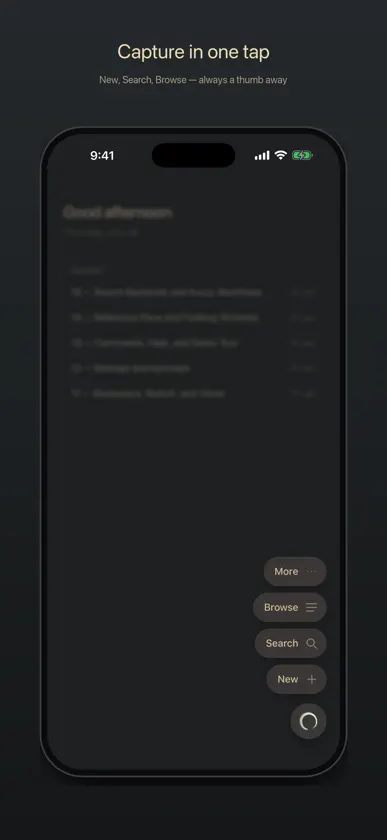
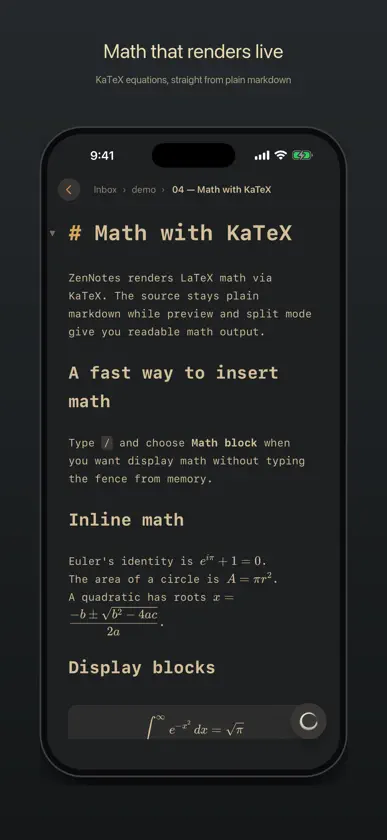
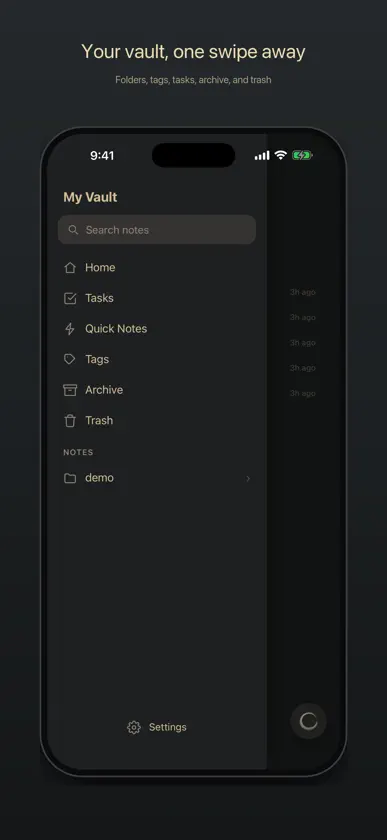
ZenNotes is a local-first markdown notes app for writing, organizing, and connecting ideas without giving up ownership of your files. YOUR NOTES, YOUR FILES Every note is a plain .md file in a vault you control. Start with storage on your iPhone or iPad, use iCloud Drive, or open a folder through the system document picker. Local and iCloud vaults work without an account. ZENNOTES CLOUD Connect an optional ZenNotes Cloud plan to: • Sync a vault across ZenNotes desktop and mobile • Sync notes and attachments • Create manual and automatic daily backups • Restore a full vault or a single note from a backup • Publish notes to the web and manage their public links Cloud never replaces the free local-first workflow. Use it only when you want hosted sync, backup, or publishing. WRITE IN MARKDOWN Use a focused editor with headings, lists, tasks, tables, code, links, wikilinks, tags, callouts, footnotes, and frontmatter. A mobile formatting bar keeps common actions close to the keyboard, and a pinch resizes the text to your eyes. RICH, OFFLINE PREVIEW Render KaTeX math, Mermaid diagrams, JSXGraph, function plots, tables, callouts, and more directly on your device. ORGANIZE YOUR WAY Pin your go-to notes and folders to the top, swipe rows to act on them, create and rename nested folders, browse tags, search the full vault, manage tasks, create periodic notes, and work with table databases stored as CSV. CAPTURE QUICKLY Create a quick note from the app or send text and links to ZenNotes from the iOS share sheet. HOME SCREEN WIDGETS Start a note, open a recent one, or check today's tasks without opening the app. New Note also lives on the Lock Screen, and the widgets wear your theme. PRIVACY BY DEFAULT ZenNotes has no advertising or tracking. Local and iCloud notes stay in the storage you choose. When you enable ZenNotes Cloud, the account identity, connected-device information, and vault content needed for the Cloud features you use are sent to the ZenNotes service. Payment details are handled by Stripe. ZenNotes is open source. Your vault remains useful outside the app because it is made of ordinary files.
What's new
Version 1.36.0 · Nov 3, 2026
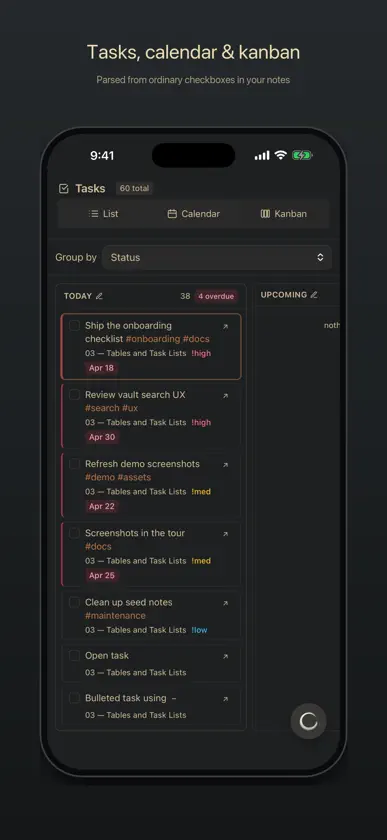
Repeating tasks, a Kanban board for any folder, colored columns, and a clear top edge on iOS 27. • Tasks can repeat. Touch and hold a task in Tasks and choose Repeat…, or type @repeat:weekly. Check it off and the next one appears with its new date and its subtasks unticked; Skip this time moves it on without doing it. • Remind… puts a reminder on a task, and the ZenNotes desktop app delivers it. • New Kanban makes a board of its own, from New… or by touching and holding a folder in Browse. Add cards in each column, and touch and hold a card to move it. • Give a Kanban column a color: touch and hold its header and choose Color…. • Settings fields that name a folder now list your vault's folders as you type. • In Week view, the calendar's arrows step one week at a time. • New bullets stay together without blank lines, and Return on an empty bullet ends the list, so what you type next is its own paragraph. • A tap no longer leaves a row or header highlighted, and menus open without a row already lit. • In a database Table, long names stay clear of the Open button, the select boxes keep their room, and + Row and the menu stay on screen. • On iOS 27, the pale band at the top of the screen is gone, and views run to the bottom edge. • A Settings field near the bottom of the screen moves above the keyboard, and Back from a task's note returns to Tasks. Your notes stay ordinary Markdown files, and local and iCloud vaults work without an account.
More from Lumary Labs LLC

You might also like
 Vanta — Markdown NotesShane Vitarana
 Glass Notes: Private NotepadBirkan Aksoy
 The BitBinderTaylor Drew
 Handwritten Quick Notes: JotDigital Hole Pvt. Ltd.
 Nestwell: All-in-One OrganizerMd Monirul Islam
 SolidPass Offline VaultAir Microservices LLC
 Sebastian AssistantMichael Surratt
 Papyrus: Research LibraryZhenda Fu
 Note a MessALPER OEDEN
 Swish: To Do Reminder WidgetSeunggyu Lee