
Markdown゜
Teleprompter LLC
4.6(21)ProductivityAges 4+
Screenshots


About this app
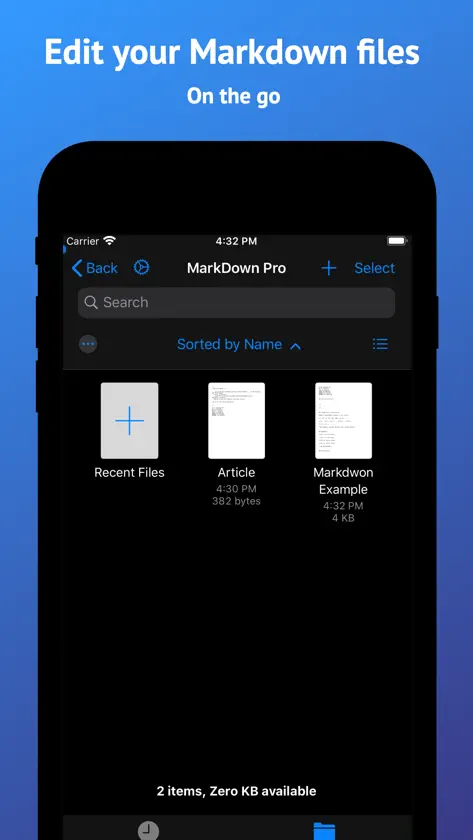
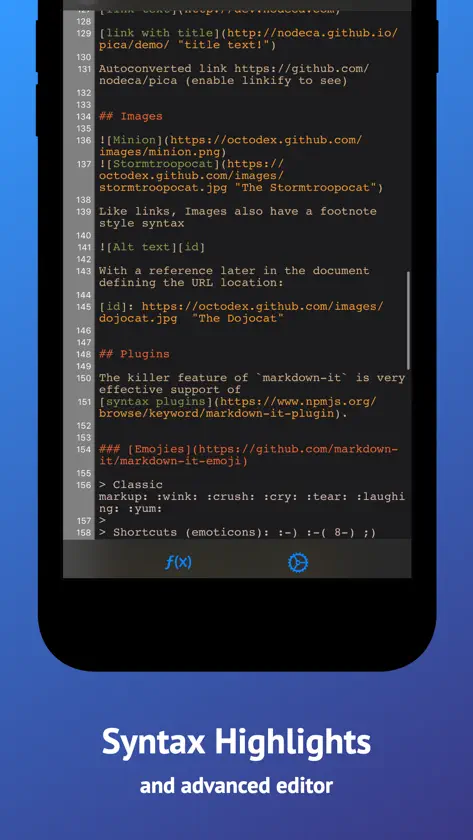
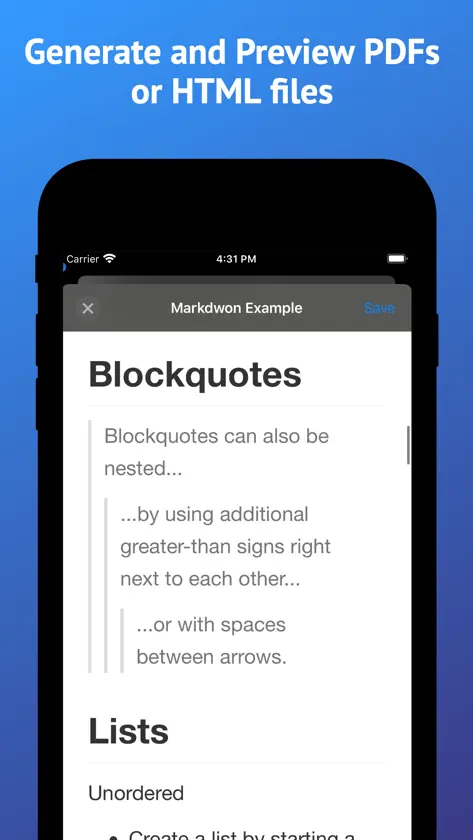
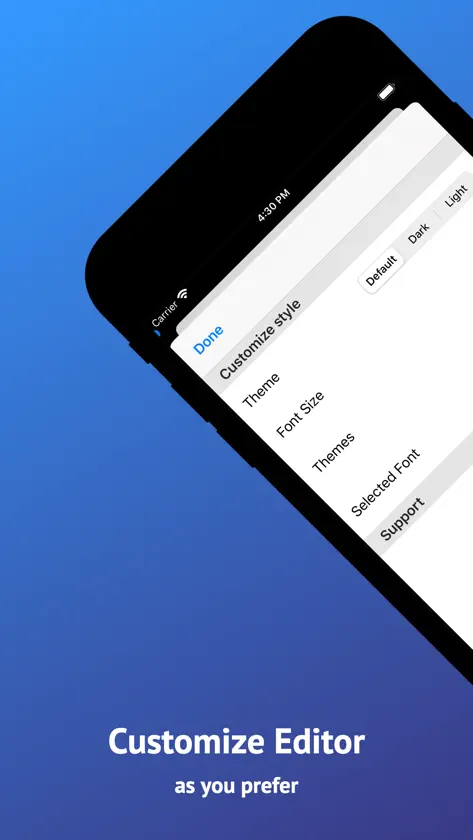
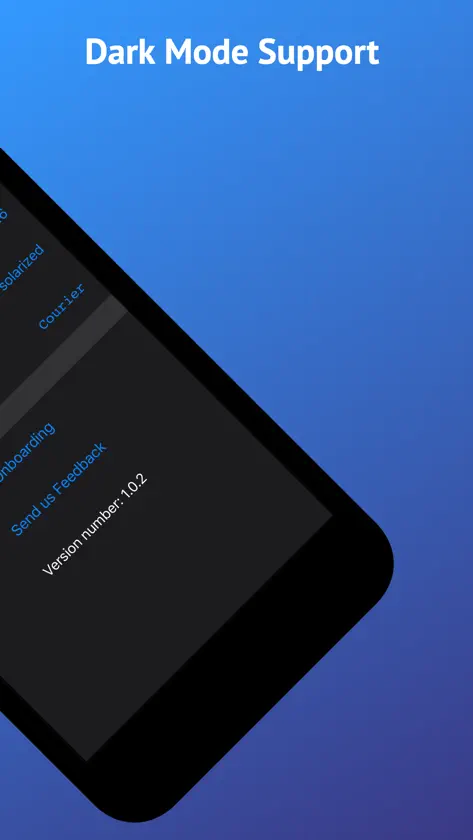
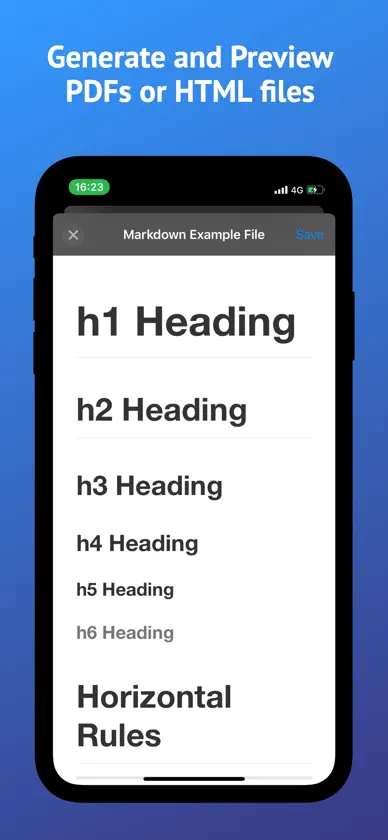
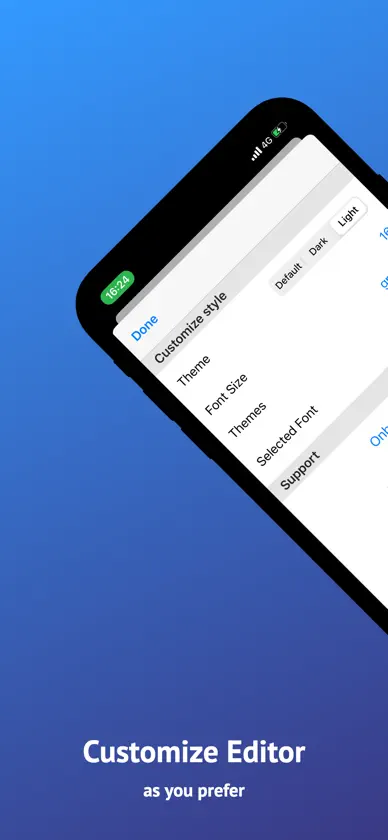
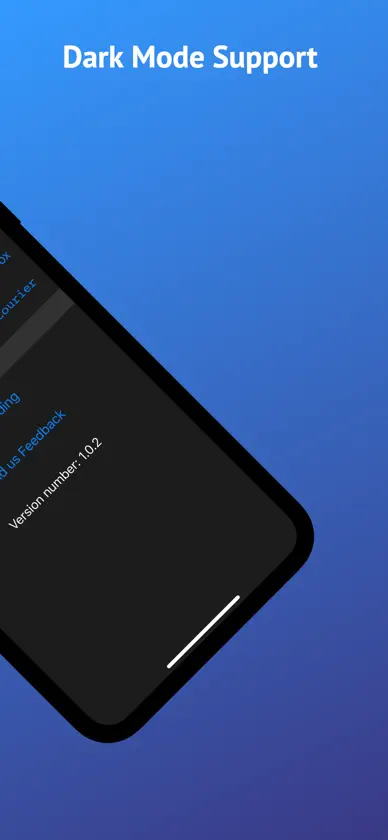
Markdown Pro ist ein schneller, fokussierter Markdown-Editor für iPhone, iPad und Mac. Schreib in reinem Markdown – oder aktiviere den formatierten Editor und sieh zu, wie Überschriften, Listen, Tabellen, Bilder und Aufgabenlisten direkt beim Tippen dargestellt werden. Am Ende exportierst du ein sauberes PDF, eine HTML-Datei oder das rohe Markdown. SCHREIBEN, WIE DU WILLST • Der formatierte Editor stellt Überschriften, Listen, Zitate, Codeblöcke und Bilder direkt im Text dar • Oder bleib bei reinem Markdown mit Syntaxhervorhebung und Zeilennummern • Mit einem Tippen zwischen beiden Modi wechseln • Live-Vorschau neben dem Text auf iPad und Mac • Intelligente Listenfortsetzung und ein Cursor, der bleibt, wo du ihn hinsetzt • Aufgabenlisten mit antippbaren Häkchen TABELLEN OHNE MÜHE • Tippe auf den Stift in einer dargestellten Tabelle und der grafische Tabelleneditor öffnet sich • Zeilen und Spalten hinzufügen und entfernen, ohne Pipe-Zeichen zu zählen • Mehrzeilige Zellen und Spaltenausrichtung • Tabellen werden beim Bearbeiten direkt dargestellt ÜBERALL EXPORTIEREN • Export als PDF, HTML oder rohes Markdown • An jede andere App senden oder direkt in „Dateien“ speichern • Deine Dokumente und Exporte bleiben auf deinem Gerät ZU HAUSE AUF JEDEM GERÄT • Eine App für iPhone, iPad und Mac • Volle Tastaturunterstützung mit Menüleiste und Tastaturkürzeln • Mehrere Fenster, Dokumente als native Tabs auf dem Mac • Drag and Drop, mehrere Dateien gleichzeitig öffnen • Funktioniert mit der Dateien-App, iCloud Drive, Dropbox, Box, Google Drive und weiteren Anbietern • iCloud und „Zuletzt benutzt“ direkt auf dem Mac-Startbildschirm MACH ES ZU DEINEM • Vollständiger Hell- und Dunkelmodus • Wähle dein Syntax-Farbschema • Eigene Schriftart und Schriftgröße im Editor • Eingebaute Snippets für Überschriften, Links, Listen und Tabellen • Suchen und Ersetzen • Automatisches Speichern, immer aktiv Ob Tagebuch, Dokumentation, README, Notizen im Meeting oder ein Code-Snippet – Markdown Pro hält sich im Hintergrund und lässt dich einfach schreiben.
What's new
Version 2.0.1 · Sep 30, 2026
Markdown Pro 2.0 is a big one. THE PRETTIFIED EDITOR Switch it on and your Markdown takes shape as you type. Headings size themselves, lists and quotes get styled, code blocks and inline code stand out, images appear right in the text, and task lists become checkmarks you can tap. One tap takes you back to raw Markdown whenever you want. TABLES, FINALLY Tables now render inline while you edit, and tapping the pencil on one opens a graphical table editor. Add and remove rows and columns without counting pipe characters. Multiline cells and column alignment are supported. FIND AND REPLACE Search through a document and replace as you go. ONE MORE WAY TO EXPORT Export the raw Markdown, alongside the PDF and HTML export you already had. BETTER ON IPAD AND MAC • Split preview pane inside the same window on iPad • Menu bar commands and a far fuller set of keyboard shortcuts • Documents open as native window tabs on Mac • iCloud and Recents on the Mac home screen • Drag and drop, and open several files at once ALSO NEW • A new onboarding flow, plus tips that point things out as you need them • Redesigned settings • Smarter list editing, and a caret that stays where you put it FIXED • Caret and scrolling behaviour in the editor • Editor now respects the safe area • Images are stored correctly when iCloud is turned off • Table editing no longer jumps the caret Thanks for using Markdown Pro. Keep the feedback coming.
More from Teleprompter LLC
 Teleprompter.comTeleprompter LLC
 LaTeX Editor Tex ProTeleprompter LLC
 Moviemaker゜Teleprompter LLC
 Flashcards maker - AI generateTeleprompter LLC
 Audiobook Player SmartBookTeleprompter LLC
 Video Skalieren für IGTV GrößeTeleprompter LLC
 CorrectMe Grammar AI KeyboardTeleprompter LLC
 Intermittent Fasting TimerTeleprompter LLC
You might also like
 One Markdown禄海 区
 MWeb - Markdown Writing, Notes禄海 区
 Markdown Editor and ReaderJulian Lau
 Metion:Markdown Notes für iPadHangzhou Quanduan Technology Co., Ltd.
 Bear - Private NotizenShiny Frog Ltd.
 LogseqLogseq, Inc.
 Obsidian Web ClipperDynalist Inc.
 Obsidian - Connected NotesDynalist Inc.
 Möbius SyncPickup Infinity Limited
 DraftsAgile Tortoise