
Sidrion Pointer
MD BALEL HUSAIN
No ratings yetUtilitiesAges 4+
Screenshots


About this app
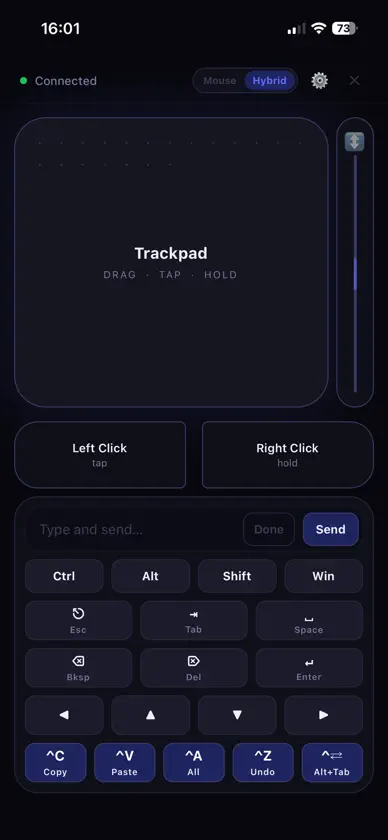
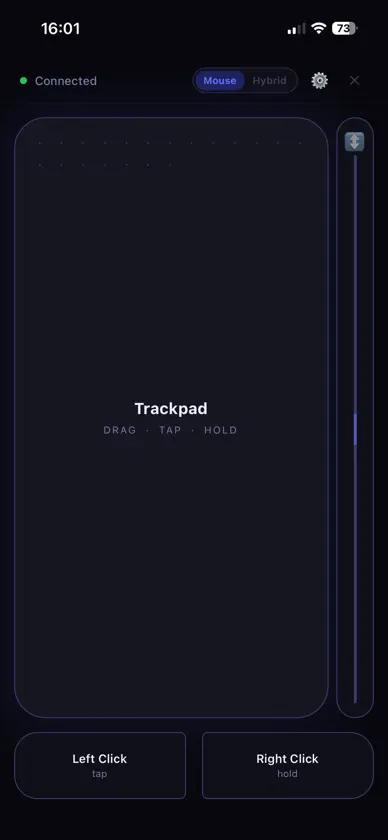
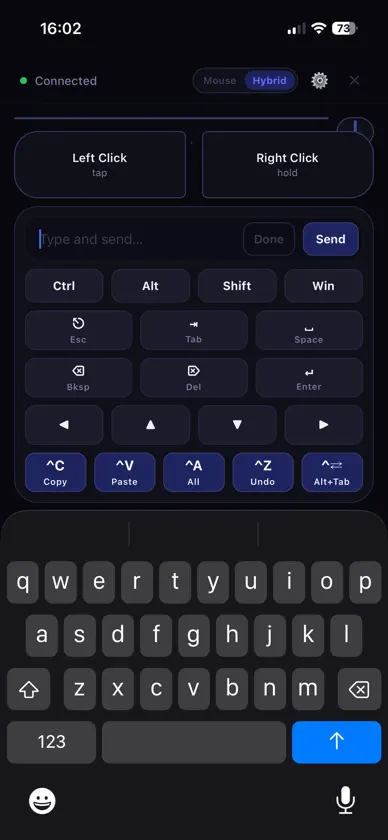
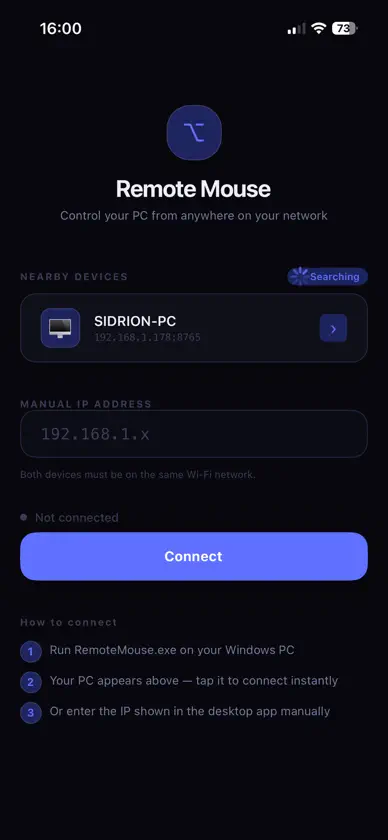
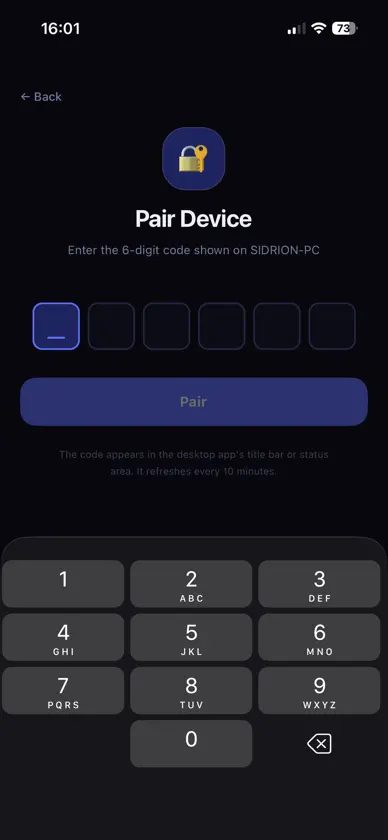
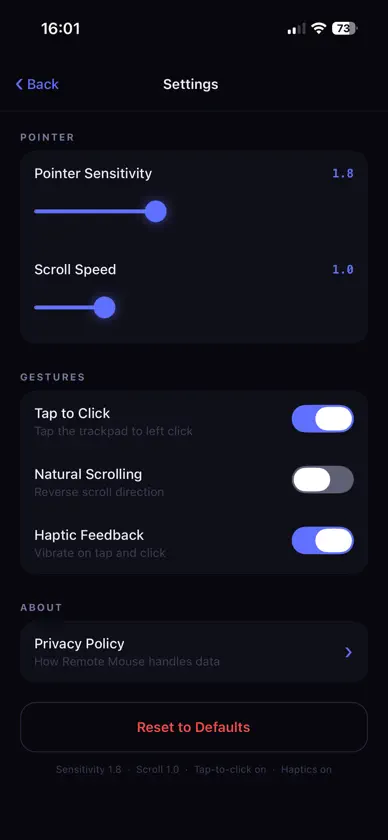
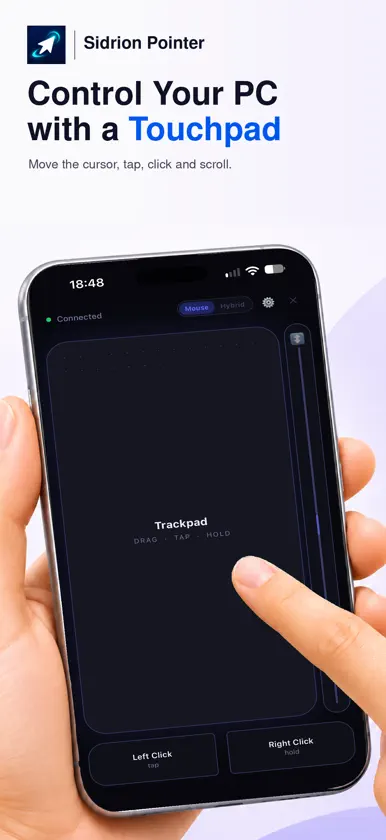
Use your iPhone as a wireless mouse, touchpad and keyboard over your local Wi-Fi network. Move the pointer, click, scroll and type while browsing from the sofa, giving a presentation or working at your desk. MOUSE AND KEYBOARD CONTROLS Choose Mouse mode for a large touchpad, or Hybrid mode to keep touchpad and keyboard controls on the same screen. Type using your iPhone's keyboard and use shortcuts such as copy, paste, undo and Alt+Tab. SIMPLE LOCAL PAIRING Find your Windows PC on the same local network and connect with the pairing code shown by the Windows Host. Once paired, your iPhone can reconnect without entering the code again. GETTING STARTED 1. Install the Sidrion Pointer Windows Host on your PC. 2. Connect your iPhone and PC to the same Wi-Fi or local network. 3. Open Sidrion Pointer, select your PC and enter its pairing code. The companion Windows Host is required. This app controls a PC on your local network, so both devices need to be connected to that network. Download the Windows Host: https://sidrionlabs.co.uk/download Developed by Sidrion Labs.
What's new
Version 1.0.4 · Nov 7, 2026
Remote Mouse by Sidrion Labs is now Sidrion Pointer. This update includes: - New app name and icon - Updated branding and interface text - The same familiar mouse, touchpad and keyboard controls - Existing pairing and connection settings preserved when updating
You might also like
 Fantastic MouseAmin Behdarvand
 Bluetooth MouseAssaf Alawaji
 BlePadMINERVA, INC.
 Just Remote: TV Remote ControlBeijing Dramavision Technology Co., Ltd.
 MouseMeDropDollar, LLC
 QR Toolkit: WLAN, VisitenkarteDJUMP, MB
 CCA RemoteHTL Anichstrasse
 DexoPadPalmblock Technology Co., Limited
 Remote Mouse by Duo TrackpadCoreBits LLC
 PhoneMouse – Wireless MouseBenjamin Nærø