
Omnia Reader
LiChuan Lin
No ratings yetUtilitiesAges 4+
Screenshots





About this app
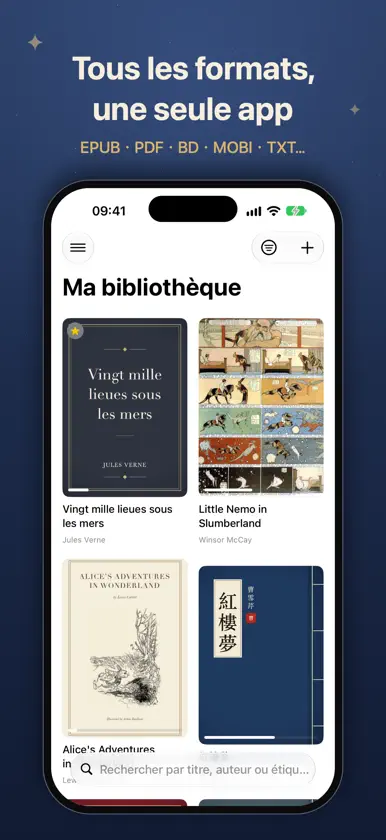
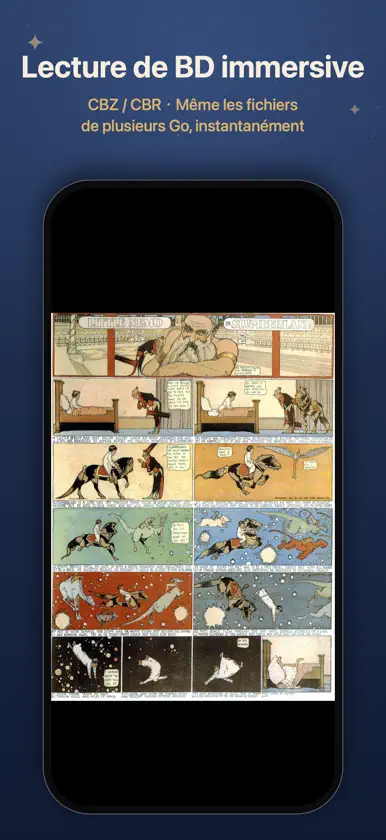
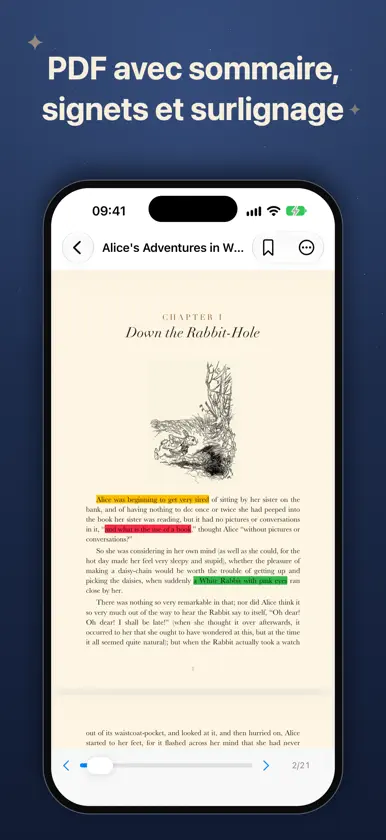
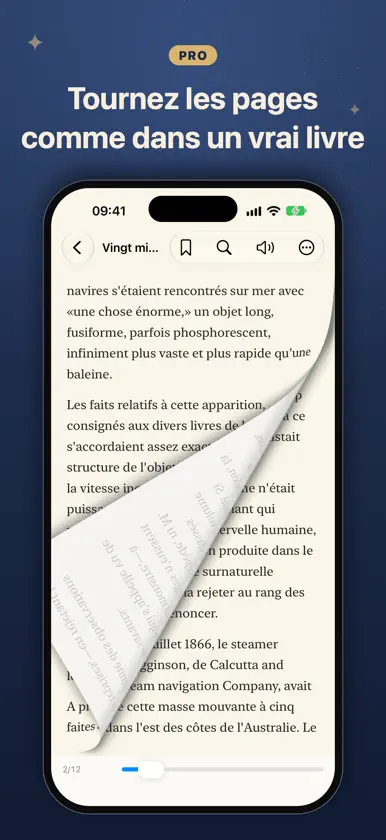
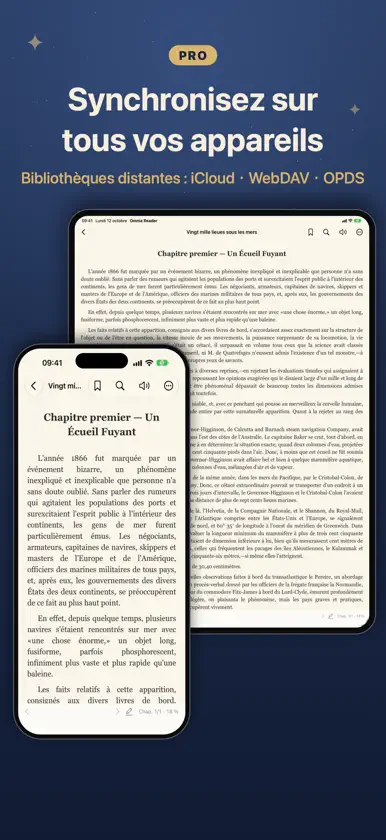
Omnia Reader est un lecteur universel de livres numériques qui ouvre presque tout : EPUB, PDF, BD CBZ/CBR, MOBI et AZW3 (Kindle), TXT, Markdown, HTML, DOCX, RTF, FB2, CSV, conçu entièrement avec des frameworks natifs iOS. Sans compte, sans traçage, sans publicité. Vos livres et données de lecture restent sur votre appareil. LISEZ TOUT, GRATUITEMENT • Plus de 12 formats, bibliothèque locale illimitée • Reprise, sommaire, signets • BD avec chapitres et zoom ; même les fichiers de plusieurs Go s'ouvrent instantanément • Thèmes jour/nuit, polices système, taille, interligne et marges réglables • Dictionnaire et traduction, recherche plein texte • Lecture à voix haute : voix automatique selon la langue, arrière-plan, commandes sur écran verrouillé, suivi, entre chapitres • Surlignages 4 couleurs + notes (3 par livre ; illimités dans les PDF), export Markdown • De belles cartes de citation à partager • 17 langues, manuel intégré DÉBLOQUEZ OMNIA PRO (achat unique, sans abonnement) • IA sur l'appareil : résumés, questions-réponses et vocabulaire — gratuit, hors ligne, privé • Synchronisez progression, signets et surlignages entre appareils, et aussi vos fichiers • Bibliothèques distantes : WebDAV, OPDS, iCloud Drive • Surlignages illimités • Importez vos propres polices (.ttf/.otf) • Mode paginé (dont EPUB paginé), effet de page tournée, double page, vertical CJK, justifié • Jeu de vocabulaire à répétition espacée, étiquettes, statistiques avancées POURQUOI OMNIA • Vraiment natif : rapide, léger, sans SDK tiers • Fonctionne entièrement hors ligne • Sans abonnement, sans publicité, sans collecte de données • Achetez Pro une fois et utilisez-le sur iPhone et iPad Apportez vos propres livres et profitez de la lecture.
What's new
Version 1.6 · Nov 4, 2026
This update adds WebDAV sync: besides iCloud, you can now use your own server — such as Nextcloud, a Synology NAS or Nutstore — to sync reading progress, bookmarks and highlights across your devices, and even the book files themselves. WEBDAV SYNC • Choose iCloud or WebDAV in Sync Settings (in the menu at the top left of the library) • "Sync reading progress" syncs your progress, bookmarks, highlights and finished status; books are matched by content, so the same book imported separately on each device still lines up • "Sync library files" downloads a book imported on one device to your other devices automatically, and deletions sync too • Syncs automatically when you open the app, return to it or close a book — or tap "Sync Now" any time • Uses the same server as "Import from WebDAV / Cloud"; sync data lives in an "OmniaReader" folder on the server • Sync Settings shows when you last synced, and explains what went wrong if the server can't be reached MORE RELIABLE SYNC (ICLOUD AND WEBDAV) • Switching to another app mid-book now saves and syncs your place, so you can pick up on another device • Opening a book and closing it without turning a page no longer overwrites newer progress that just arrived from another device FIXES • TXT and Markdown books in Scroll mode now remember where you left off and reopen right there; the progress percentage, new bookmarks and Read Aloud also follow your current position As always: fully offline, no tracking, no ads. Sync goes only through iCloud or your own server — whichever you choose.
In-app purchases
The most popular purchases on the App Store.
- ProConsumable6,99 $US
More from LiChuan Lin


You might also like
 Kinder - Ebook Reader功亮 张
 Renobo : Lecteur Ebook & MangaNan Yu
 静墨 - TXT/EPUB/PDF电子书阅读器涛 罗
 Foxycape AI Reader成都铁飞鹰科技有限公司
 书屿Anyi County Bingzhiyi Trading Co., Ltd.
 全能阅读器 - 多格式电子书阅读器宁伟 陈
 子衿听书-文字转语音朗读有声小说助手工具软件Guangzhou Feynman Information Technology Co., Ltd.
 水獭漫画 - 纯净的本地漫画阅读器宁 权
 SimplyRead - EBook Reader阳 张
 Readify - AI Web AssistantXin Chen