
TK Notify
Thermo King LLC
No ratings yetBusinessAges 4+
Screenshots


About this app
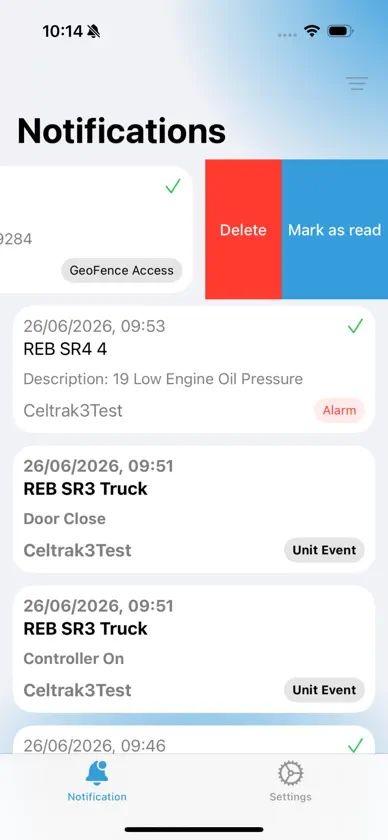
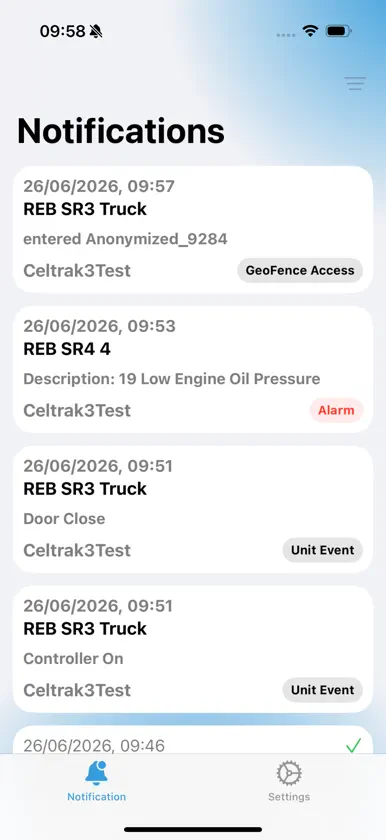
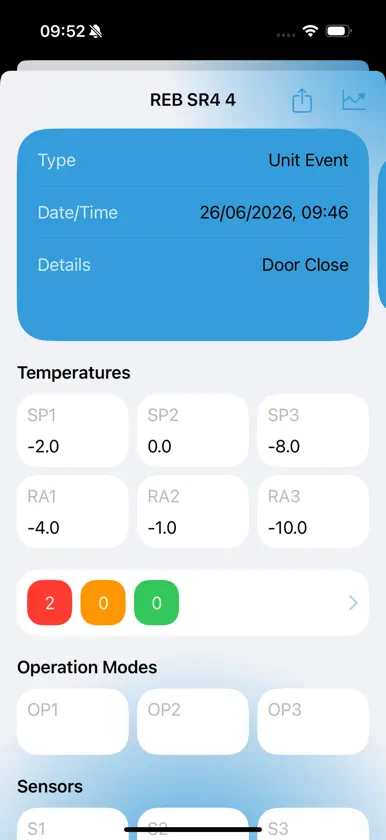
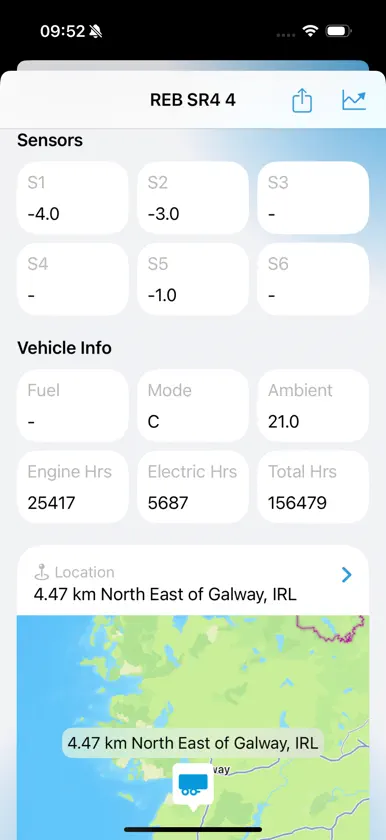
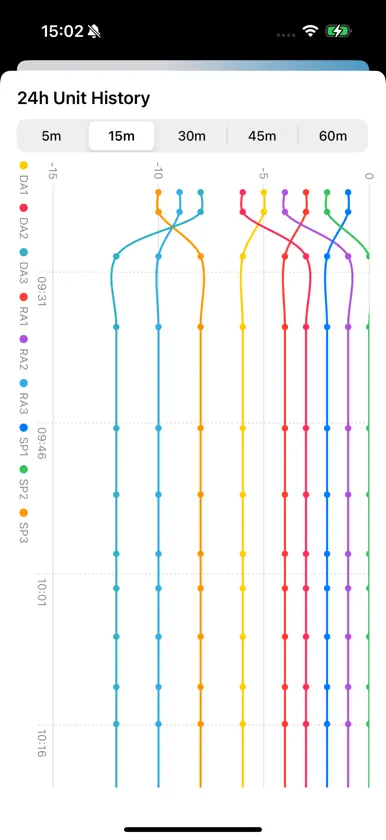
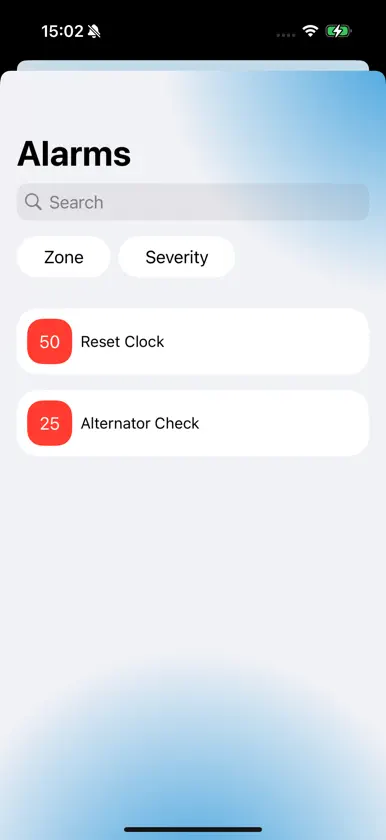
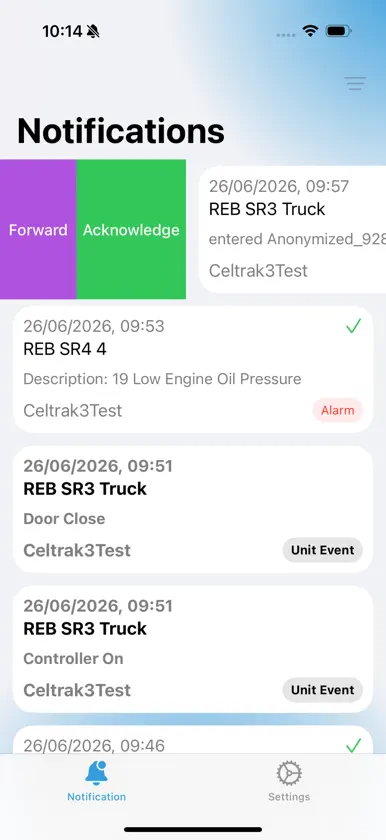
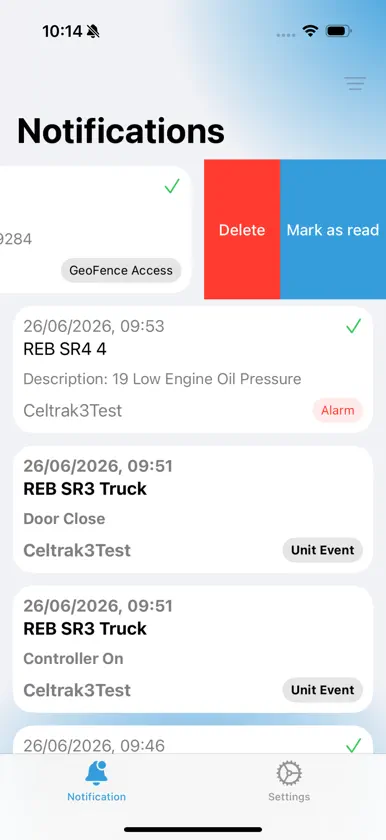
TKNotify allows customers to create rich notifications for those contacts that are subscribed to Thermo King TracKing Notifications on the TracKing application. 1. On TracKing, simply create a new notification (or edit an existing one). 2. Specify the Vehicles you wish to monitor and be notified on. 3. Specify what combination of Alarms, Unit Events, Unit Requests and Geofences you wish to create the TracKing Notification for. 4. Select the Contacts you wish to receive these TracKing Notifications. The contact must have a mobile number associated with them in the format +CountryCode NetworkCode MobileNumber (without the spaces; +xxxxxxxxxxxx) 5. Select "TKNotify" as the Notification Type. 6. Save the TracKing Notification. 7. Contacts must register on TKNotify using their actual device. 8. Once registered on TKNotify contacts will receive any TracKing Notifications as specified in steps 1-6. Create multiple TracKing Notifications & subscribe the registered TKNotify Contact to that notification. The Contact will receive a Push Notification on their device informing them of the Thermo King TracKing Notification when it occurs. TracKing Notification details can then be viewed on the App.
What's new
Version 1.0.1 · Aug 24, 2026
Bug fixes App optimisations
More from Thermo King LLC


You might also like
 Thermo King Tutor SeriesAptarus Ltd
 frameLOGIC ManagerADDSECURE SP Z O O
 CameraMatics ManagerProvision Vehicle Cameras Ltd.
 CameraMatics SafeManagerProvision Vehicle Cameras Ltd.
 MilesPro: Frais KilométriquesNesrine Djelassi
 IG FLEET GPSSlamdunk Network
 Subcool : frigoristeFaruk Orman
 InCab for ForwardOfficeForward Computers Ltd
 ChefhelperAniello Guida
 KRONE Smart AssistantFahrzeugwerk Bernard Krone GmbH & Co. KG