
Subscribd
LEE M MCNAMARA
No ratings yetFinanceAges 4+
Screenshots


About this app
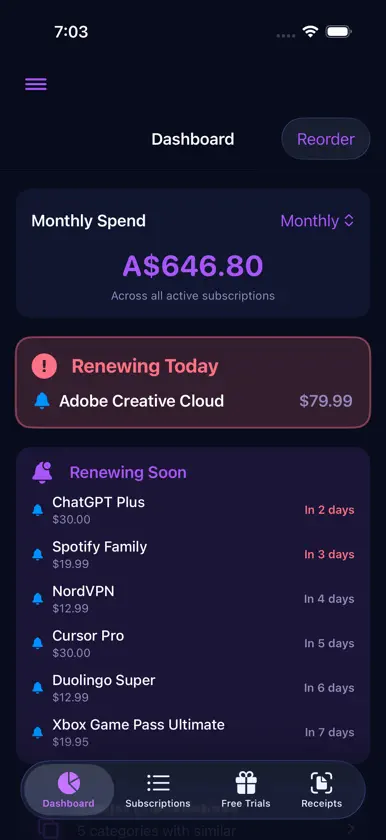
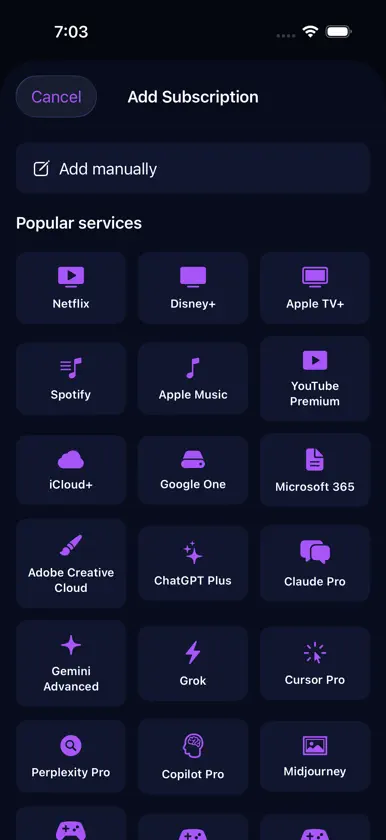
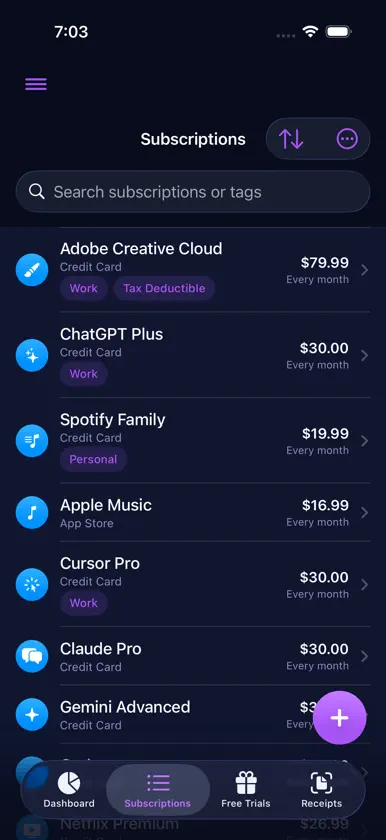
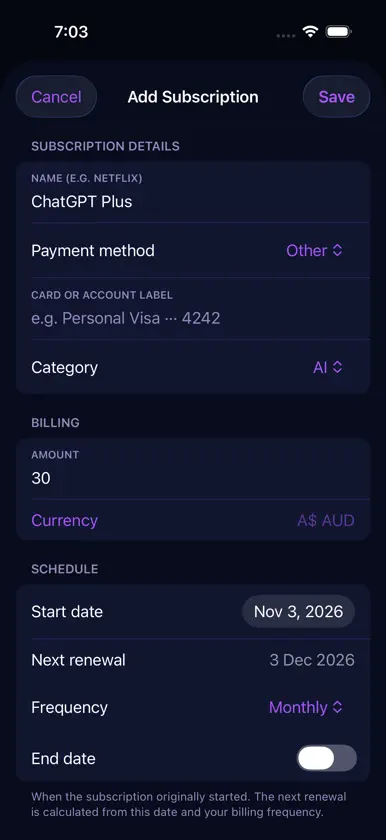
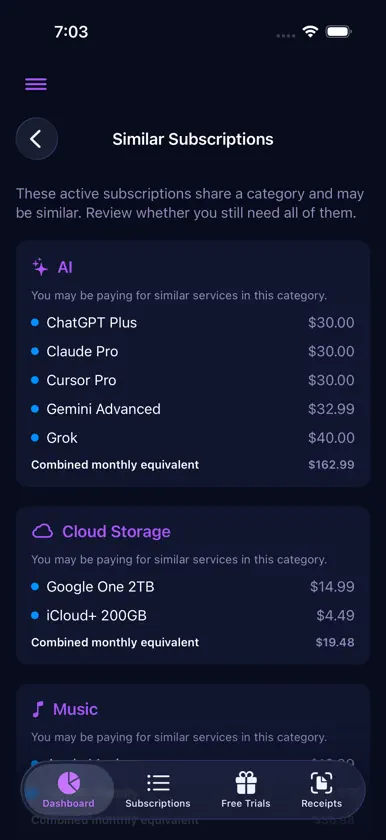
Subscribd is the subscription and expense tracker built for Apple—iPhone, iPad, and Apple Watch. See what you pay each month, what renews next, and where your money goes, without ads or selling your data. Everything in one place Add streaming, music, cloud storage, software, utilities, fitness apps, and anything else on a custom billing cycle. Quick-add templates for popular services (Netflix, Spotify, cloud storage, developer tools, and more) fill in names and categories for you. Organise with categories—including Internet, Developer, and productivity—and tags like Work, Personal, or Tax Deductible. Dashboard that stays useful Reorder cards to match how you think: Spend Summary, Renewing Today, Renewing Soon, Upcoming Renewals (list or calendar), Free Trials, Cash Flow, Cut List, Similar Subscriptions, and Price Changes. Hide clutter; cards reappear when they matter. Never miss a renewal Set first and second alerts per subscription or trial, with priority and custom sounds. Reminders run locally on your device—no account required. The app icon badge highlights renewals due soon. Free trials before they charge Track trial end dates, expected post-trial prices, and reminders so conversions don’t catch you off guard. Trials feed into cash-flow forecasts when you add an expected charge. Cash Flow & Cut List Forecast charges over 30, 60, or 90 days from the dates and amounts you enter. Use Cut List to simulate turning services off and see monthly savings—what-if only; nothing is cancelled for you. Price history When you update a price, Subscribd records it. View charts per subscription and a cross-app Price Changes feed for recent increases and decreases. Receipt archive Save receipt photos, mark personal or work, filter by quarter or date range, and export PDFs for tax time. Widgets & Apple Watch Home Screen and Lock Screen widgets show spend and renewals at a glance. Apple Watch displays monthly totals and what’s due soon—powered by the same data as your iPhone when using the app group. Your data, your choice By default, data stays on your device with SwiftData. Turn on optional iCloud sync in Settings to keep subscriptions and receipts up to date across iPhone, iPad, and Apple Watch via your private iCloud account. Export JSON backups, CSV, or PDF summaries anytime. Made to feel at home on Apple Light, Dark, or System appearance. Eight colour themes—including Midnight—with matching app icon accents. Fourteen localised languages. No account. No ads. Subscribd does not require sign-up to our servers. We don’t run ads or sell your subscription list. Download Subscribd and know what renews—before your bank balance does.

