
Screenshots









About this app
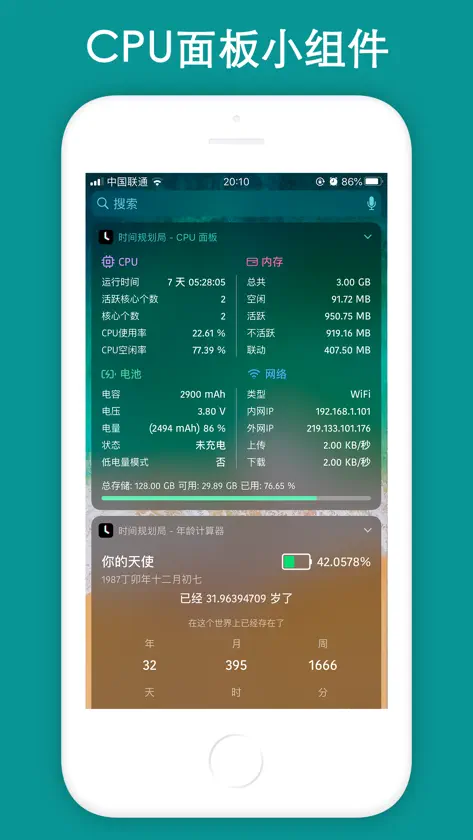
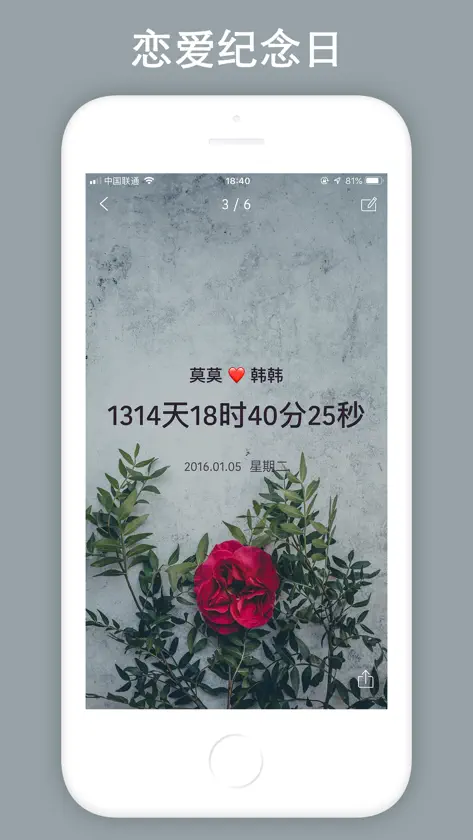
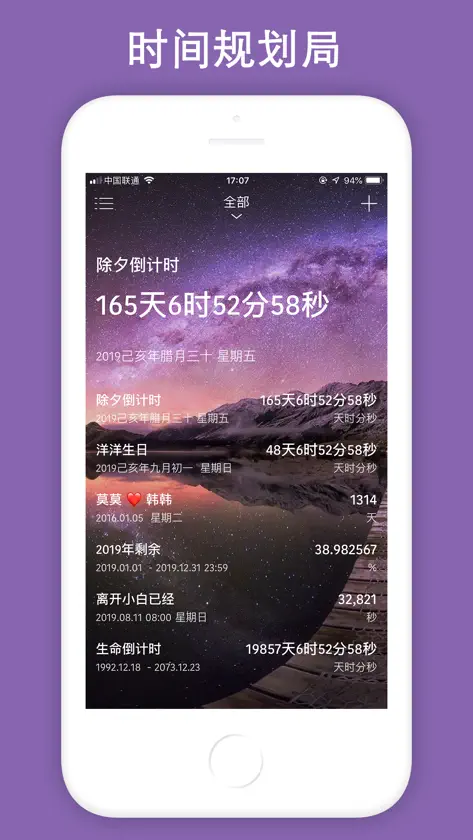
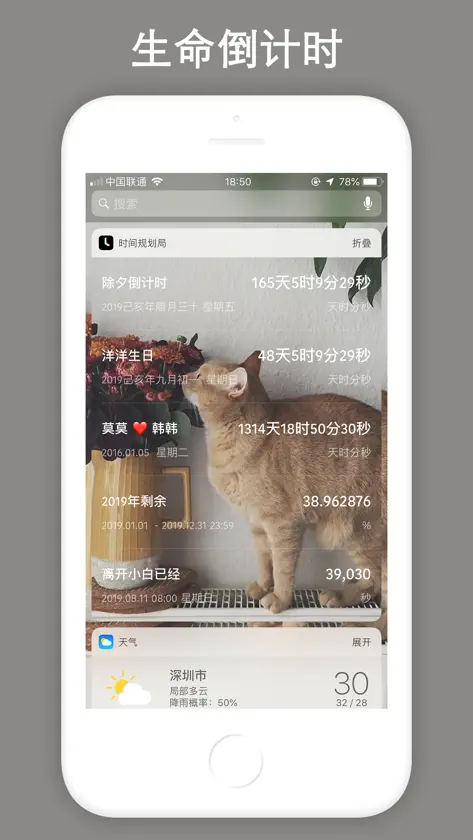
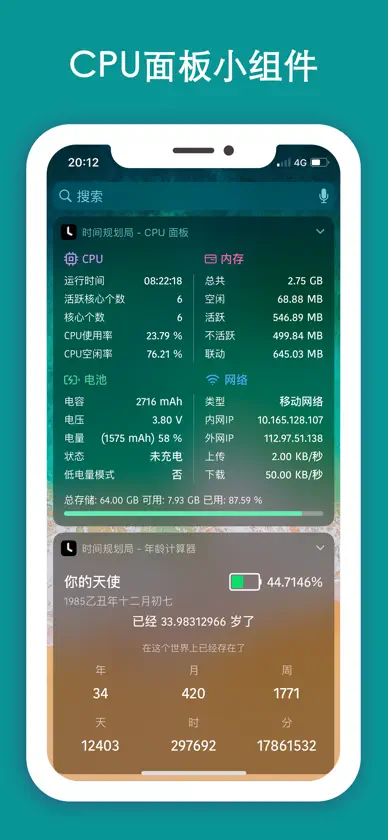
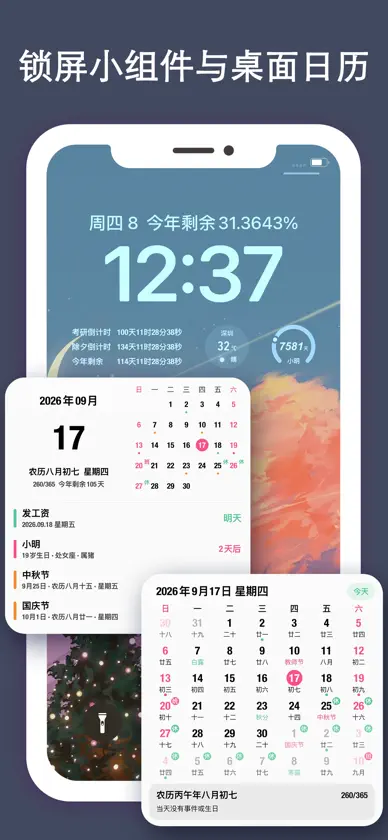
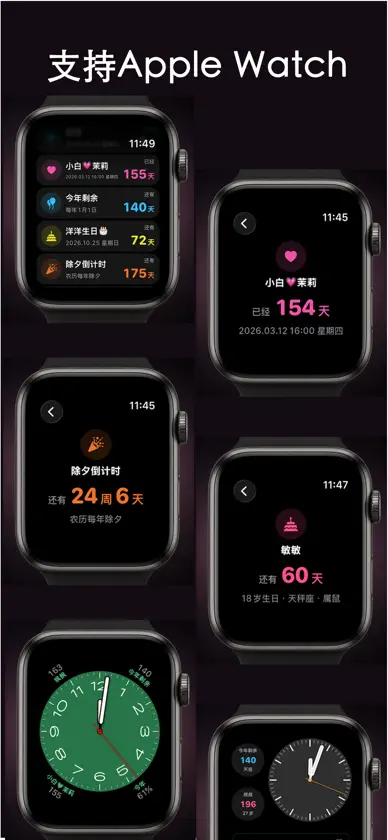
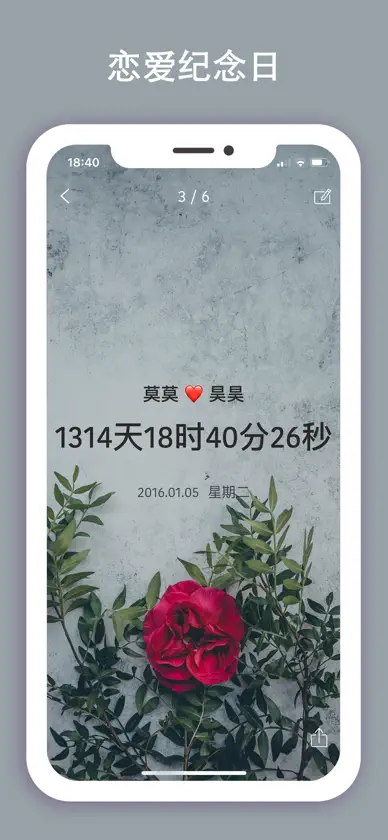
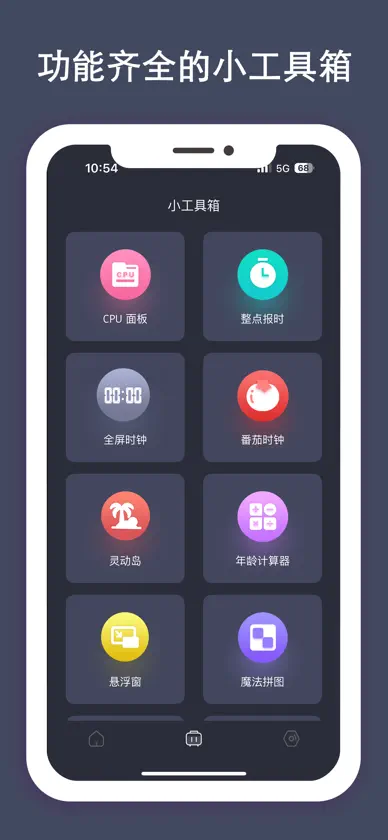
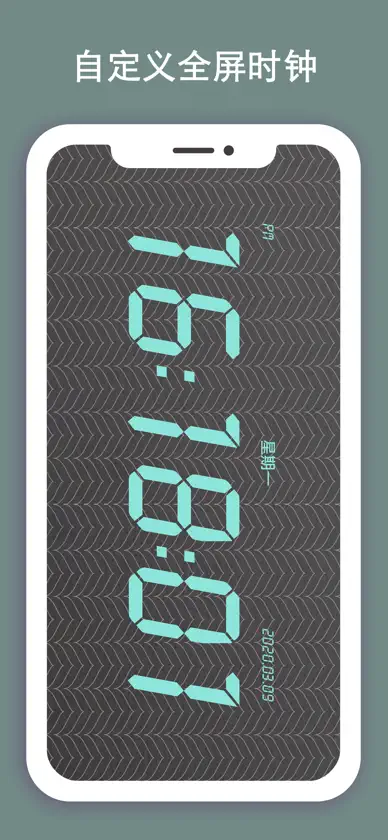
时间规划局是一款提醒事项与时间管理的App,它会时刻提醒你珍惜自己的时间,可以精确到秒,同时支持 Apple Watch,界面清新简洁,丰富的手表复杂功能随心选用,直接在表盘快速查看关键信息。支持桌面日历功能,支持节日与休假信息;支持农历显示,支持分类管理功能,支持自定义小组件背景,支持百分比形式,支持更改百分比的精确度,让您每分每秒都能够看到时间的变化,提醒您珍惜时间。还支持多种小工具包括『CPU面板』,『灵动岛』,『整点报时』,『年龄计算器』,『番茄时钟』,『魔法拼图』,『Live Photo』,『计时器』,『全屏时钟』,『日期计算器』,『二维码生成』等多种小工具。 它可以帮你制定项目计划、设置会议的提醒、 安排您的行程规划、并让您保持工作专注,还能用于记录备忘事件,帮组您更好的管理时间。 [特色] # 内置70多种锁屏小组件和100多种桌面小组件; # 完整支持 Apple Watch,界面清爽简洁,提供多种手表复杂功能; # 可以精确到秒,时刻提醒您珍惜时间,看得到的时间变化; # 支持提醒,通过推送通知提醒您即将到期的事件; # 支持桌面日历功能,支持节日与休假信息; # 支持动态壁纸; # 支持农历选择,不错过每一个农历节日; # 可自定义小组件背景,自定义小组件颜色,个性化定义小组件; # 支持每天每周每月每年重新计算; # 内置多个小工具,包括『CPU面板』,『灵动岛』,『整点报时』,『设备面板』,『年龄计算器』,『魔法拼图』,『Live Photo』,『计时器』,『全屏时钟』,『计步器』,『日期计算器』,『二维码生成』,『节假日』,『To Do List』,『生辰』等多个小工具; # 桌面小组件可以自定义背景、字体、字体颜色、透明度和模糊度; # 支持事件置顶; # 支持事件自动排序; # 支持分类管理功能,更好的帮您管理所有事件提醒; # 您可为每个事件设置背景,小而美的时间提醒应用; # 支持将数据备份到iCloud的功能,再也不用担心数据会丢失; # 提供各种炫酷的动画,给您不一样的心情; # 可自定义推送通知铃声,让您与众不同; # 支持网络搜图,为您提供更加丰富的内容; # 全新清新简洁的操作界面,让操作更简洁; # 支持百分比形式。 会员功能包括:所有小组件、所有小工具、所有静态壁纸和动态壁纸,100%纯净无广告和数据自动备份功能,并可以享受未来的所有会员功能。 【包月会员说明】 1.订阅周期:1个月 2.订阅价格:每月3元 3.付款:用户确认购买并付款后记入itunes账户 4.取消付款:如需取消续订,请在当前订阅到期24小时以前,手动在iTunes/Apple ID设置管理中关闭自动续订功能 5.续订:苹果iTunes账户会在到期前24小时内扣款,扣款成功后订阅周期顺延一个月 【包年会员说明】 1.订阅周期:1年 2.订阅价格:每年24元 3.付款:用户确认购买并付款后记入itunes账户 4.取消付款:如需取消续订,请在当前订阅到期24小时以前,手动在iTunes/Apple ID设置管理中关闭自动续订功能 5.续订:苹果iTunes账户会在到期前24小时内扣款,扣款成功后订阅周期顺延一年 【永久会员说明】 可无限制永久使用会员功能,所有小组件、所有小工具、所有静态壁纸和动态壁纸,100%纯净无广告和数据自动备份功能,并可以享受未来的所有会员功能。 隐私政策:https://shijianguihuaju.cn/2020/01/01/countdown-law/ 用户协议:https://shijianguihuaju.cn/2020/01/01/countdown-law/
What's new
Version 5.2.1 · Sep 18, 2026
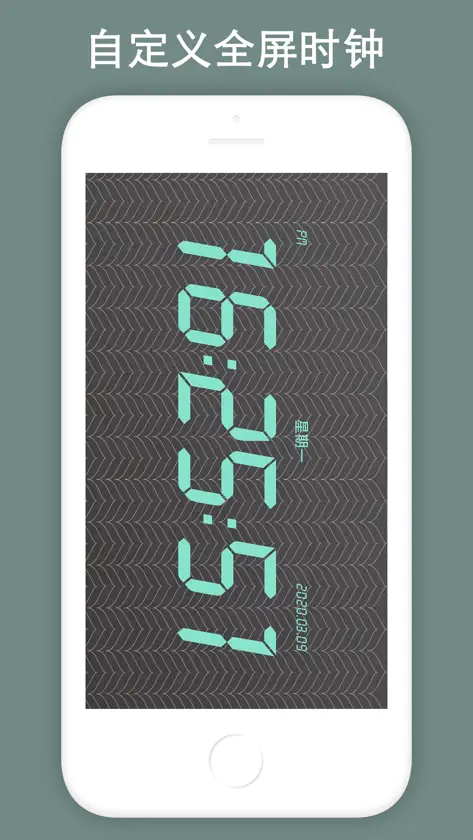
Countdown version 5.2.1 is officially launched. 1. Full support for Apple Watch. Enjoy a clean‑looking interface with a rich selection of watch complications. 2. Add sorting function on the home page. 3. Add the "Pomodoro Timer" tool to the mini toolbox. 4. Optimize the overall desktop calendar feature. Add leave information to the desktop calendar, so holidays and leave data can be displayed clearly and intuitively. 5. Adapt to the latest iOS version and new iPhone models. RRecently added the Desktop Calendar · Schedule and Desktop Calendar · Upcoming Overview features. Add the Dynamic Island function, add CPU Panel Widget, add List • Year Month Day Desktop Widget, iOS 17 standby mode has been supported, added the "Floating window" function, which can be used for floating clock, network speed, CPU, timing, countdown and other functions, and added a custom repeat function, The new "Traffic statistics", "Nucleic acid records", "Punch", "Time Remaining" and "Remaining Year" widgets have been added. "Magic Puzzle", "Live Photo", "Timer" and many other widgets, and optimize user experience. Widgets such as "Weather" and "List-Classic" have been added. Now desktop widgets can customize the background, font, font color, transparency and blurriness. More widgets are working overtime to adapt, and the overall performance of the App is also optimized. It supports single events and list events, as well as various styles. Added the full-screen clock desktop widget, now it supports widgets in units of day, day, hour, minute, and year, month, and day. Age calculator and birthday widget have been added, more gadgets are being developed overtime. Recent updates: 1. Added the Desktop Calendar · Schedule feature at the top-right corner of the homepage, medium and large-sized Desktop Calendar · Schedule desktop widgets, and the Custom Alert Ringtone feature. 2. Optimized the functions of Data Backup, Category Management, Event Reminder and Notification Alert. 3. Added Dynamic Island adaptation, which can display real-time data including network speed, CPU usage, RAM and storage on the Dynamic Island. 4. Added the CPU Panel tool (available for widget addition, with background customization supported now); added the Age Calculator and Birthday Lifespan Tracker tools (also widget-supported with editable backgrounds); added the Hourly Voice Time Announcement tool to broadcast the current hour audibly. 5. Add "Full Screen Clock" tools, support various style customization, including modifying background, font color, style, etc .; 6. Add "Date Calculator" tools to help you calculate accurately; 7. Add "QR Code Generation" and "QR Code Scan" tools; [Features] # 70+ Lock Screen Widgets and 100+ Desktop Widgets; # Full support for Apple Watch. Enjoy a clean‑looking interface with a rich selection of watch complications. View key information directly on your watch face without launching the app. # Can be accurate to the second, always remind you to cherish the time and see the time change; # Support reminders, remind you of upcoming events through push notifications; # Support dynamic wallpapers; # Support lunar calendar selection, do not miss every lunar festival; # Customizable widget backgrounds, custom widget colors, and custom widget definitions; # Support recalculation every day, every week, every month; # Built-in multiple tools, including "CPU Panel", "Hourly Reporting", "Pomodoro Timer", "Device Panel", "Magic Puzzle", "Live Photo", "Timer", "Age Calculator", "Full Screen clock", "pedometer", "Date cCalculator", "QR Code Generation" and other tools; # Desktop widgets can customize the background, font, font color, transparency and blur; # Support classification management function, better help you manage all event reminders; # You can set the background for each event, small and beautiful time reminder application; # Customizable push notification ringtones to make you unique;
In-app purchases
The most popular purchases on the App Store.
- 解锁所有小工具Consumable¥3.00
- 包月会员Subscription¥3.00 / month
- 解锁所有动态壁纸Consumable¥1.00
- 永久会员Consumable¥29.90
- 包年会员Subscription¥24.00 / year
- 桌面透明小组件ConsumableFree


