
Exam Reader
Khang Le
No ratings yetEducationAges 4+
Screenshots

About this app
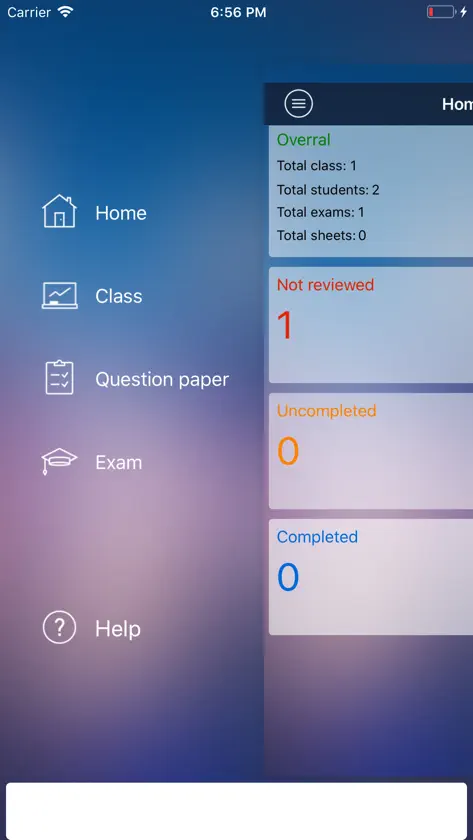
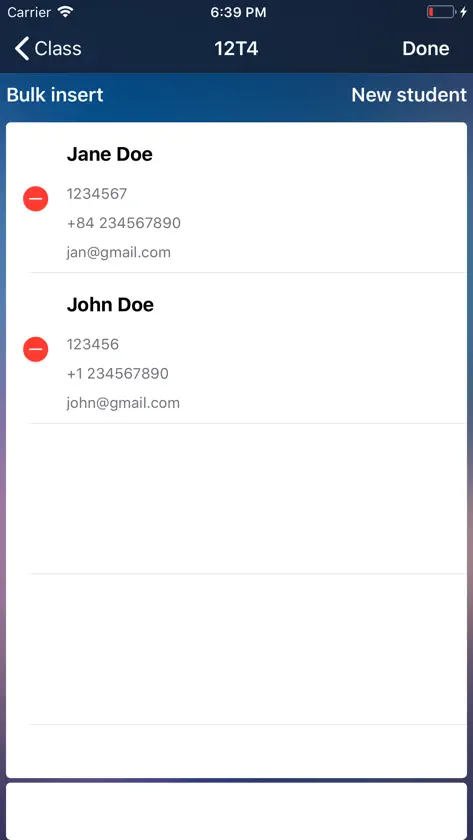
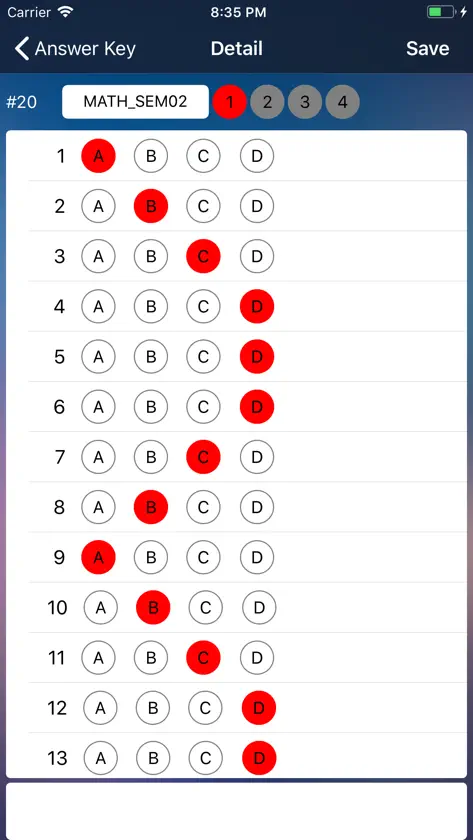
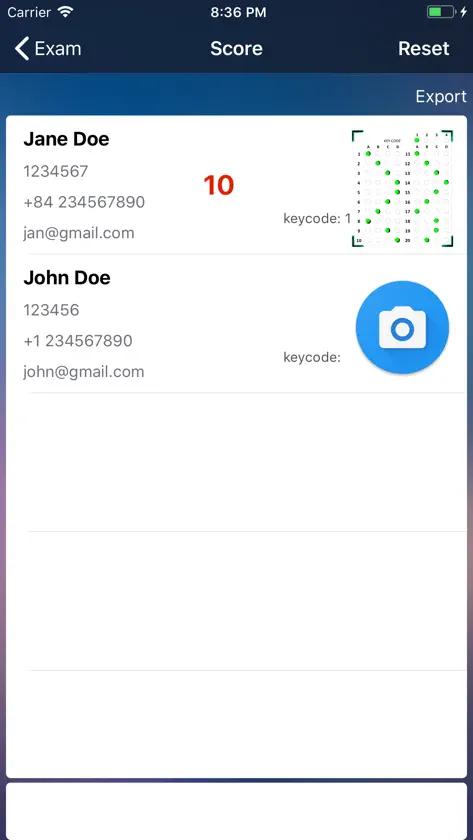
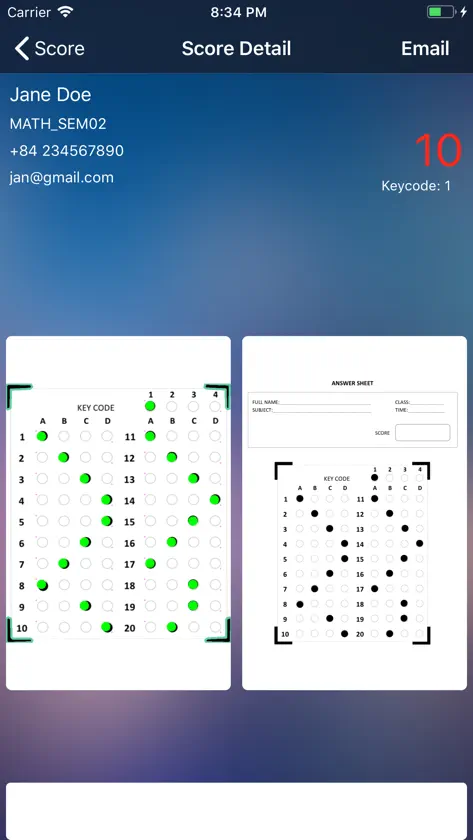
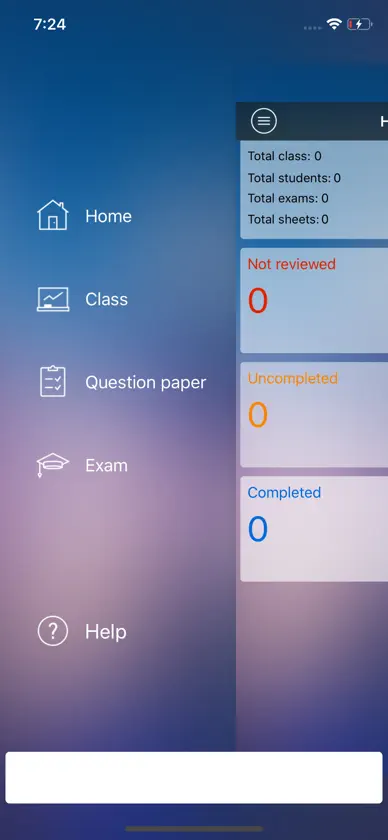
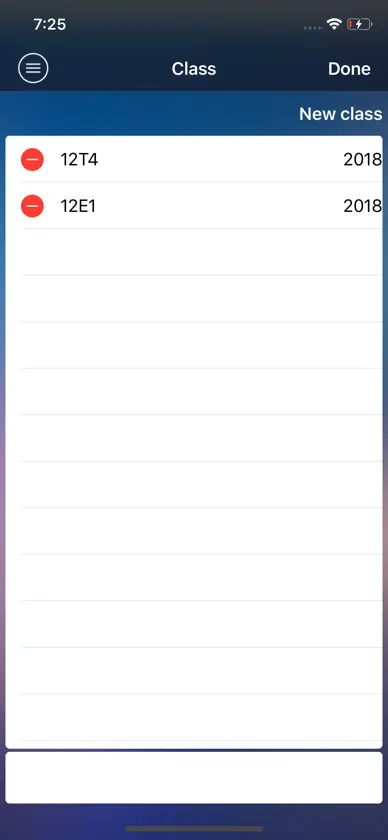
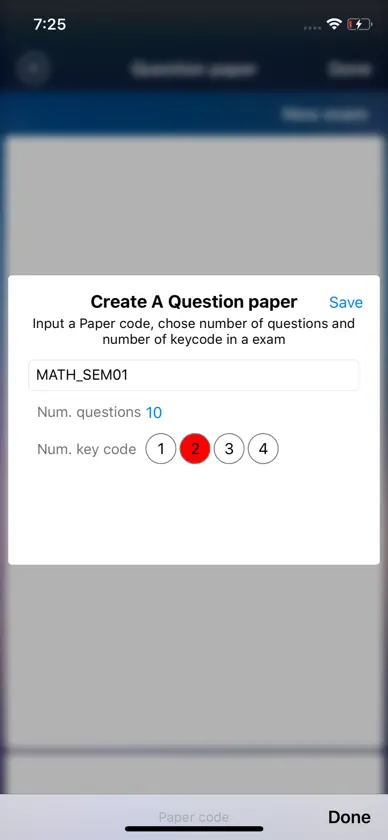
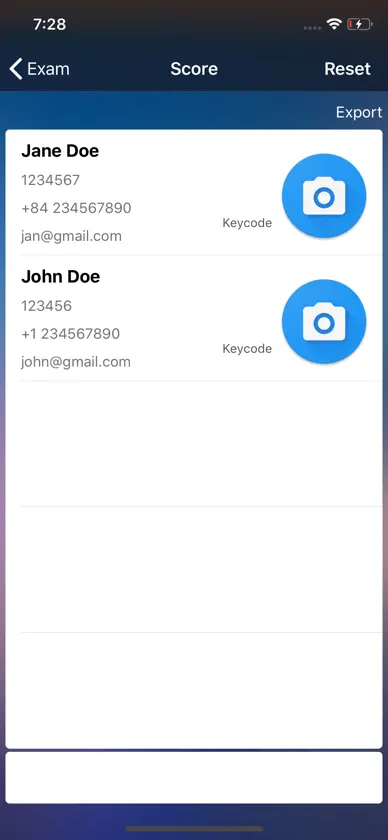
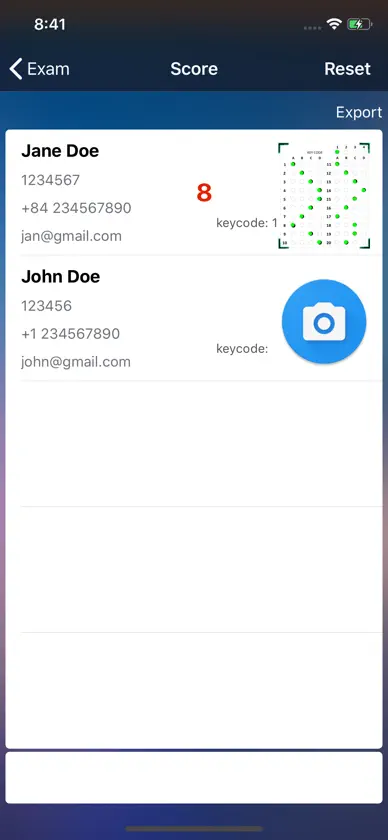
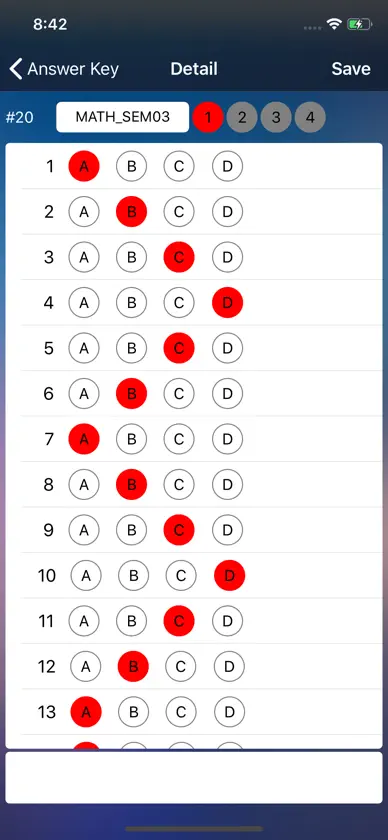
1. Create a new class 2. There are two options to enter or bulk insert students into a class - Manual input - Bulk insert 3. Create the answer sheets a question paper - First create a question paper: input a paper code, number of question and number of key code (maximum 4 key codes in a question paper) - Second, chose relevant key code to make an answer key 4. Mapping a class into an exam - First, create an exam - Second mapping the class and question paper 5. In Home screen, chose relevant exam, then capture student's answer sheet to get each score. 6. In the detail screen of any student's answer sheet, you can send them email privately or export all scores (table format) to your email for further action Please see the Help in app for more instruction or https://lbtkhang.wordpress.com/2018/08/13/exam-reader
What's new
Version 1.1 · Aug 15, 2018
Fix minor bugs
More from Khang Le


You might also like
 Test Plus - Prüfungsleserceyda bulak
 Omrify: OMR & MCQ ScannerKritie Sethh
 ReactixGALGOTIAS UNIVERSITY,SCHOOL OF BUSINESS
 Uday kadam's Marathi AcademyAnuj Gupta
 Class Rate - Schülerbewertungceyda bulak
 ZellNextLeap
 Qora AI: Notizen, Karteikartenmustafa kendigzel
 Test Time - Online-Prüfungceyda bulak
 Math Solver:AI Homework HelperMD Shaha Jalal
 Basic Français RomânăLudo-Vic