
PushWard
MACIEJ KEDZIORA
No ratings yetDeveloper ToolsAges 4+
Screenshots


About this app
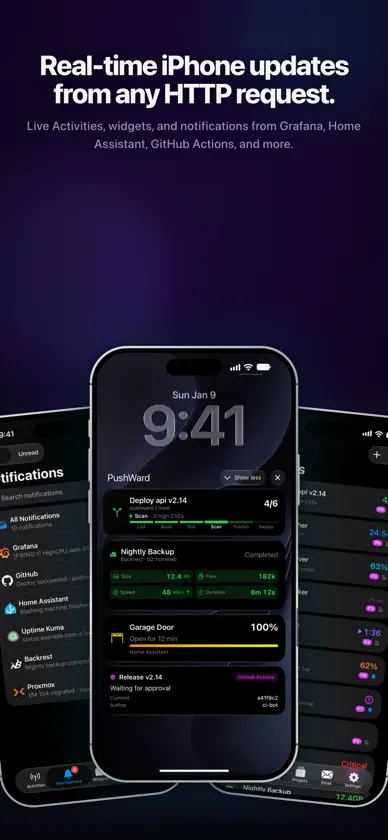
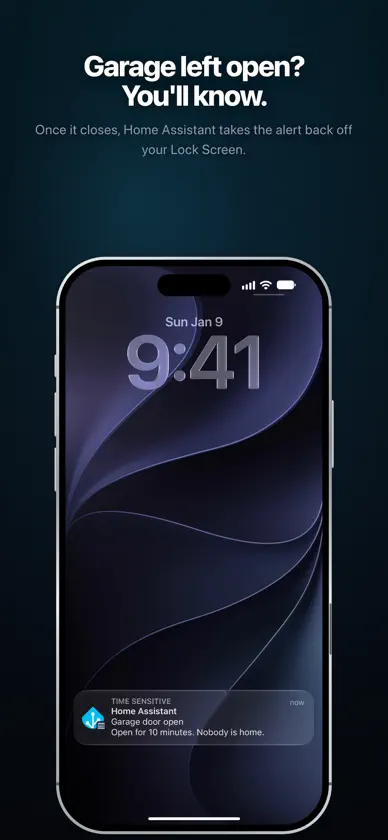
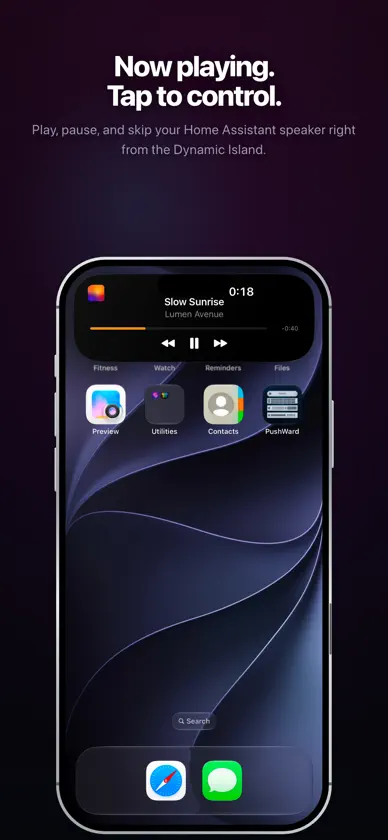
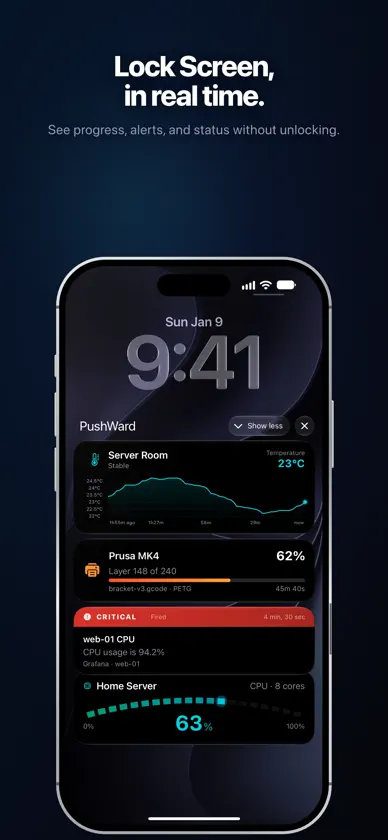
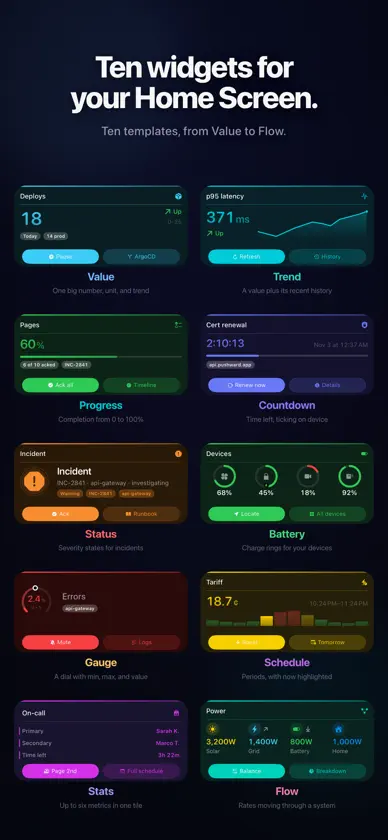
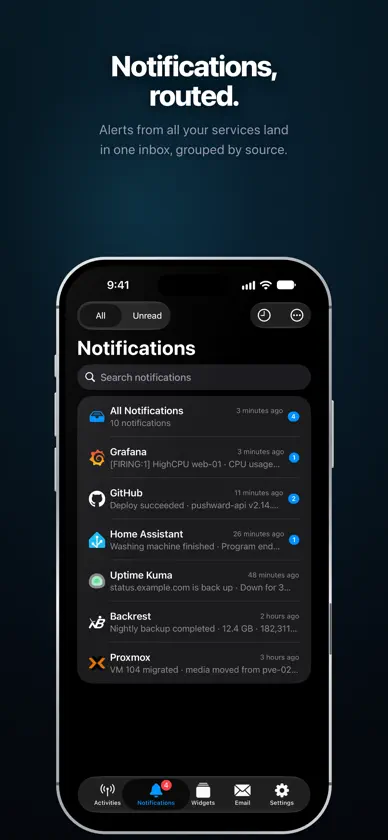
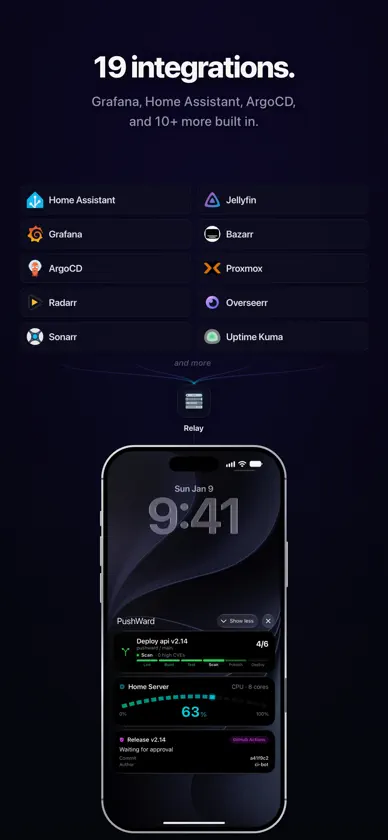
PushWard turns plain HTTP requests into iOS Live Activities. Bridge your backend services to the Dynamic Island and Lock Screen — one API call starts an activity, another updates it. HOW IT WORKS 1. Create an activity with a template and slug via the API 2. Update state and content with a simple PATCH request 3. The update lands on your Lock Screen and Dynamic Island instantly No APNs certificates to manage. No device tokens to track. 8 BUILT-IN TEMPLATES • Generic — Track any progress with a customizable bar, state label, and countdown timer • Countdown — Auto-managed timer with server-side warning and completion pushes • Steps — CI/CD step indicator with matrix job support and stage tracking • Alert — Severity-based alerts with deep links to dashboards and alert rules • Gauge — Monitor values within a range with auto-calculated progress and min/max labels • Timeline — Real-time sparkline chart with multi-series support, thresholds, and auto-scaling • Board — A grid of up to four status tiles, each with a value, unit, icon, color, and trend arrow • Log — A live, scrolling feed of events with timestamps and severity, newest first 20 READY-MADE INTEGRATIONS Webhook relay (zero code, no server needed): Grafana • ArgoCD • Radarr • Sonarr • Bazarr • Jellyfin • Paperless-ngx • Uptime Kuma • Gatus • Overseerr • Proxmox • Changedetection • Unmanic • Backrest Self-hosted Docker bridges: GitHub Actions • SABnzbd • Bambu Lab 3D Printer • Unraid NAS • Grafana (advanced) Smart home: Home Assistant via HACS — track any entity as a Live Activity KEY FEATURES • Apple Watch app — view your Live Activities and notification history on your wrist, with watch-face complications and Smart Stack support for all templates • Made for iPad — a universal app with an adaptive two-pane layout and full landscape support • Live Activity designer — build and push a Live Activity right from the app, no code required • Siri & Shortcuts — send a notification or open your unread inbox hands-free • Control Center controls — fire a widget webhook or open your inbox from Control Center • Powerful search — search your entire notification and email history on device, and find any notification from Spotlight • Critical Alerts — let your most urgent notifications break through silent mode and Focus • Sign in with Apple — no passwords or email required • Up to 5 concurrent Live Activities with priority-based smart eviction • Activity sharing via share codes and universal links • Push-to-Start — the server starts Live Activities on your device remotely • Scoped integration keys with slug restrictions and rotation • Custom accent, background, and text colors (named or hex) • In-app notification inbox with per-source preferences • Email delivery — send emails to your verified recipients and browse your sent history • iCloud sync — your settings stay in sync across all your devices • Interactive demo — try all templates without any setup • Full account deletion — instantly, no hoops PRIVACY BY DESIGN • No analytics, ad networks, or tracking • Sign in with Apple only — we never see your email • API tokens stored as SHA-256 hashes • Activities auto-clean via configurable TTLs • All communication over HTTPS/TLS and encrypted APNs PRICING PushWard has a generous free tier — no credit card required: • 500 push notifications and 250 Live Activity updates per month • 3 registered devices and up to 5 concurrent Live Activities • All templates and full REST API access Upgrade any time for unlimited notifications and updates, Activity Sharing via share codes, and up to 10 registered devices: • PushWard Plan — billed annually, with a 14-day free trial • Family — billed annually, shared with up to 5 family members • Founding — a one-time Lifetime purchase that never renews Pricing is shown on the in-app paywall. Terms of Use (EULA): https://www.apple.com/legal/internet-services/itunes/dev/stdeula/ Privacy Policy: https://pushward.app/privacy
What's new
Version 1.21.0 · Nov 6, 2026
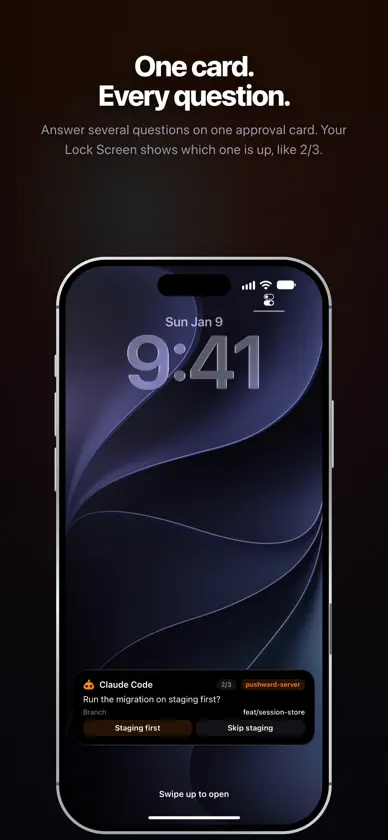
PushWard 1.21.0 shows you what it does before you sign in, and gets you to your first push in a few steps. - Live Stage: the sign-in screen and the tour play a short story with the app's own Live Activity cards - a Build Pipeline stepping through six colored steps, a release approval with Approve and Reject, a deploy with live progress, and Midnight Static by The Lowlands with its cover art. - Play it on my Lock Screen shows the story's card as a real Live Activity on your Lock Screen and in the Dynamic Island, before you have an account. - Look around first opens the app over sample data. Anything that would change an account asks you to sign in first. - One notification screen after sign-in, and a sample push a few seconds after you allow notifications. Alarms and critical alerts moved to a Device check list. - Get your first push: a checklist sets up the source you picked in the tour, with your integration key already filled in and hidden until you confirm with Face ID, Touch ID or your passcode. It listens for your first real push and celebrates when it arrives. - A new install follows your iPhone's language, in all 25 languages PushWard speaks. An install that showed English before keeps it, and Settings > Language still changes it. - Copied keys stay on this iPhone: they no longer reach your other devices through Universal Clipboard and still clear after a minute, and a new key's text can only be copied with its Copy button. - Account Access for integration keys: three new levels - Devices, Sharing and Account - each set to No access, Read access or Full management. Every key starts with no access to them. Your default key is now listed first in Integration Keys, and only its Account Access can be changed there. - Approvals that need an unlock: an approval option marked as needing authentication waits for Face ID, Touch ID or your passcode before its answer is sent from a Live Activity. A cancelled unlock sends nothing. - Apple Watch: an unlocked watch on your wrist counts as unlocked for those options, and the two approval buttons on the wrist always keep one way to refuse. Fixed: - Counts read correctly in all 25 languages - notifications, sharing, share code uses, demo steps, trial lengths and more - for example 1 powiadomienie and 2 powiadomienia in Polish, and 1 update in English.
In-app purchases
The most popular purchases on the App Store.
- PushWard PlanSubscription · 14 days free trial24,99 € / year
- FamilySubscription · 14 days free trial39,99 € / year
- LifetimeConsumable179,00 €
More from MACIEJ KEDZIORA

You might also like
 ActivitySmith - Push & WidgetsAdam Bardon
 Island Pulse - Live UpdatesImmiGrader Tech LLC
 HookTapTim Krisch
 GrafLensWhiteMatter Technology, LLC
 WidgetoKamil Kujawinski
 IoT PanelsPhilipp Arndt
 Beszel : DashboardTheo Vankoekelberg
 PVE Adminapply IT UG (haftungsbeschraenkt)
 Webhook NotifierAlltrons B.V.
 Uptime MateChristoph Scherbeck