
SubZone
Sonic Baume LTD
3.6(7)EntertainmentAges 4+
Screenshots





About this app
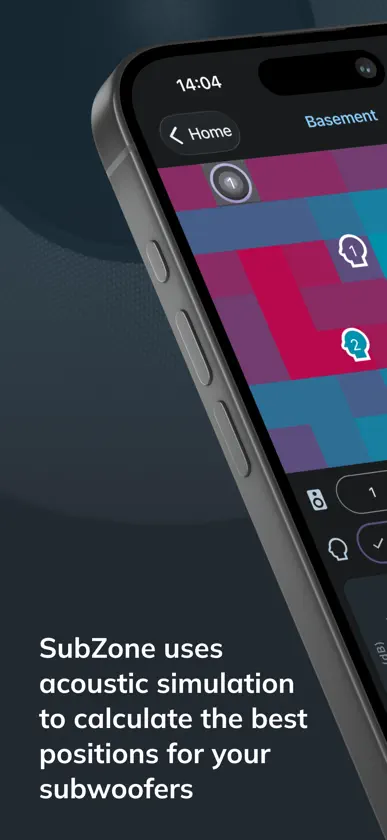
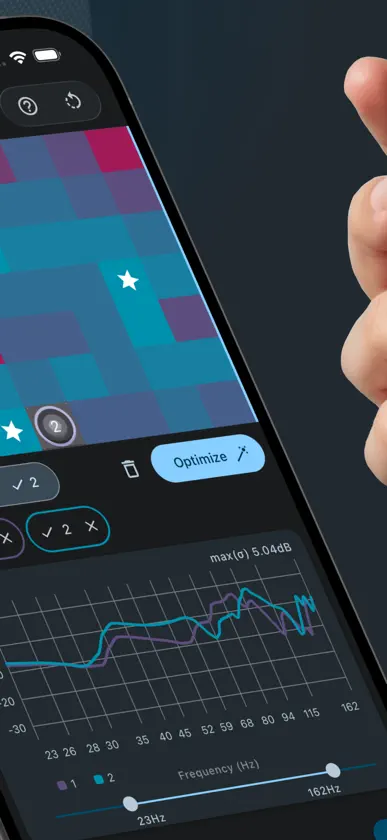
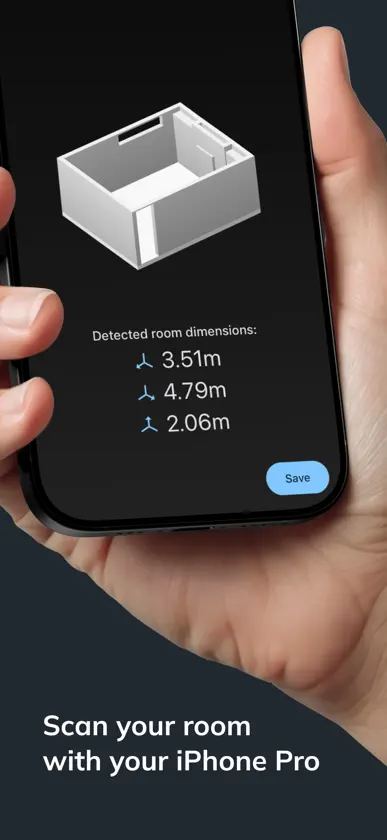
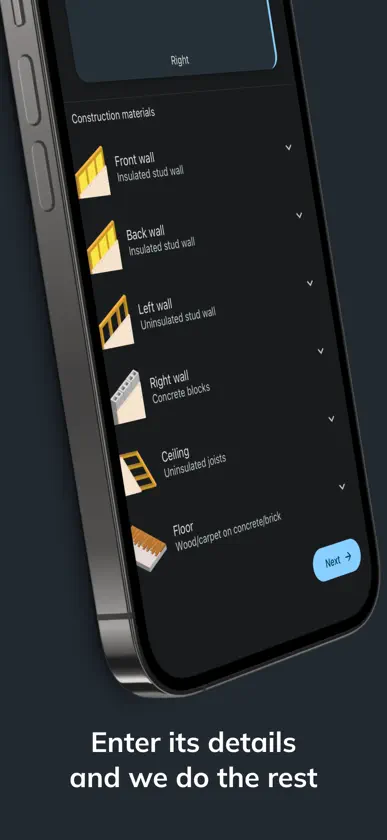
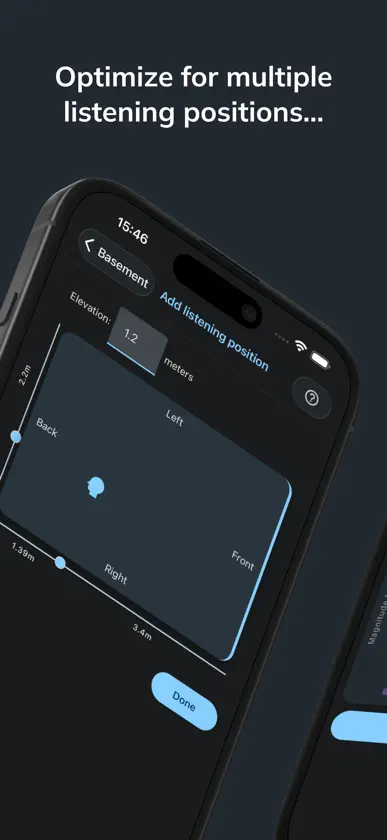
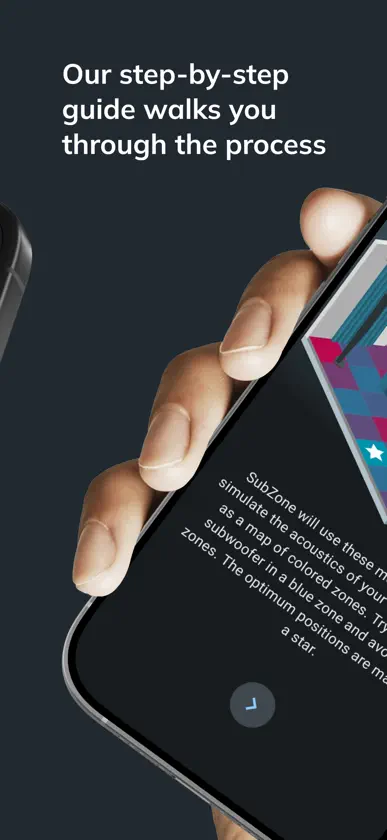
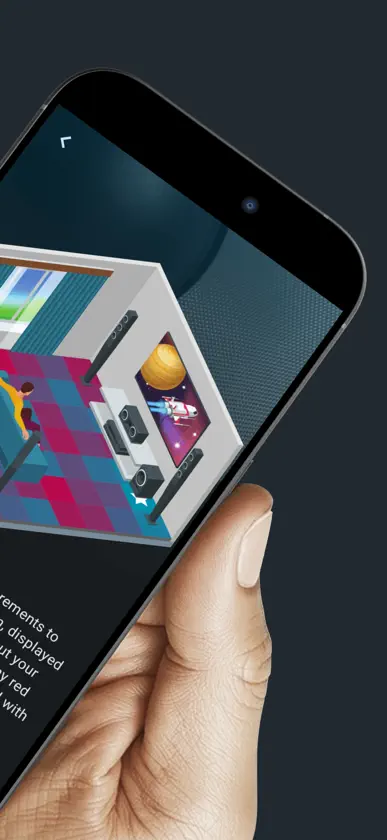
“Within 30 seconds this thing helped me make a decision that I’ve been vacillating about for six months now.” Audio Unleashed podcast “This has to be the biggest no-brainer we’ve ever come across.” LB Tech Reviews When sound waves reflect off the walls, ceiling, and floor of your room, they create “room modes” that change the sound by boosting some frequencies and canceling others. The result is bass that is boomy in one spot and thin in another. The right placement minimizes these effects, and the wrong placement can compromise the sound of even the best subwoofers. The traditional solution is the “subwoofer crawl”, where you move your sub to your listening position, then crawl around the room on your hands and knees listening for the best spot. SubZone replaces that with a scientific calculation you can run from the comfort of your seat. How it works: 1. Measure your room by scanning it with your iPhone*, or by simply entering its dimensions. 2. Choose your room’s construction materials and mark your listening position. 3. SubZone generates a heatmap showing the best places for your subwoofer, with the top zones marked with a star. Adding a second or third subwoofer can sometimes help to smooth out bass response, but it is an expensive experiment. With SubZone you can add as many subwoofers as you like and see exactly what effect they have, and how they interact. Use the optimize feature to automatically search for the ideal combination of positions, then see whether the improvement justifies the purchase. Features: • Full acoustic simulation of every possible subwoofer position, based on your room’s dimensions, construction, and listening positions • Frequency response plot for each zone, showing which frequencies are boosted or cut, and by how much • Add multiple listening positions, so that the whole seating area sounds good • Simulate multiple subwoofers to see how they interact, or search for their ideal positions automatically • Step-by-step tutorial to get you started, plus full detailed documentation • Expert support on hand for any questions or issues • All data is stored and processed on your device, and no account or sign-in is required • Everything included, with no artificial limits on rooms, simulations, listening positions, or subwoofers • Dark and light color schemes Please note: SubZone runs a full acoustic simulation rather than estimating individual room modes, which is what keeps its results accurate. As a result, it currently supports only rectangular “shoebox” rooms. * Room scanning requires an iPhone 12 Pro or later Pro model, but room dimensions can be entered manually on all devices.
What's new
Version 2.0 · Nov 6, 2026
Version 2.0 adds support for multiple subwoofers and room scanning.
You might also like
 Horizon. Film & Serien TrackerTract Entertainment
 Sudoku Alles in Einem Pro杨军 朱
 dCS Mosaic 2dCS Ltd
 SoundViz - Sound VisualizerMIZOU, CO., LTD.
 Le Pole TrailNoho Ltd.
 Belfast City Hall ARJam Creative Studios
 EC PlayEC Living AS
 Halloween Horror SoundboardPeter Weiss
 Yes or No WheelApun ltd
 TivEPG: IPTV Player Sports HubEWAN RAMSAY G LAW