
CFOP Learning
Joao Frasco
No ratings yetEducationAges 4+
Screenshots

About this app
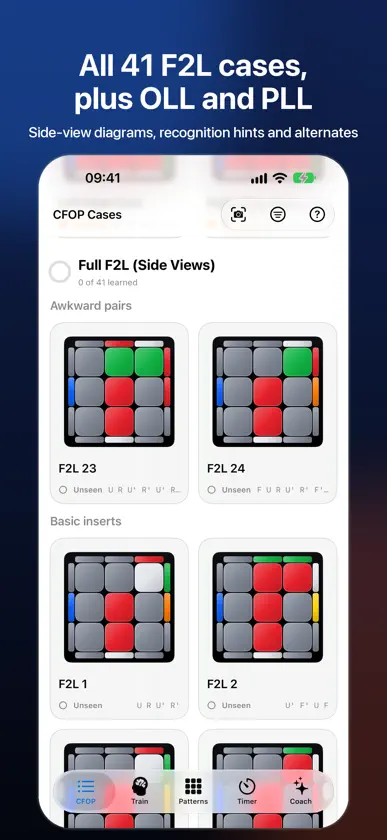
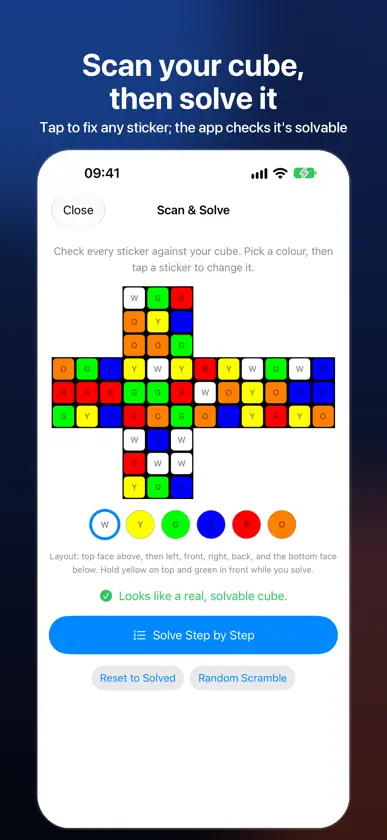
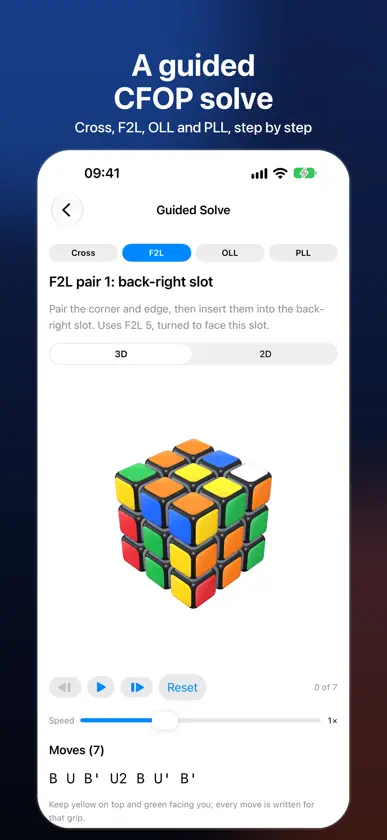
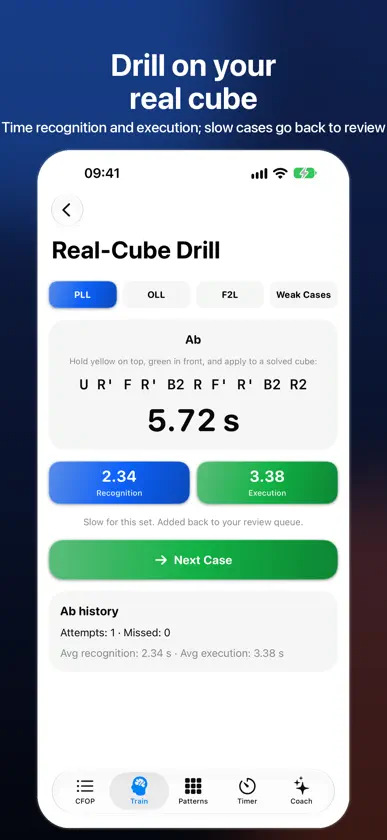
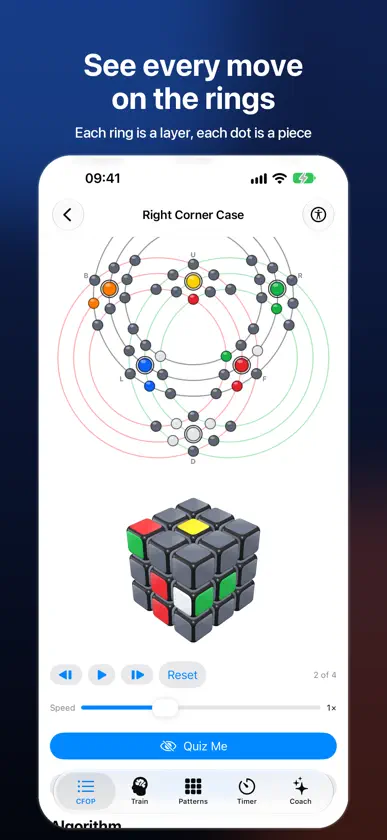
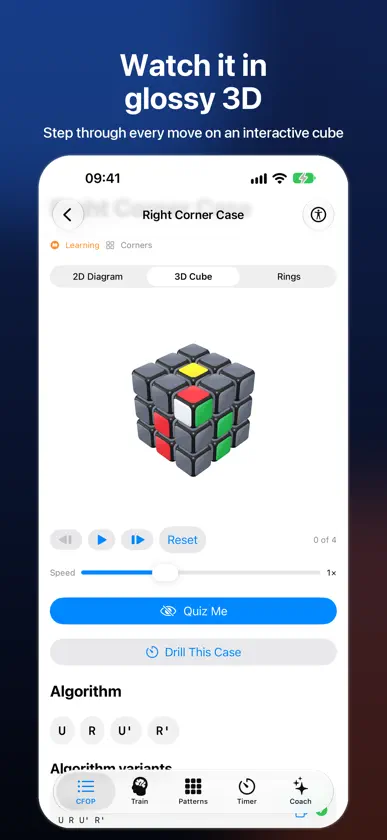
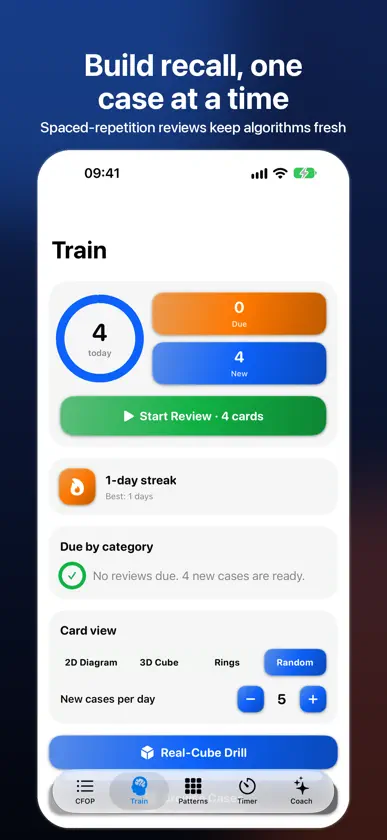
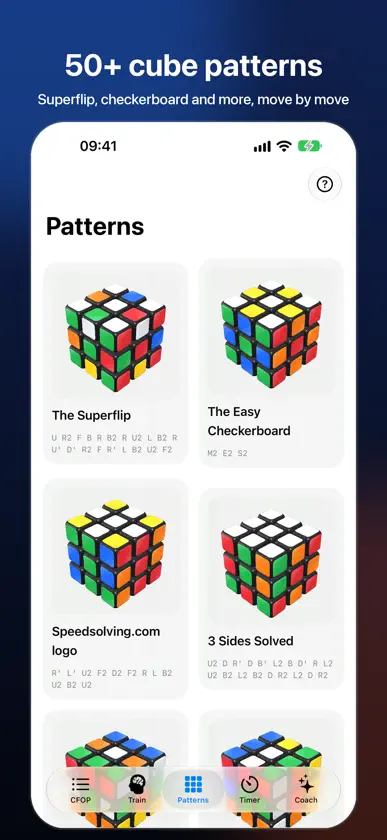
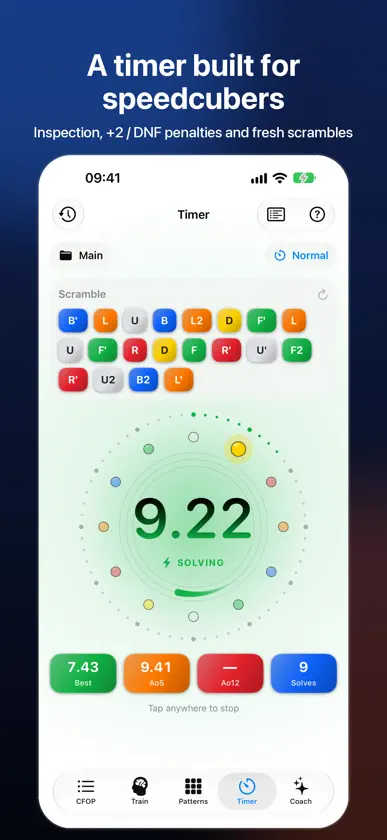
CFOP Learning is a companion for learning the CFOP method and practising it every day: a case library, a spaced-repetition trainer, a speedcubing timer and your own progress, all in one app. SEE THE CUBE DIFFERENTLY • A glossy, rounded 3D cube you can turn and step through, move by move • A ring view where every layer is a ring and every piece a dot, so you can follow exactly where each piece goes • Clean 2D diagrams with arrows that match each algorithm SCAN & SOLVE • Point your camera at each face of your cube, tap to fix any sticker, and get a guided CFOP solve: cross, F2L, OLL and PLL • Follow every step on the 3D cube or a 2D map, and jump to the matching case in the library • Everything happens on your device: no photos are saved or uploaded LEARN • Notation guide: what every move means (faces, slices, wide moves, rotations, primes and double turns), played on a 3D cube • Full 41-case F2L library with side-view diagrams, plus OLL and PLL with every PLL side colour shown • Intuitive F2L basics: the six beginner inserts, kept as an easy first step • Quiz Me: hide the case or the solution to test recognition and recall • Mark each case Unseen, Learning or Mastered and watch your coverage grow TRAIN • Spaced-repetition reviews: grade each card Again, Hard, Good or Easy • Daily streak and a new-cases-per-day limit so you never overload • Choose 2D, 3D, rings or mixed card display • Real-cube drill: set a PLL, OLL or F2L case up on your own cube, then time how long you take to recognise it and to solve it TIME • Speedcubing timer with 15-second inspection, +2 and DNF penalties • A fresh, colour-coded scramble for every solve, with named sessions • Best, Ao5, Ao12 and solve history, with trend charts and session stats EXPLORE • 50+ cube patterns, from the Superflip to checkerboards, with step-by-step moves COACH • A personal coach that reads your own solves and reviews and suggests what to practise next. On devices with Apple Intelligence it can also answer questions; everywhere else you get built-in guidance. EVERYWHERE • Widgets, a Live Activity, Spotlight search and Shortcuts • Apple Watch companion with a complication • Your solves and progress sync through your own iCloud account • No ads, no account, no tracking • One-time purchase: no subscriptions and no in-app purchases
What's new
Version 2026.10.25 · Oct 25, 2026
Scan your cube, and finally learn what every move means. • New Scan & Solve: point the camera at each face of your cube, tap to fix any sticker, and get a guided CFOP solve (cross, F2L, OLL and PLL). Watch each step on the 3D cube or a 2D map and jump to the matching case in the library. Everything happens on your iPhone; no photos are saved or uploaded. No camera? Enter the colours by hand • New Notation Guide in Help and next to every algorithm: see what every move means (faces, slices M E S, wide moves like r and u, rotations x y z, plus primes and double turns) played on a 3D cube • Corrected PLL cases: the 2D diagram, 3D cube and algorithm now agree for every case, including T, Y, Z and the J, N and R perms; Z now shows only the edges that move, and Ja, Jb, Nb, Ra, Rb and Z finish fully solved • Fixed 3D playback of algorithms that use wide moves (r, f) and slices • Removed two alternative algorithms that did not solve their case (OLL 27, PLL Z) • Real-cube drill and the full 41-case F2L library from the last updates are included
More from Joao Frasco


You might also like
 LLTrainerTatsuya Yamaguchi
 Cube CFOP: F2L, OLL & PLLTuan Truong
 Perfect Pitch Toddler GamesBRIDGETECH SOLUTIONS LIMITED
 Pilot Mental Math TrainerThomas Oswald
 The Speedcuber TimerJoseph Hale
 Ohmira: Circuit SimulatorMewey
 PocketAlgsArmand Tartar
 Snowflake SnowPro Core ExamTrieu Tran
 Bootstrap French GrammarDeclan Software
 Algorithm++Mohammadali Ghanavati