
CryptKB
Seth Farrington18896201822
No ratings yetUtilitiesAges 4+
Screenshots


About this app
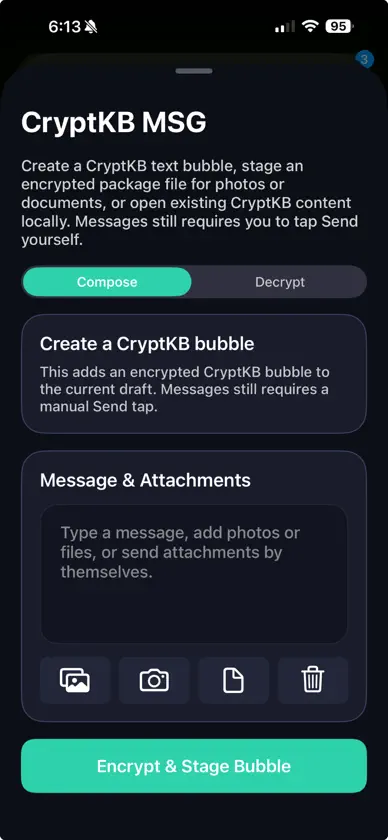
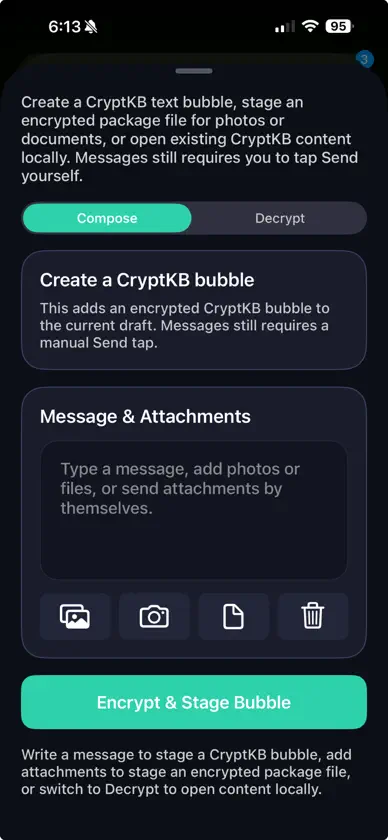
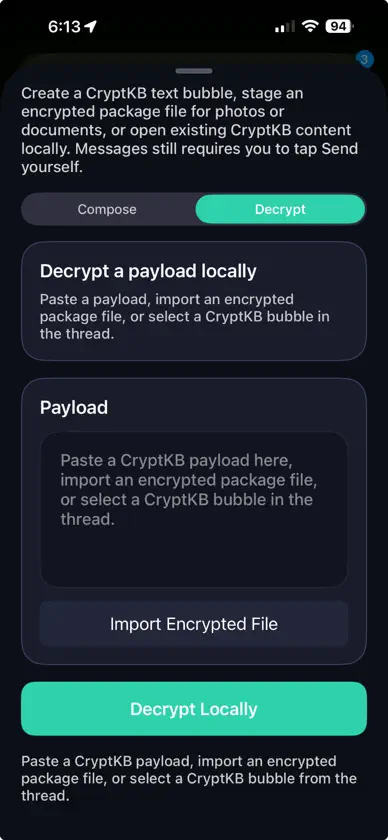
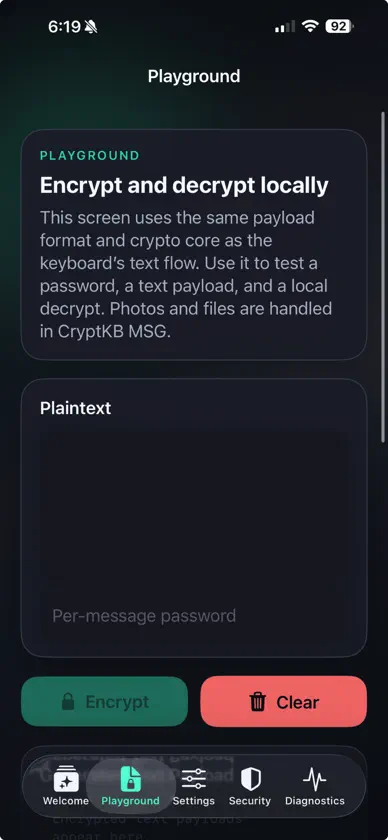
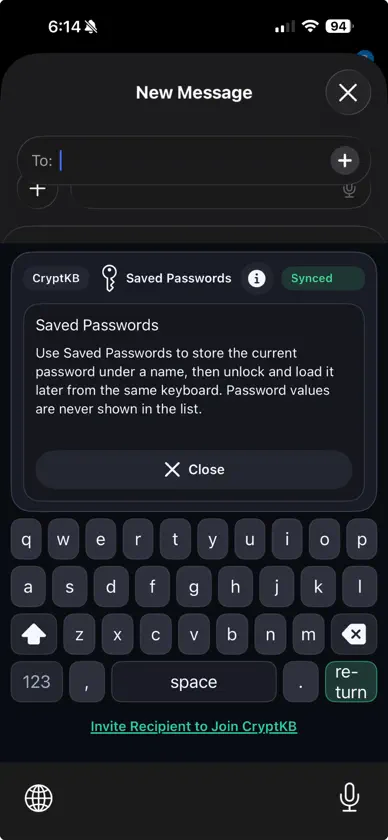
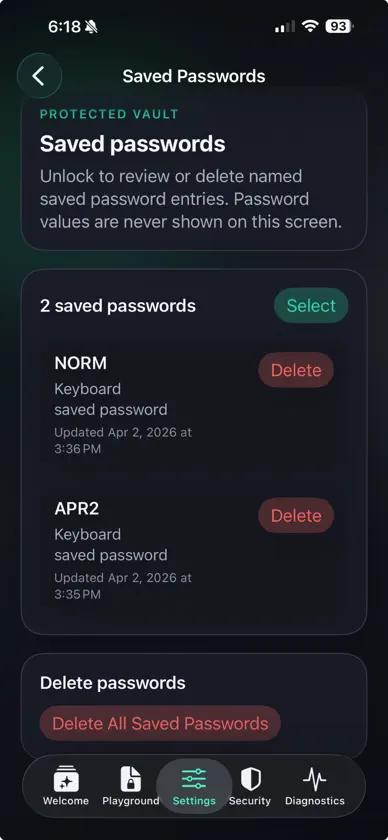
CryptKB helps you encrypt message text before it leaves your iPhone or iPad. Use the custom keyboard to write a message, choose a password, and insert an encrypted payload into Messages or another text field. Or open the Messages extension to stage a CryptKB bubble inside a Messages draft. The other person can open the same payload in CryptKB and decrypt it locally with the matching password. Why people use CryptKB: - Local encrypt and decrypt on device - Custom keyboard for ordinary text fields - Messages extension for composing and opening CryptKB bubbles - AES-256-GCM encryption with PBKDF2-HMAC-SHA256 key derivation - ASCII-safe payload format for copy, paste, and sharing - Optional saved conversation passwords protected by Face ID or device passcode - No account creation, no backend relay, no analytics SDKs, and no ad tracking in the app - Built-in playground, settings, privacy notes, and diagnostics How it works: 1. Switch to CryptKB Keyboard. 2. Type your message. 3. Enter a password. 4. Tap Encrypt & Insert. 5. Review the encrypted text and tap Send yourself. To decrypt, paste or open a CryptKB payload, enter the matching password, and read the plaintext locally. CryptKB intentionally reveals decrypted text in a local panel instead of writing it back into the conversation automatically. Important platform notes: - Apple does not allow third-party keyboards to tap the host app's Send button, so sending is always manual. - Password recovery is not possible by design. - CryptKB protects message content inside its encrypted payload, not message metadata like recipients, timestamps, screenshots, or notification previews.
More from Seth Farrington18896201822


You might also like
 VitalDecode贺 周
 IYKYKnowAniruddha Kadam
 CodePlace: Password ManagerIT CONSULTING PIIA LLC
 InboxGuardShashwat Patel
 Giftly Pro贺 周
 TimeTake: Presentation TimerLudvig Valdemar Soerensen
 ChoreFair贺 周
 FotoSlim: Photo CleanerKohei Ishikawa
 Find My LAN DeviceOscar Robert-Besle
 BMC File ConverterAbderrahmen Ben Mariem