
Screenshots




About this app
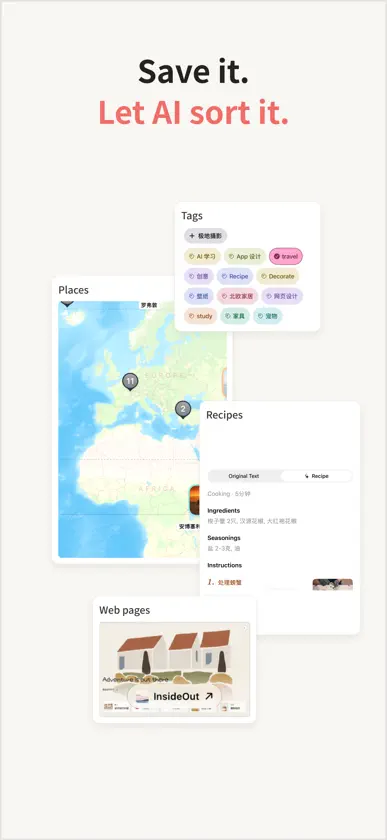
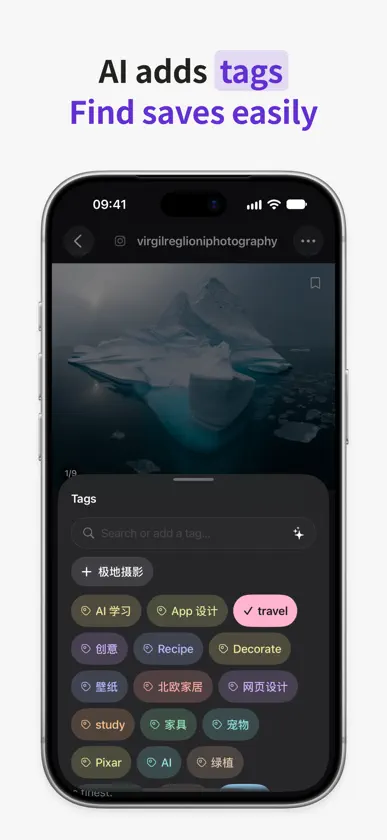
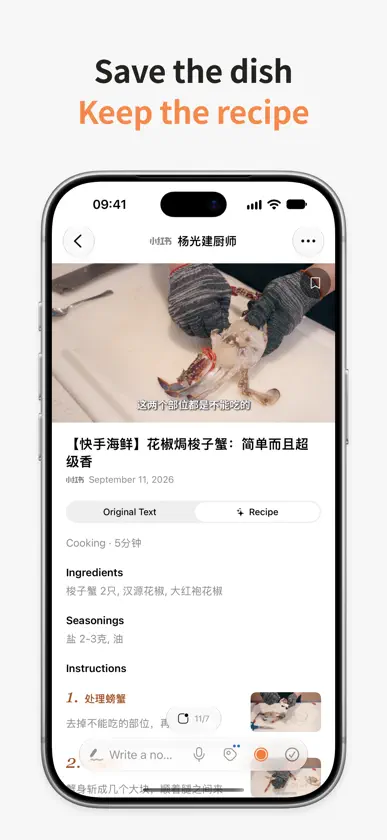
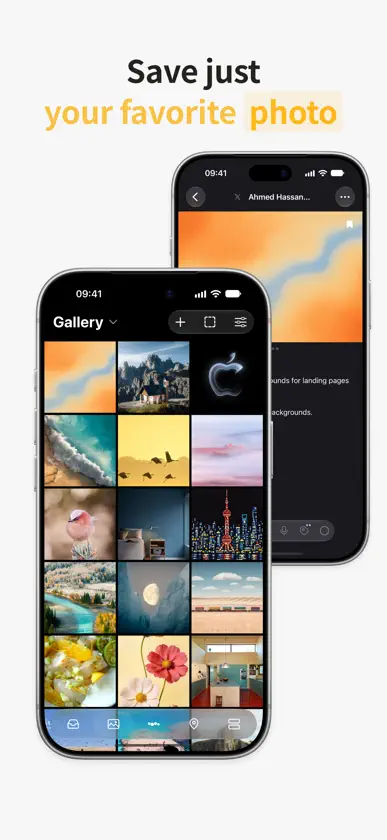
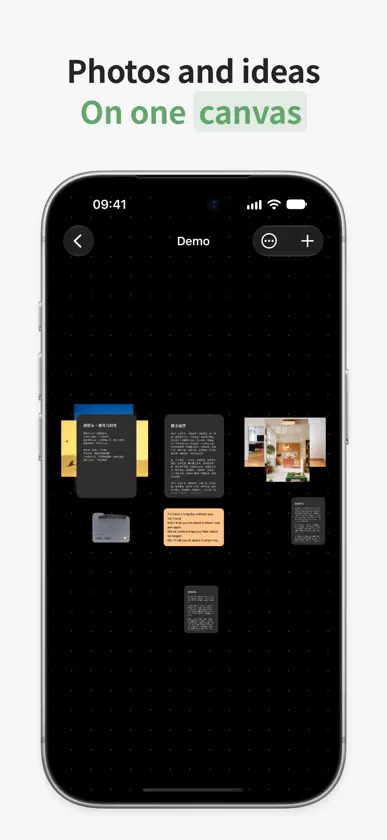
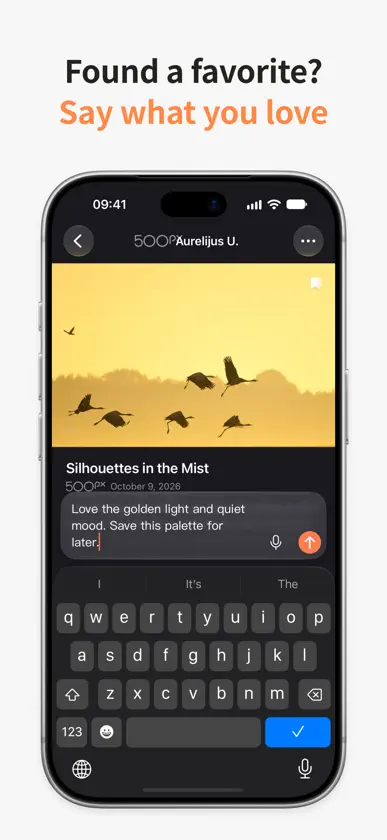
Keep your favorite web pages, photos, videos, and places together. Dotway is your personal space for things worth saving. Save content using the share sheet, import a link, or find the original post from a screenshot. Organize it with tags and personal notes, then find it again with search. • Safari extension: Save pages and screenshots on iPhone and iPad. • Save your favorites: Keep links, text, and media in one place. • Explore your ideas: Browse photos and arrange inspiration on a canvas. • Make it happen: Mark places to visit and things to try, then keep a record when you do them. • Find it again: Search saved titles, text, tags, and recognized text. • Sync with iCloud: Sync supported data across devices using the same iCloud account. • Apple Watch: View saved places and check in from your wrist. No Dotway account is required. Some source platforms may require sign-in. Content retrieval depends on the original website's availability and access rules. AI screenshot recognition, content analysis and recipe or instructions organization use DeepSeek through a Dotway service hosted on Cloudflare, without requiring your own API key. AI capabilities work automatically as part of the relevant features, without a separate enablement step; relevant screenshots, saved titles, text, tags and text recognized from media may be sent automatically during imports or background analysis, and results may be saved automatically. Find the privacy policy under Permissions & Privacy in Settings. Visit the support page for help and contact information.
What's new
Version 1.1.7 · Nov 11, 2026
New Safari extension for iPhone and iPad to save pages and screenshots. Improved automatic AI tags, recipe and instructions organization, long-video analysis, and recovery after connection interruptions. Refined content details, action controls, and media downloads.
More from You Tu


You might also like
 Time Card - Anniversary春 方
 ZenLocks浩 张
 Grape: AI NotesShiny Grape, LLC
 Dotomo AI Task ReminderArshia Astaneh
 Kepori: Read Later & Collect文禄 张
 Recall: Read Later & BookmarksShanghai Linjie Zhiyong Technology Development Co., Ltd
 Cindy - AI AssistantXD Entertainment Pte Ltd
 喵记多 - 自带助理的AI笔记Beijing Kwai Technology Co., Ltd.
 一念便签 - 剪贴板 和 随机回顾桌面小组件Guangzhou Black Box Network Technology Co., Ltd.
 Karakeep AppMohamed Bassem