
OneList: Task Backlog
LUCAS LONGUEIRA MARINO
No ratings yetProductivityAges 4+
Screenshots



About this app
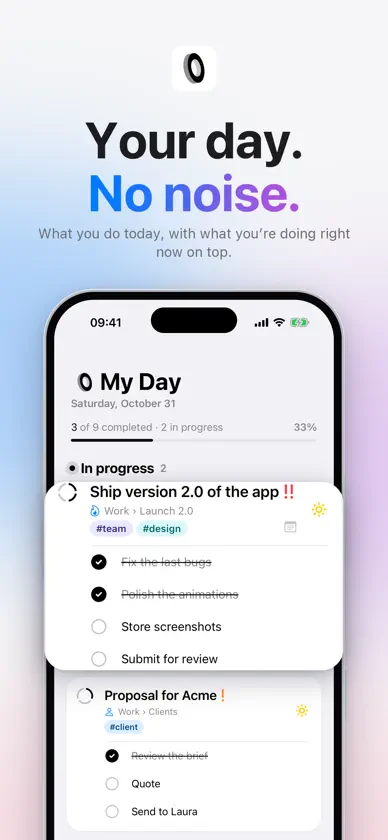
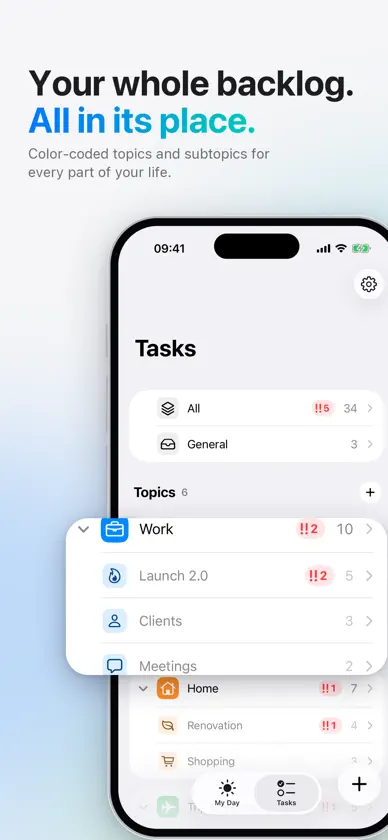
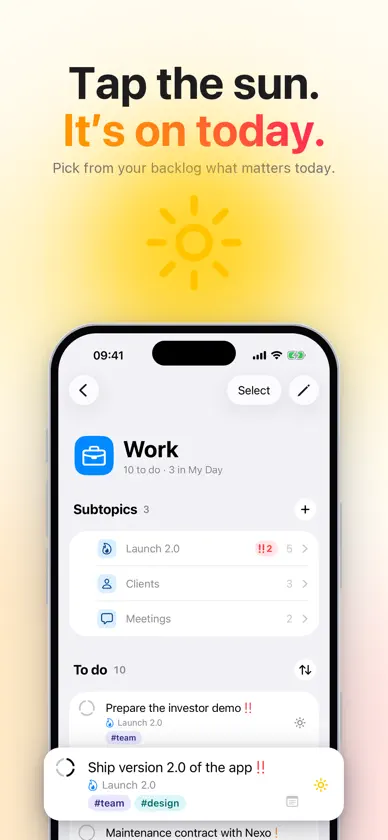
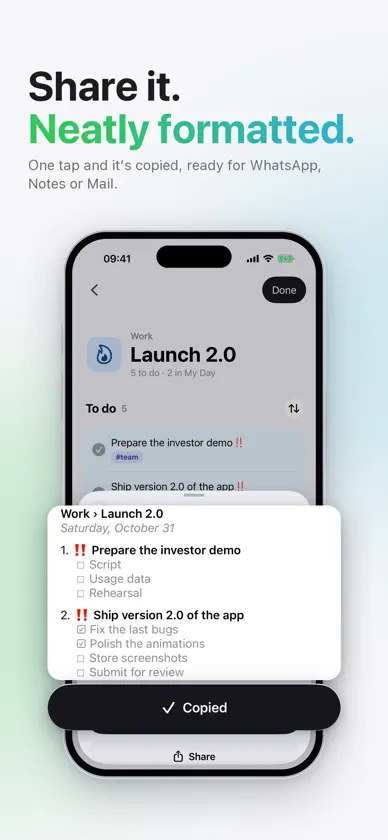
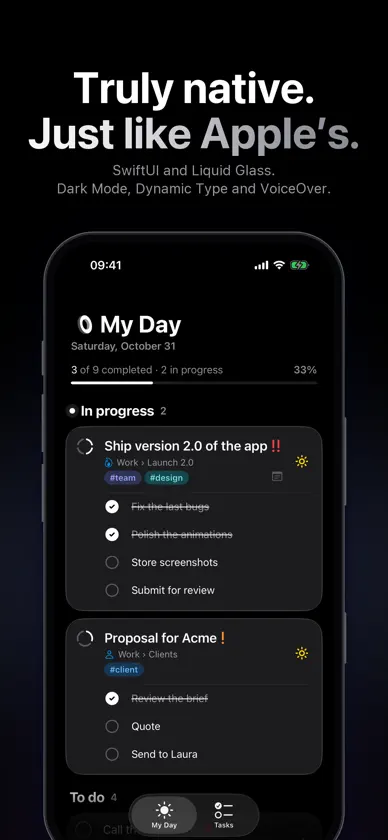
OneList is where your whole backlog lives: the ideas, projects and tasks you have pending, organized by topic. No planner or calendar to keep up with. Each day you pick what matters from it, and that's your day. YOUR WHOLE BACKLOG, ALL IN ITS PLACE • Topics and subtopics for every part of your life: Work, Home, a trip, that side project. • Each topic has its own color, and its subtopics share it, a little softer. You recognize them at a glance. • An All view to see everything together, and General for what doesn't have a home yet. • Move any task to any topic in one tap. PICK YOUR DAY WITH THE SUN • Tap a task's sun and it's in My Day. That simple. • What you're working on right now, In progress, always on top. • A progress bar shows how far along you are. • If you like, My Day clears every night: what you didn't finish goes back to its list, guilt-free. EVERY TASK, EVERYTHING INSIDE • Subtasks with their progress ("2 of 4"). • Color tags that suggest themselves as you type. • High and medium priority, plus a counter for the urgent ones. • Notes for details, links or ideas. SHARE IT, NEATLY FORMATTED • Select tasks and copy them as clean text, ready for WhatsApp, Notes or Mail. WIDGETS AND SHORTCUTS • Your day and your topics on the Home Screen, with your color theme, and on the Lock Screen. • Create tasks from the Shortcuts app without opening OneList. • Drag tasks to order them your way. MADE LIKE APPLE'S OWN • 100% native: SwiftUI and Liquid Glass. • Dark Mode and thirteen themes: Tokyo Night, Nord, Dracula, Solarized, Gruvbox, Catppuccin… • Dynamic Type, VoiceOver, Reduce Motion and Increase Contrast. PRIVATE Your tasks stay on your iPhone. No account, no ads, no tracking and no data collected.
What's new
Version 1.1 · Nov 6, 2026
Widgets, shortcuts and your own order. • Widgets for My Day and any topic, on the Home Screen with your color theme and on the Lock Screen. • Shortcuts to create tasks from the Shortcuts app, with their title and topic, or to jump straight to a new task. • Drag the tasks in a list to order them your way.


