
PDF Properties
Kei Suefuji
No ratings yetUtilitiesAges 4+
Screenshots




About this app
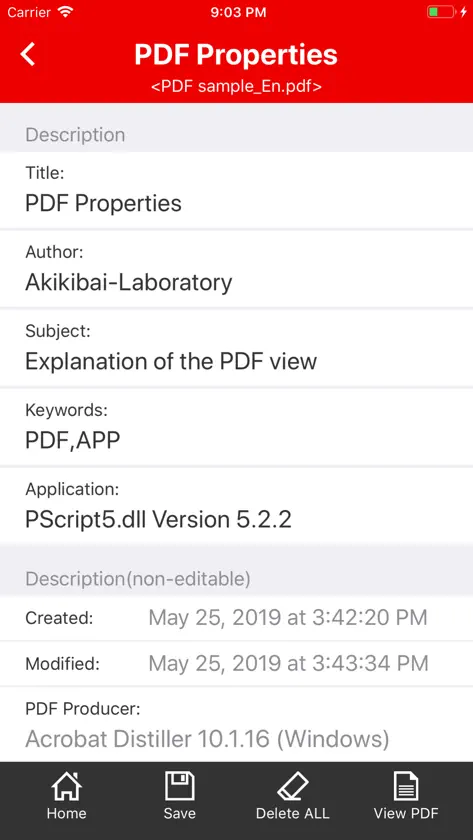
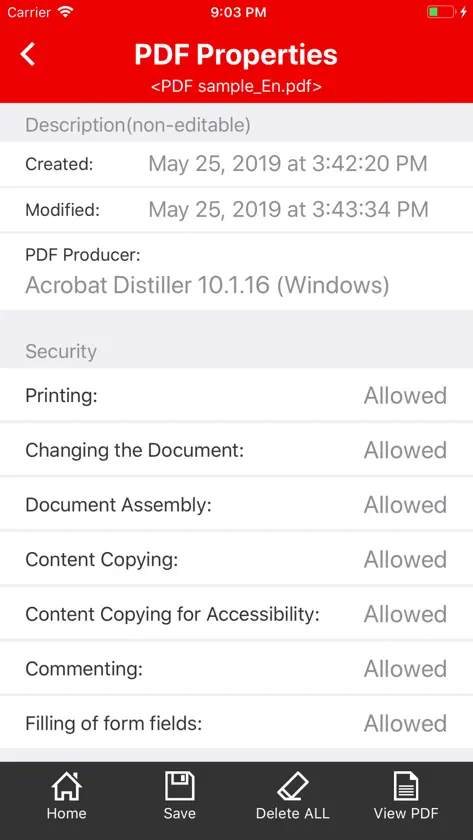
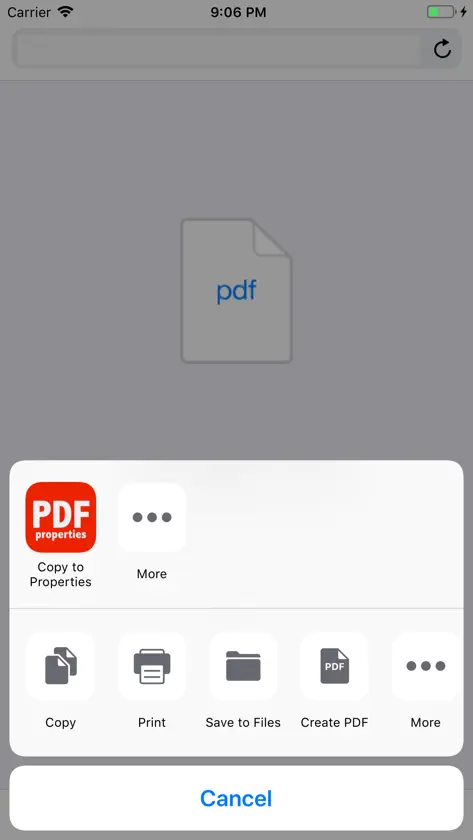
PDF Properties App displays and edits the property information of PDF document. You can check the author name of the PDF document and the file name before PDF conversion. You can also delete property information that you forgot to delete. First of all, open the PDF document on the home screen. When you open the PDF document, the property information is displayed. Property information will be displayed in 8 items for description and 7 items for security. There are five property items that can be edited: "Title", "Author", "Subject", "Keywords", and "Application". Tapping the "All Delete" button at the bottom of the screen will delete all five items. Tap the "Save" button to save the edited property item. Also, protected PDF documents are opened as read-only. Therefore, you can not edit and save the property information. If you tap the "View PDF" button, you can check the contents of the PDF document displayed in the property.
What's new
Version 2.1.0 · Jan 12, 2026
Minor improvements.
More from Kei Suefuji


You might also like
 Metadata Cleaner: Word & PDFMyworkingmemory LLC
 File Property Edit: Meta TagsLei Feng
 PuryFile: Metadata RemoverBENCE BALAZS FARKAS
 Metadata Viewer: File InfoIhar Shaduryn
 Legal Contracts GeneratorAdeyemi Salau
 Vega ProduceGrub Market Inc.
 HotPaw BasicHotPaw Productions
 Overhead 1090Michael Russo
 Druware DMARC Report ReaderAndrew R Satori
 TreeNotesAmund Fremming