
Scroll Stack Photo
Khang Le
No ratings yetUtilitiesAges 4+
Screenshots

About this app
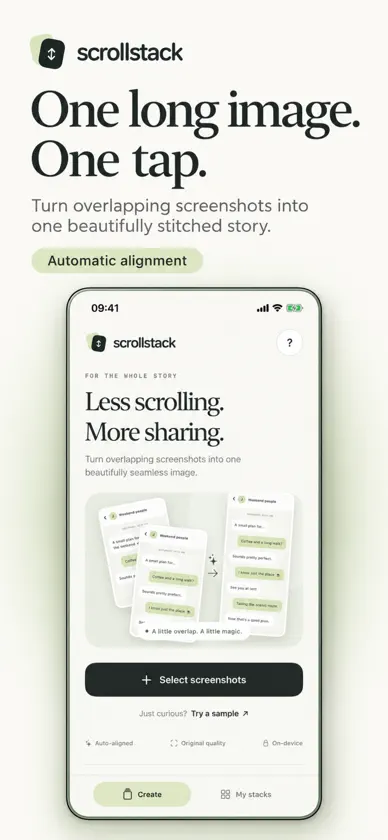
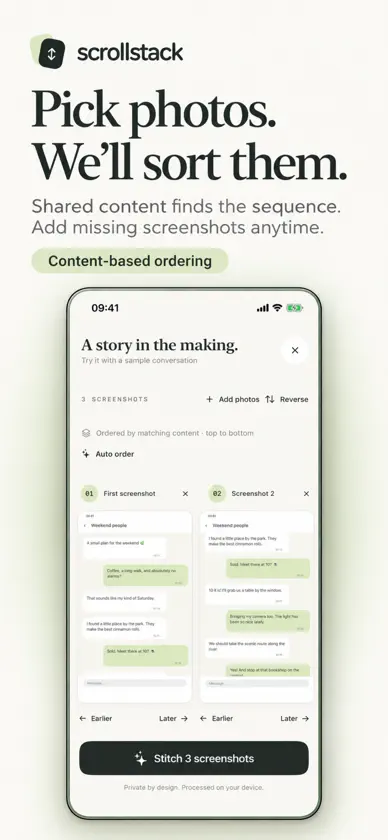
Less scrolling. More sharing. Turn a conversation, recipe, article, or step-by-step guide into one long image with ScrollStack. Select overlapping screenshots, tap Stitch, and share the whole story in a single, full-resolution PNG. ScrollStack finds shared content, aligns your screenshots, and removes duplicated overlap, so you can spend less time arranging images and more time sharing what matters. • Automatic stitching Combine 2–12 overlapping screenshots into one continuous image. • Smart photo ordering Select screenshots in any order. ScrollStack compares shared text and images to find their top-to-bottom sequence. Review or rearrange the order whenever you need to. • Add the missing piece Need more overlap? Add a screenshot to fill the gap without starting over. ScrollStack highlights uncertain joins so you know where more content is needed. • Keep the details crisp Export at the original resolution, preserving clear text and image detail. Zoom and scroll through your preview before sharing. • Save once. Share again. Save your finished image to Photos or share it through your favorite apps. Revisit completed images in My stacks. • Private by design Your screenshots are processed on your device. No account or image uploads are required. For best results, leave about a third of each screenshot overlapping the previous one. Keep the same screen width, orientation, and text size, and capture still content. Made for iPhone and iPad. Try the included sample to see how it works. Good things deserve the full picture.


