
CNC Code
ANTONIO BENEDETTO
No ratings yetEducationAges 12+
Screenshots



About this app
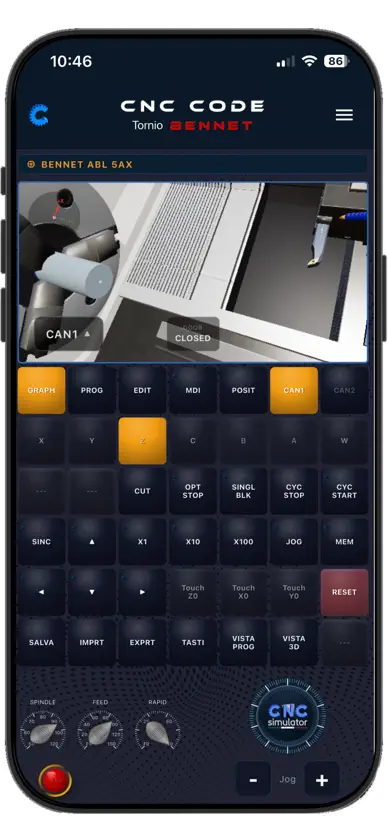
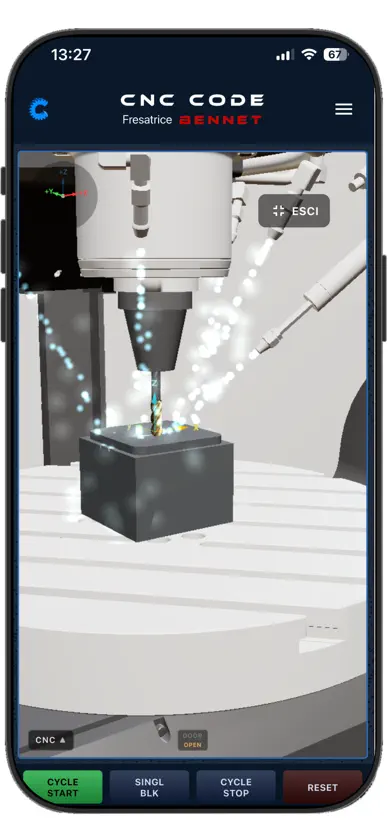
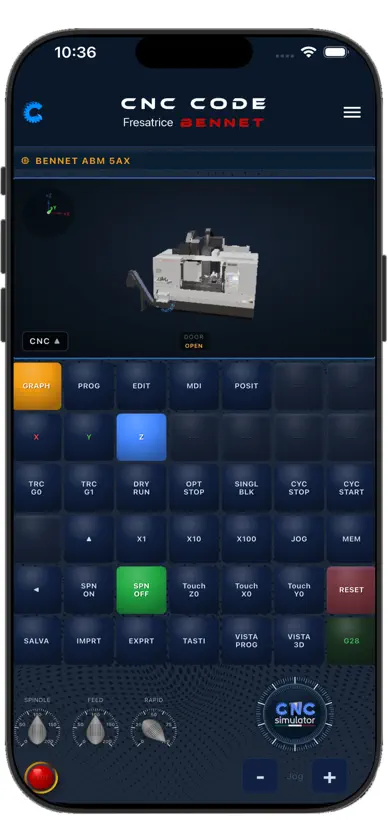
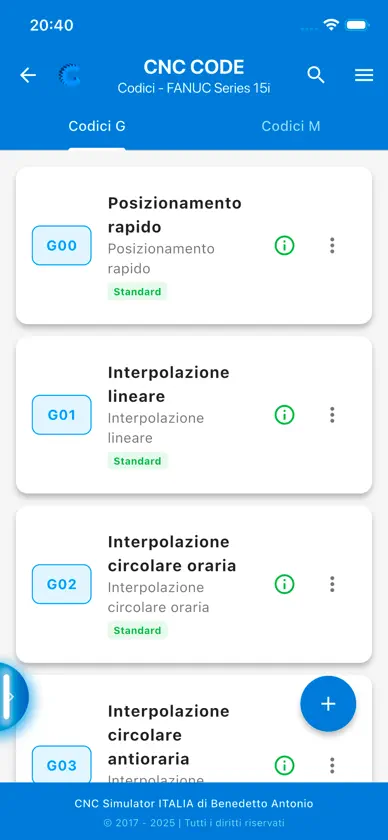
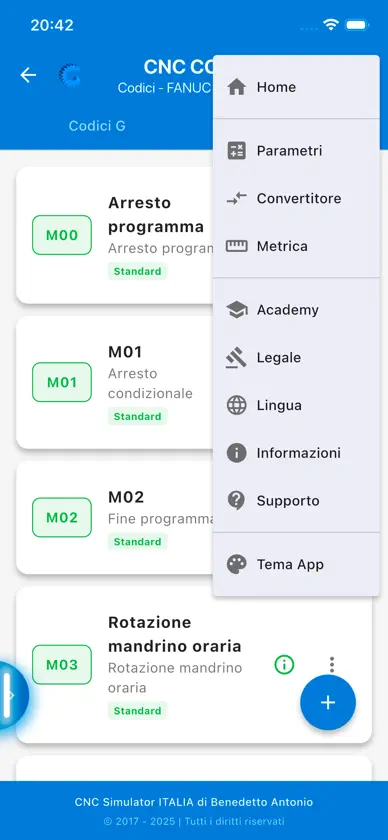
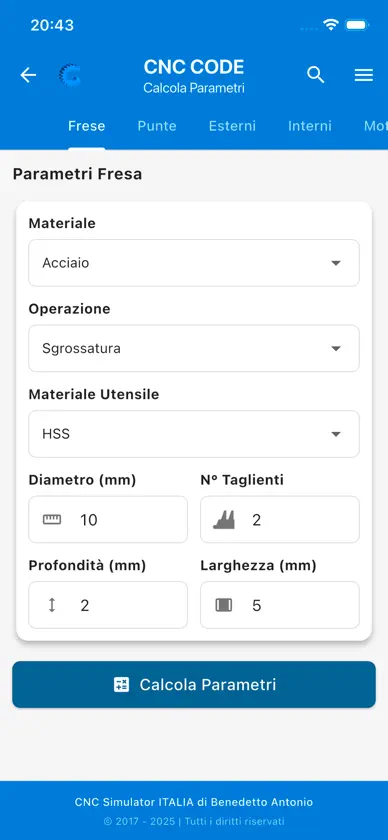
CNC CODE – The 3D CNC simulator always in your pocket! NOW IN 3D! CNC mill and lathe in 3D, with a real operator panel. Write your G-code, press CYCLE START and watch the machine work: tools, chips, coolant and material removal in real time. Already chosen by more than 10,000 users worldwide. Every CNC operator should have CNC CODE on their phone, right at the machine. 3D CNC MILL SIMULATOR • Machining centre with automatic tool change • Milling and drilling with the material coming off before your eyes • Rotary table and 4- and 5-axis machining 3D CNC LATHE SIMULATOR • Turning, drilling, threading, grooves, slots and live tooling • Two channels, tailstock and sub-spindle • Tool management, offset table and zero setting • Operator panel with MDI, JOG, SINGLE BLOCK and RESET MORE THAN A SIMULATOR • G-code editor with syntax highlighting • CAD/CAM for mill and lathe, with post-processor • Simulated ABP-800 3D printer, with Marlin G-code • Graphics quality that adapts itself to your device, so 3D runs well on simpler phones too MORE THAN 65 CONTROLS INCLUDED FANUC, SINUMERIK, OKUMA, HEIDENHAIN, HAAS, MAZAK, MITSUBISHI, DMG MORI and BENNET: your program runs on the engine of the control you picked, with that control's cycles and alarms. For companies there is the Custom Control: send us the G/M code documentation of your machine and we build it inside CNC CODE, on quotation. MULTI-BRAND G/M CODE DATABASE Pick the brand and the control model and get every code: G for movements, M for auxiliary functions. Thousands of codes checked against the official manuals, each with definition, syntax, examples and technical notes. Instant search by number, name or keyword. Translated into several languages and editable, if your control works differently. PROFESSIONAL TOOLS • ISO 286 tolerance tables • Complete metric thread tables • Cutting parameters and feed calculation FOR STUDENTS AND PROFESSIONALS A teaching tool for schools and a quick reference on the shop floor. Optimised for smartphone and tablet. App in 10 languages. 10-DAY FREE TRIAL Then you unlock everything: on the phone with a one-time purchase, no subscription; on tablets with a yearly subscription. Updates included. For a whole class there is the school multi-licence: ask for a quote. IMPORTANT NOTICE Codes are provided as a general reference: always check the manual of your machine tool and test in simulation before running. CNC CODE is not a replacement for training or official documentation. Terms of service: https://cncsimulator.it/termini Privacy: https://cncsimulator.it/privacy
What's new
Version 26.11.11 · Nov 13, 2026
- Lathe, Wizard: The workpiece profile can also be derived from a photo of the drawing or a STEP file. Tools are selected from the catalog using the same editor as the tool table, and the program uses the turret tool numbers and the cycles of the selected control. - Three-step RESET: the first step returns the axes to home and leaves the machined part in place; the second step reloads the blank; the third step also rewinds the program and the 3D view. - Lathe: the arcs in G71/G70 cycles are no longer mirrored. - Lathe and milling machine display settings linked to 3D: rapid traverse and machining paths, axis triplets, and origins. - 3D printer: menus and settings similar to those for the lathe and milling machine. - PAL, the syntax for German exams, is now also included in the inspection catalog. - License and trial days always appear at the top; the renewed trial version displays the correct date. - Fixes: A very large photo no longer causes the app to run out of memory, and if the 3D view fails to load, it now displays an error message instead of remaining black.
In-app purchases
The most popular purchases on the App Store.
- CNC Code yearlySubscription$3.99 / year
- CNC Code iPadSubscription$8.99 / year
- CNC Code Full VersionConsumable$6.99
- CNC Code Premium - AnnualSubscription$44.99 / year


