
Quick Notes - Capture
Furkan Simsir
No ratings yetProductivityAges 4+
Screenshots





About this app
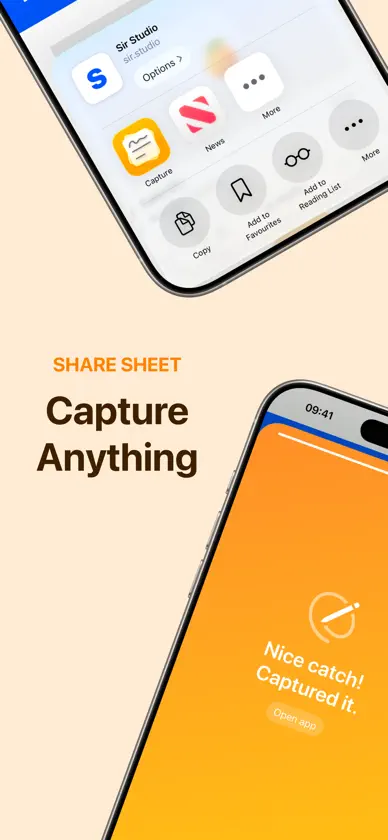
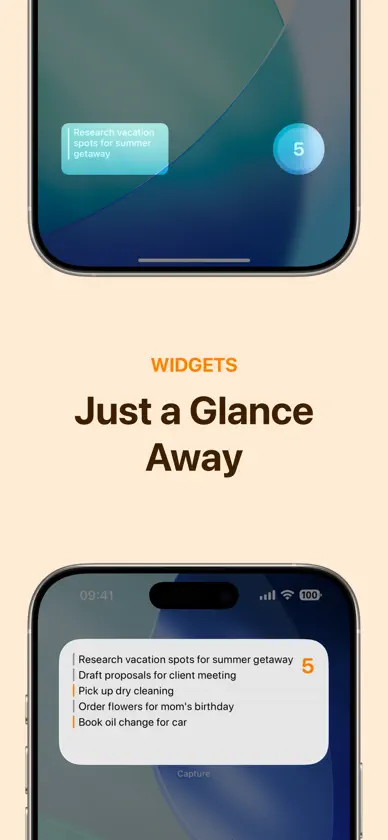
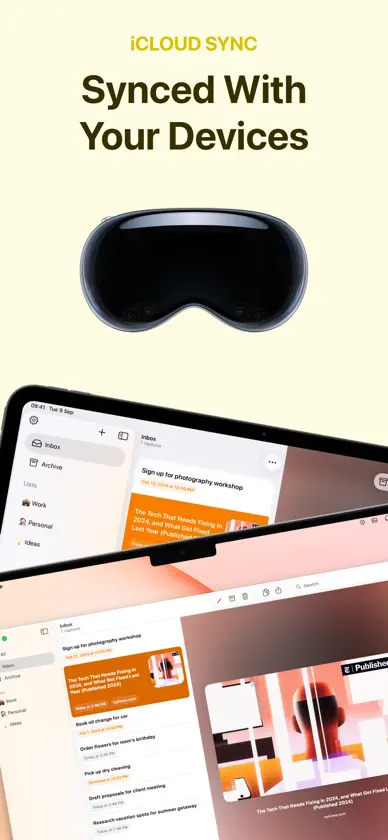
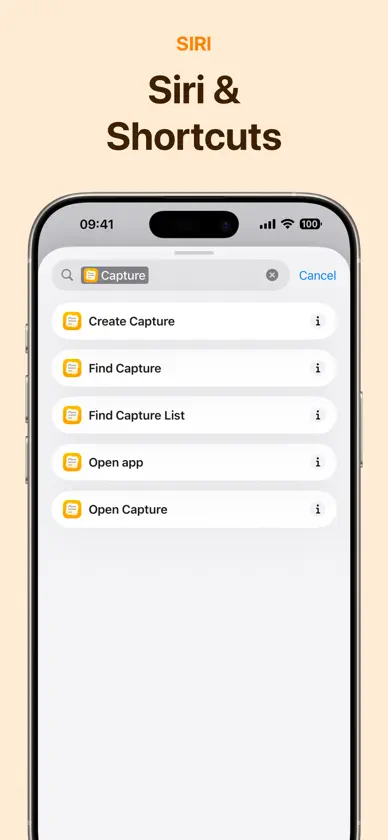
Capture's intuitive interface and smart features turn your mobile device into a powerful thought organizer, letting you seize, sort, and execute your ideas with unprecedented ease. • Quick Notes: Immediacy is key, and with Capture, the moment inspiration hits, you're ready. Our quick note-taking feature is designed for those who think fast and want to write faster. Notes, lists, and reminders are captured in real-time, ensuring no idea ever slips through the cracks. Brain dump on the go and stay one step ahead of your inspiration. • CarPlay: Talk to the Capture assistant while you drive, and save thoughts, to-dos and reminders hands-free. • Capture Keyboard: Save selected text as a capture, or insert a capture into any text field, right from the keyboard in any app. • Voice Notes: Talk instead of type. Say many thoughts in one breath, and Capture splits them up and sorts them into your lists. Recording keeps going in the background, with a Live Activity on your Lock Screen. • Export to 70+ apps: Looking to migrate your captures to other platforms like Obsidian, Things 3, Todoist, Notion, Bear, Slack, iA Writer, Craft, Omnifocus 4, Fantastical, UpNote, NotePlan, Reminders or Apple Calendar? Capture's export functionality allows you to move your content with ease. It's all about getting your thoughts out there, wherever 'there' might be, from to-do to calendar apps. In addition, you can run any Siri Shortcut as an export option, enabling all kinds of workflows by using the capture as input. • iCloud Sync: Keep your ideas and tasks in harmony across all your devices with Capture's iCloud Sync. Every note, list, and preference is automatically updated, ensuring you have access to your latest thoughts wherever you go. • Intuitive reminders: With our badge system, subtle yet effective reminders keep you informed of your tasks. These intuitive nudges ensure that important notes don't get lost in the shuffle, keeping you alert and on track. • Automatic date & URL recognition: Organization has never been so effortless. Capture's data recognition identifies your dates and URLs so you don't need to manually insert them. They are also pre-filled with your favorite export option. • Widgets: Access your captures instantly with our widgets right from your Home Screen, Lock Screen and Control Center. Capture prioritizes convenience, giving you a visual snapshot of your latest thoughts and to-dos without having to open the app. • Share Extension: Add content to Capture with ease using the Share extension — available from any app. • Siri & Shortcuts: Ask Siri to find, create and edit your captures, even outside the app. Enhance your workflow with Siri Shortcuts to create, open, and search captures effortlessly. Terms of Use: https://www.apple.com/legal/internet-services/itunes/dev/stdeula/
What's new
Version 3.6 · Nov 13, 2026
What's new: • Capture keyboard: save selected text as a capture, or insert a capture, from the keyboard in any app. • Voice captures keep recording in the background, with a Live Activity on the Lock Screen and in the Dynamic Island. • Search now finds the text in your photos, PDFs and text files. • 2 new export destinations: Files and Journal. • Text size: make all text in the app larger in Settings > Appearance. • Capture is now available in Italian. Improvements: • Shortcuts: Find Captures can now filter on Inbox. • Photos load faster in your lists. Bug fixes: • Addressed two issues that could make the app crash with photos and attachments. • Addressed an issue where open menus flickered and lost their scroll position. • Addressed an issue where a link title moved while its image loaded.
In-app purchases
The most popular purchases on the App Store.
- LifetimeConsumable$9.99
- YearlySubscription · 3 days free trial$4.99 / year
- MonthlySubscription · 3 days free trial$0.99 / month
More from Furkan Simsir


You might also like
All apps like Quick Notes - Capture → Remind Me FasterNick Leith
 Funnel - Quick CaptureNoteSight Labs ApS
 Stuff | ToDos and Lists2196, LLC
 Finalist: Daily PlannerDiversion Marketing Inc
 Cheatsheet: Sticky Note WidgetOverdesigned, LLC
 Simple Scan • Quick ScannerAgile Tortoise
 OmniFocus 4The Omni Group
 Task Flow: Tasks & ChecklistsVladimir Butko
 Supernotes – Notes & JournalSupernotes
 Anybox - Bookmark & Read LaterAnybox LTD